MS Notifies About Windows 10 ESU Extension
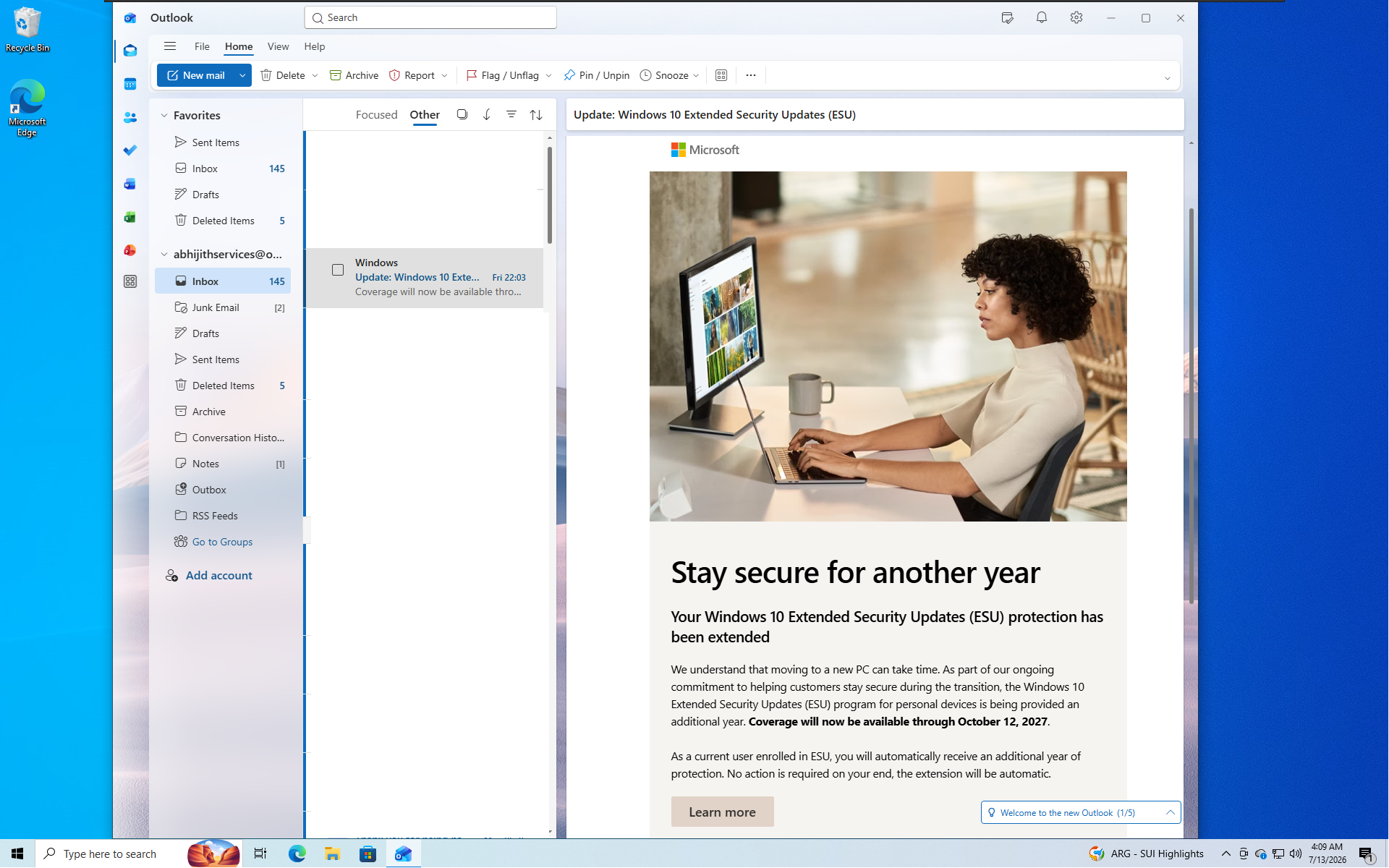
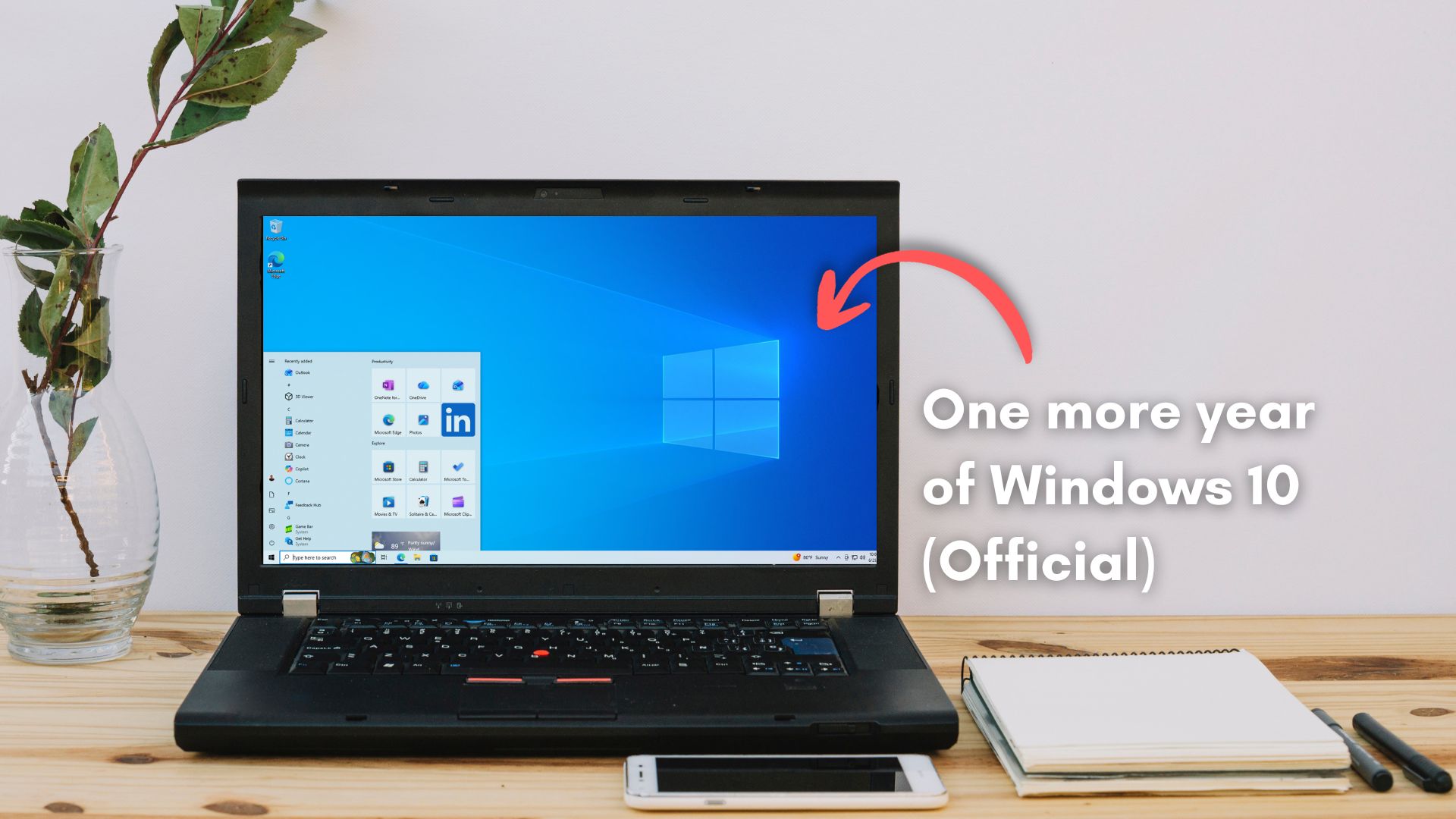
MS has begun emailing Windows 10 users regarding the extension of the Extended Security Updates (ESU) program to October 2027. The email, titled “Stay secure for another year,” informs enrolled users that the extra year is applied automatically with no further action required.
Interestingly, the email bypassed Outlook’s Focused inbox and was delivered directly to the "Other" folder, a location many users rarely check.
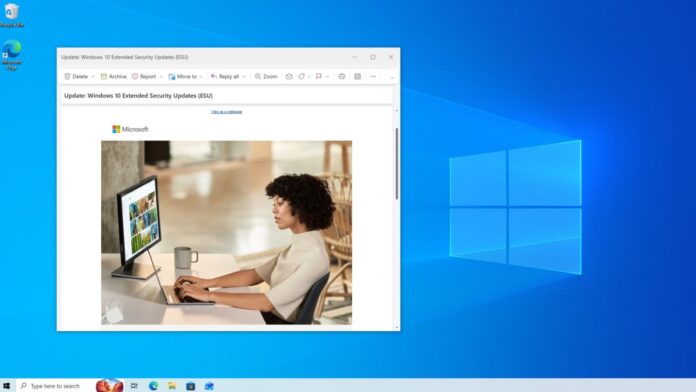
Details of MS’s Windows 10 ESU Extension Email
MS acknowledges that transitioning to a new PC can take time. To accommodate this, the ESU program for personal devices has been extended by another year, now covering until October 12, 2027. A "Learn more" button in the email directs users to the official Windows 10 ESU page, which reflects the updated date.
The email was sent exclusively to users already enrolled in the ESU program, confirming that the extension is automatic. Unenrolled users would not have received the email.
Most users enrolled through the free option, which involves signing into a MS account and syncing PC settings—a process MS heavily promotes during setup. Other enrollment options include redeeming 1,000 MS Rewards points or making a $30 one-time payment. All three enrollment methods are detailed on the official support page.
The ESU program does not require a Windows 11-capable PC, a fact MS confirmed last year. This flexibility exists to support hardware that cannot upgrade to Windows 11. For users in Europe, MS has clarified that a MS account is still mandatory for enrollment, even though the settings-backup requirement has been waived to comply with local regulations.
Windows 10 vs. Windows 11: Why Many Still Stick with the Older OS
While the email frames the extension as MS being considerate, many users remain on Windows 10 because they find it better suited for their needs. Throughout 2026, MS has been working to narrow the gap between the two operating systems but has yet to fully succeed.
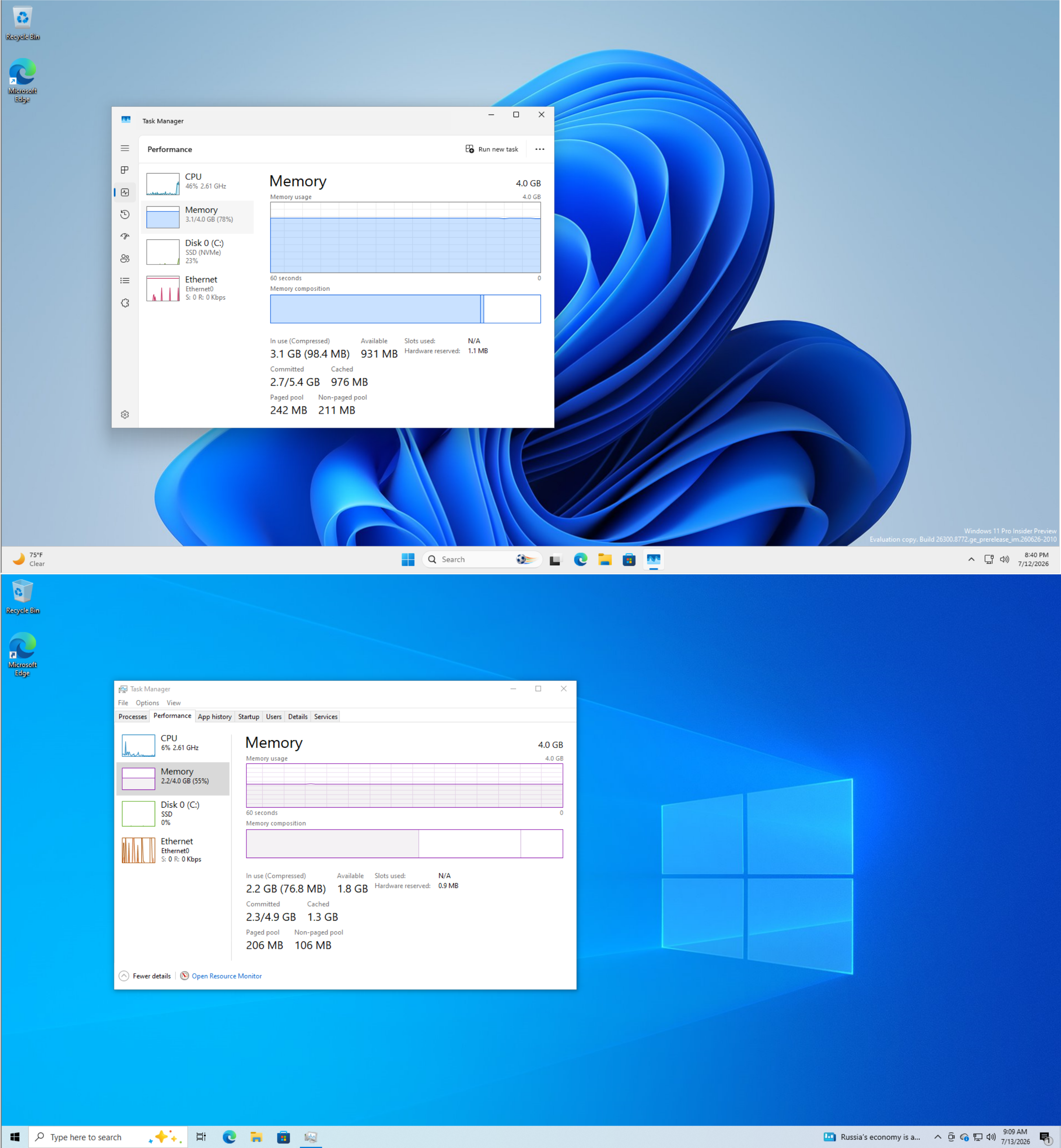
- Memory Efficiency: Windows 10’s taskbar, clock flyout, and Action Center use native Win32 shell code, offering instant performance even on modest hardware. In contrast, Windows 11 relies on WebView2 and XAML for parts of its shell, which can result in slower performance and higher RAM usage.
- File Explorer: MS has acknowledged that Windows 11’s File Explorer has been slower than its Windows 10 counterpart. While preloading Explorer into memory has improved its speed, it still lags behind Windows 10 while consuming more resources.
- Right-Click Menu: In Windows 11, the context menu loads additional options like Copilot actions and extensions line by line, resulting in noticeable delays. Windows 10’s context menu, by comparison, is instantaneous.
- Taskbar Functionality: Windows 10 allowed users to reposition the taskbar, shrink it with a toggle, and view stacked lines under apps with multiple open windows. Windows 11 removed these features, citing architectural changes as the reason for their omission. While some features like taskbar repositioning have been reintroduced, others remain in testing.
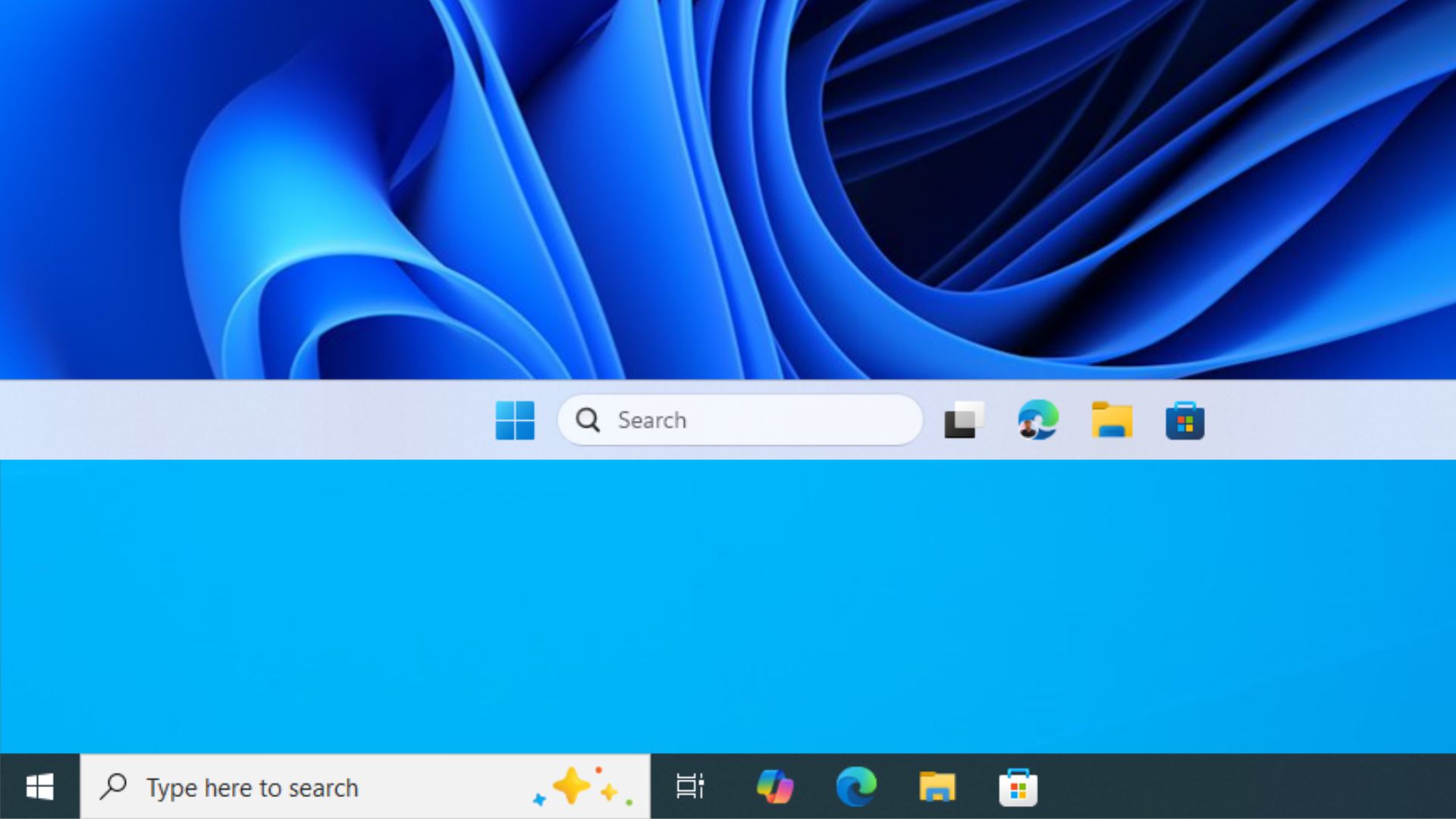
Additionally, Windows 11's integration of AI features, such as embedding Copilot buttons into apps like Notepad, Paint, and File Explorer, has drawn criticism. In contrast, Windows 10’s inbox apps remain standalone and lightweight.
MS’s Motives: Altruism or Strategic Convenience?
Both perspectives may hold true. Offering a free extra year of updates benefits users, and no hidden conditions were found in the email. However, the extension also aligns with MS’s interests, as it provides additional time to refine Windows 11. By October 2027, the company aims for Windows 11 to be fast and polished enough that upgrading from Windows 10 no longer feels like a compromise.
It’s worth noting that ESU updates will stop if a MS account remains inactive for 60 days. This policy underscores MS’s intent to keep users engaged within its ecosystem, which is why enrollment is tied to an account in the first place.
What Should Windows 10 Users Do Now?
If you are already enrolled in the ESU program, no action is required. Your coverage will automatically extend to October 12, 2027. If you are not yet enrolled, navigate to Settings > Update and Security > Windows Update, select Enroll now, and choose the free option using a MS account. Additionally, consider checking your Outlook "Other" folder occasionally, as important updates like this one may end up there.
Windows Latest relies on readers like you. Make us your preferred source on Google Discover and Google Search to help our independent reporting reach more people.