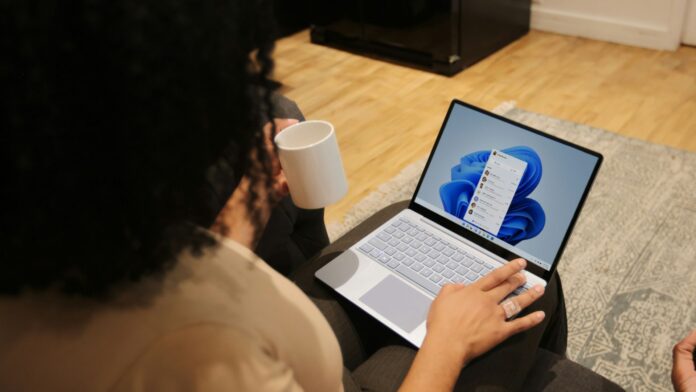
Windows 11 has a modern Settings app with dark mode, yet some settings still require the decades-old Control Panel. Diego Baca, Vice President of Product Design, says designers are now using AI to contribute code fixes that address such inconsistencies.
Windows Latest spotted the comment in an exchange on X with Lockergnome founder Chris Pirillo. Pirillo reminded MS that it has a practically unlimited supply of AI tokens at its disposal to unify Windows design, yet is moving too slowly—and I cannot help but agree. The conversation is particularly relevant as MS tests a rebuilt WinUI 3 Search with Windows 11 26H2 Insiders.
MS Says AI Is Helping Windows Designers Fix Code
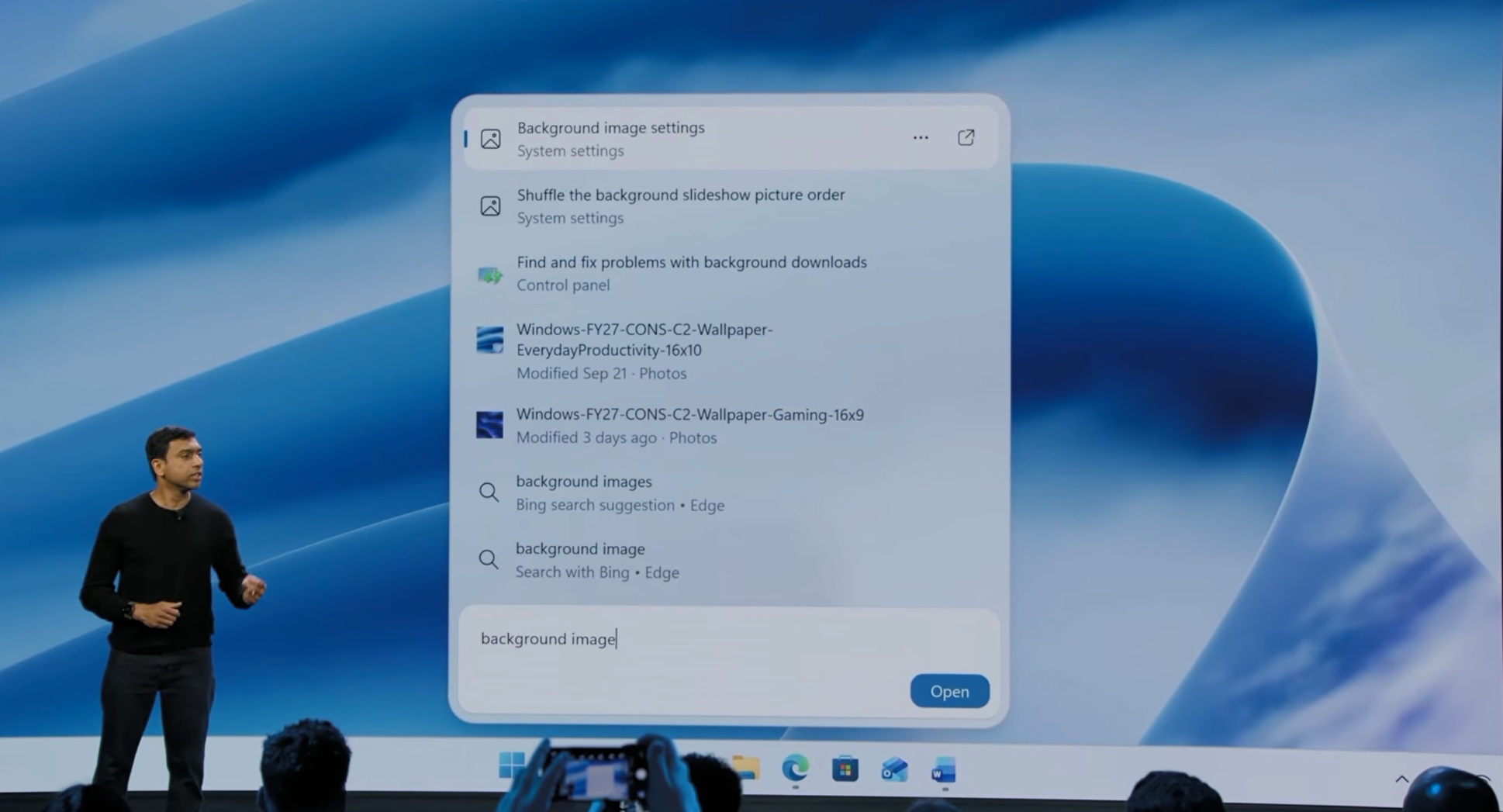
MS consumer marketing chief Yusuf Mehdi posted a video of the new Windows Search, which he says lets users take “thousands of quick actions” from the taskbar. Pirillo quoted the post and said he hoped it would “kill the Start Menu,” which he called “dated.” The Start menu does seem dated, but I would not call for—or want—its removal.
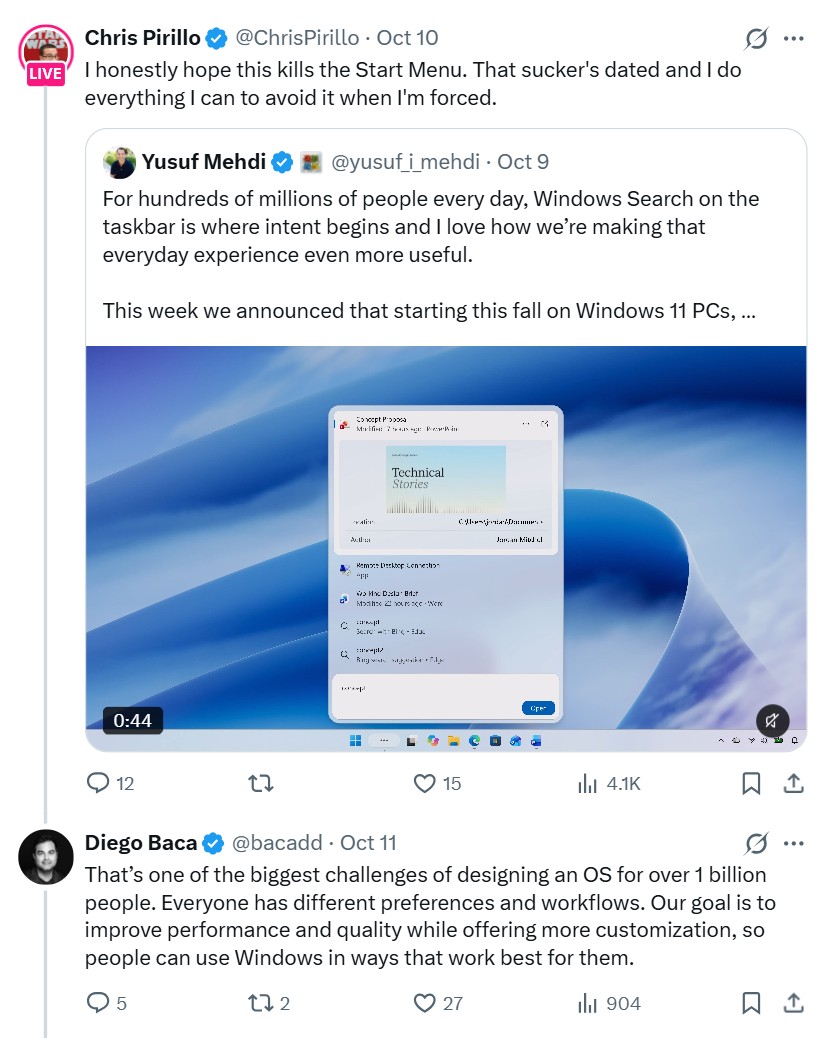
Baca replied that designing an operating system for more than 1 billion people is difficult because everyone has “different preferences and workflows.” Pirillo then asked why MS does not turn its AI tokens into progress, arguing that orchestrating a fleet of agents “should be like child’s play” for its engineers.
In his reply on X, Baca said he agreed “100%” about AI agents.
“AI has already helped our design team accelerate significantly. We’re even seeing designers contribute directly to code fixes that improve craft, consistency, and quality. That’s exciting progress, and we’re only getting started.”
To be clear, Baca did not say that AI itself is redesigning Windows 11. He also did not identify the AI tools, specify the fixes, or reveal how much code AI writes, unlike Satya Nadella, who openly cited a figure of 20% to 30% at the time. However, Baca confirmed that MS designers are now using AI to help code Windows 11.
Baca also acknowledged the consistency problem. “Consistency across Windows is something we all want, and it’s an active workstream we’re continuing to accelerate,” he wrote, without providing a timeline. Baca also stated in Windows 11’s design principles last year that “At Windows, craft is everything.” Perhaps MS should accelerate the work further.
Windows 11 Search Has Received a Major WinUI 3 Update, but the Rest of the OS Still Needs Work
Credit where it is due: MS has started rebuilding parts of Windows 11 with WinUI 3, its native UI framework, rather than simply applying dark mode over old code. However, this work arguably should have been completed before the operating system launched five years ago.
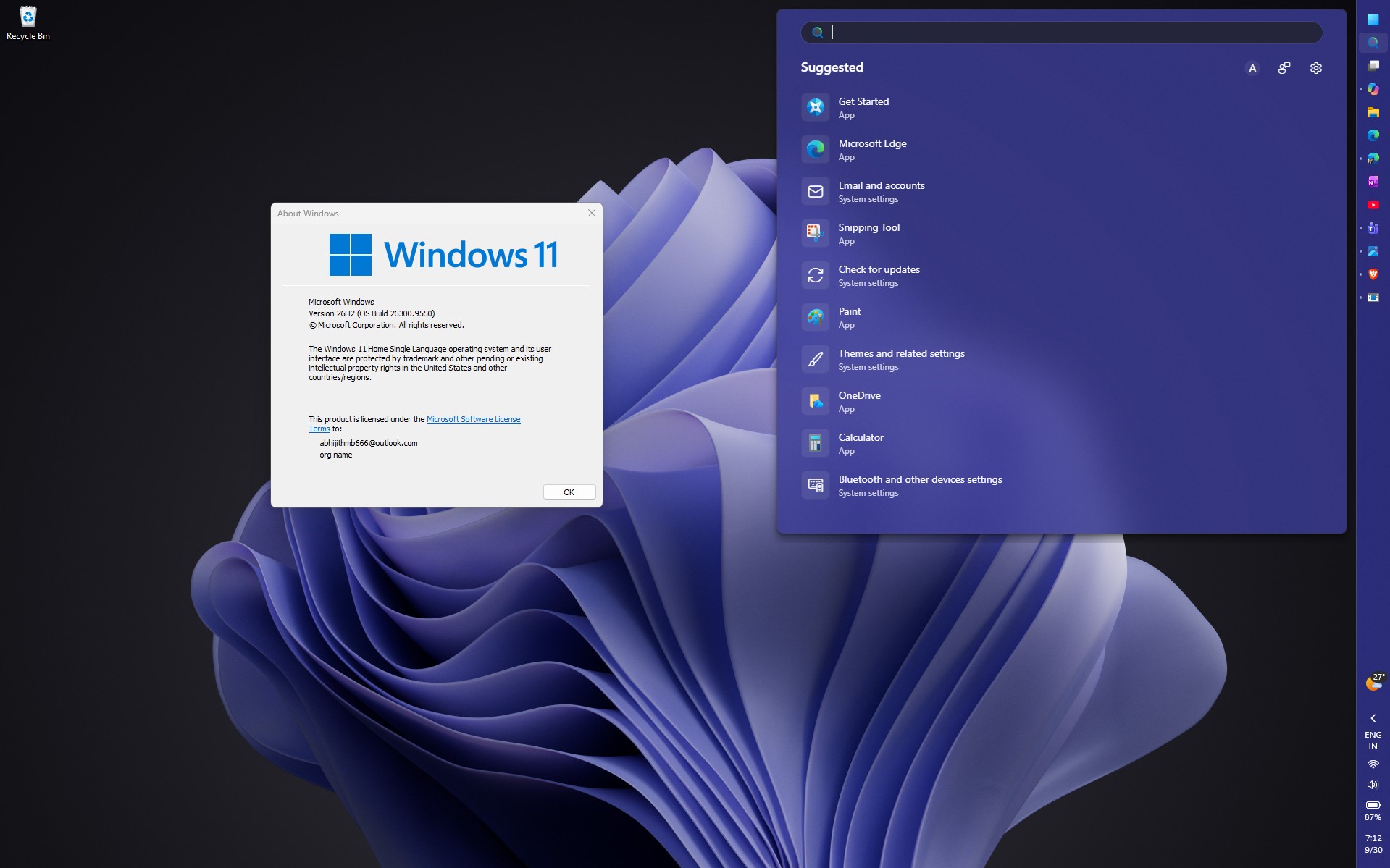
MS began testing the new Search experience on October 7 with Insiders in the Experimental channel, including build 26340.9616 for version 26H2. I appreciate that users can type “switch to dark mode,” and Search changes the setting immediately. For context, the current Search flyout is built with Edge WebView2—essentially web code inside a Windows panel—as we noted in July.
MS says the new WinUI 3 Search for Windows 11 will reach all PCs later this year.
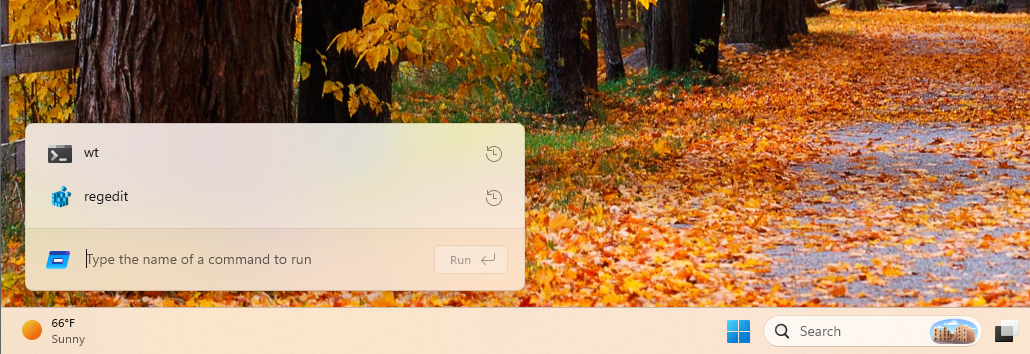
Another major UI redesign is the modern Run dialog, a C#/WinUI 3 app compiled with .NET Native AOT. MS measured a median time-to-show of 94 ms, compared with 103 ms for the Windows 95-era version. It remains an opt-in feature under Settings > System > Advanced in Insider builds.
Among the inbox apps, the new Photos app includes an Editor “rebuilt from the ground up with WinUI 3” that MS says loads 25% faster.
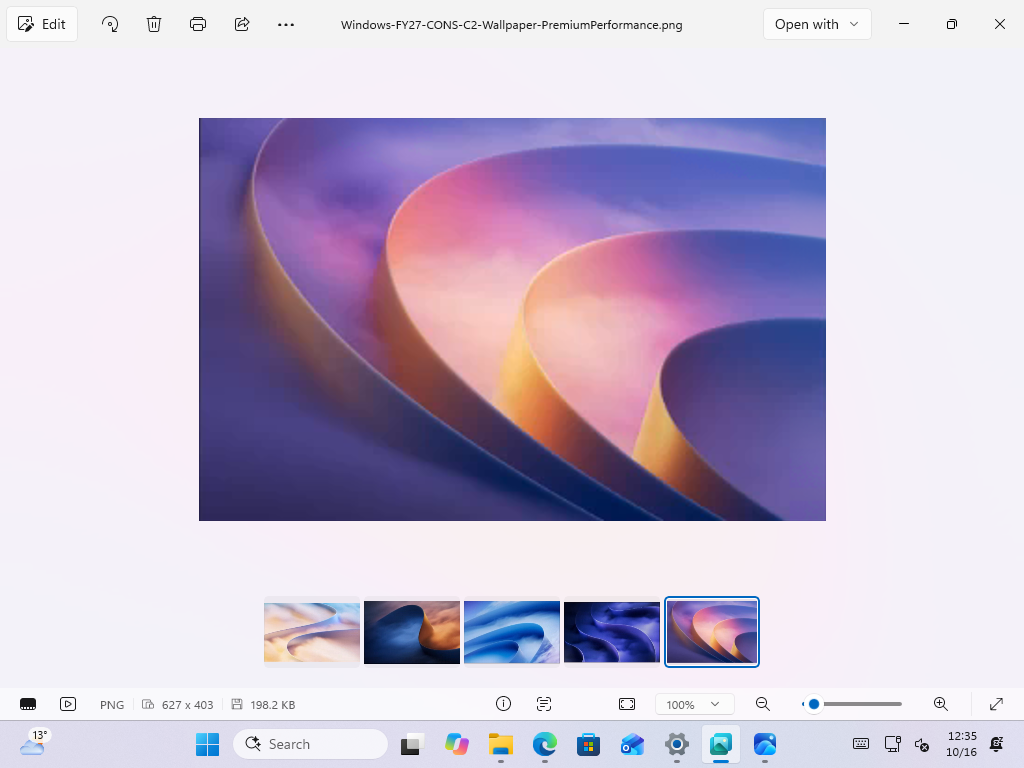
Legacy dialogs are also receiving the WinUI treatment. These include the rebuilt Properties dialog and a new Print Management app that does not run inside the decades-old MS Management Console (MMC). AutoPlay is next.
March Rogers, MS’s Partner Director of Design, says the team is “working through our list of all older dialogs,” and the file-copy dialog is already complete. Voice packages and Reset this PC are also on the list.
The Windows 11 Design Problem Goes Beyond Rounded Corners and Dark Mode
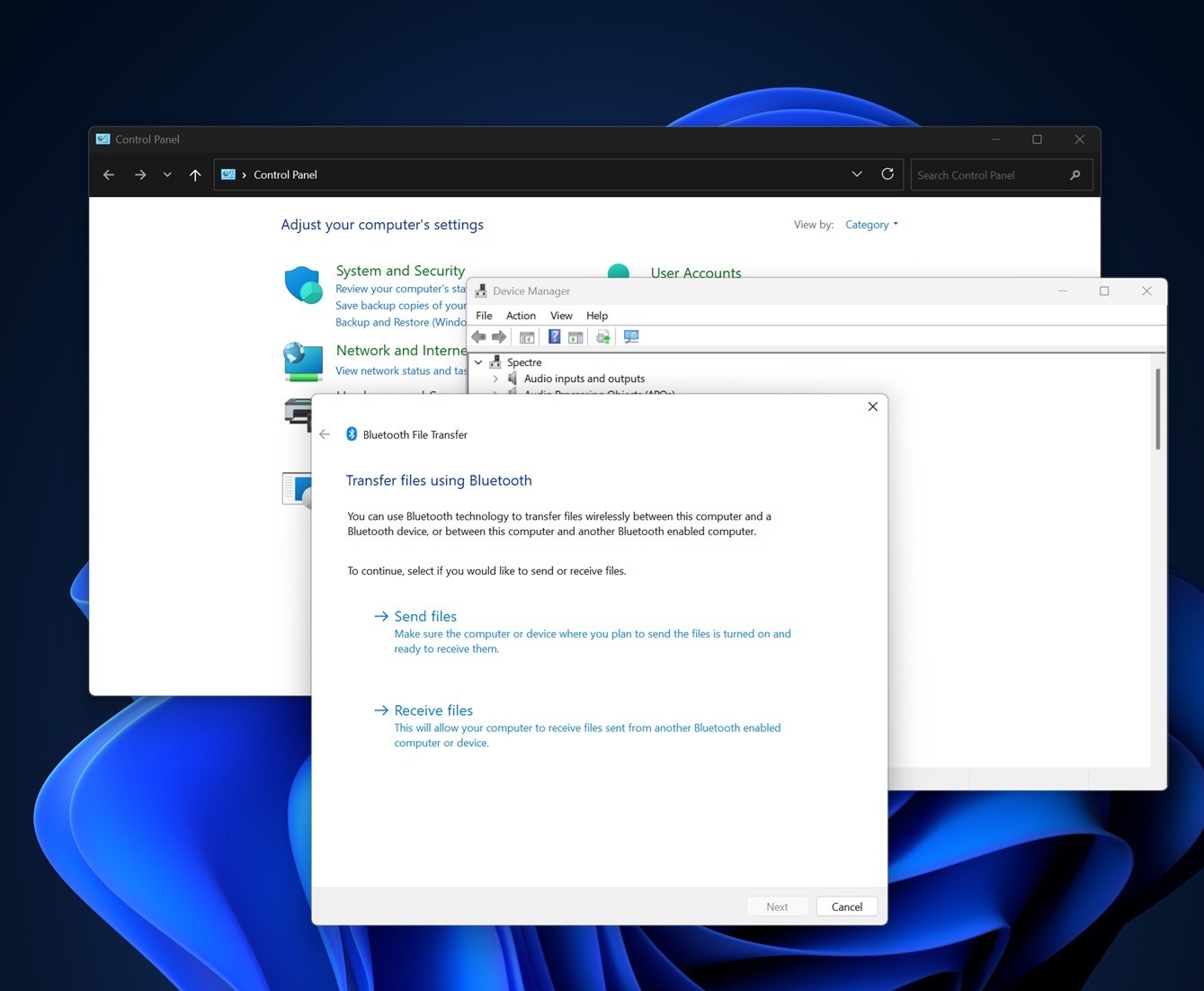
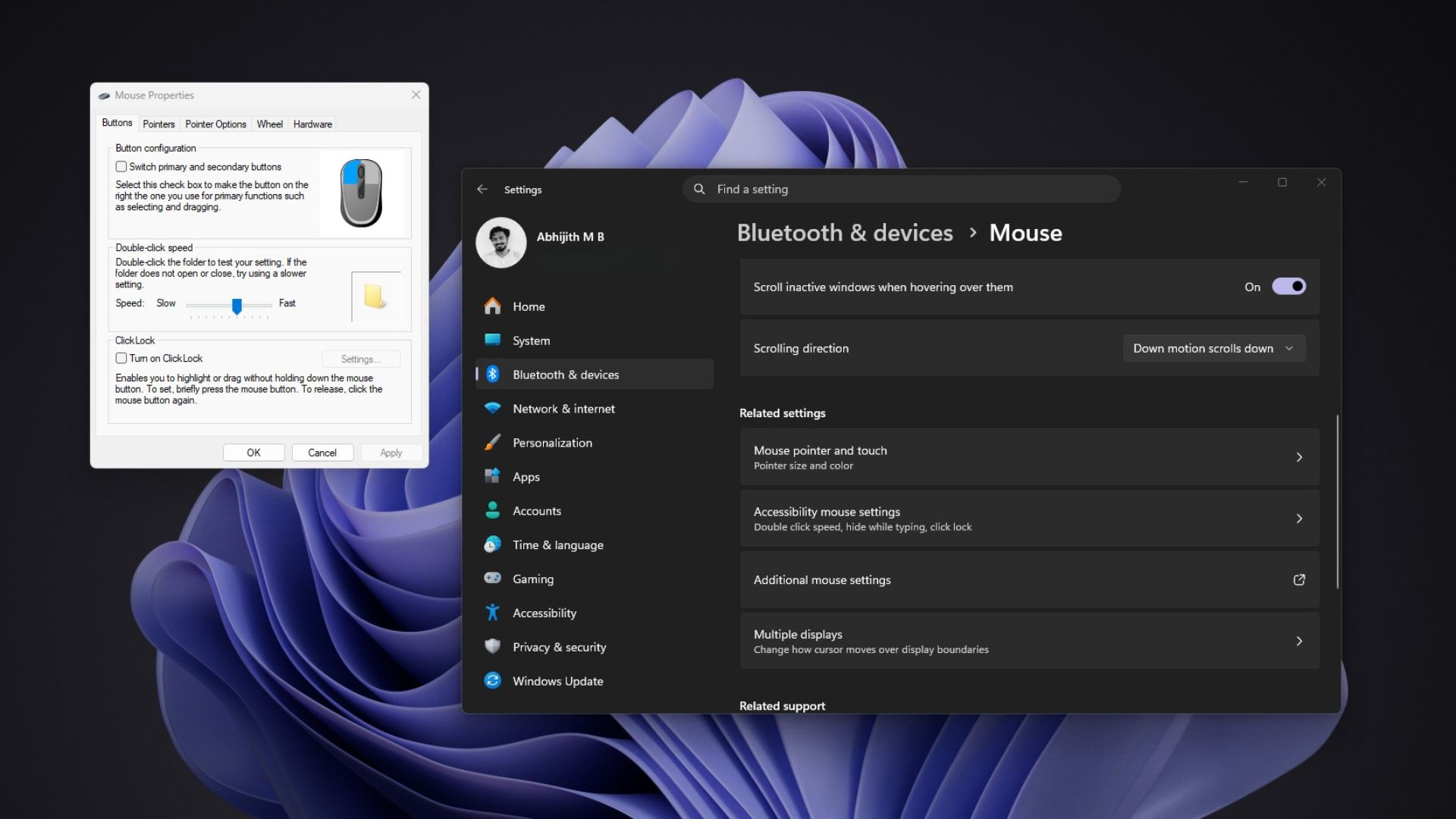
On my PC running Windows 11 26H2, Settings > Bluetooth & devices > Mouse > Additional mouse settings opens the old Mouse Properties dialog without dark mode. Right-clicking a file still offers “Show more options,” which opens the Windows 10-era menu that MS admits “became cluttered and sluggish.” One interface is three decades old; the other is a decade old.
Unfortunately, adopting native technology is not a universal solution. In our testing, File Explorer’s WinUI-based Home tab still loads noticeably more slowly than This PC. Windows 11 26H2 also continues to ship with Windows 95’s heap manager and DOS-era file names.
Steve Jobs once famously said on stage that MS had no taste—but can AI help now?
Windows Cannot Change Overnight, but AI Should Help MS Move Faster
Baca rejected the idea that MS is “trying to be everything to everyone.” He says the company is focusing on “specific customer cohorts” through “customization and choice,” while acknowledging that “it’s a big ship.” Baca also says people should not “confuse the complexity of the challenge with a lack of taste or direction.”
Regarding the reference to 1 billion users, Baca says it “was never intended as a brag.”
“It’s about responsibility. Whether people love Windows or feel they have no alternative, changes at that scale can be disruptive, even when they’re improvements.”
He has a point. MS’s Raymond Chen explained in 2003 that corporations with 10,000 employees “don’t like it when the user interface changes” because retraining can cost them millions of dollars.
Even so, compatibility should not be an excuse for leaving Windows looking like three operating systems stitched together. MS already has a smarter approach to the context menu in preview builds, where “Show more options” is hidden by default but remains available for legacy extensions.
AI can accelerate that repetitive work. Designers typically hand mockups to engineers and wait, so a designer who can create a spacing fix independently with AI can eliminate considerable back-and-forth. MS Distinguished Engineer David Fowler said in September that “typing code is absolutely over,” although someone still needs to review and test that code.
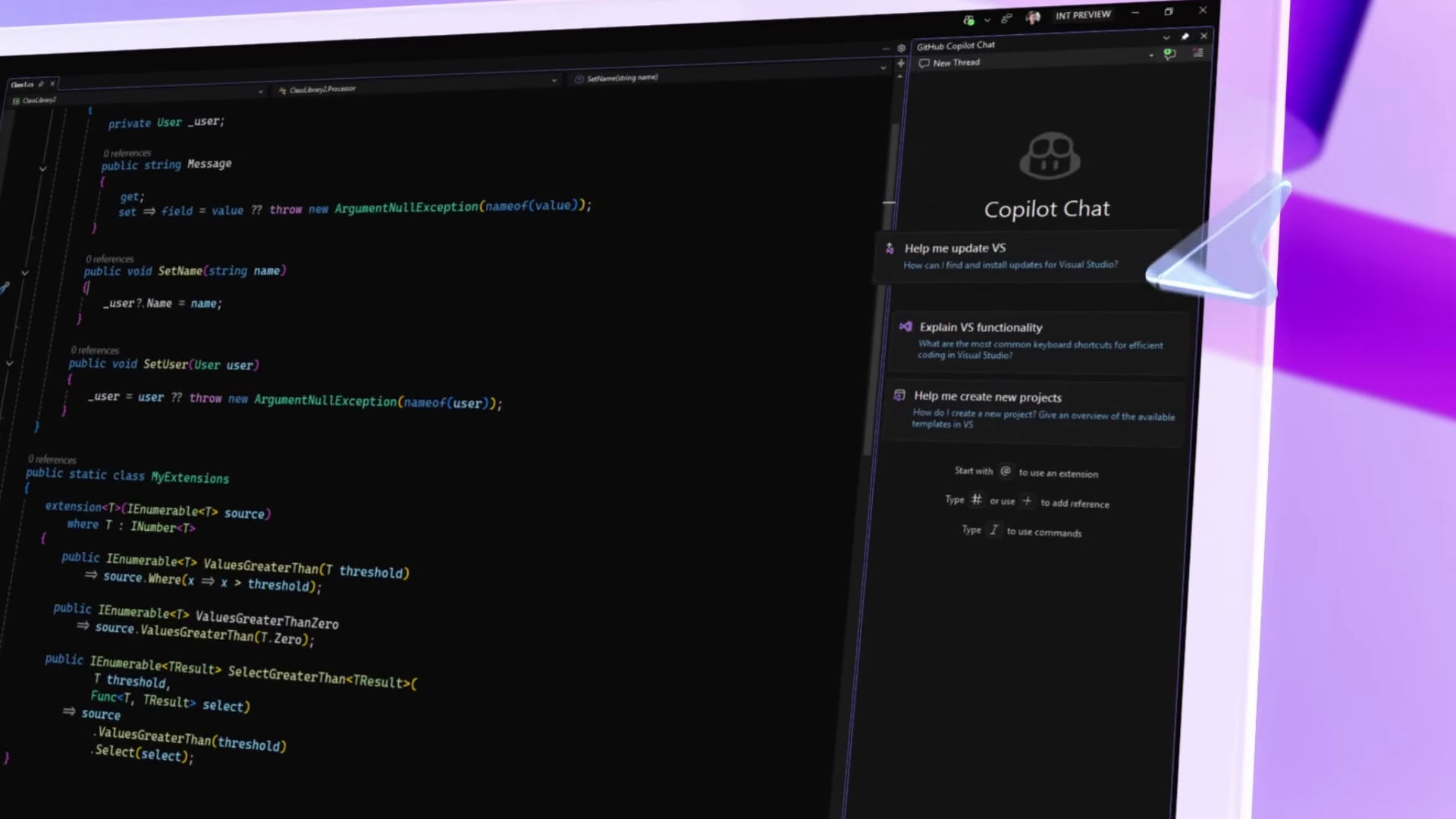
MS Needs to Make Windows Feel Like One Operating System Again
I am not suggesting that every part of Windows can suddenly become coherent; this is MS, and such expectations may be unrealistic. However, Settings, File Explorer, and a printer tool should look as though they come from the same company. Apple’s designers discussed their culture during a WWDC26 session, stating that “consistency helps people predict what will happen next” and that “things that look the same should behave the same.” Although macOS has its own legacy areas, Apple documents its design guidance for developers in its Human Interface Guidelines.
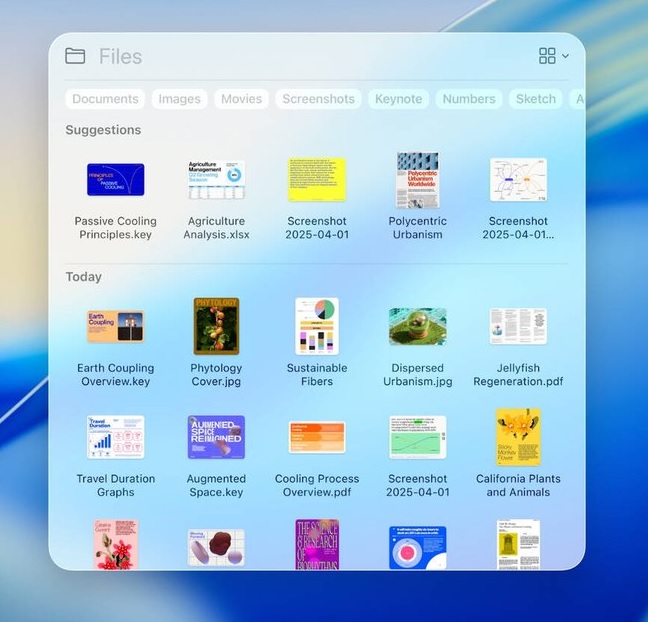
If I were leading Windows design, these issues would be at the top of my list.
If Windows prioritizes native development, other companies may finally invest in well-designed Windows apps as much as they invest in Mac apps. MS engineers already say native apps are back, and AI should make them less expensive to build.
Baca hopes MS can “earn back your enthusiasm for Windows through what we deliver, not just what we say.” Windows desperately needs attention, and I am cautiously optimistic. Would a consistent Windows 11 win you back, or has that big ship already sailed?
Windows Latest depends on readers like you. Make us your Preferred Source on Google Discover and Google Search, and help our independent reporting reach more people.
