MS and OEMs Struggle to Resolve All Secure Boot Errors
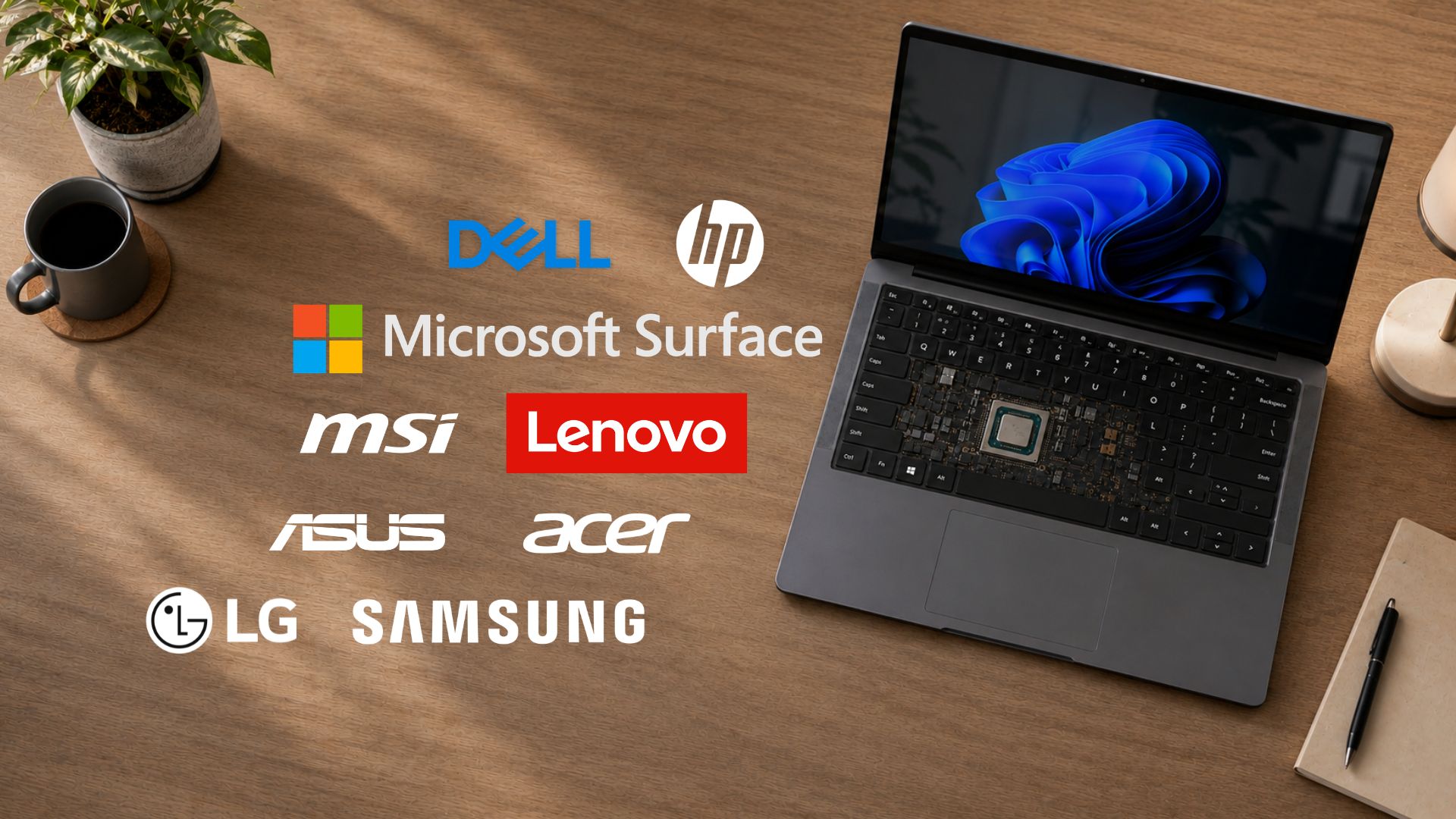
On July 15, MS hosted an OEM Secure Boot Office Hours event, bringing together its engineers and representatives from prominent OEMs such as Acer, Asus, Cisco, Clevo, Dell, Fujitsu, Honor, HP, Lenovo, LG, Surface, and Xiaomi. The goal was to address live IT admin questions about the Windows 11 Secure Boot 2023 certificate rollout.
Windows Latest has already published a comprehensive article covering the technical solutions and clarifications shared during the session, including discussions on the AvailableUpdates registry key and how confidence ratings are applied to enterprise fleets.
However, not all issues were resolved. A significant portion of the discussions during the session revolved around Secure Boot certificate errors that neither MS nor the OEMs could fully explain. Furthermore, some fixes that were purportedly effective according to the official documentation did not work as intended on various hardware setups.
Industry-Wide Challenges with CA-2023 Certificates
In March, Ed Tittel from Windows Latest documented his efforts to achieve compliance with the CA-2023 certificates for a small fleet of 10–15 PCs. His findings revealed that the issues were not isolated to MS but were indicative of a broader industry challenge.
- ASUS: Some boards required Secure Boot to be temporarily disabled to apply the revocation list.
- MSI: Certain models ignored updates despite showing Secure Boot as enabled in the user interface.
- ASRock: Manual key resets and re-enrollment were necessary on nearly every system, with limited or unclear documentation available.
- Dell, HP, and Lenovo: While these brands performed better in general, issues such as staggered rollouts and multiple BIOS updates requiring additional reboots were still noted.
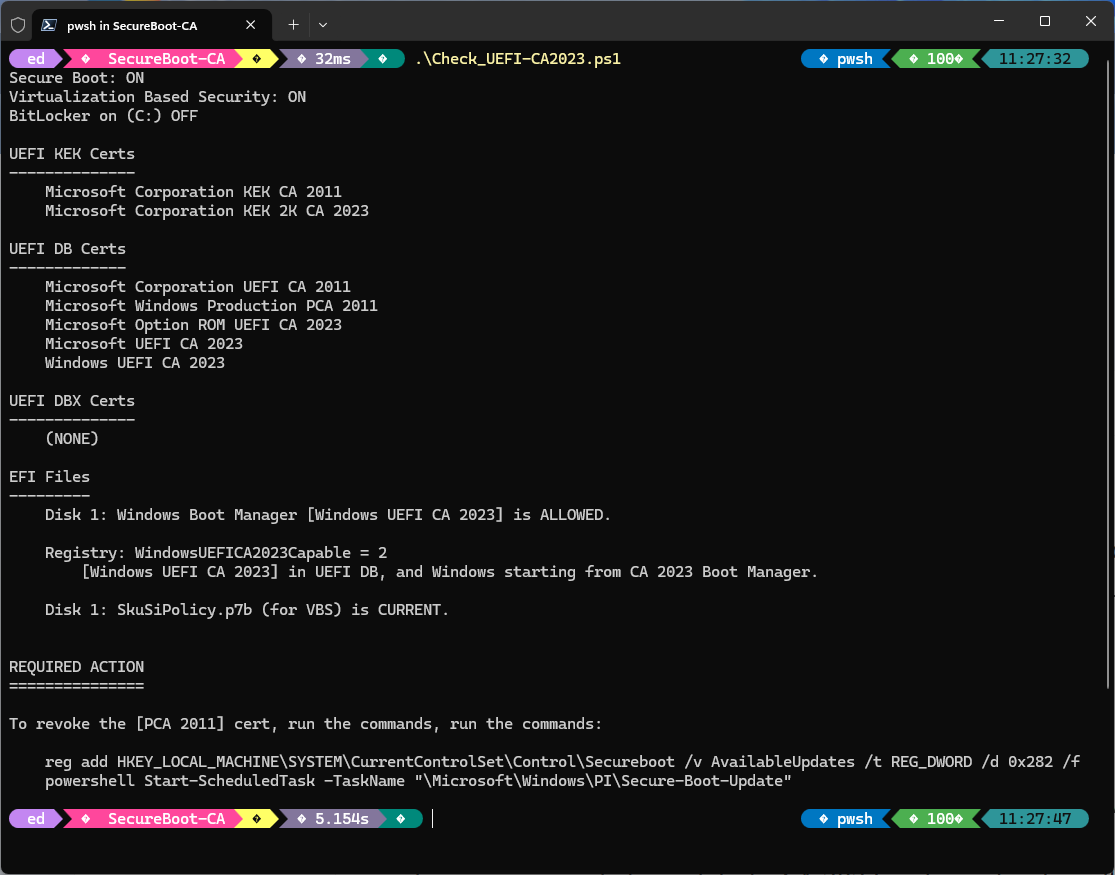
In a particularly challenging case, Tittel’s ASRock B550 Extreme4 desktop entered a persistent state where each restart triggered a false CPU change warning due to the Secure Boot update. Despite multiple attempts to resolve the issue via firmware adjustments, he ultimately had to replace the motherboard.
Unresolved Issues from the OEM Secure Boot Office Hours
For IT admins grappling with Secure Boot certificate errors, BitLocker recovery loops, or failed Key Exchange Key (KEK) updates, the insights from the OEM Secure Boot Office Hours event may provide some clarity. Unfortunately, several issues remain unresolved, indicating that even MS and OEMs are struggling to address all the problems comprehensively.
Key Challenges Highlighted by IT Admins
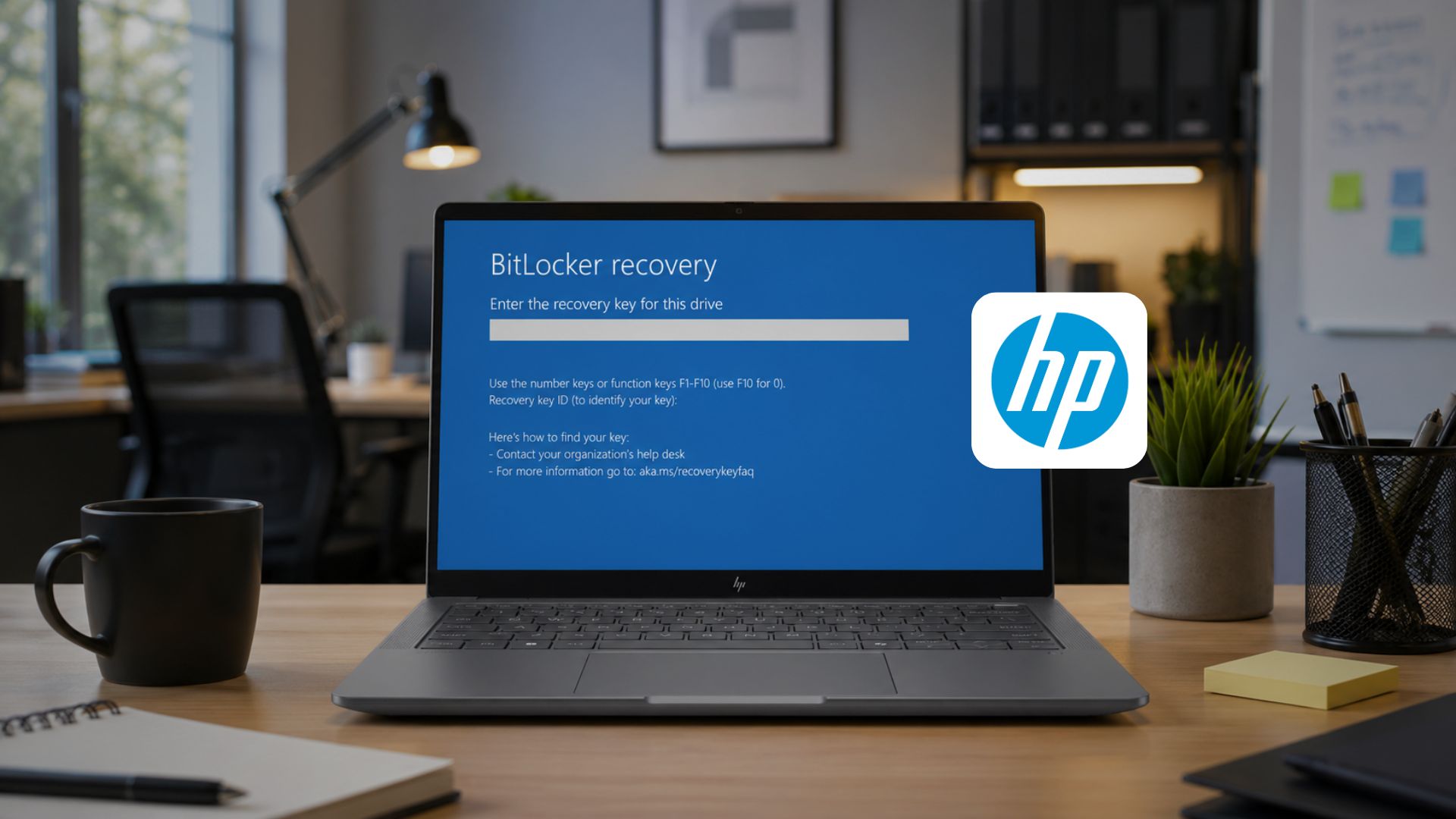
- HP EliteBooks and ZBooks: Admin epoch71, managing over 7,000 devices, reported that forcing the certificate installation via the
AvailableUpdatesregistry key triggered BitLocker recovery loops. Following HP's official guidance to manually adjust Secure Boot BIOS settings also led to similar issues. - HP NVRAM Limitations: HP initially claimed support for devices manufactured after 2018, but later removed some models from their compatibility list due to insufficient NVRAM to accommodate the new certificates. This left some admins, including user Shapalapa, frustrated with the lack of effective solutions for older hardware.
- Stuck KEK Updates: User Checker-KP reported that while DB certificates updated successfully on 700 HP EliteBook G9 and G10 units, the KEK repeatedly failed to update, despite following troubleshooting steps provided by HP representatives.
- Dell Optiplex 5000: Admin pbormet experienced issues where certain units refused to update the registry key, and no Dell representative provided a resolution during the session.
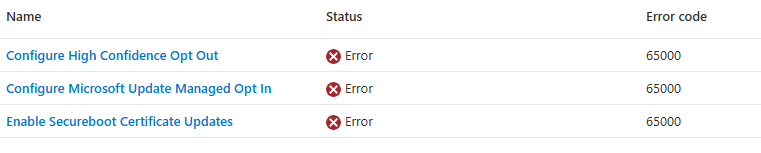
- Unexplained Status Errors: User salmankhan1 described devices showing
Secure Boot Status = Unknowndespite meeting all prerequisites, including having the 2023 certificates, an enabled Secure Boot flag, and a functioning TPM. MS provided a diagnostic script but no definitive solution.
Recommendations for IT Admins
Given the ongoing challenges with Secure Boot certificate deployment, IT admins are advised to exercise caution when implementing updates. Here are some key takeaways:
- Conduct Pilot Testing: Test updates on a small, representative subset of hardware before rolling them out across the entire fleet.
- Back Up Recovery Keys: Always ensure BitLocker recovery keys are securely backed up before making any changes to registry keys or BIOS settings.
- Check OEM-Specific Guidance: Rely on your OEM's specific advisories rather than solely following MS’s general guidelines.
- Verify Status: Use diagnostic scripts like
Detect-SecureBootCertUpdateStatus.ps1to confirm a device's actual certificate update status before assuming an issue exists.
Final Thoughts
The Secure Boot certificate rollout for Windows 11 has proven to be a complex, industry-wide challenge. While some fixes have been identified, many issues remain unresolved, particularly for devices from manufacturers like HP and Dell. IT admins must remain vigilant and proactive, ensuring thorough testing and preparation before implementing updates at scale.
For more detailed guidance, refer to Windows Latest’s OEM Secure Boot guide and their step-by-step tutorial on verifying Secure Boot status. If your device or fleet faces persistent issues, it may be worth investigating whether they fall under the known firmware blocks identified by MS.
Windows Latest continues to depend on readers like you. Make us your preferred source on Google Discover and Google Search to help our independent reporting reach a wider audience.
