MS Confirms a Faster Windows 11 Is in the Works, With Fewer Ads Too
Windows 11 has been undergoing significant improvements this year, as evidenced by several updates and redesigns. These include revamped dialogs, an adjustable taskbar, and reduced integration of Copilot. Now, MS has confirmed that Windows 11 is also becoming faster.
For years, two of the most persistent criticisms of Windows 11 have been its sluggish performance on mid-range and low-end hardware, and its excessive display of ads. In March, MS acknowledged these issues. Pavan Davuluri, President of Windows, announced a major update for Windows 11. This update aimed to improve the speed of File Explorer, reduce Copilot integration, and optimize memory usage. These changes were part of MS’s response to longstanding user complaints.
Four months later, many of these promises have already been delivered. Notably, Davuluri’s latest update focused on optimizing Windows 11 for devices with 8GB of RAM or more. This could potentially represent the most significant improvement for Windows 11 users this year.
Despite these advancements, some users have continued to question whether Windows 11 will truly become faster. Fortunately, MS has provided a concrete answer to address these doubts.
A Senior MS Executive Confirms Windows 11 Is Getting Faster
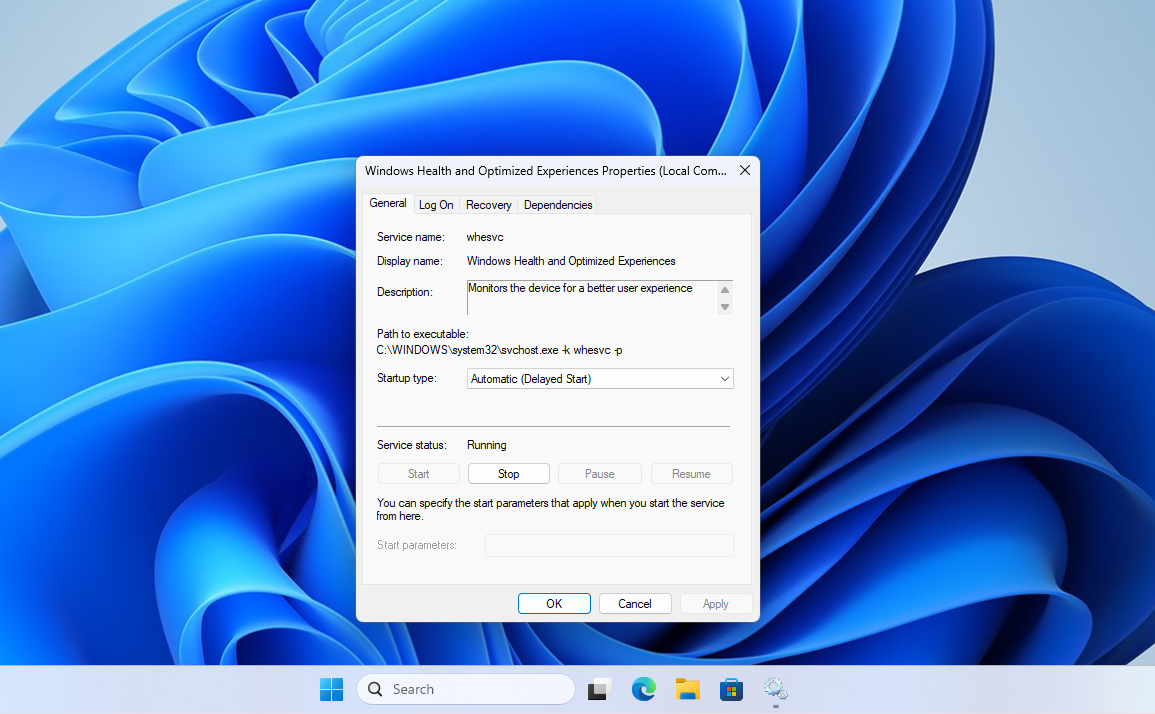
Recently, a viral post on X claimed that MS had secretly added a hidden tracking service to Windows 11 that slows down PCs. This rumor was quickly debunked by Scott Hanselman, Vice President and member of MS's technical staff. Hanselman explained the real purpose of the service, initially reported by Windows Latest.
Responding to a user who asked, “Can’t you guys just make Windows run faster?” Hanselman simply replied:
“Yep. On it.”
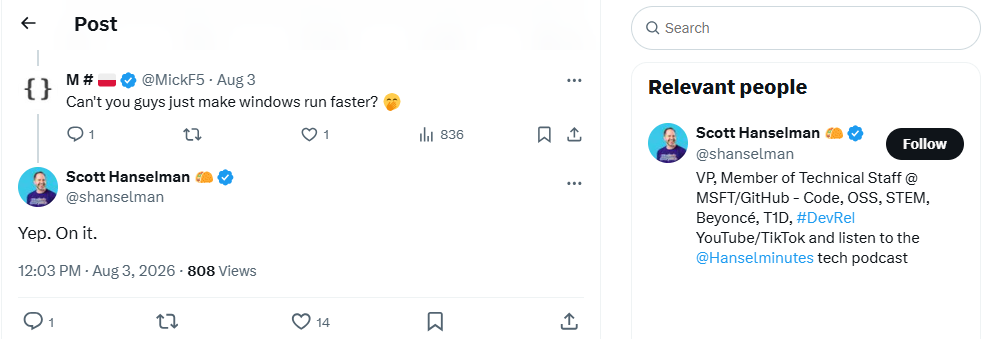
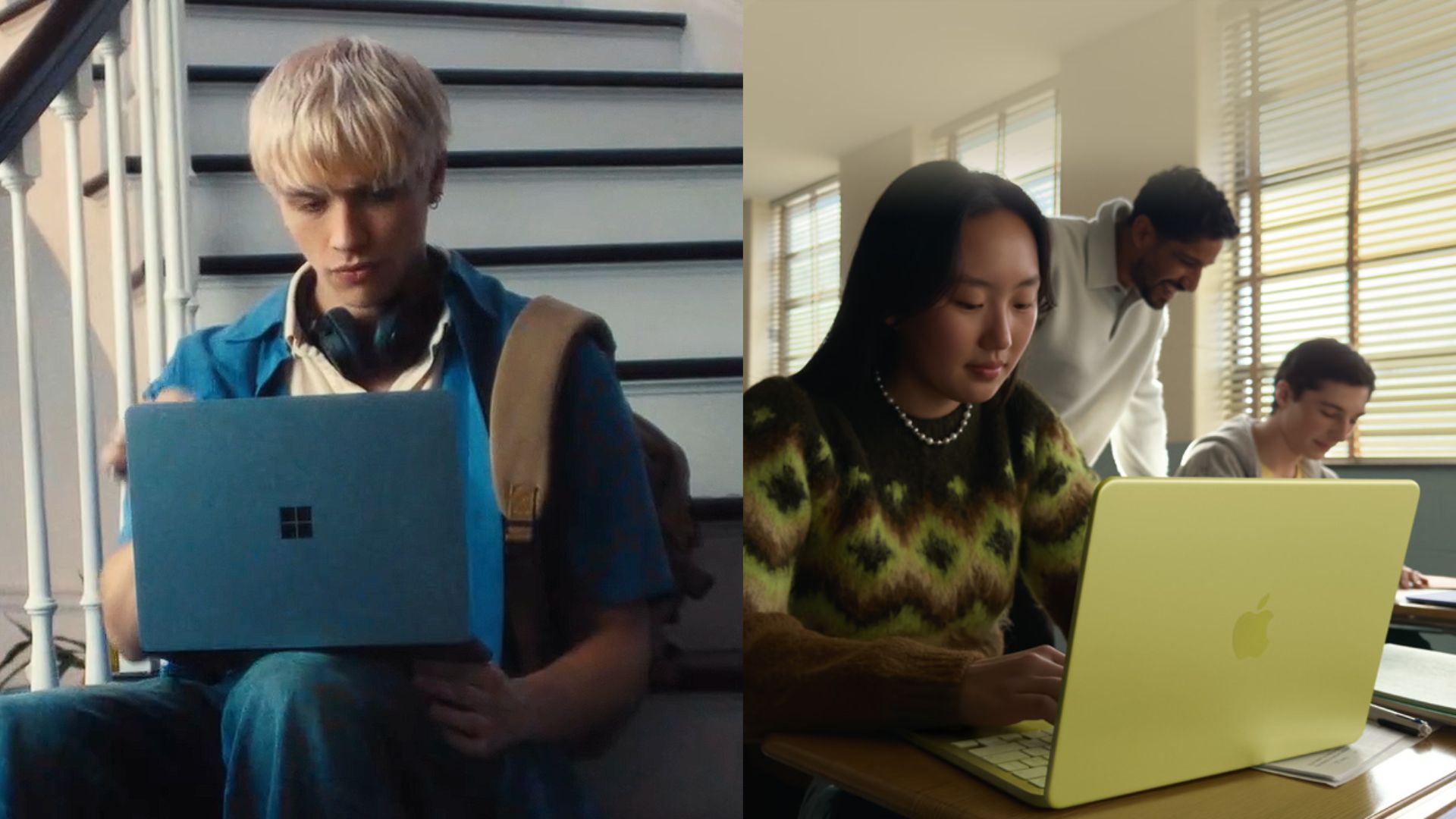
This public acknowledgment from a senior MS executive underscores the company’s awareness of Windows 11’s performance issues. While these optimizations may have come later than users hoped, they represent a significant step forward. According to Windows Latest, the pressure to enhance Windows 11’s performance was partly driven by competition from devices like the MacBook Neo.
How MS Plans to Make Windows 11 Faster
Users may have already noticed improvements in responsiveness, such as quicker interactions with the Start menu or Search. This is due to the introduction of the Low Latency Profile, a scheduler-level CPU optimization rolled out in June. This feature temporarily boosts the processor to its maximum frequency for one to three seconds during interactions with core system elements. The improvement is particularly noticeable on older or budget hardware.
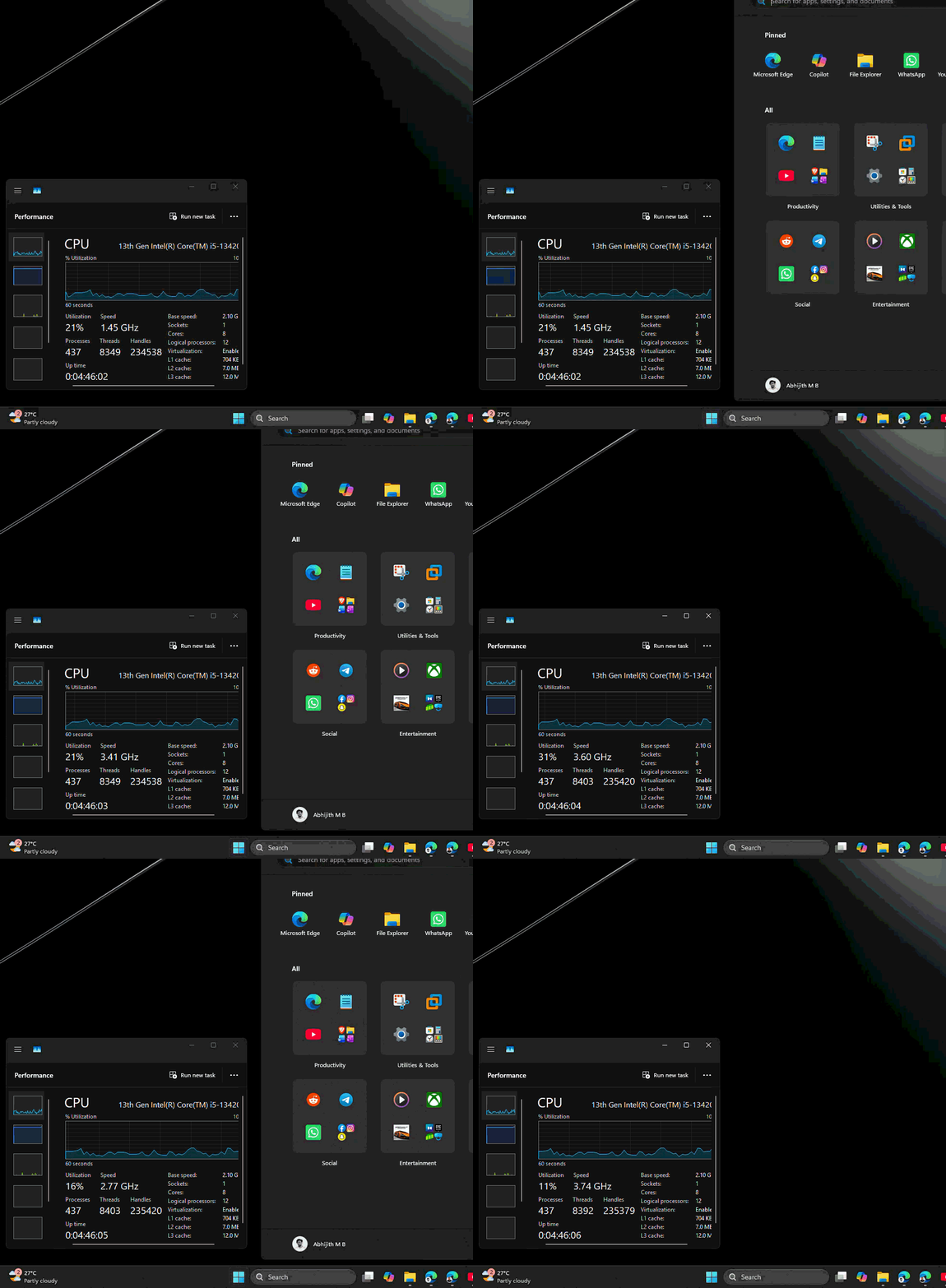
Despite initial criticism of the Low Latency Profile as a quick fix, Hanselman defended the feature, highlighting that similar techniques are employed in macOS and Linux. This feature is part of a broader effort to make meaningful improvements to the OS.
One of the most critical areas of focus is Windows 11’s memory usage, which MS admitted has been a significant issue. The company has committed to optimizing the OS for 8GB RAM PCs and above by the end of 2026. This commitment is so serious that MS has quietly removed all documentation recommending 32GB of RAM, signaling a major shift in approach.
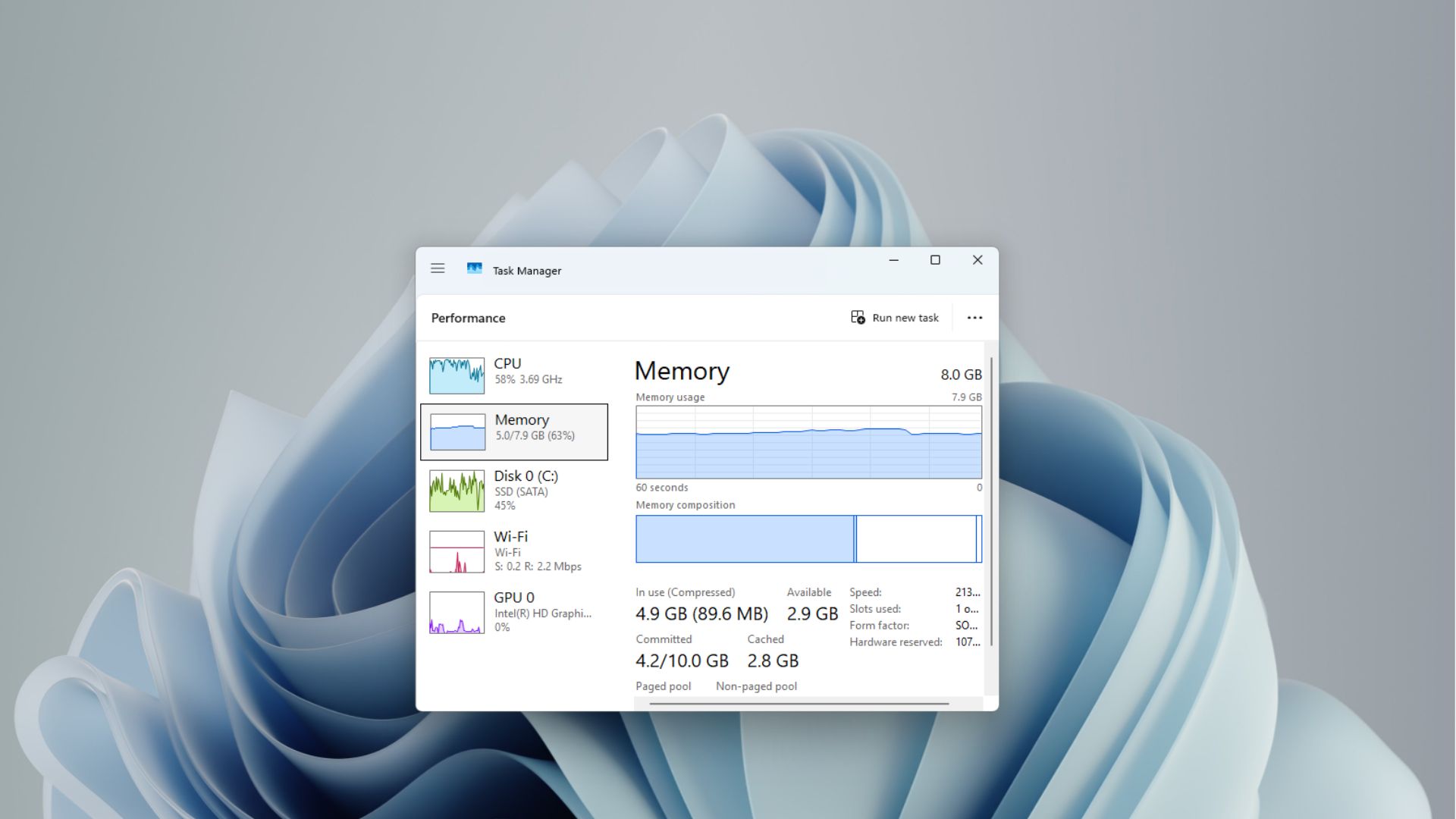
Much of this optimization is credited to WinUI, MS’s native UI framework, which replaces the older and heavier Win32 and WebView2 code. According to Davuluri, the optimization of WinUI 3 has extended to more components of the Windows shell, leading to reduced memory usage and improved performance.
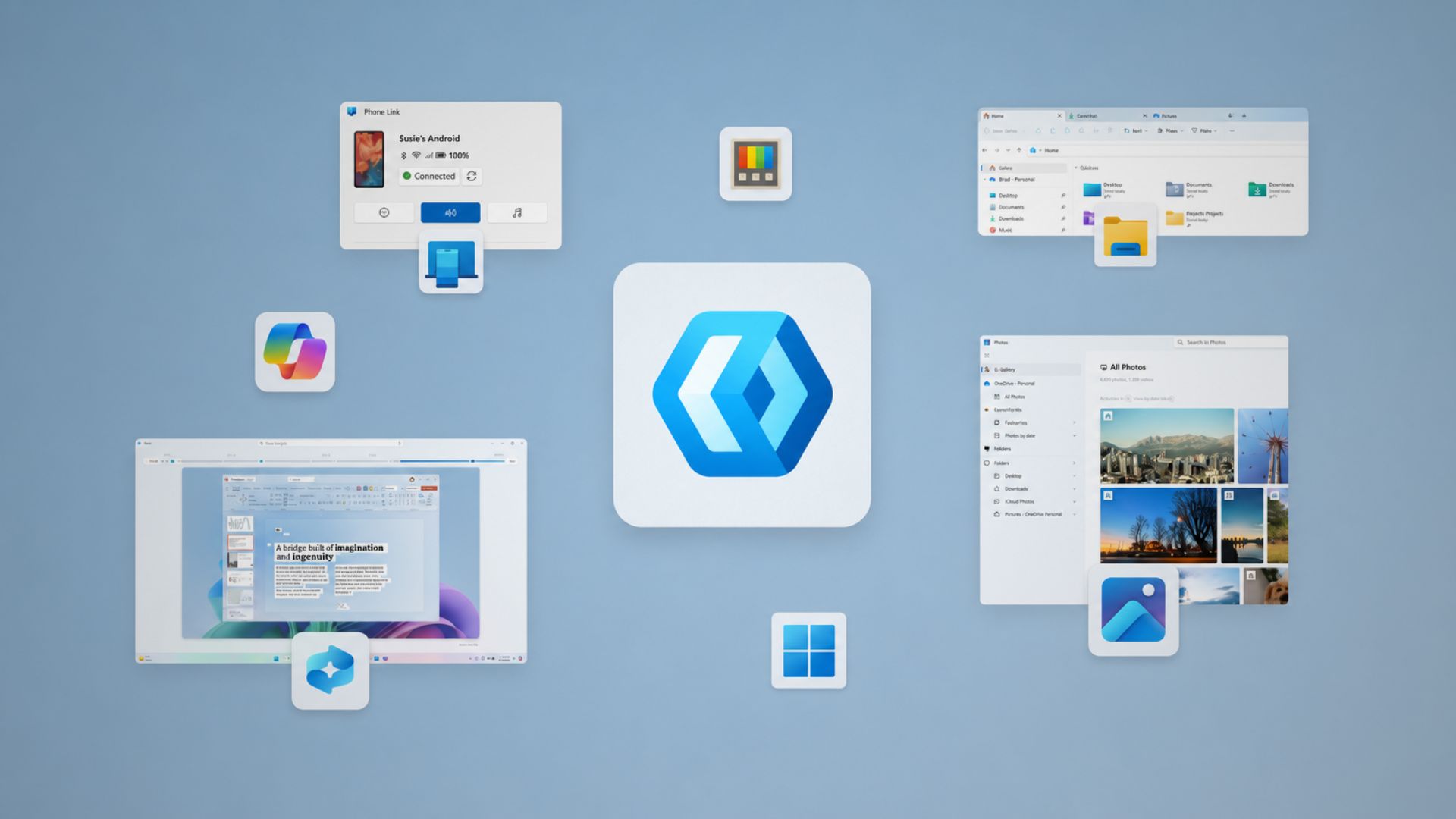
MS has also been working on improving frequently used features and applications. File Explorer now deletes large, fragmented files more quickly, while search performance across "This PC" has seen notable improvements. Additionally, the company has worked on speeding up File Explorer’s launch time by eliminating reliance on preloading, a change implemented earlier this year.
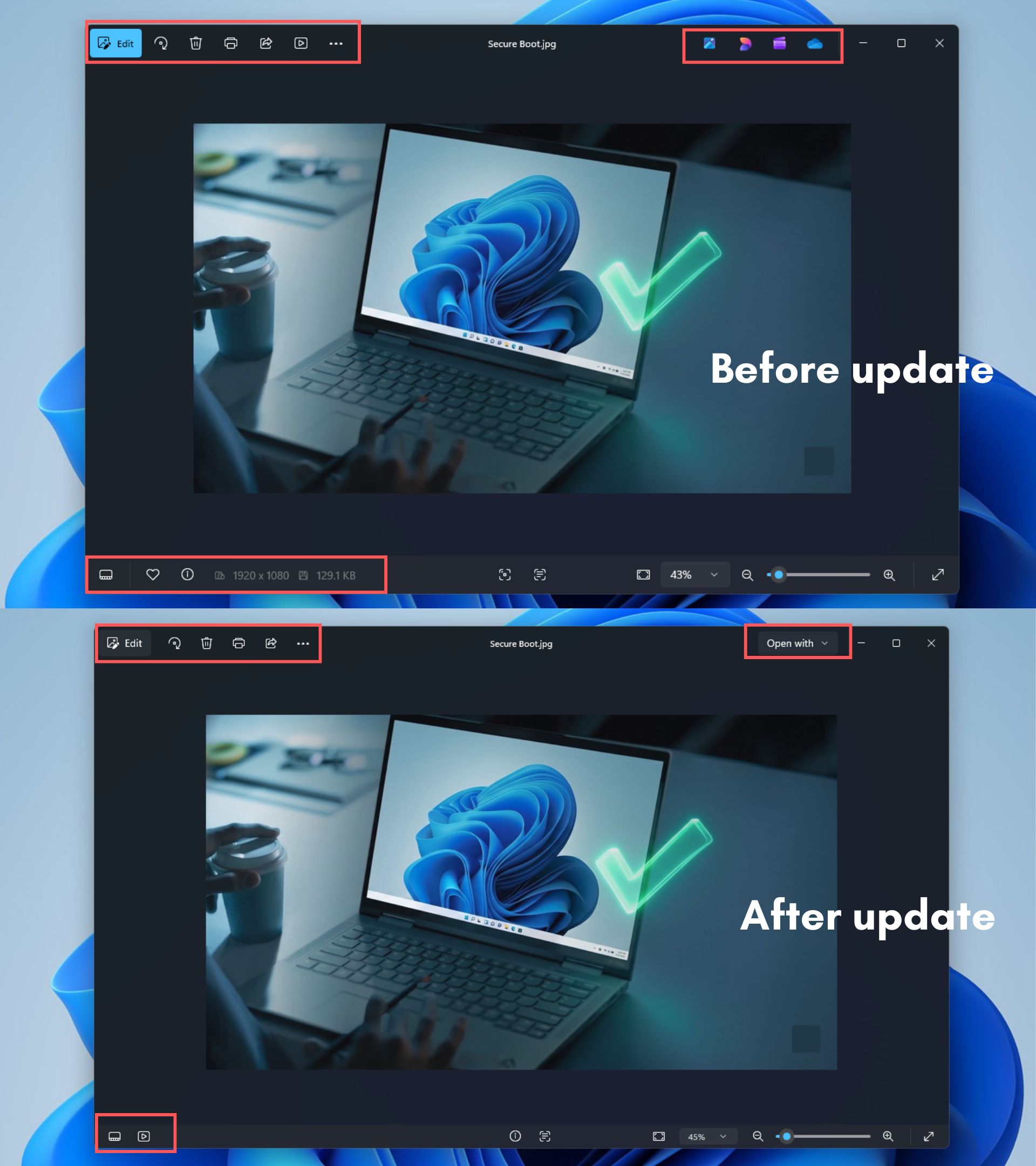
Other areas, such as the right-click menu and Quick Settings, are also loading faster, making everyday interactions more seamless. These improvements extend to built-in apps like MS Photos, where promotional icons and cluttered menus have been removed to enhance usability.
Windows 11 Is Also Cutting Ads Throughout the OS
Another significant improvement is the reduction of ads and promotional content throughout Windows 11. For years, elements like MSN tiles, web-based suggestions, and trivia competed for space, consuming both CPU and RAM resources. MS has started to address this issue by decluttering features like Search and Widgets.
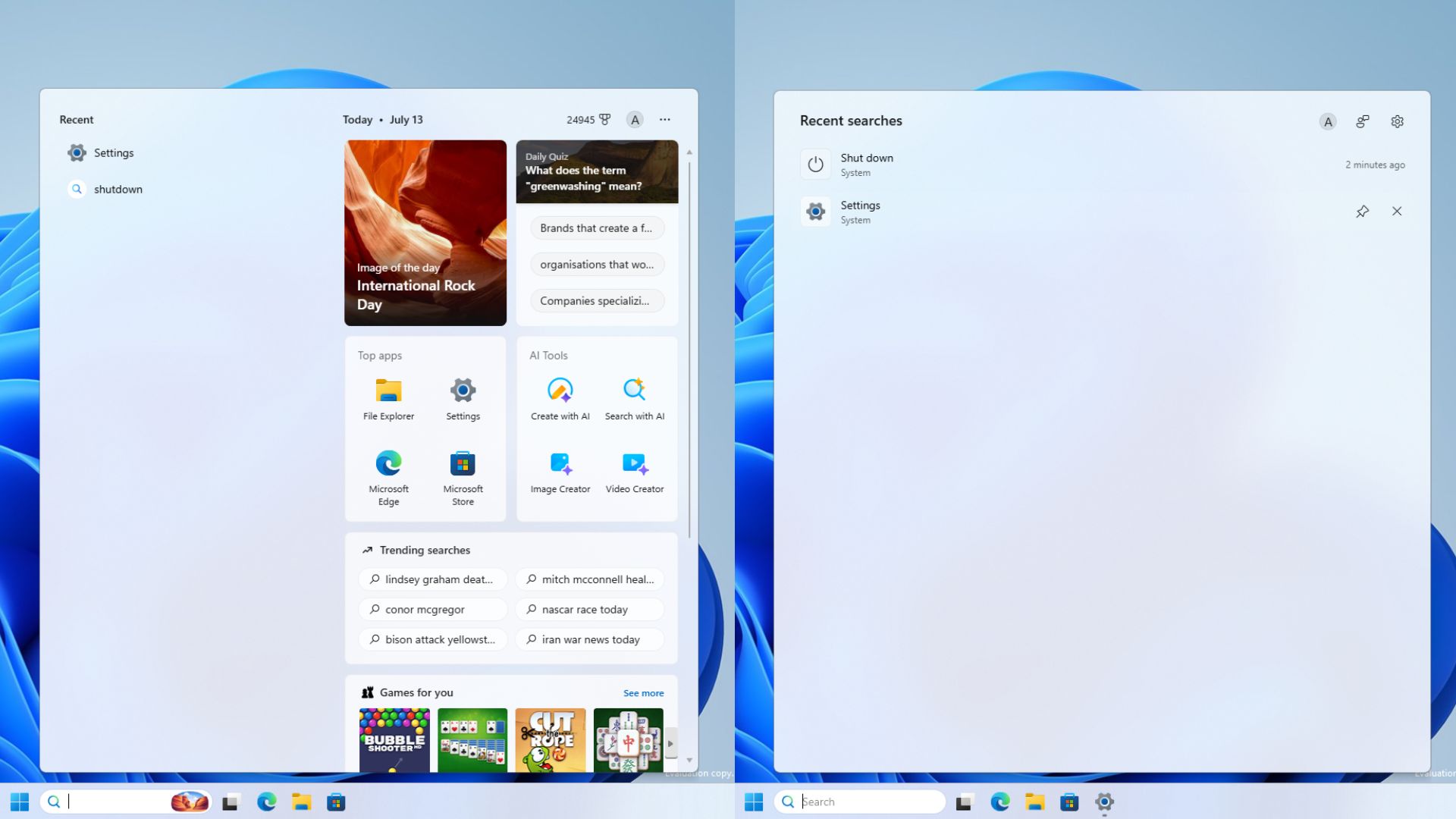
In May, MS disabled MSN feed content and ads in Widgets by default, making the interface cleaner. Additionally, Widgets are being redesigned with WinUI 3, which will further enhance performance.
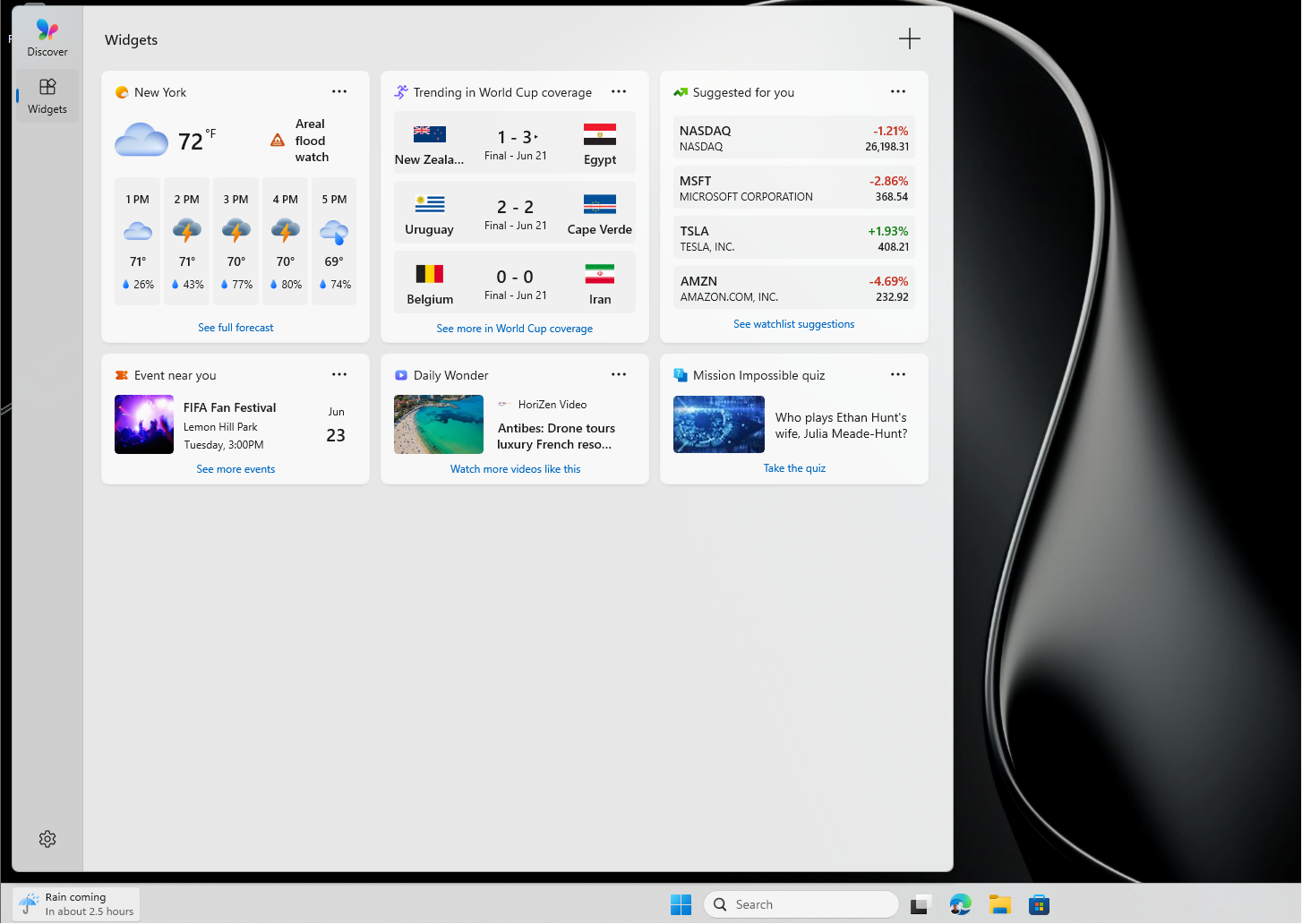
However, the cleanup process is not yet consistent across all Windows 11 components. For example, while the MS Photos app has been simplified, the company has simultaneously introduced a WebView2-based photo gallery, which somewhat undermines its progress.
2026 Might Be Windows 11’s Biggest Year, but Reputation Problems Remain
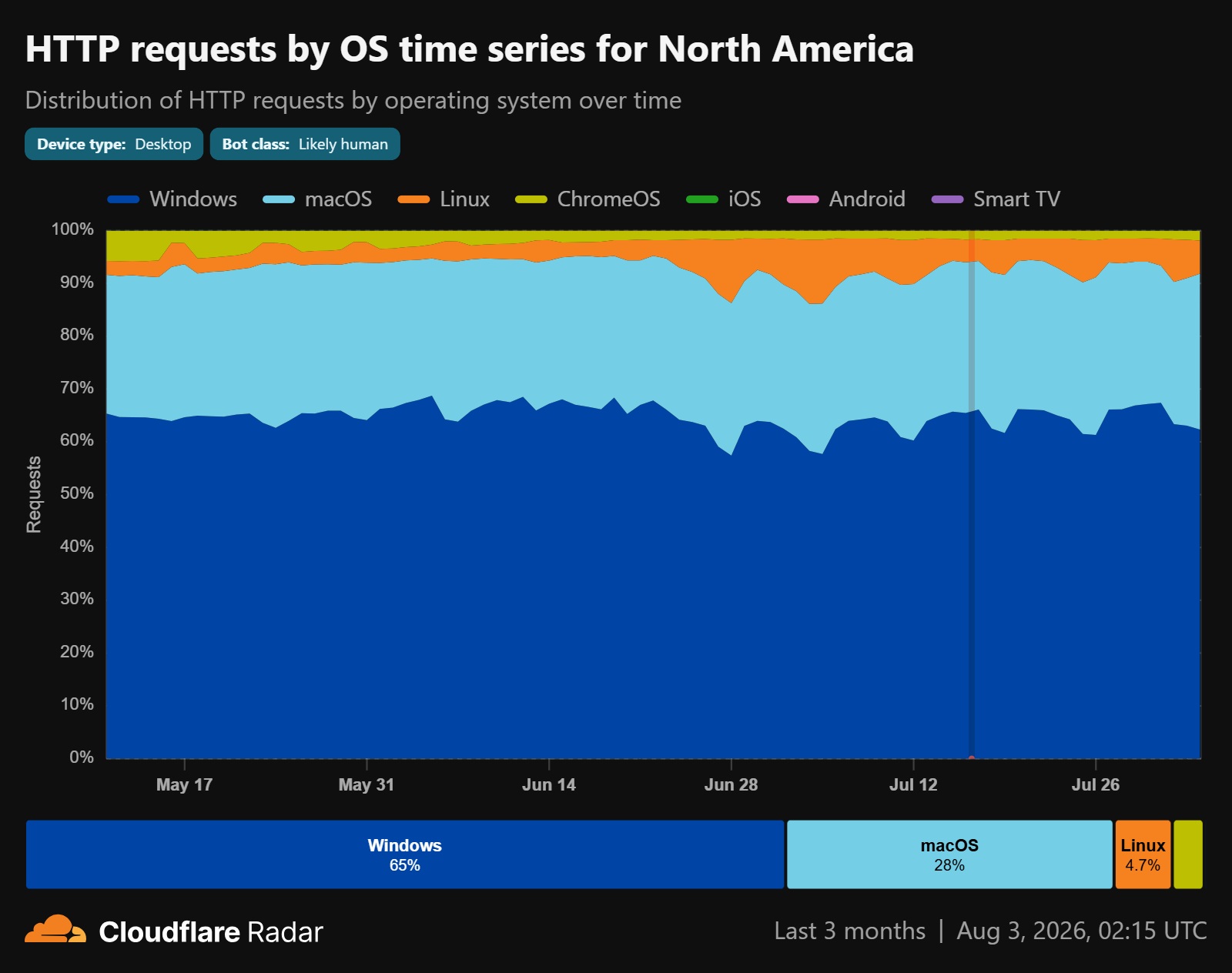
While 2023 has been a landmark year for fixes and improvements in Windows 11, the OS still faces a reputation problem. Many users remain skeptical, with some even considering switching to alternatives like Linux. However, reports of Linux gaining significant desktop market share were found to be exaggerated, attributed to AI crawler bots inflating usage statistics.
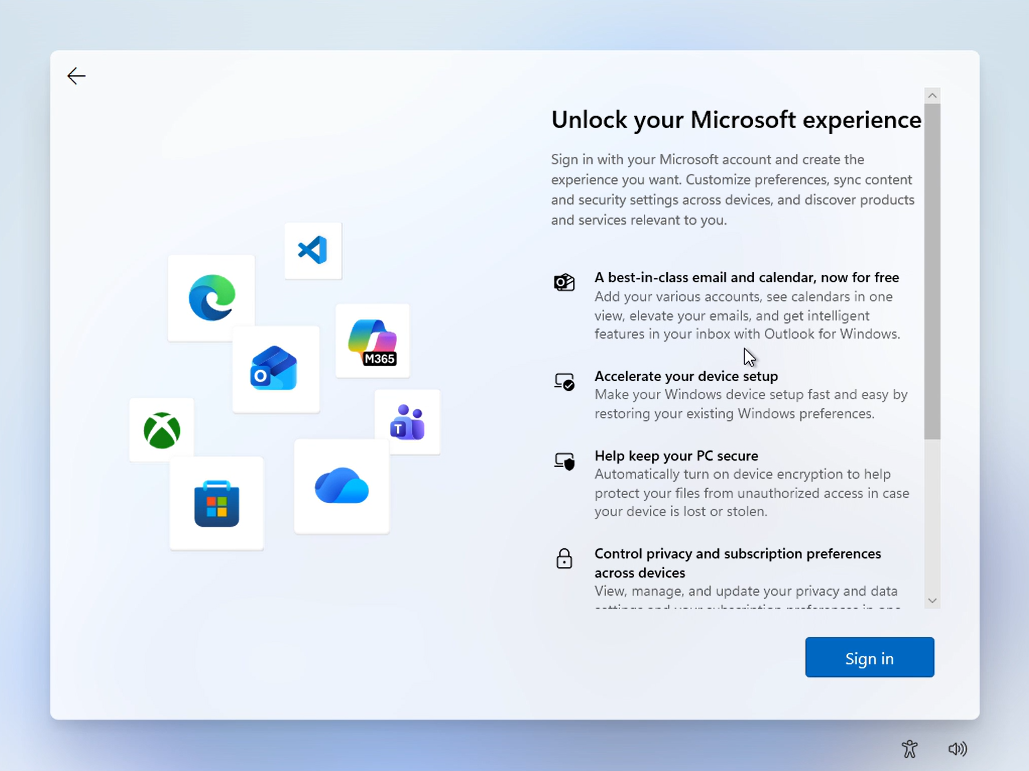
One of the most common user grievances is the mandatory MS account requirement during setup. Despite addressing performance and ad-related concerns, MS has yet to address this issue, which remains a major source of frustration for users.
While speed improvements and ad reductions are significant achievements, restoring user trust will be a far more challenging task for MS. As highlighted by Hanselman’s succinct response, the company is indeed working on it, but rebuilding trust will require sustained effort over time.
Stay updated with Windows Latest for more news and updates on Windows 11 developments. Make us your preferred source on Google Discover and Google Search to support independent reporting and reach more readers.
