MS Revises OneDrive Photos Strategy: A New Approach to User Control
MS is making changes to OneDrive Photos, allowing users to remove the app without uninstalling the OneDrive sync client. This update ensures that users can retain their synced files, folders, and shortcuts on Windows 11 while opting out of the OneDrive Photos experience.
Background: OneDrive Photos’ Unexpected Rollout
In early August, MS quietly introduced OneDrive Photos to thousands of Windows 11 PCs. Although the app is harmless in itself, many users were frustrated by its unsolicited installation, especially as it accessed all pictures on their PCs — even those outside the designated Pictures folder.
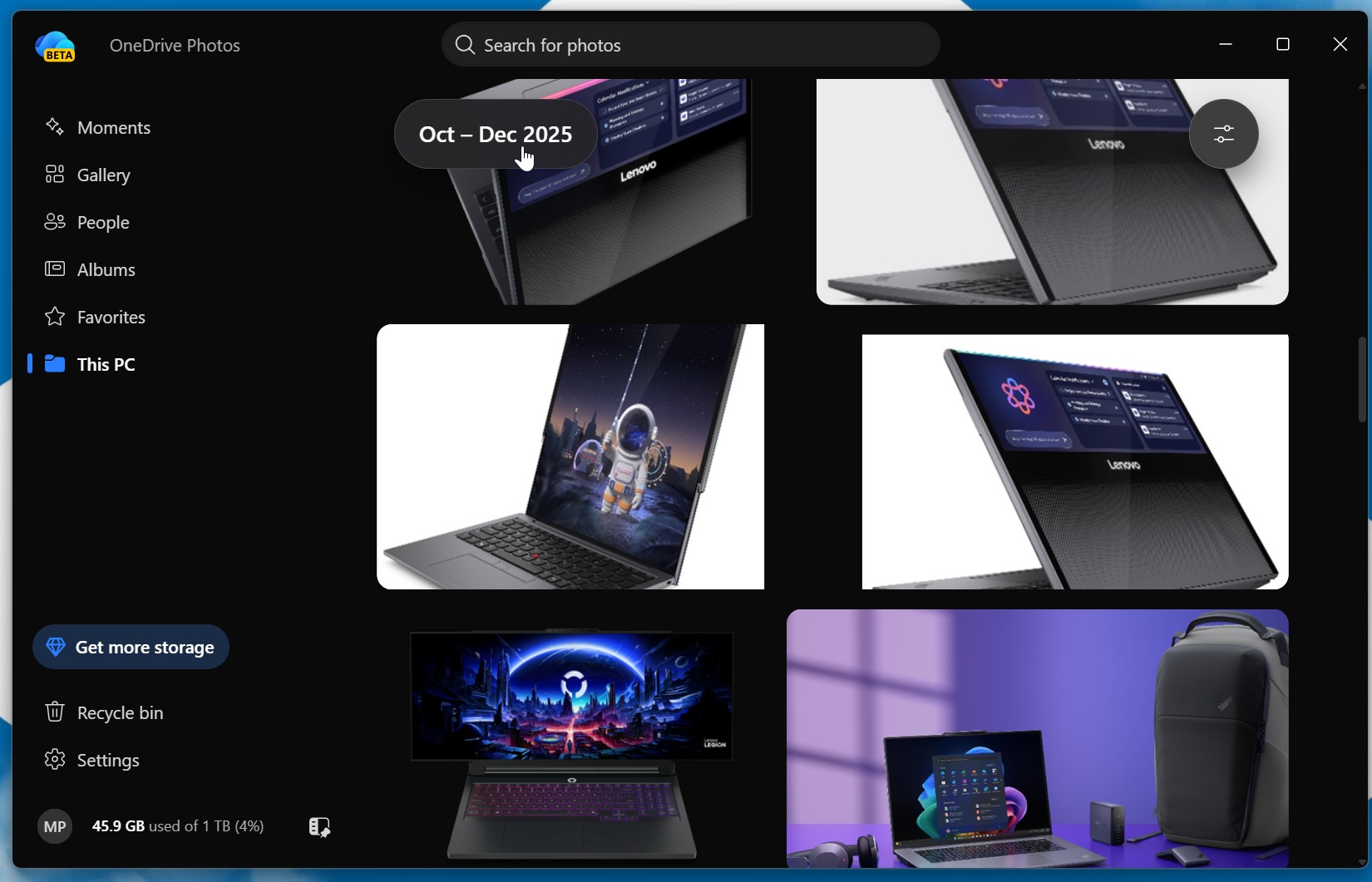
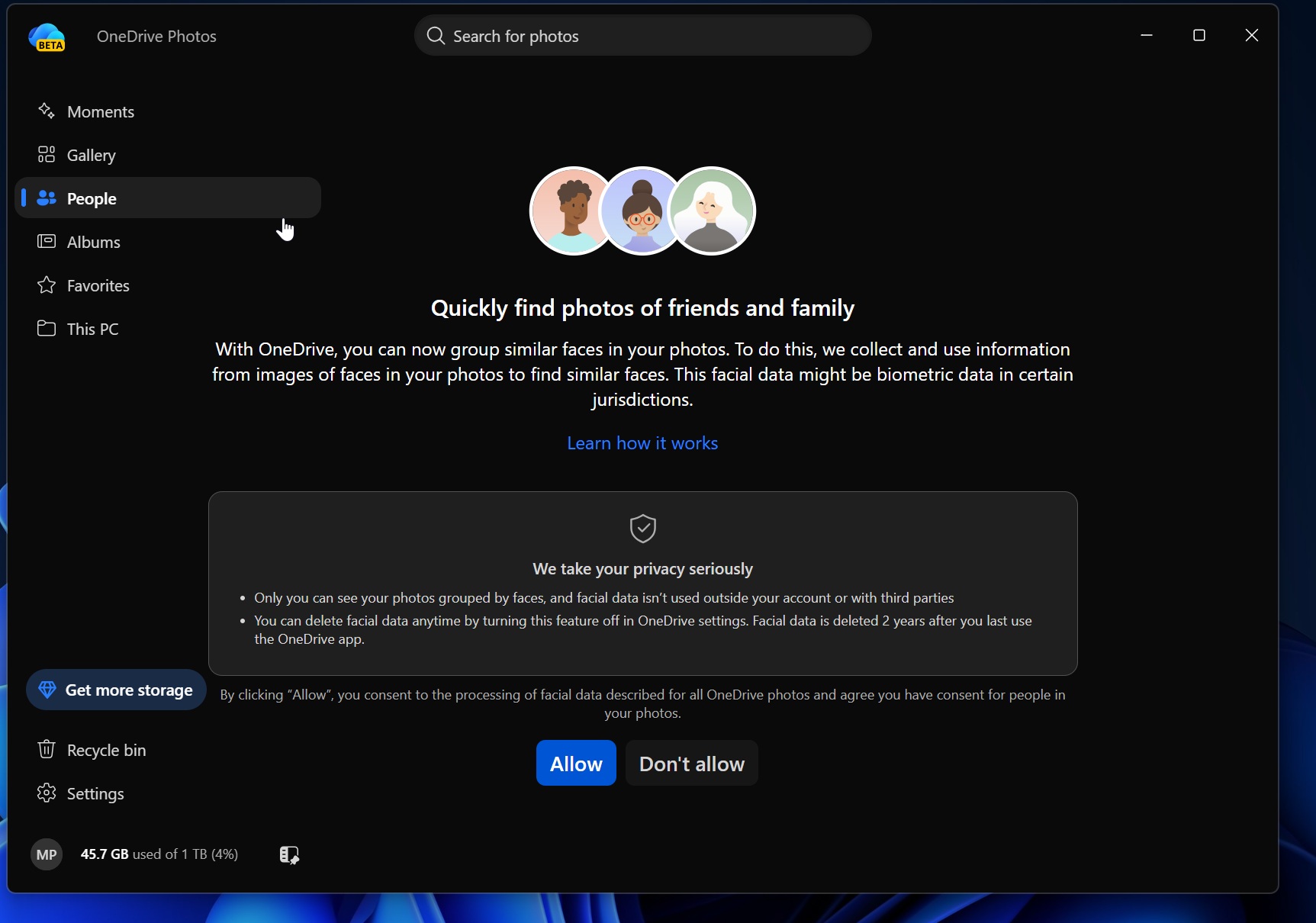
One of the app’s features, an AI-powered “People” function that groups similar faces, also raised privacy concerns among users who are wary of AI handling their personal files and photos.
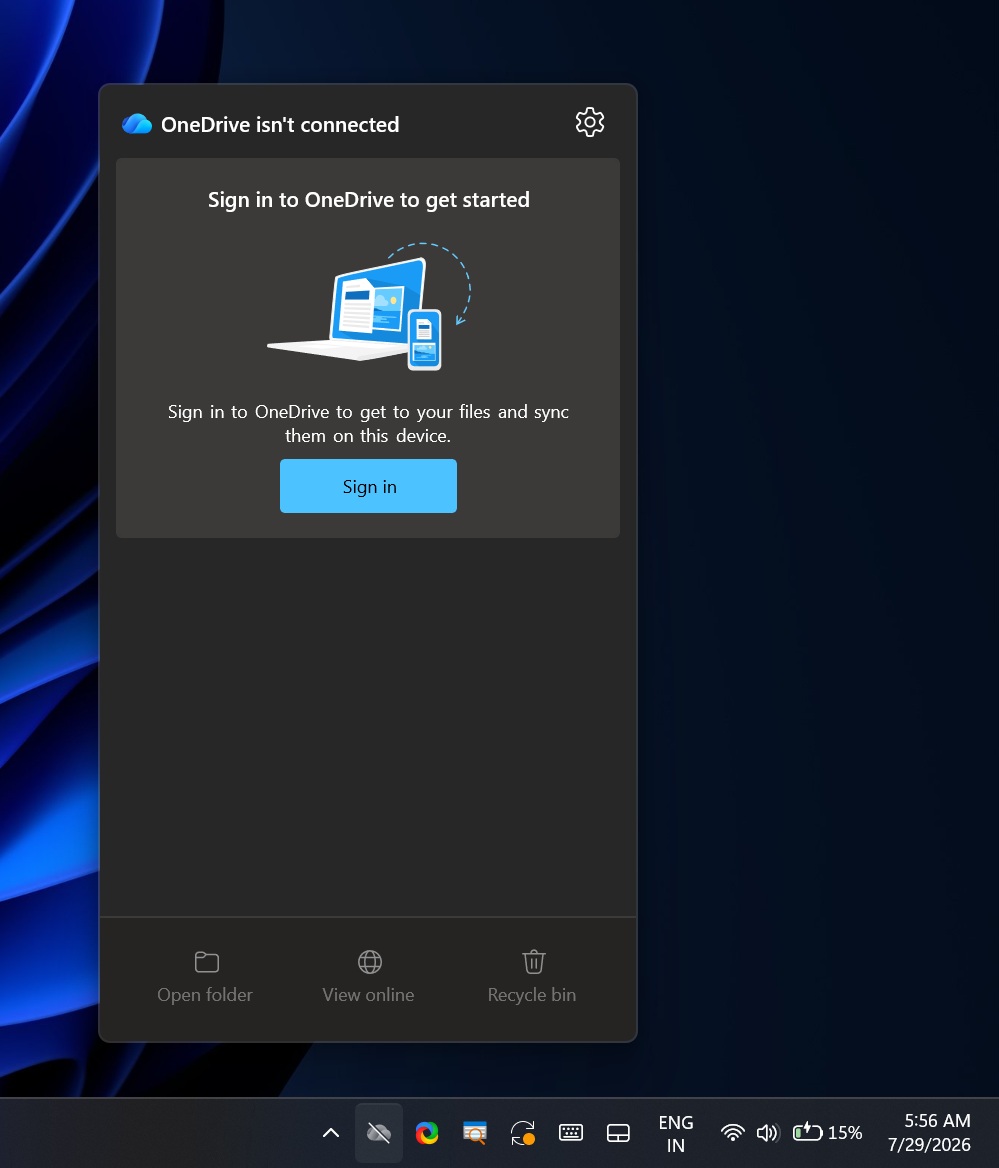
Further controversy arose when it was discovered that the app had been deployed on enterprise PCs, where it was largely non-functional due to its reliance on personal MS accounts. This caused frustration among IT administrators, who were unprepared for the sudden appearance of an unusable app across their organizations.
Following widespread criticism, MS admitted the rollout was unintentional and promised corrective action. However, the company has yet to explain how OneDrive Photos ended up on unsupported PCs or why it was installed without explicit user consent.
Jeff Teper, a senior executive at MS, stated, “We are incubating a new photos experience in OneDrive that went more broadly than it should have in Windows. We’re fixing that. Windows Photos will always give you the option of local and cloud photos and the choice to use OneDrive or not.” Teper also assured users that MS is actively listening to feedback regarding OneDrive’s photo features across desktop, web, and mobile platforms.
Challenges with Removing OneDrive Photos
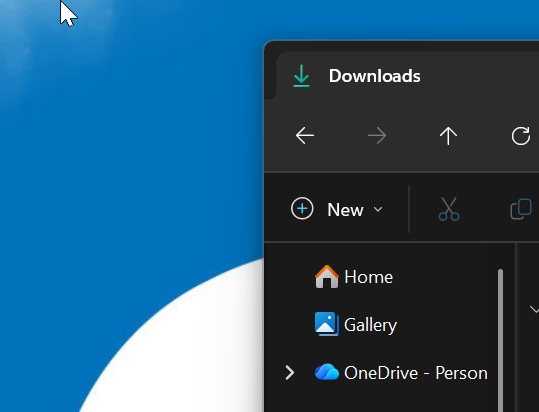
Currently, removing OneDrive Photos requires uninstalling the entire OneDrive sync client. This process can be problematic, as it risks disrupting file sync features and making files or shortcuts appear missing unless all files are first made available locally. For example, users backing up their Desktop folder to OneDrive may find their files stored within:
If you remove the sync client without disabling folder backup first, files may disappear from your desktop, and shortcuts might stop functioning. Files On-Demand, a OneDrive feature, further complicates matters by displaying files in File Explorer that are stored only in the cloud. If these files aren’t downloaded locally before uninstalling the sync client, they may seem to vanish entirely.
This complexity angered users who wanted to keep the OneDrive sync client but disliked the forced installation of OneDrive Photos. It also raised concerns among enterprises, where the app’s enforced presence created unnecessary confusion.
MS’s Upcoming Solution
MS has announced that users will soon be able to independently uninstall OneDrive Photos without affecting the OneDrive sync client or file synchronization. The company stated:
“OneDrive is giving people more control over their Windows experience by allowing them to uninstall the OneDrive Photos experience independently. Removing the Photos experience does not uninstall the OneDrive app, interrupt file sync, or delete photos and files. This provides a clear removal option for people who prefer to manage their photos with another app.”
According to MS, this change will be fully implemented by September 2026. Until then, users who do not wish to use OneDrive Photos can remove all OneDrive-related features by navigating to Settings > Apps > Installed Apps and uninstalling “OneDrive.” However, this approach is not recommended for those who actively use OneDrive sync without fully understanding its impact on file management.
What OneDrive Photos Offers
Despite the controversy, OneDrive Photos includes several notable features:
- Automatic organization and grouping of photos.
- AI-powered facial recognition through the optional “People” feature.
- Integration with File Explorer, allowing quick access to photos stored both locally and in the cloud.
- Basic editing tools and the ability to set images as desktop backgrounds.
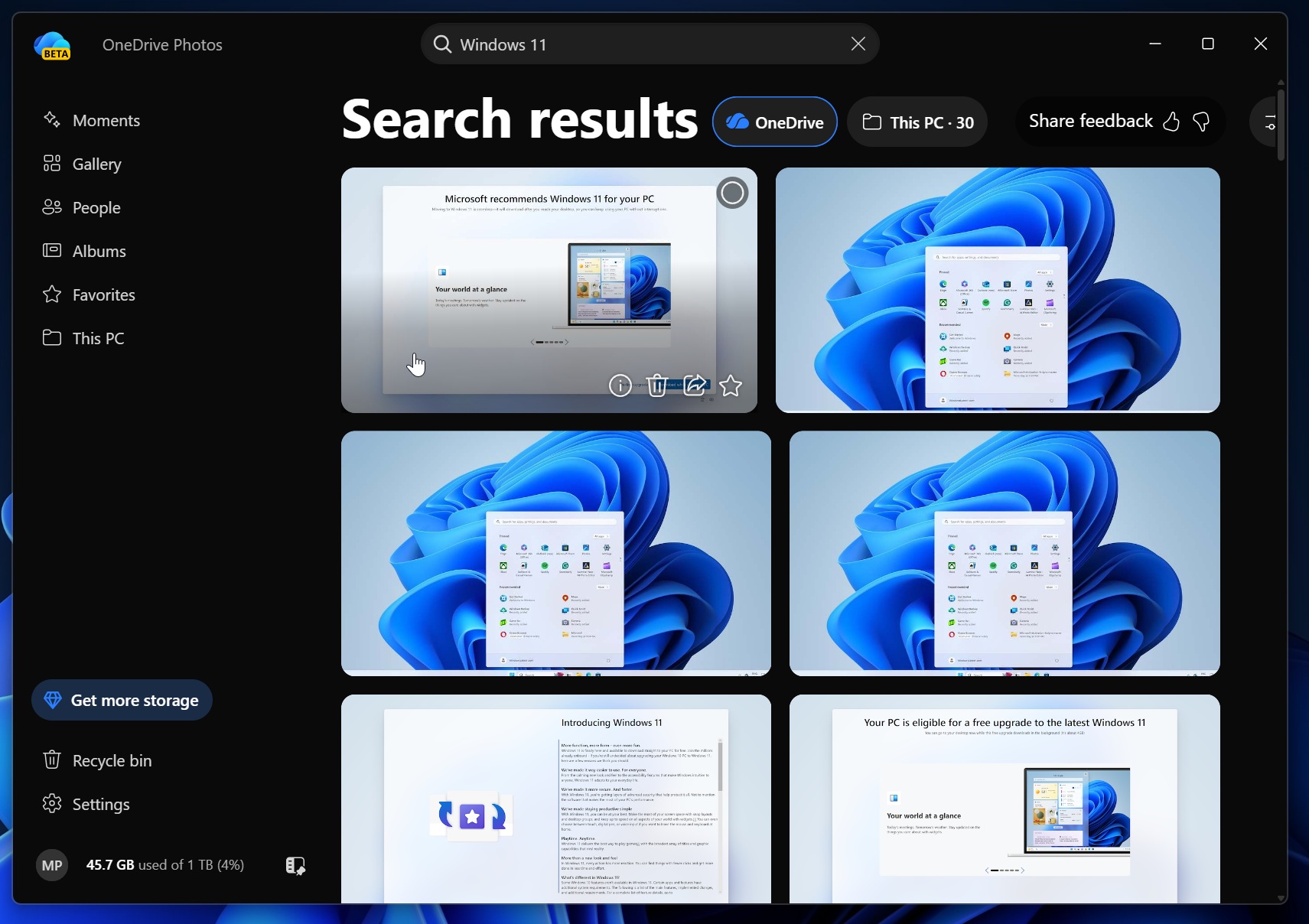
While these features are useful, they largely overlap with the functionality of the existing MS Photos app. Unless MS plans to replace MS Photos entirely, the purpose of OneDrive Photos remains unclear. Additionally, its reliance on MS Edge components and significant memory usage (approximately 1GB during testing) may deter some users.
Conclusion: A Step in the Right Direction
Overall, OneDrive Photos is not an inherently bad product, but MS’s approach to its deployment has led to significant backlash. Users and enterprises alike criticized the company for its heavy-handed tactics, which caused unnecessary complications. By allowing OneDrive Photos to be removed independently, MS is taking a step toward restoring trust and giving users more control over their Windows experience.
Let’s hope the tech giant learns from this episode and improves the way it introduces new features in the future.
