Windows 11's New Adaptive Hibernate Policy: A Smart Solution for Battery Drain
A new adaptive hibernate policy, introduced in the latest Windows 11 Insider build, dynamically adjusts how aggressively your PC enters deep hibernation based on the remaining battery level. Unlike the traditional approach where sleep mode behavior was consistent regardless of battery charge, this update optimizes power management by tailoring hibernation timing to your battery's condition.
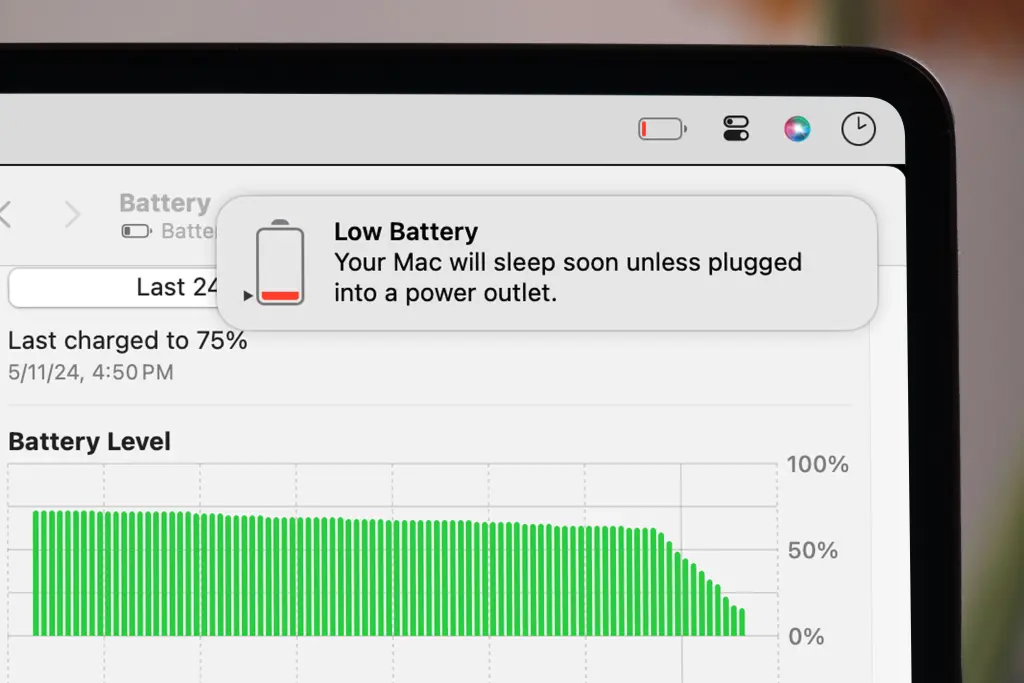
Modern Standby—the S0 low-power idle state that enables instant wake functionality similar to a smartphone—has long been criticized for causing battery drain. Devices can lose 15% or more battery overnight, even when idle in a bag, as background processes and radio signals remain semi-active instead of shutting down completely.
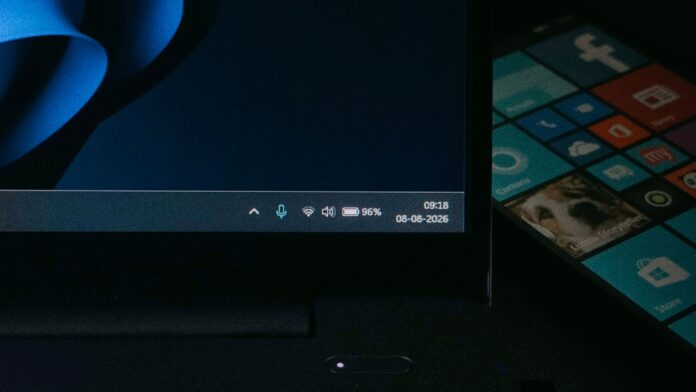
Details of the New Adaptive Hibernate Policy
The adaptive hibernate policy was introduced in Windows 11 Insider Preview Build 28120.2630, which was released on July 31 in the Experimental (26H1) channel. This feature is being rolled out gradually through a Controlled Feature Rollout, meaning not all users in this build will receive it immediately. A wider release for stable Windows 11 users is anticipated in the coming months.
According to MS, the adaptive hibernate policy intelligently manages hibernation timing based on battery levels:
- When the battery is above 80%, the system avoids hibernating to ensure faster instant-on resumes.
- When the battery drops below 10%, the system hibernates sooner to conserve power and prevent complete shutdown.
MS’s changelog notes: “Updates to the adaptive hibernate policy increase instances of instant-on resumes from Modern Standby and increase battery preservation at the low end of the battery. Noticeable changes include less hibernation while the battery is above 80% and hibernating sooner when the battery is below 10%.”
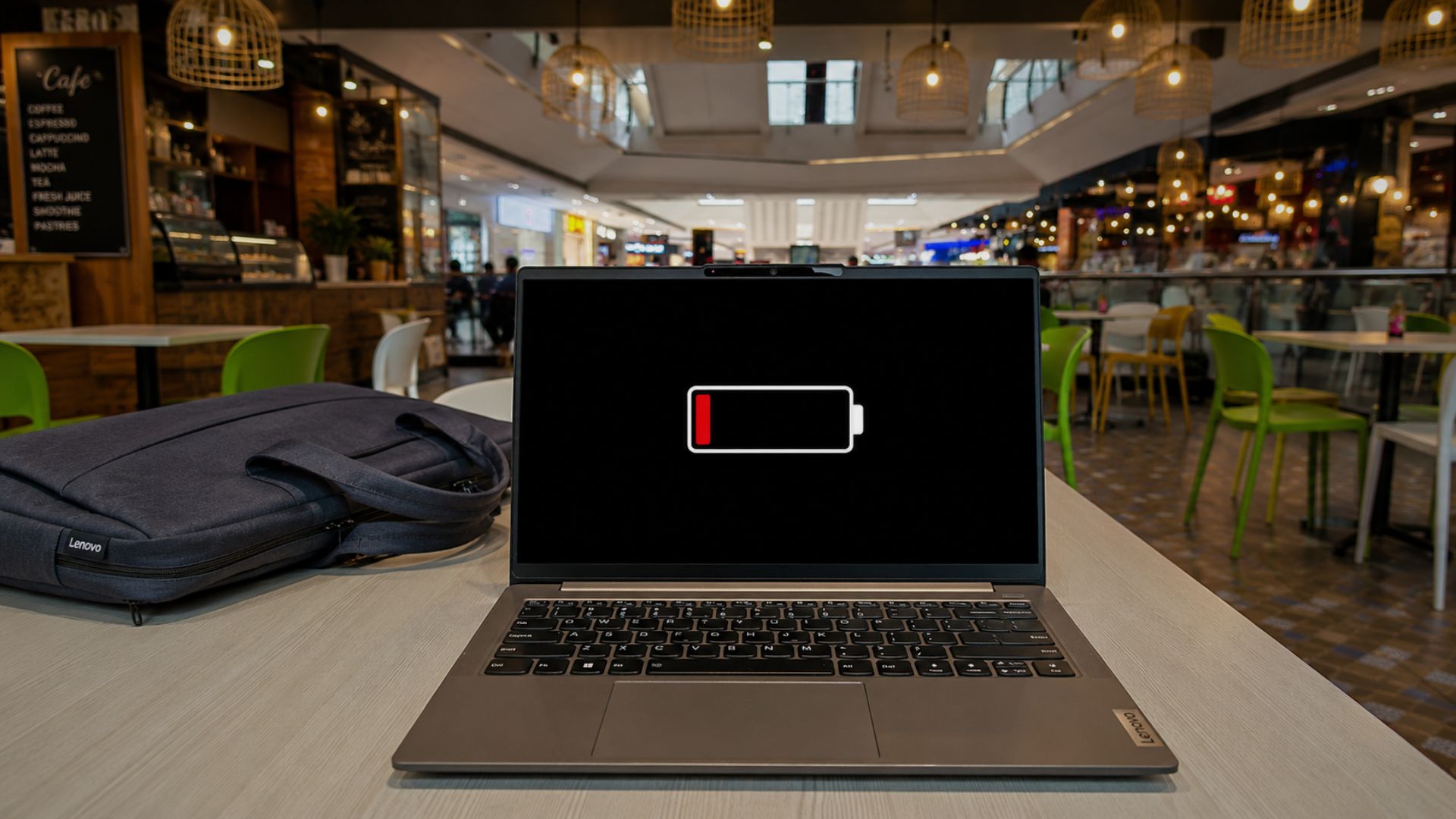
How Adaptive Hibernate Policy Enhances Battery Management
When your laptop's battery is above 80%, the system remains in Modern Standby for longer, prioritizing the instant-on wake speed that users expect. This is particularly beneficial when battery life is not a concern.
On the other hand, when the battery level falls below 10%, the system enters hibernation more quickly. This sacrifices immediate wake functionality but significantly reduces power consumption, preserving the remaining charge and preventing total shutdown.
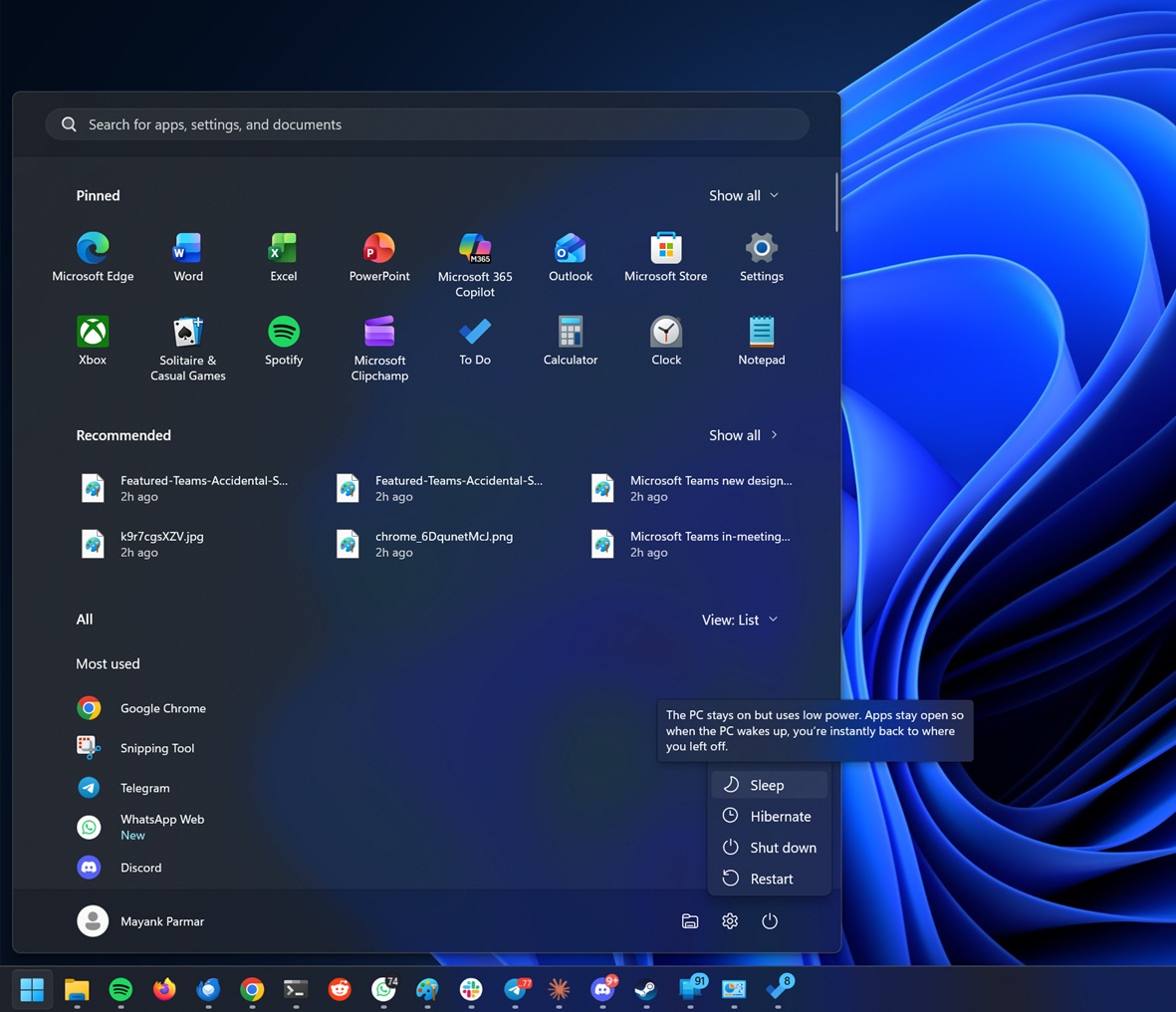
MS's Ongoing Efforts to Enhance Modern Standby
MS has been fine-tuning Modern Standby for months. In February, Windows Latest reported that Windows 11 24H2 introduced guardrails to prevent certain background processes from disrupting Modern Standby's low-power state. These updates limited wake sources to physical actions, such as pressing the power button or opening the laptop lid, once excessive battery drain was detected.
In May, Windows 11 24H2 and 25H2 further improved Modern Standby by preventing audio playback during explicit sleep states, ensuring that devices fully enter low-power mode.
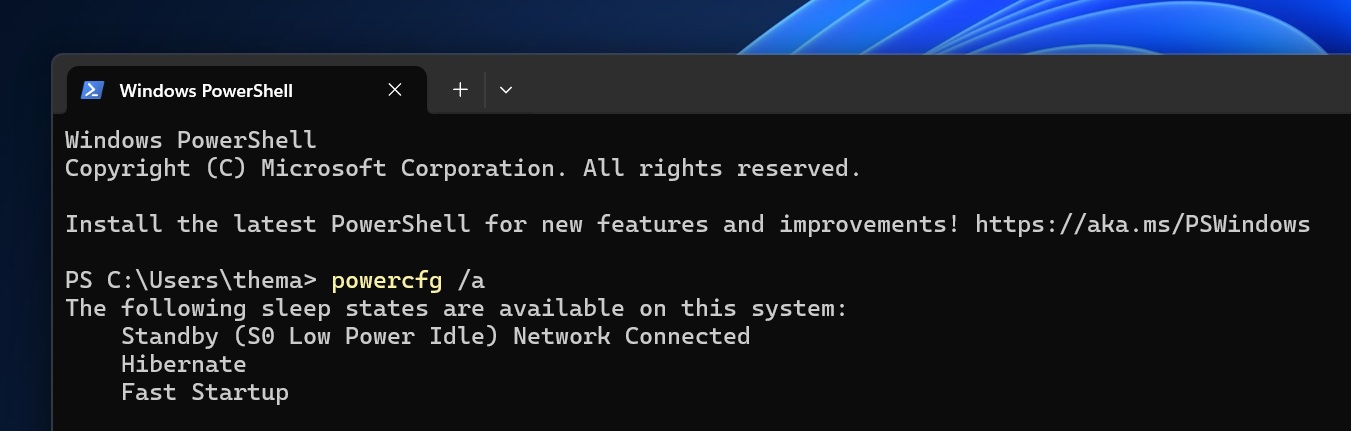
Understanding Modern Standby's Battery Drain vs. macOS Efficiency
The S0 low-power state in Windows 11 allows laptops to wake instantly and run background updates, mimicking smartphone functionality. However, this approach keeps certain components like Wi-Fi, Bluetooth, and background services semi-active, which contributes to battery drain.
MS’s SleepStudy diagnostic guidance suggests that battery drain above 10% caused by a single component, or unusually short wake intervals, are indicators of improper low-power state behavior.
By contrast, macOS has managed this tradeoff more effectively for decades. Apple’s Safe Sleep mode initially keeps RAM powered for quick wake functionality, then writes memory to disk and enters a true low-power standby after several hours of inactivity or when the battery is low.
Similarly, Linux systems use an S0ix/suspend-to-RAM versus suspend-to-disk approach. However, the effectiveness of this implementation varies significantly depending on the distribution and hardware manufacturer.
Driver Quality: The Key to Better Modern Standby
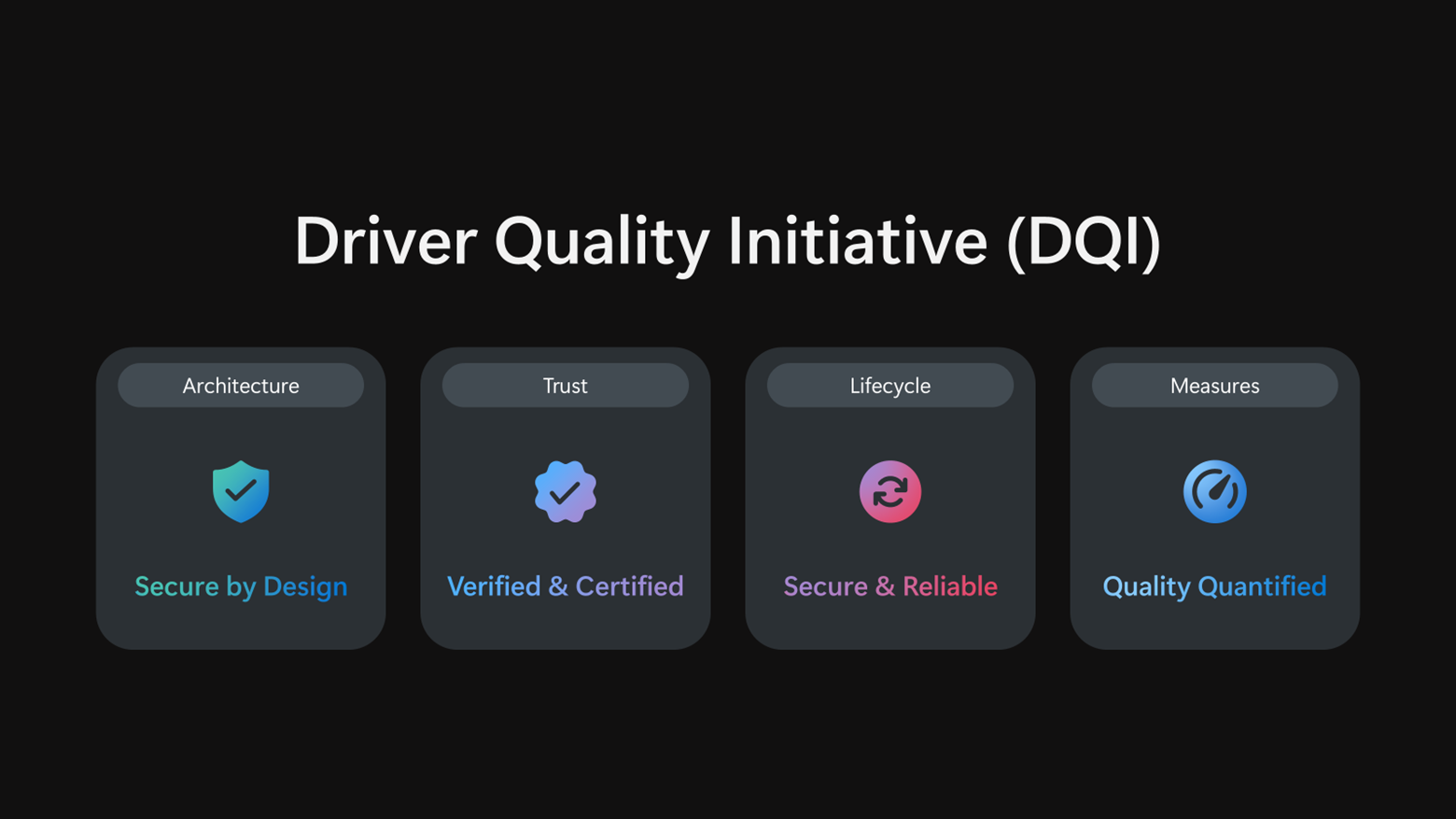
While software adjustments like the adaptive hibernate policy are a step forward, poorly optimized hardware drivers can still undermine these efforts. In May, Windows Latest highlighted MS’s new Driver Quality Initiative (DQI), which evaluates third-party drivers based on stability, functionality, performance, and power efficiency—beyond just crash prevention.
Low-quality drivers, such as inefficient Wi-Fi or storage drivers, can prevent the CPU from reaching its lowest C-states, exacerbating Modern Standby battery drain.
By combining the new adaptive hibernate policy with stricter driver quality standards, MS is making significant strides toward improving Windows 11’s battery life. These efforts could finally help Windows laptops achieve the sleep reliability that macOS users have enjoyed for years.
Windows Latest relies on supporters like you. Consider making us your preferred source on Google Discover and Google Search to help our independent reporting reach a broader audience.
