Dave Plummer's TinyRetroPad: A 2.5KB Notepad
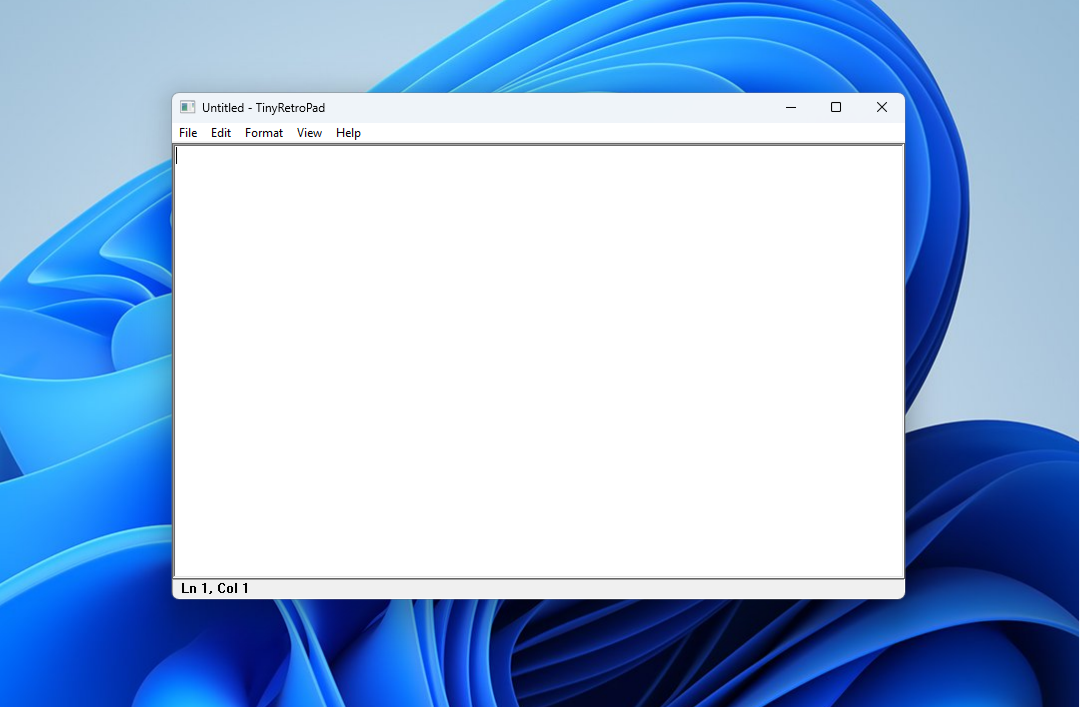
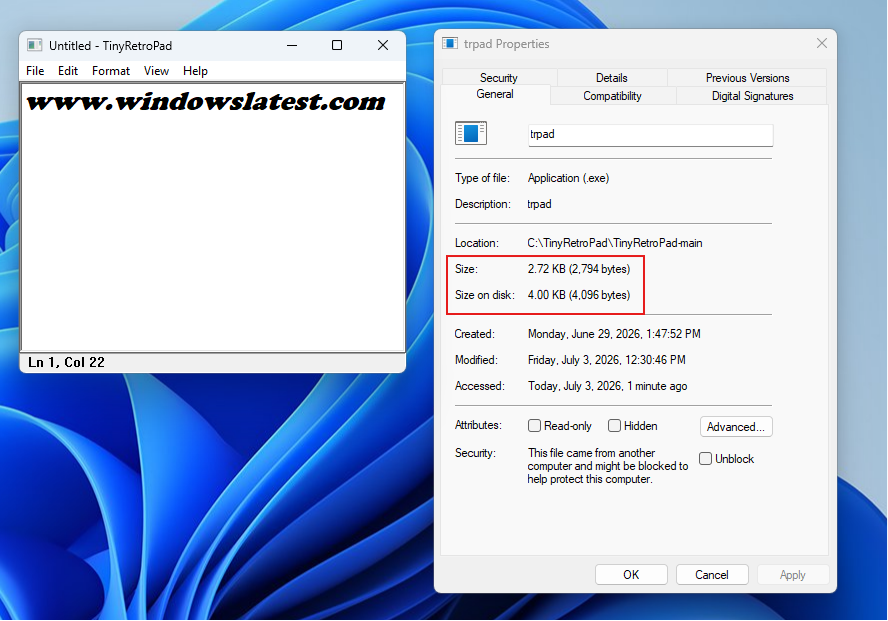
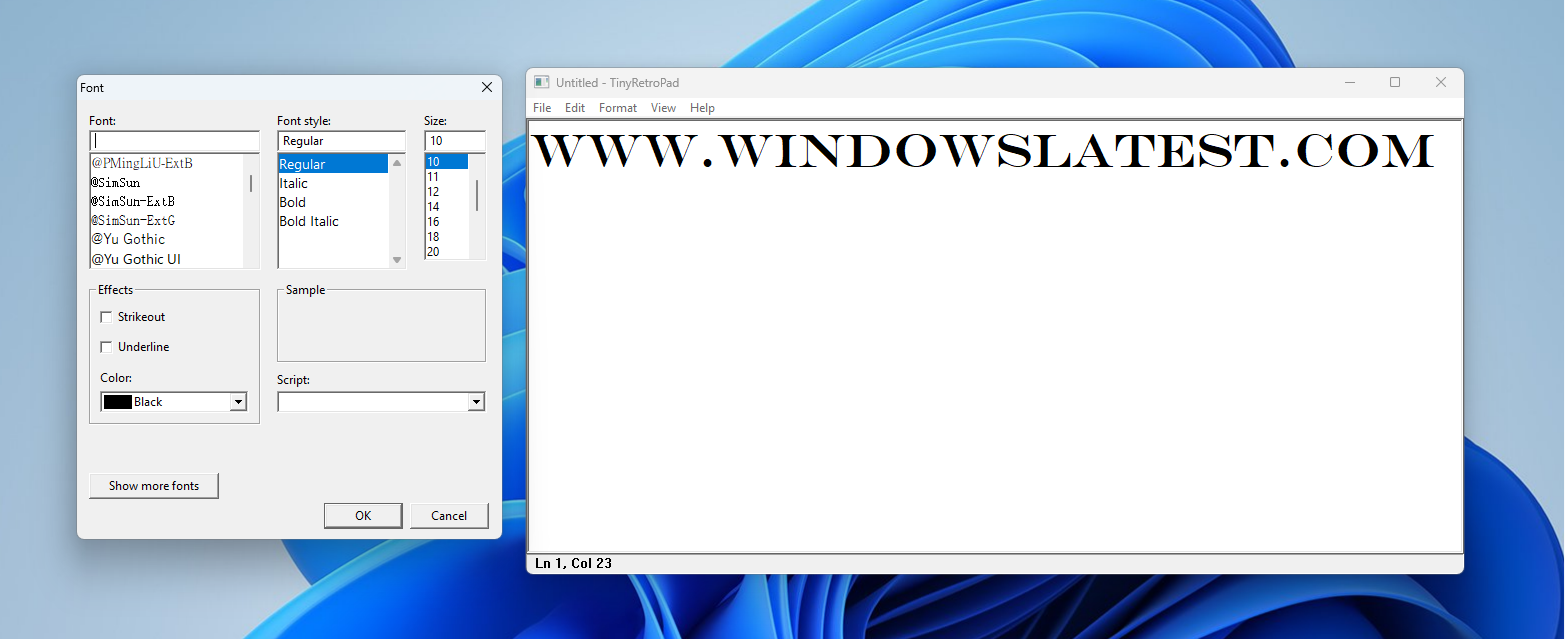
Dave Plummer, the retired MS engineer known for building Task Manager and helping ship Space Cadet Pinball, has achieved another notable feat by recreating Notepad in approximately 2.5 kilobytes. The project, named TinyRetroPad, is astonishingly compact but still includes features like Open, Save, Find and Replace, printing, font selection, word wrap, and unsaved changes prompts. All of these functionalities are packed into an executable smaller than the featured image above.
Recently, Plummer has been vocal about areas where Windows 11 could improve. He has argued that the OS needs its own "Windows XP SP2 moment", a period focused solely on fixing issues rather than adding new features. He also criticized Windows 11 for becoming a "sales channel" for MS’s other products like Edge, OneDrive, and Copilot.
At a time when memory and storage were once considered premium resources, TinyRetroPad sparks curiosity about how such an advanced app could be created with such a remarkably small installation size.
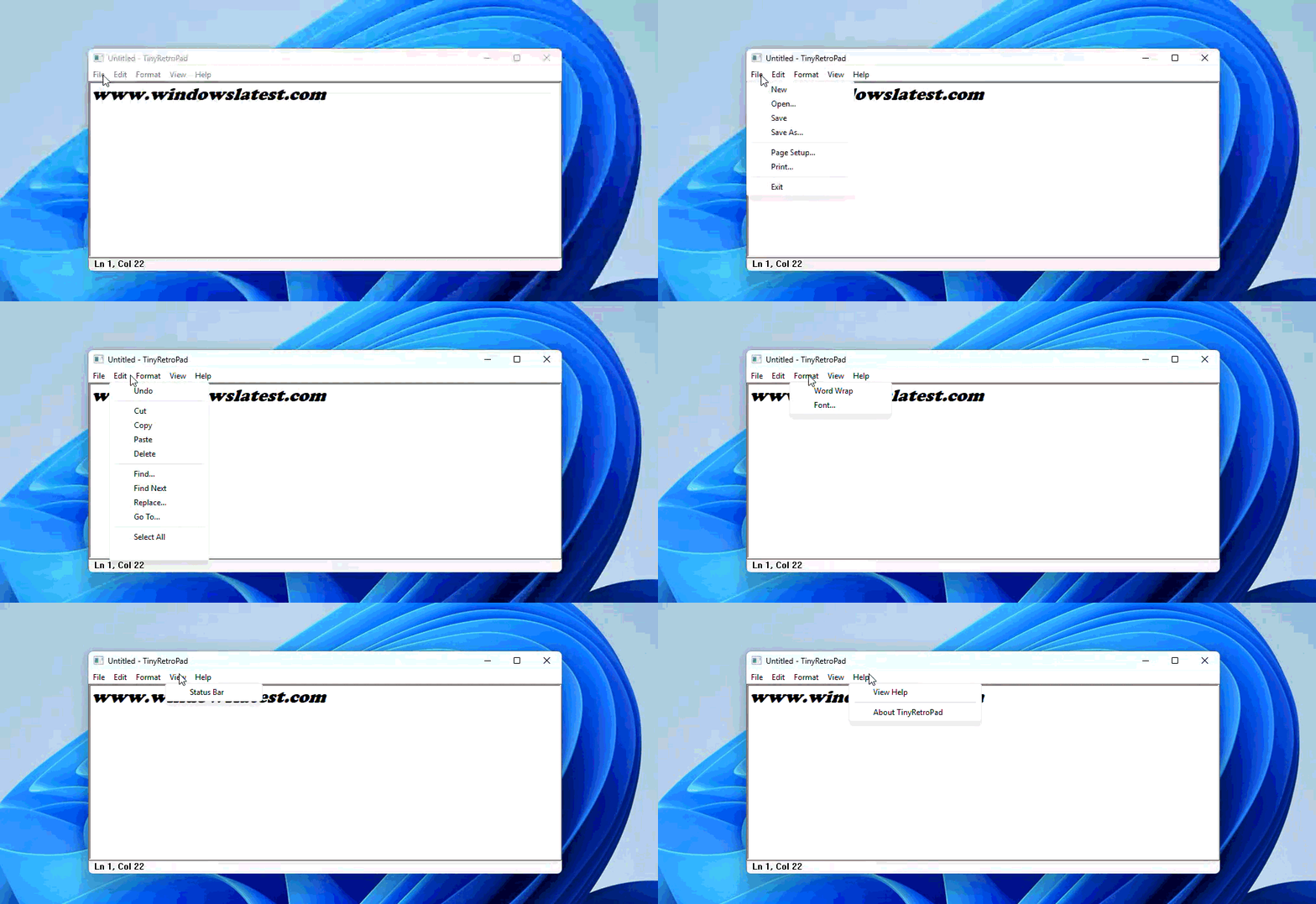
How Does TinyRetroPad Fit an Entire Notepad into 2.5KB?
Plummer explains that this achievement isn’t a magic trick. The Windows operating system already contains most of the components that make up a Windows application: a window manager, menus, common dialogs, clipboard handling, edit controls, font selection, file open/save dialogs, and printing infrastructure. This means that a tiny native Windows program can leverage these built-in functionalities rather than bundling them.
As Plummer puts it, "it arrives with a lunchbox and a map of the city." A mature operating system essentially acts as a vast library of pre-solved problems. By calling into this existing infrastructure, a small executable can deliver complex functionalities without inflating its size.
TinyRetroPad is a fork of Matt Power’s “Dave’s Tiny Editor,” itself built on tiny.asm, a project Plummer created years ago to explore the smallest possible complete Windows application. TinyRetroPad is essentially a thin wrapper around RICHEDIT50W, a rich text control that Windows has included for decades. This control handles drawing characters, cursor management, text selection, cut/copy/paste, and undo history—all within its own architecture.
Earlier versions of the project used the simpler EDIT control, achieving a size of just 890 bytes, though this aggressive compression led to issues with Windows Defender. Later iterations switched to RICHEDIT for features like the Courier font and larger file support, eventually settling at 981 bytes before menus were added.
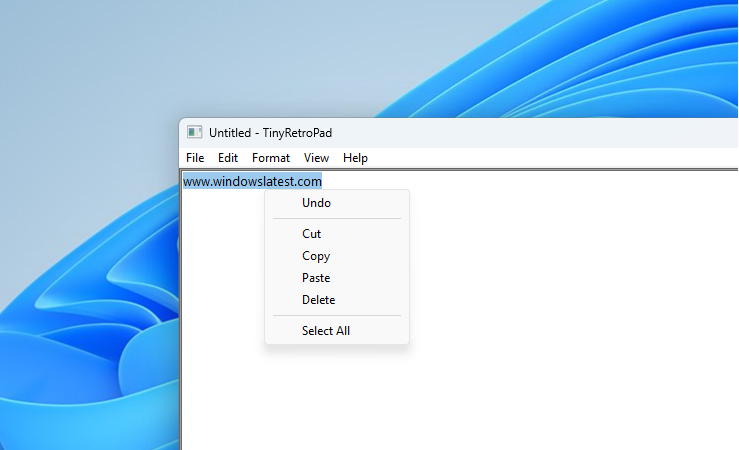
The growth log Plummer maintained outlines the cost of each feature addition:
None of this would be possible without Crinkler, a compression linker developed for the demoscene. Crinkler compacts and reorganizes the executable, often compressing repeated code more efficiently than lookup tables or cleaner functions. This sometimes means that an ugly, repetitive function can result in a smaller file size than a cleaner, more structured one.
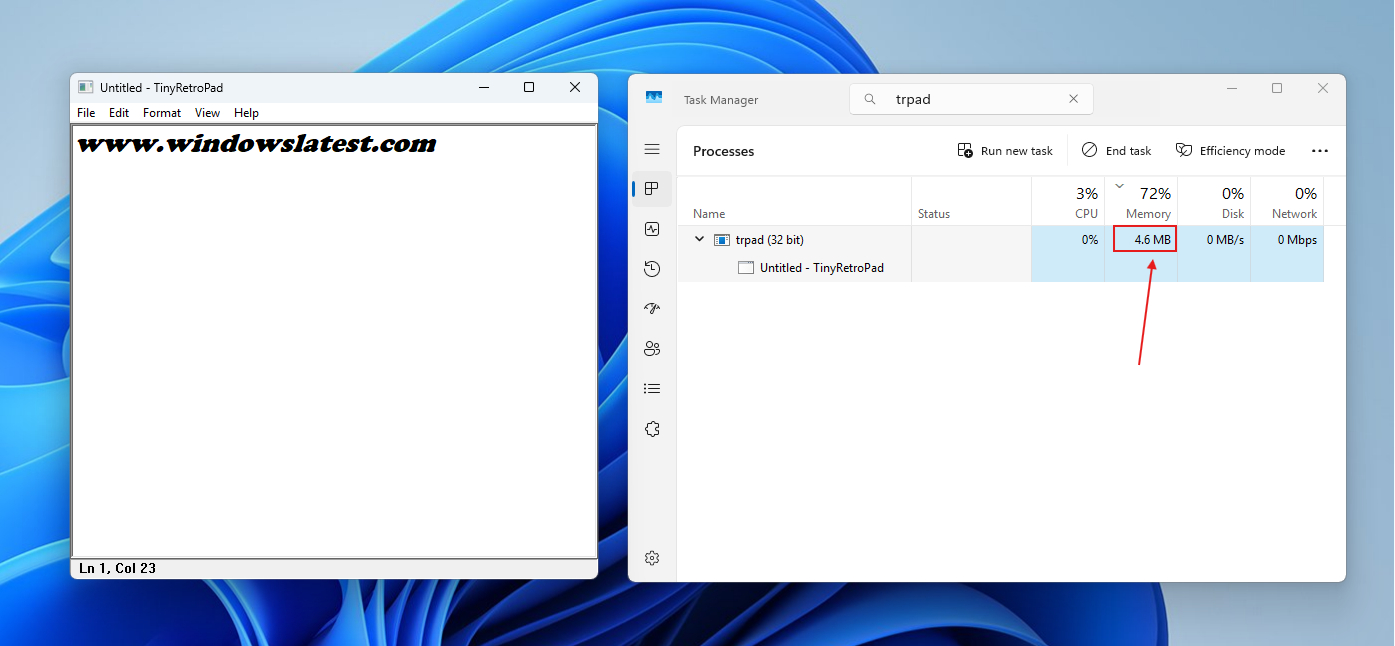
However, TinyRetroPad is not a polished product. There’s no official release page, and executables built with Crinkler may trigger false positives in antivirus software. Users have also reported some trade-offs: one noted the program consuming around 500MB of RAM on 64-bit Windows 7, while others found it incompatible with Windows XP SP3.
Why the Internet Calls Windows 11’s Notepad Bloated
Modern Notepad has become a textbook example of feature creep. On a standard Windows 11 installation, the notepad.exe file is around 352KB, but its install size is closer to 808KB. This is because the .exe file serves as a stub for a UWP and WinUI app, which collectively take up around 5MB on disk. By contrast, the original Windows XP-era Notepad was a mere 65KB.
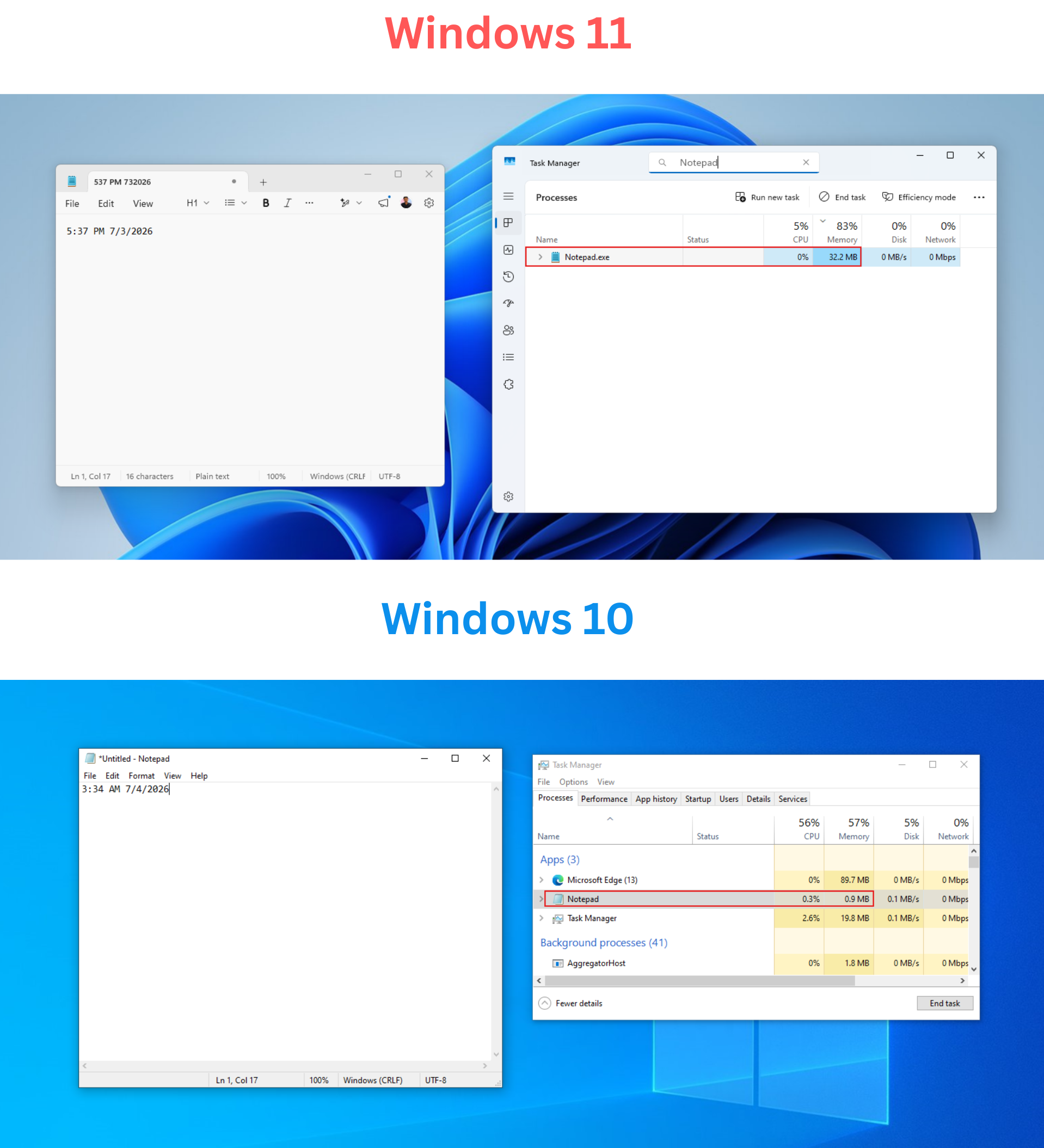
While this increase in size doesn’t necessarily harm resources, it represents a shift away from Notepad’s original simplicity. Features like tabs and autosave have been welcome additions, but the introduction of Markdown formatting in June 2025 sparked backlash. Critics noted that Windows already had WordPad for such tasks, which was discontinued by MS.
By August, the right-click menu became cluttered with Copilot-related options, prompting MS to redesign it. Further updates, such as a “Create a table” tool and image support (based on the Markdown engine), added more complexity. These changes culminated in an 8.8-rated remote code execution vulnerability (CVE-2026-20841), proving that feature creep can lead to real-world security risks.
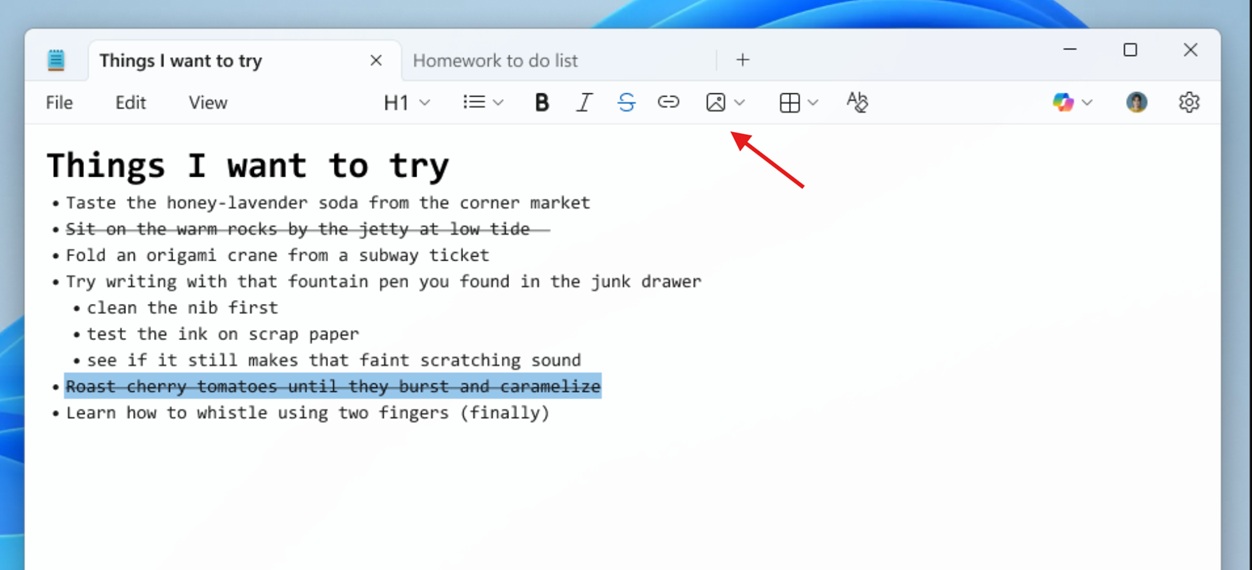
In response to user feedback, MS scaled back Copilot branding in March 2026, renaming these AI features as Writing Tools by April. However, the debate over Notepad’s evolution continues.
The Real Argument: Windows, Not Notepad
Windows 11 LTSC (Long-Term Servicing Channel), a version designed for enterprises, still ships with the classic Notepad—free from Copilot and Markdown features. Similarly, Windows 10 retains the original Notepad. TinyRetroPad essentially highlights what has always been possible within Windows, as MS hasn’t completely removed classic Notepad but has quietly retired it from Windows 11.
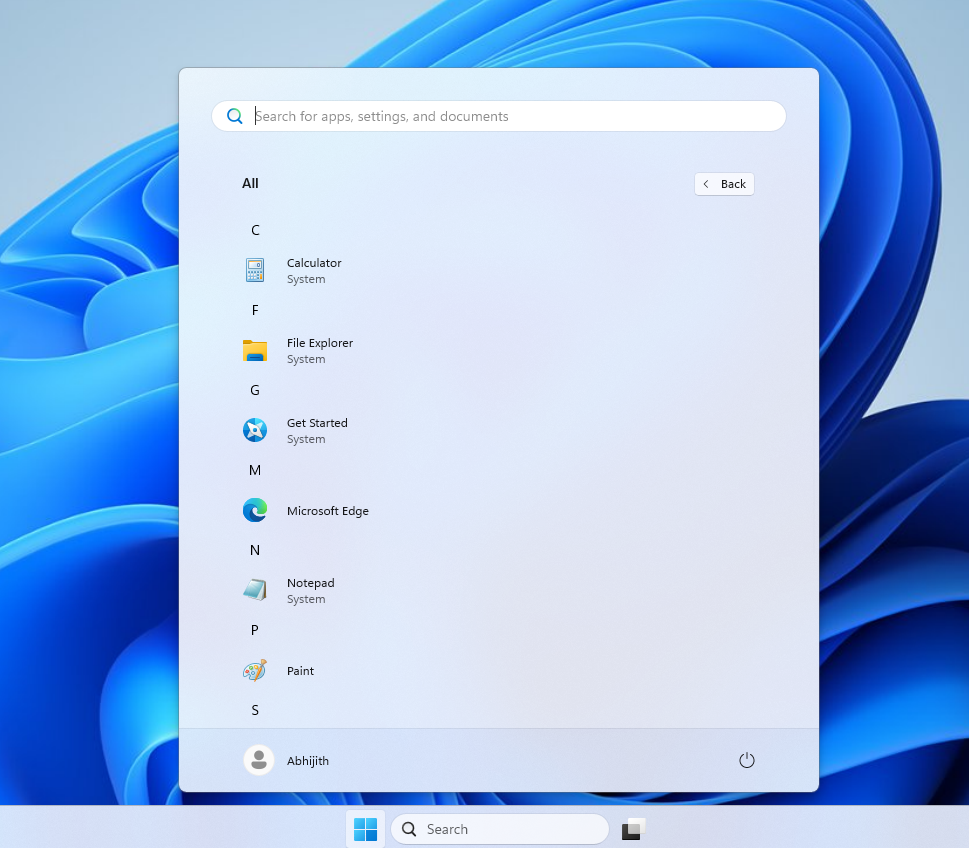
Plummer has emphasized that TinyRetroPad isn’t intended for widespread use. Instead, it demonstrates how much untapped potential resides in Windows. Modern apps often bundle everything they might need, neglecting the efficiencies offered by leveraging the operating system’s built-in capabilities.
For instance, modern versions of Windows Media Player take several seconds to open a video and consume 377MB of idle RAM, compared to 103.4MB and instant playback in the legacy version. These inefficiencies highlight the need for a shift in mindset: not every rewrite should come at the cost of efficiency.
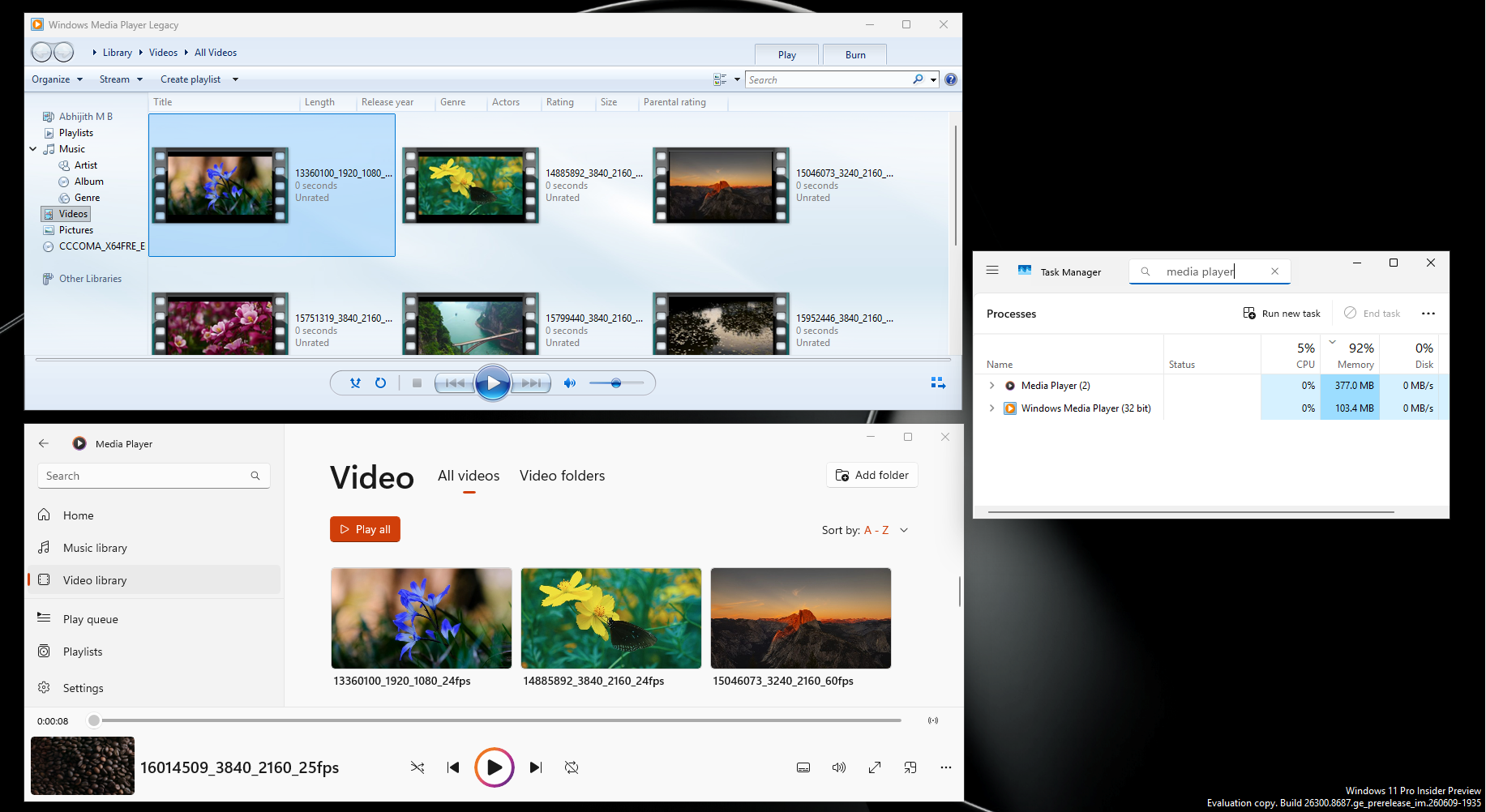
While modern-looking apps are important for Windows 11, they shouldn’t compromise performance and control. MS’s classic apps, including Calculator, Notepad, and Media Player, were created decades ago without today’s tools and infrastructure. This demonstrates that the key issue isn’t the hardware—it’s the mindset driving modern development.
Windows Latest relies on readers like you. Make us your preferred source on Google Discover and Google Search to help our independent reporting reach a wider audience.
