Windows 11 Secure Boot 2023 Certificate Update Automatically Deploys with June 2026 Patch Tuesday Update
With the June 2026 Patch Tuesday update (KB5094126), Microsoft has expanded the deployment of the Secure Boot 2023 certificate update to a broader range of Windows 11 and Windows 10 devices. For nearly two years, the rollout was cautious and phased due to firmware compatibility checks. However, with this latest update, the majority of supported consumer PCs for which Microsoft has diagnostic data are now categorized as high confidence. This means the certificates have either already been applied or are being applied automatically without requiring user intervention.
Secure Boot has been a topic of confusion for many Windows users. While IT professionals may be familiar with it, everyday home users often wonder if they need to take any action. The short answer for most users is no. However, there are specific scenarios that may require additional attention, which we will cover below.
What Is Secure Boot and Why Is It Important for Your PC?
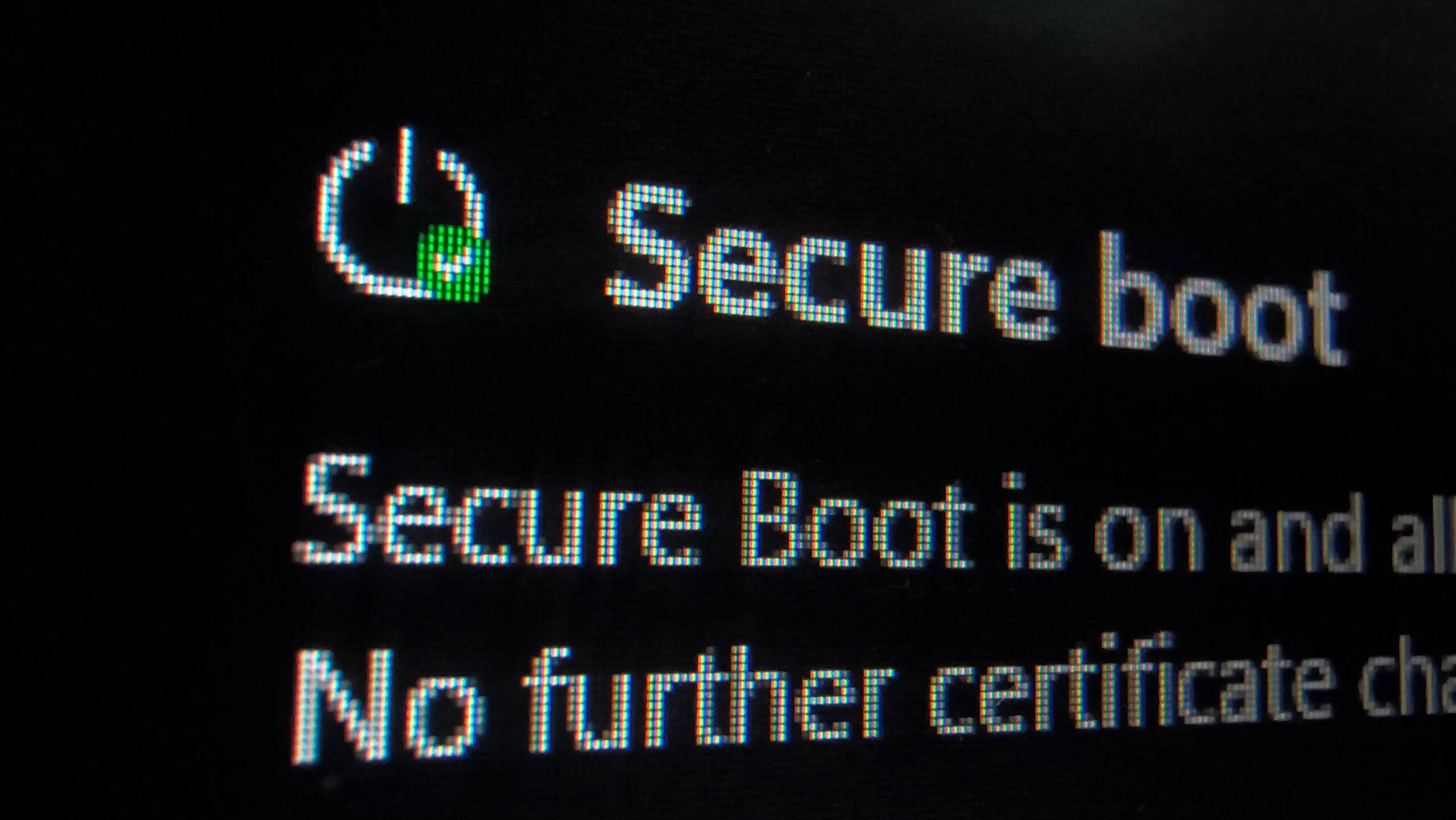
Secure Boot is a security feature embedded in your PC’s firmware, specifically within the UEFI (Unified Extensible Firmware Interface), which replaced the older BIOS system. When you power on your computer, Secure Boot verifies the cryptographic signature of software attempting to load before Windows starts. If unauthorized software, such as rootkits or bootkits, tries to run during this process, Secure Boot will block it. This feature has been mandatory for Windows 11 since its launch and is enabled by default on most modern PCs.
The original certificates that support Secure Boot were issued in 2011 and are now being phased out, with expirations starting June 24, 2026, and continuing through October 2026. Microsoft has been delivering replacement certificates, known as Secure Boot 2023, to ensure PCs remain secure and capable of receiving boot-level updates after the older certificates expire.
If You’re a Regular Windows 11 or Windows 10 User, Here’s What to Do
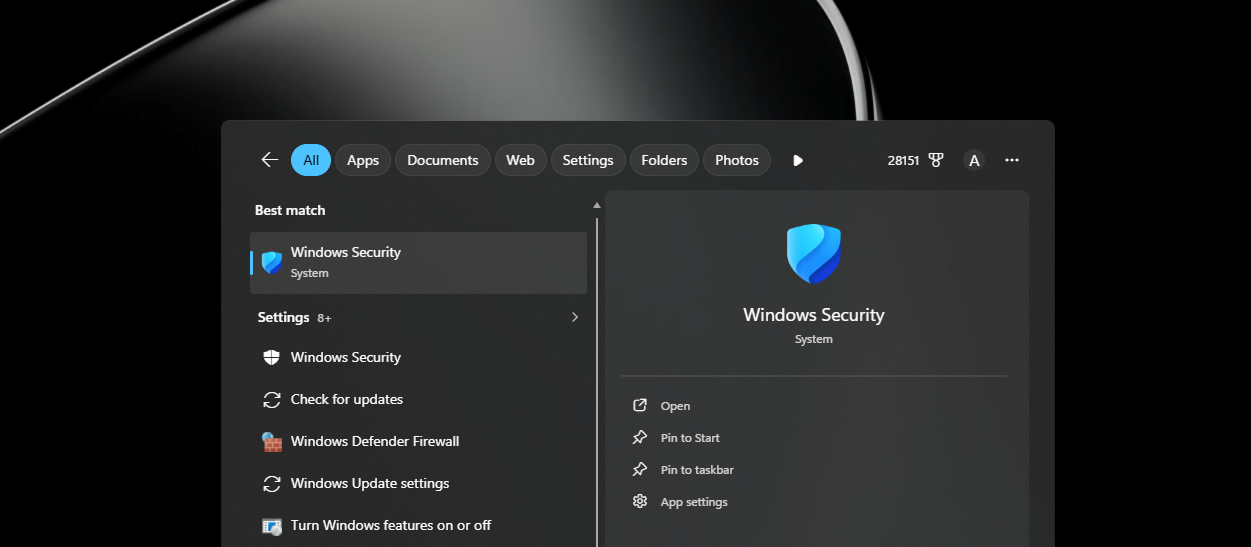
For most home users, no manual action is required. The Secure Boot 2023 certificates are being delivered through Windows Update. If your device is eligible and Windows Update is not paused, the update will occur automatically in the background. However, it is advisable to verify the update status:
- Open the Windows Security app.
- Navigate to Device Security > Secure Boot.
- Check the status indicator:
- Green checkmark: Your PC is fully updated, and no further action is needed.
- Yellow warning: The certificate update is pending. Ensure Windows Update is running and wait.
- Red alert: This indicates a firmware incompatibility issue. Visit your device manufacturer’s support page to download and install the latest BIOS/UEFI update.
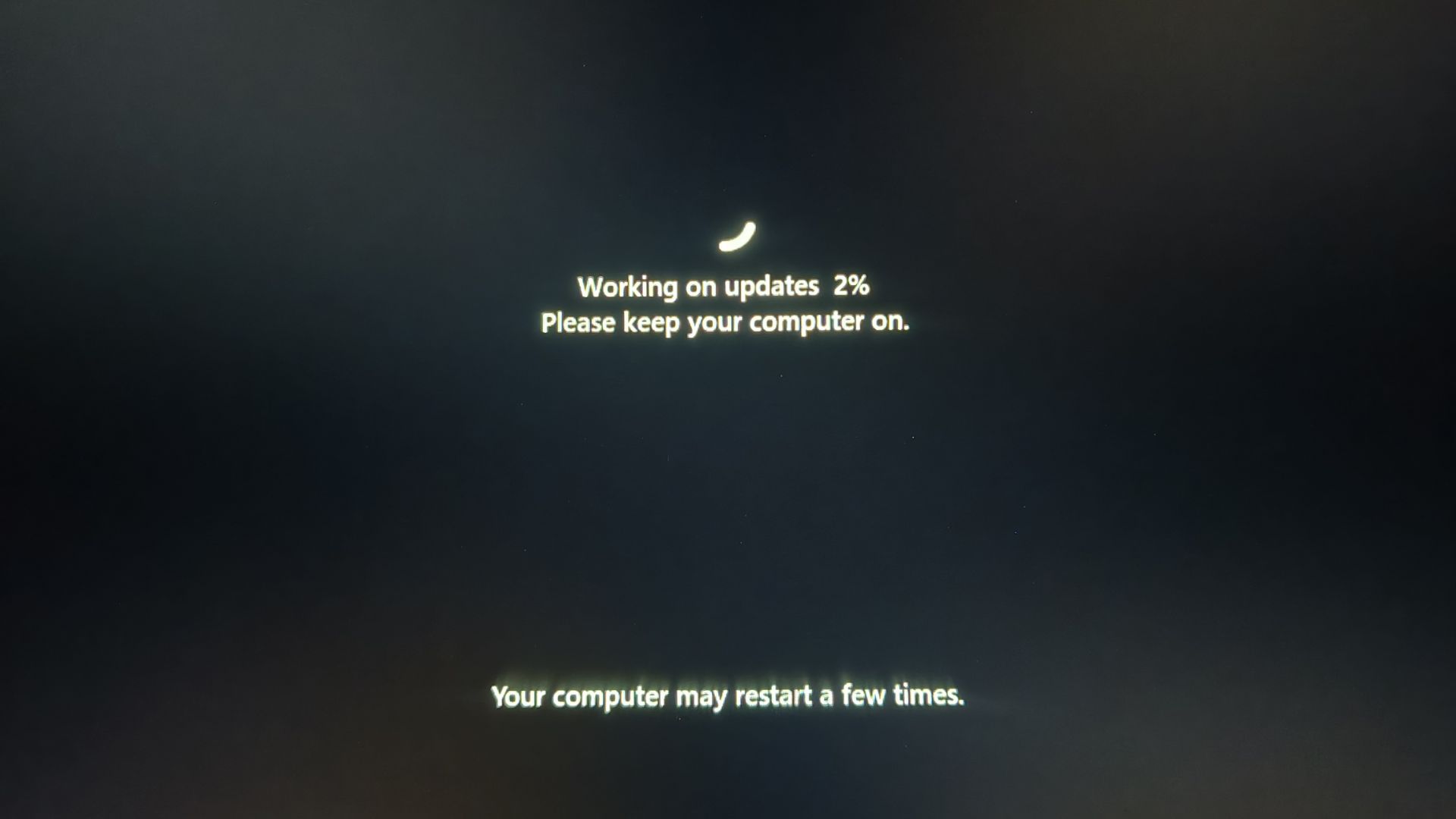
Some users have observed their PCs restarting multiple times during recent updates. Microsoft has confirmed that this is expected behavior due to the Secure Boot certificate update process, which involves multiple stages: staging the certificates, applying them, and restarting to update the bootloader.
If you notice a new SecureBoot folder inside C:\Windows, do not delete it. This folder is used by Windows to stage cryptographic files before flashing them into the firmware. Deleting it is unnecessary and could disrupt the update process.
Older PCs and Compatibility
Older PCs fall into various categories:
- Recent PCs (2020 or later): The June update likely covers these devices automatically.
- Mid-era PCs (2015–2019): These devices may require additional time for Microsoft to gather compatibility data.
- Very old PCs: Some may not receive the update due to unresolved firmware issues. In such cases, manual troubleshooting or manufacturer support may be necessary.
For home users, there is no need to modify BIOS settings or registry keys manually. Microsoft has stated that the process is automatic for devices receiving updates through Windows Update.
HP Devices – Specific Issues
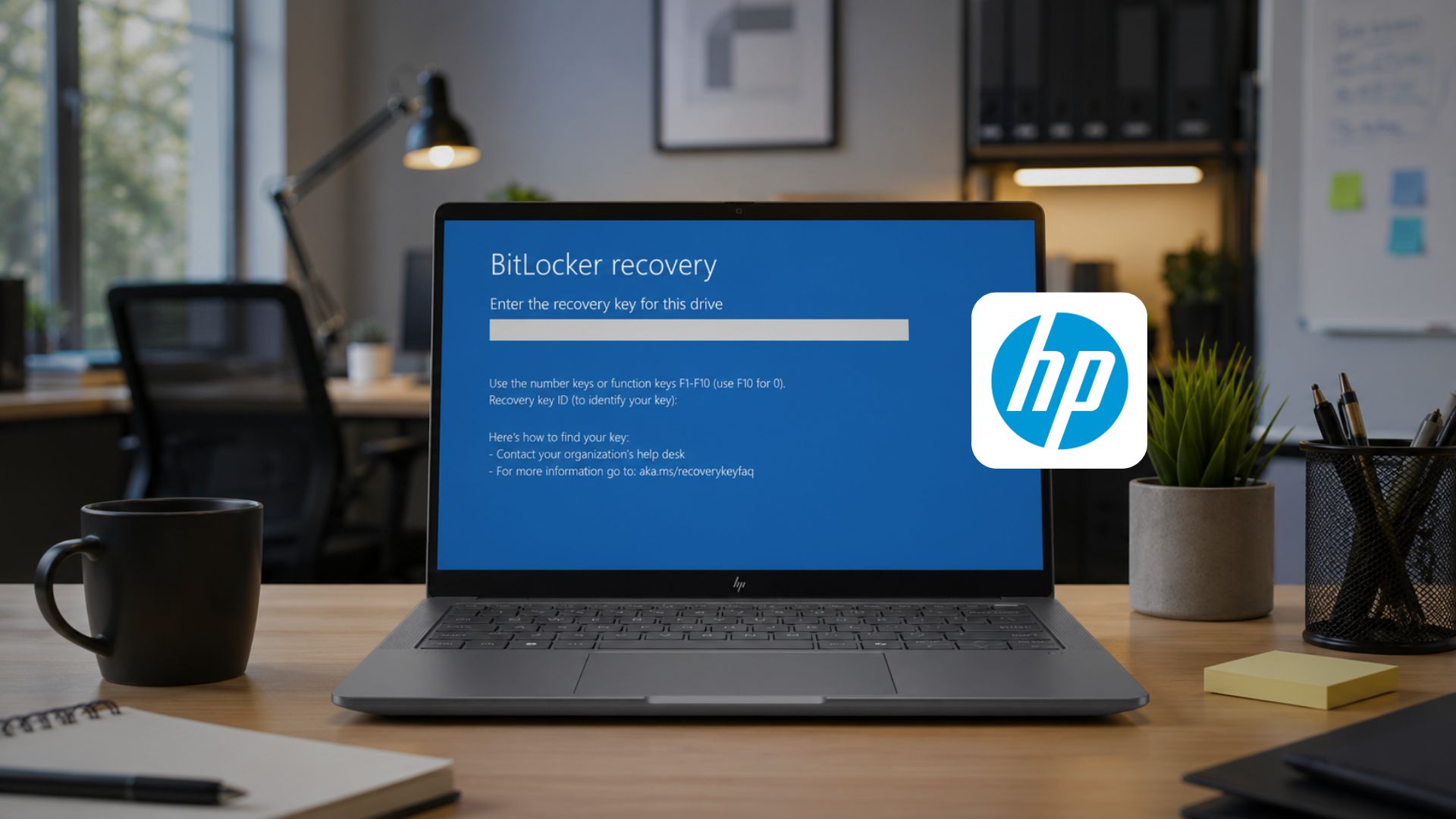
HP users should note that some April 2026 BIOS updates caused BitLocker recovery loops and boot failures on certain premium laptops and workstations. HP has since addressed this issue by releasing updated firmware. If you encounter such problems, check HP’s support page for the latest BIOS updates and install them before proceeding.
What IT Administrators Need to Know
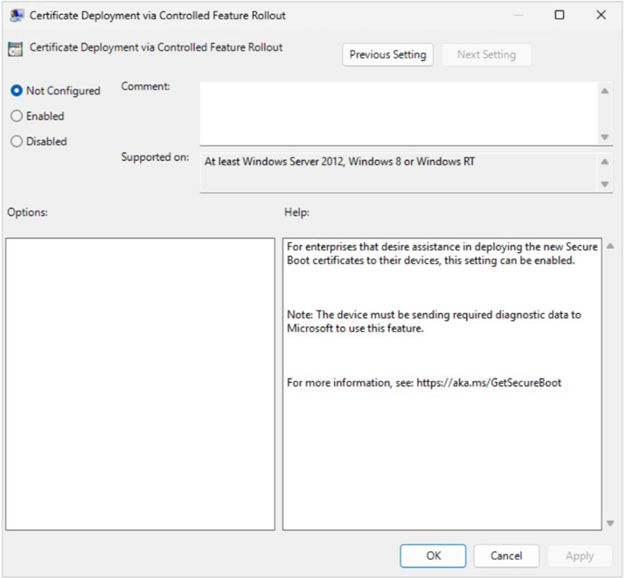
The June 2026 update significantly expanded the list of devices in Microsoft’s high confidence database, enabling automatic certificate updates for most managed systems. Administrators managing devices through Intune can monitor update progress through the Intune Secure Boot monitoring report, which highlights the status of all managed devices.
For devices outside the high confidence category, manual intervention may be required. This involves triggering updates via Intune policy settings or registry keys. Administrators are advised to:
- Pull the Secure Boot monitoring report.
- Identify devices not yet updated.
- Test updates on a small subset of devices.
- Expand deployment only after successful testing.
Devices paused due to firmware compatibility issues require OEM firmware updates before proceeding. Microsoft provides detailed guidance for handling such cases, emphasizing the importance of live data monitoring to avoid acting on outdated reports.
Key Event Logs for Troubleshooting
IT administrators can use the Windows Event Viewer to diagnose Secure Boot update issues:
- Event ID 1801: Indicates a device is under observation, awaiting more data.
- Event ID 1802: Signals a firmware-level compatibility issue.
- Event ID 1808: Confirms successful Secure Boot certificate updates.
Conclusion
The Secure Boot certificate update is a critical step in maintaining boot-level security for Windows devices. For most users, the process is seamless and automatic. IT administrators managing large fleets should ensure compatibility and monitor updates carefully. For more information, visit Microsoft’s central resource at aka.ms/GetSecureBoot.
