The "Big" Windows 11 26H2 Update: A 174KB Enablement Package
The highly anticipated Windows 11 26H2 update, arriving in fall 2026, is a mere 174KB enablement package for devices already running Windows 11 24H2 or 25H2. In stark contrast, upgrading from 23H2 to 26H2 requires downloading approximately 6.5GB. This notable difference highlights the efficiency of Microsoft’s shared servicing branch model. With Windows 11 25H2 now being force-installed on eligible Home and Pro PCs, transitioning to 26H2 has never been easier.
Understanding the Windows Shared Servicing Branch
Since the release of Windows 10 version 1909, Microsoft has adopted a shared servicing branch model. Instead of creating a new source code branch for every annual update, the company now retains the same core code while staging future features in monthly cumulative updates. These features remain dormant until a small enablement package activates them.
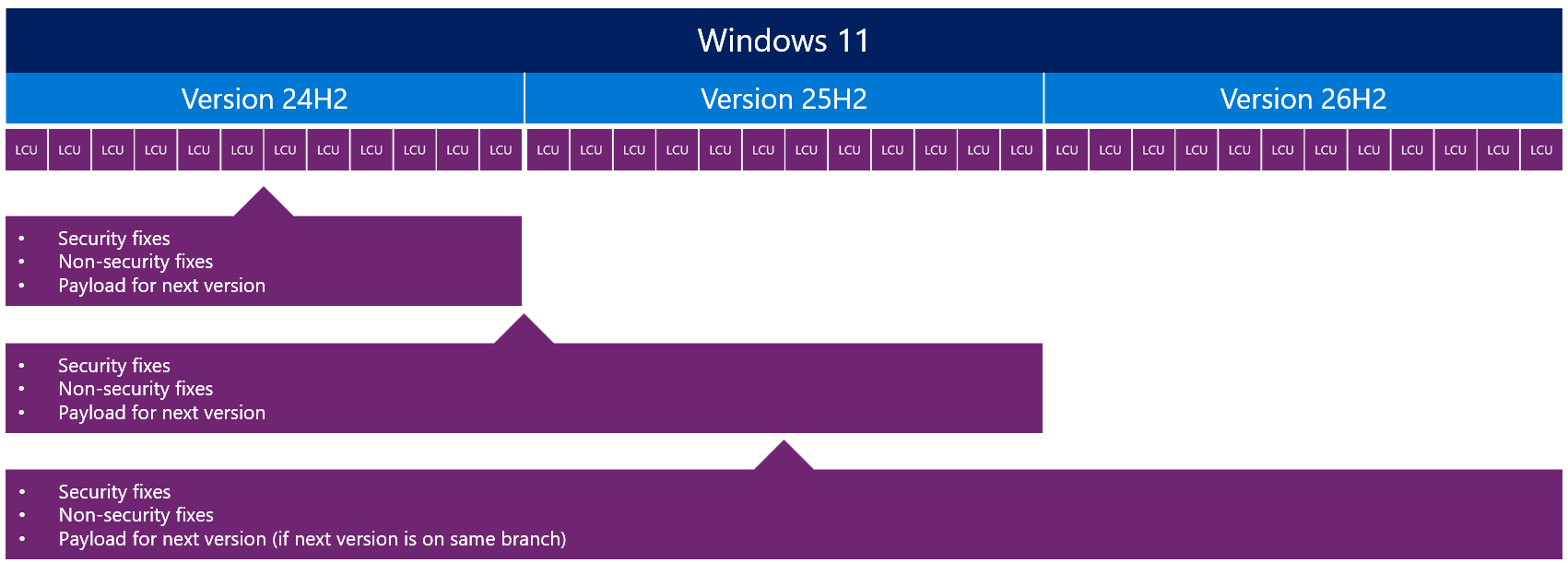
Windows 11 versions 24H2, 25H2, and 26H2 all share the same source code branch, internally referred to as Germanium. Monthly Patch Tuesday updates deliver security patches alongside inactive code for the next version. When 26H2 officially launches, all devices on 24H2 or 25H2 will already have the necessary code installed, awaiting enablement.
Why 26H2 Is Just 174KB
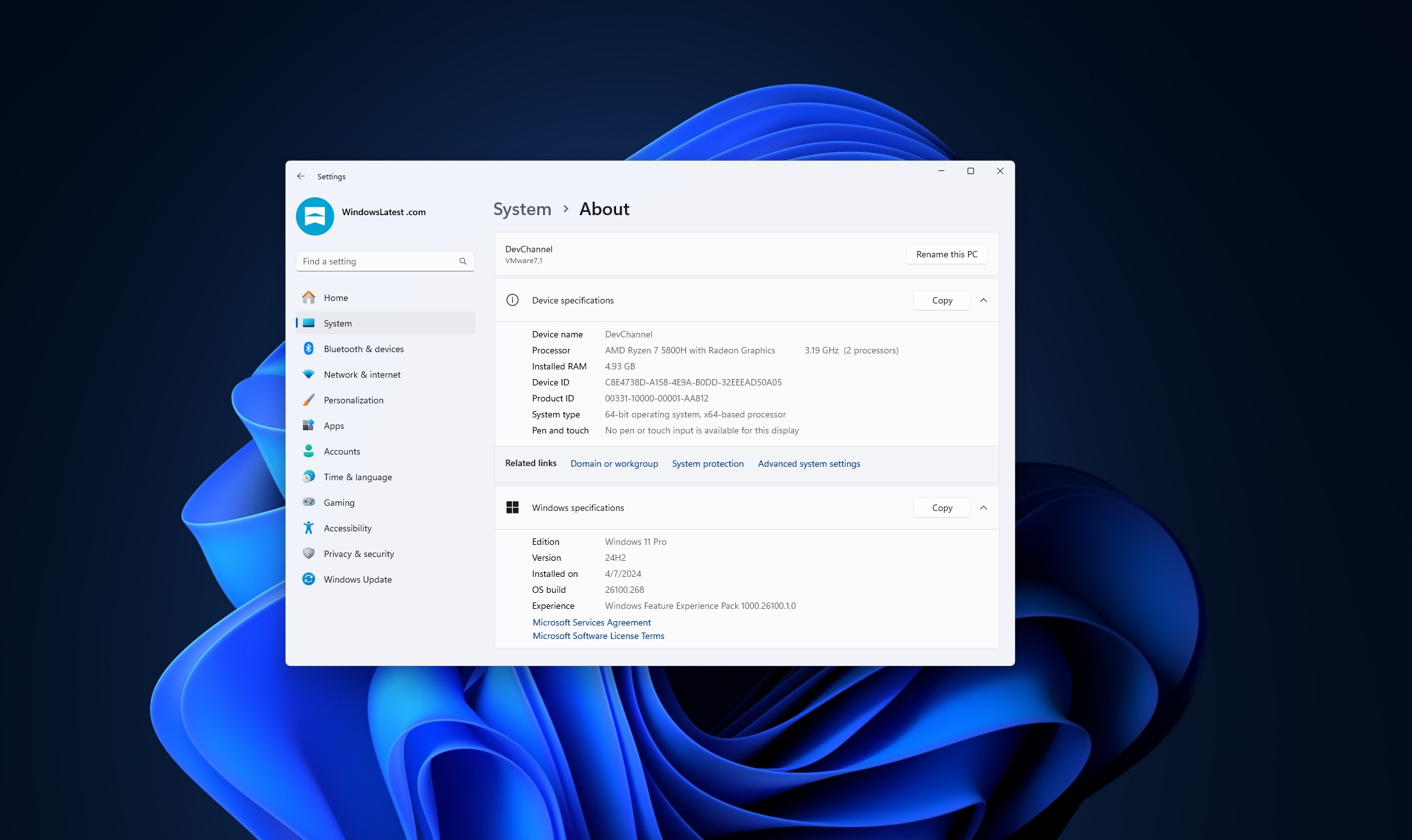
Devices already running 24H2 or 25H2 will find the upgrade to 26H2 exceptionally lightweight. The enablement package, weighing only 174KB, simply activates pre-installed feature flags, restarts the device, and updates the build number from 26200 to 26300. This streamlined process takes mere minutes and requires only one restart, compared to the lengthy installation of traditional feature updates.

According to a Microsoft whitepaper from June 2026, the enablement package represents just three-thousandths of one percent of the size of a full feature update. For organizations managing large fleets of devices, this drastically reduces compatibility testing, as only the newly enabled features require validation.
Why Upgrading from 23H2 Requires a Full 6.5GB Download
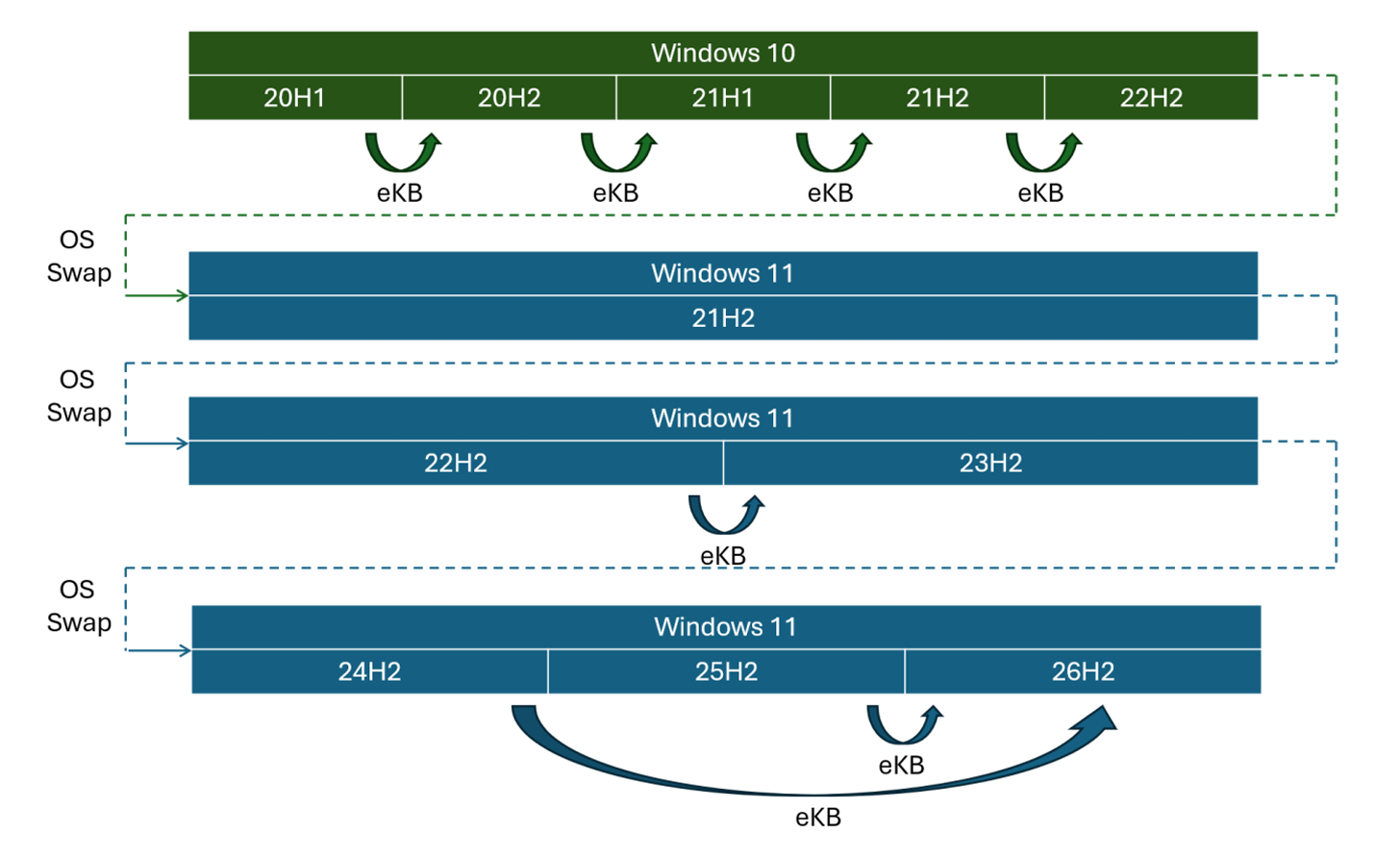
Not all Windows 11 versions are eligible for the enablement package. Windows 11 23H2, part of the older 22H2/23H2 branch, lacks the shared foundation needed for staged updates. As a result, upgrading from 23H2 to 26H2 necessitates a full OS swap, involving the download of approximately 6.5GB.
Devices still on 23H2 are an exception, as this version reached end-of-life for Home and Pro users in November 2025. Most systems have already transitioned to 24H2 or 25H2, simplifying the path to 26H2.
The Impact of the 24H2 "OS Swap"
Windows 11 24H2, released in October 2024, marked a significant change as it introduced a new source code branch. Microsoft describes this as an "OS swap", where an entirely new OS image replaces the existing system. Upgrading from 23H2 to 24H2 involved downloading a 5.3GB base image and an additional 887MB cumulative update, totaling nearly 6.5GB.
This full OS replacement was necessary because 23H2 and 24H2 belong to different source code branches. Any upgrade between such branches demands a complete reinstallation process, regardless of the similarities between the versions.
Windows 11 26H1: A Different Story
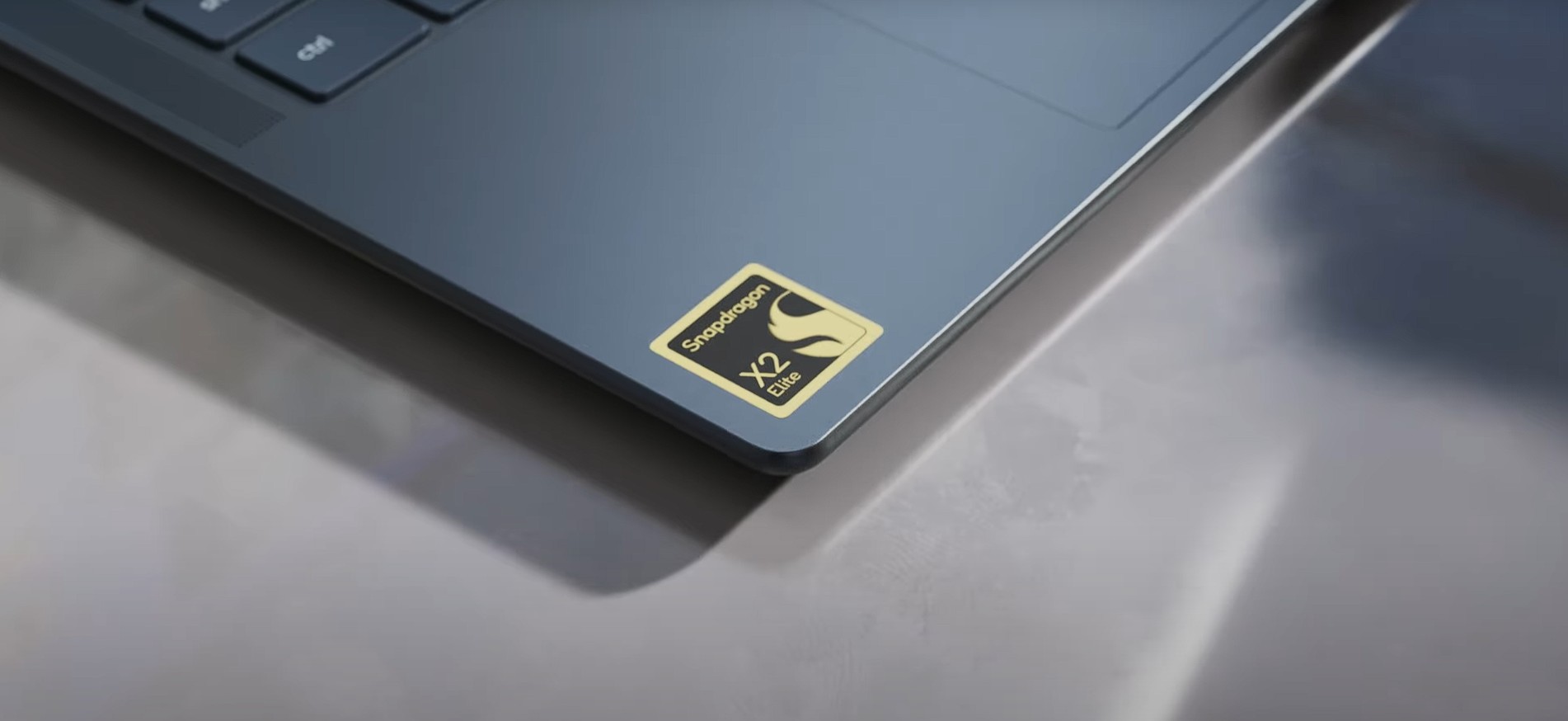
Windows 11 26H1, designed for next-generation silicon like the Snapdragon X2, is built on a separate code branch called Bromine. Devices running 26H1 cannot upgrade to 26H2, as they follow an entirely different OS lineage. For most users on Intel and AMD hardware, 26H1 is irrelevant, with 26H2 being the applicable update.
When to Expect Windows 11 26H2
Microsoft has confirmed a fall 2026 release for Windows 11 26H2, with no changes to hardware requirements. Devices already on 24H2 or 25H2 will receive the update automatically via Windows Update. Users can also check manually by navigating to Settings > Windows Update > Check for updates. The installation process will be quick, involving just one restart.
By pushing 25H2 to eligible devices ahead of the 26H2 launch, Microsoft ensures the majority of users can benefit from the lightweight 174KB enablement package, rather than a full 6.5GB download. This strategy optimizes the update process for both end-users and IT administrators.
