Windows 11 Paint Vulnerability Enables No-Click Attacks, and Auto-Updates May Not Deliver the Fix
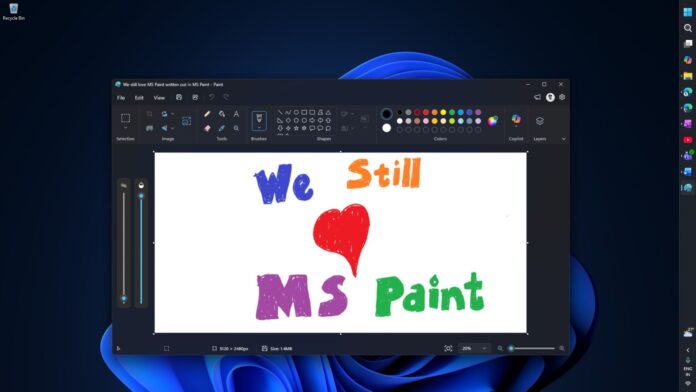
You should not delay or ignore Windows 11 updates, including updates for its inbox apps. MS Paint apparently has a security vulnerability, and although MS says a patch is available, it does not appear when users check the MS Store.
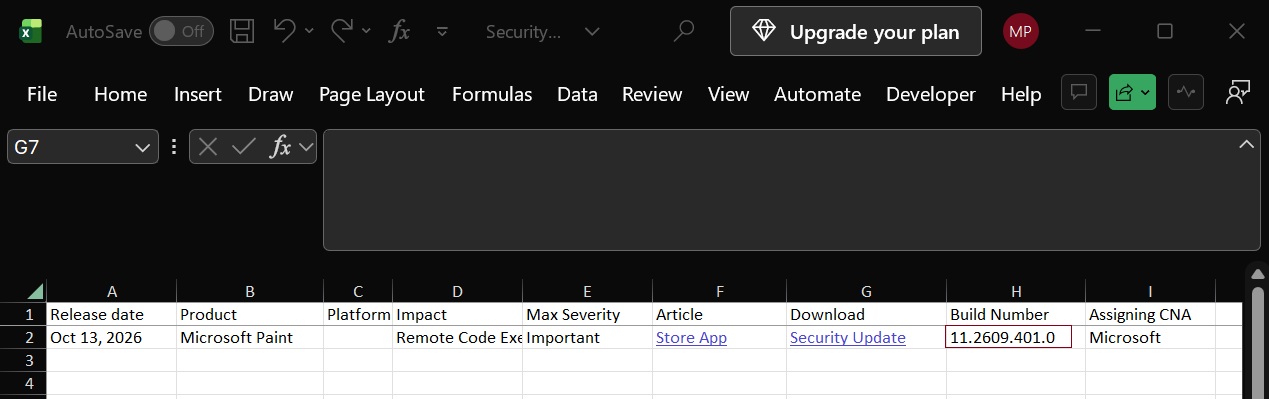
MS disclosed the vulnerability on October 13. If left unpatched, it could allow an attacker to run code on your PC over a network without requiring you to click anything. There are currently no reports of the vulnerability being exploited in the wild, but some third-party antivirus products, particularly enterprise security software, may flag Paint for missing the security patch.
MS is tracking the Paint vulnerability as CVE-2026-83844, with a severity score of 8.1 out of 10. MS rates it as “Important,” one level below the “Critical” rating used for more severe issues. Although you should avoid using Paint when it is not fully patched, there is no reason to panic.
MS Says the Paint Fix Is Available, but It Is Not Appearing
On October 13, when MS disclosed the vulnerability, it also released a patch through the MS Store. According to MS’s support documentation, devices running Paint version 11.2609.401.0 or later are fully protected.
I have automatic updates enabled in the MS Store, so I expected the update to have already been installed. The Store showed no available updates for Paint, leading me to assume that the app had already been updated.
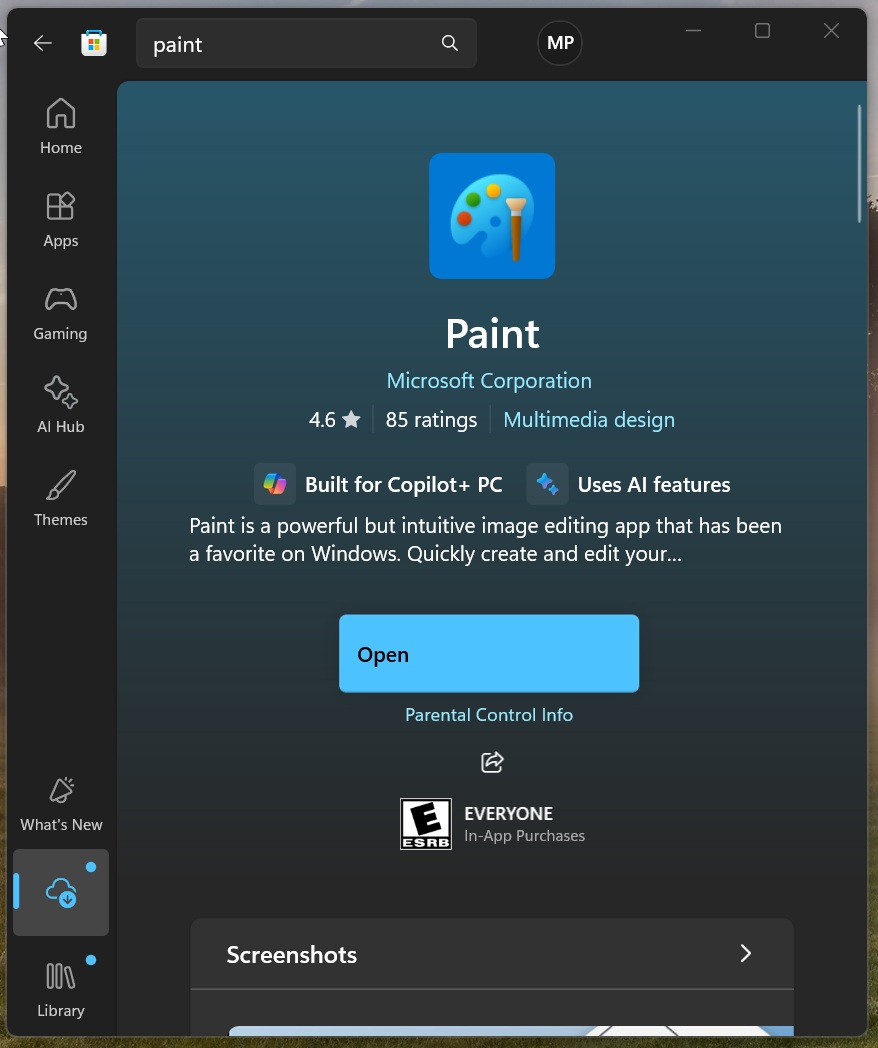
However, when I checked the app’s settings, Paint was running version 11.2603.251.0.
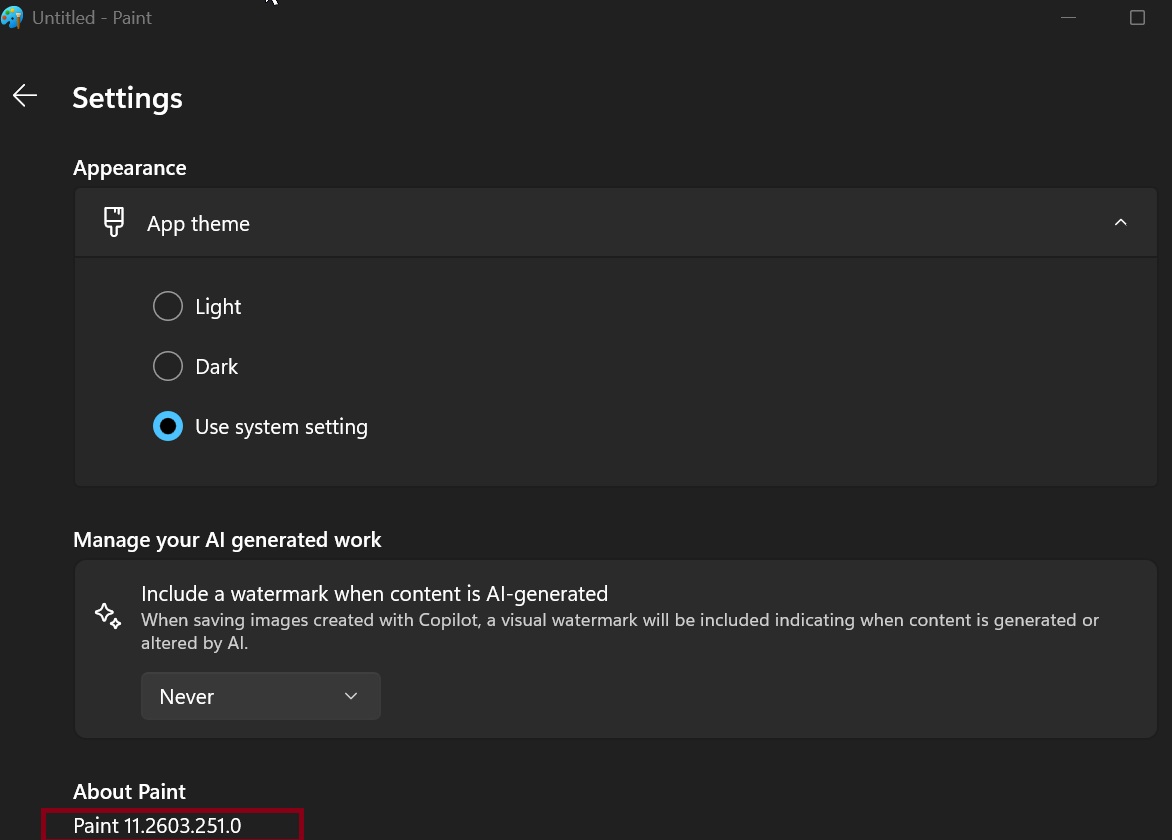
That is clearly older than the recommended version 11.2609.401.0, making the situation confusing. It remains unclear whether a bug is preventing the patched version of Paint from appearing in the Store or whether MS listed an incorrect required version in its security bulletin.
We are not the only ones to have observed this unusual behavior with the MS Paint security update. Other users noticed it as well. On Reddit, IT administrators confirmed that they could not find the Paint update, even when using a third-party tool to download the app’s MSIX package.
It is also important to note that installing the Windows 11 October 2026 update, which patched more than 1,000 security issues, does not necessarily protect your PC from the Paint vulnerability. Because Paint is maintained through the MS Store, keeping Windows fully updated is not sufficient if the app itself has not received the patch.
MS Says a Network Packet Could Trigger the Paint Vulnerability
MS describes the vulnerability as an “out-of-bounds read,” meaning that the affected code reads memory outside the area it is supposed to access. In this case, the flaw could lead to remote code execution, allowing an attacker to run their own code on an affected PC.
MS explains: “An unauthenticated attacker could exploit this vulnerability by sending a specially crafted packet to an affected service over the network.”
The good news is that MS considers the vulnerability difficult to exploit. Even if the fix has not yet been applied to your PC, there is no immediate reason for concern. There are currently no reports of the vulnerability being exploited in the wild.
How to Check Your MS Paint Version
To determine which version of Paint is installed, open Windows PowerShell and run the version-check command.
According to MS’s documentation, Paint version 11.2609.401.0 or later is patched. Earlier versions are considered vulnerable.
In either case, I recommend installing the latest Paint update available to you, even if its version number is lower than the patched version listed in MS’s documentation. MS may have accidentally withdrawn the Paint update or documented an incorrect or nonexistent version as the patched release.
Windows Latest depends on readers like you. Make us your preferred source on Google Discover and Google Search, and help our independent reporting reach more people.