God Mode, the famous Windows trick in which assigning a specific string to a folder supposedly unlocks a hidden master settings panel, was never a real tool. Windows Latest found an explanation from a MS engineer who addressed it when the trick first went viral. Fifteen years later, it is remarkable that the myth remains relevant.
Brandon Paddock, who worked within the Windows organization at the time and has since become MS’s Principal Software Architect for AI in MS Word, explained the God Mode trick on his personal blog in January 2010, just days after it began spreading online.
People are still falling for it. Search for “God Mode in Windows 11” today, and you will find guides published as recently as this year that lead unsuspecting users through the same folder trick. Some even claim that MS deliberately created it as a secret feature.
What Is God Mode, According to the MS Engineer Who Debunked It?
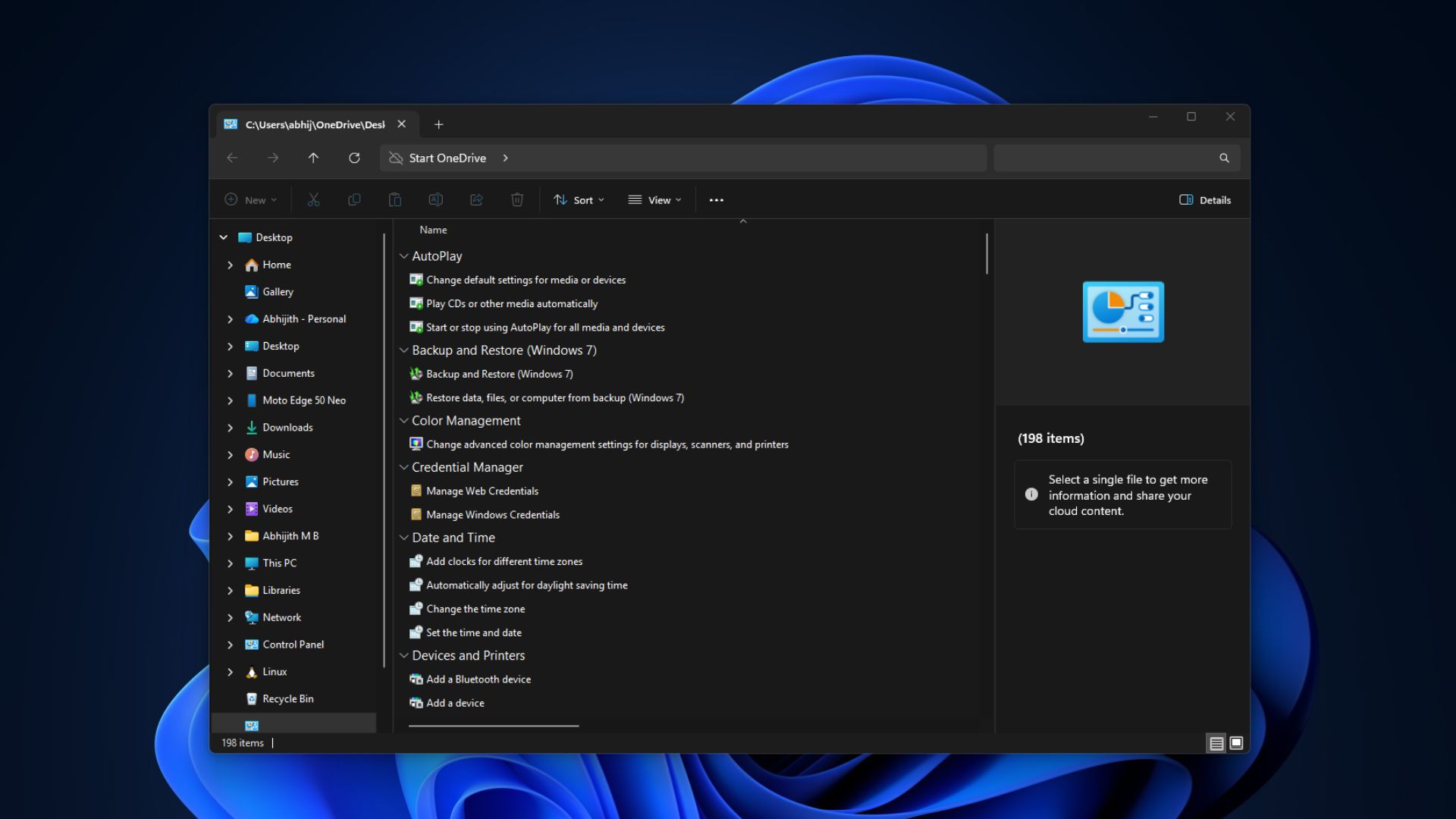
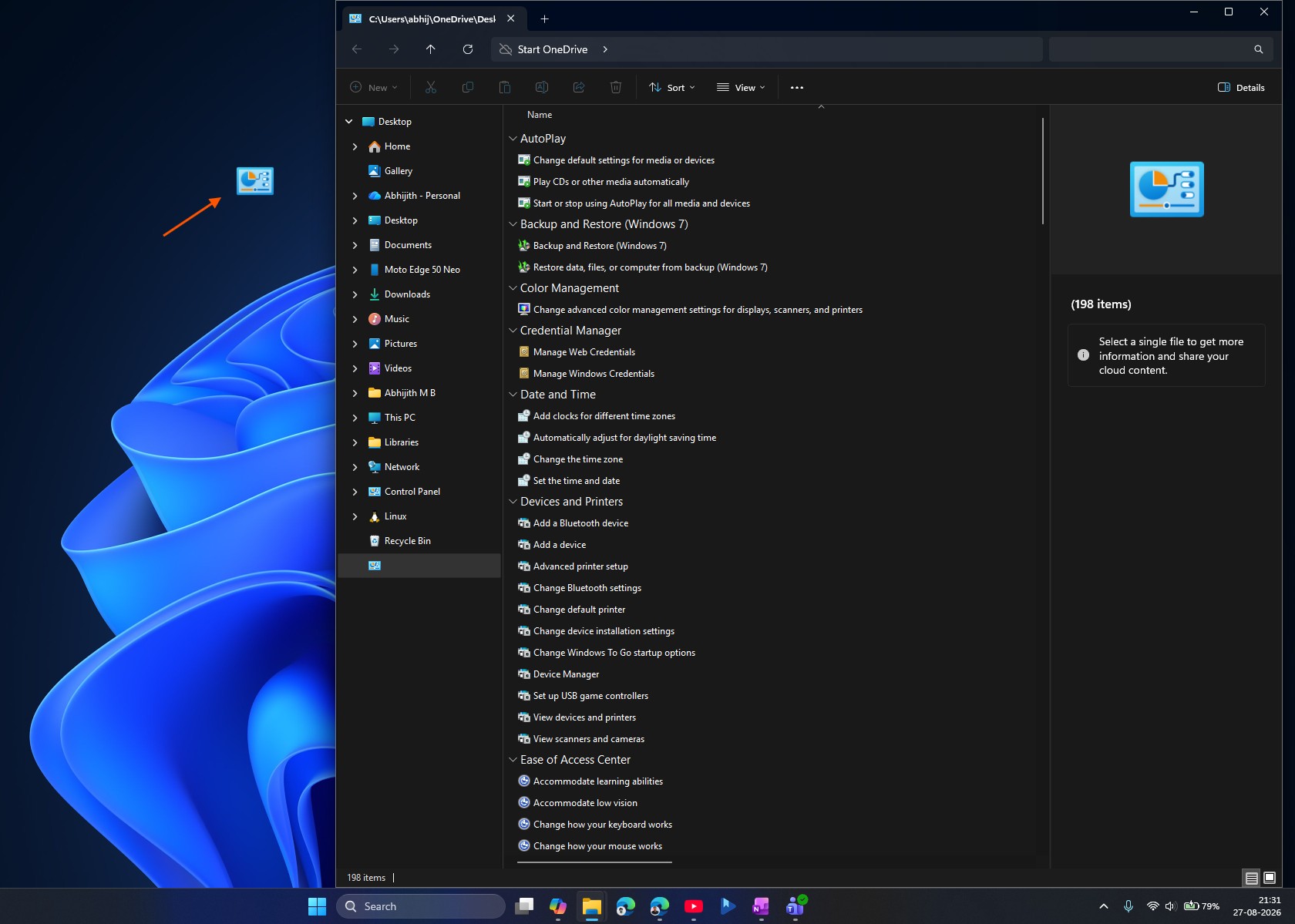
The trick is simple. To activate “God Mode,” create a folder anywhere in Windows and rename it to GodMode.{ED7BA470-8E54-465E-825C-99712043E01C}. The folder icon changes to resemble the Control Panel. Open it, and you will see a single scrollable list containing every Windows settings task, from changing the mouse pointer to partitioning a hard drive.
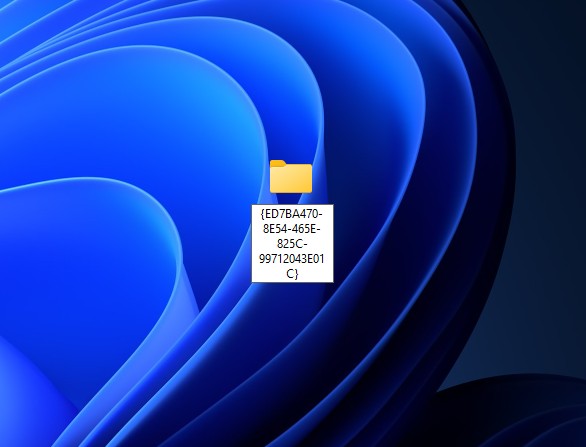
Paddock’s original post explained why calling this “God Mode” is “completely silly.” The word GodMode in the folder name does nothing. As Paddock noted, you could name the same folder ILikePuppies.{ED7BA470-8E54-465E-825C-99712043E01C} and get the same result because the text before the period is merely a label displayed by Windows. The functional part is the code inside the curly brackets, known as a CLSID, which had always been publicly documented.
The trick exposes two ordinary, documented components of the Windows shell. The first is a developer feature, documented on MS’s MSDN pages at the time, that allows any folder named in the DisplayName.CLSID format to function as a shortcut to a specific part of Windows rather than as a normal folder. Developers use this convention to link directly to system locations. It was never intended for regular users to discover accidentally.
The second component is a folder Windows uses internally called All Tasks. It is the same data source that powers Control Panel search results in the Start menu, listing every settings task recognized by Windows in one place. The standard Control Panel displays the same items but arranges them in a more user-friendly custom view. All Tasks has no such view, so opening it directly presents every item in a plain list—the “master panel” that people mistook for a hidden feature.
Paddock concluded on his blog: “God Mode? Hardly.” We could not agree more. He added that the folder and its CLSID were implementation details that should not be relied upon because MS could change or remove them without warning in a future update.
His point was not that the trick fails; it works. However, MS did not create it as a feature or intend for anyone to use it in this way.
Why a 16-Year-Old Myth Still Will Not Go Away
Tricks like this persist because they appear to reveal something MS is keeping secret, and that perception has only grown. Windows Latest recently reported on MS’s GDID tracker, a persistent device identifier that helped the FBI trace a hacking suspect across VPNs and three countries. MS had remained silent about it until now.
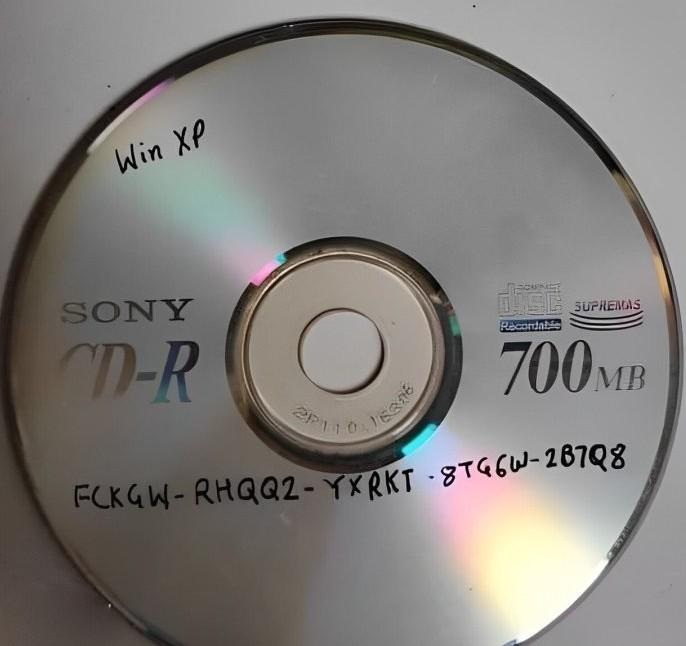
We also uncovered a similar myth involving the FCKGW product key, which was used to pirate millions of Windows XP installations. For two decades, it was widely believed to be a sophisticated crack. In reality, it was a leaked corporate volume license key that Windows XP’s activation system was designed to trust automatically, as confirmed by the MS engineer who worked on that activation system.
It is striking how a trick can circulate, acquire a dramatic nickname, and spread for years before anyone traces it back to an engineer who built the system and can explain, in plain terms, why the sensational version was wrong all along. God Mode is neither a conspiracy nor a cover-up. It is a folder-naming convention for developers that regular users discovered and turned into a more compelling story than it deserved.
Windows Latest depends on readers like you. Make us your preferred source on Google Discover and Google Search, and help our independent reporting reach more people.
