MS Speeds Up Transition to WinUI3, Ending Legacy UI Patchwork
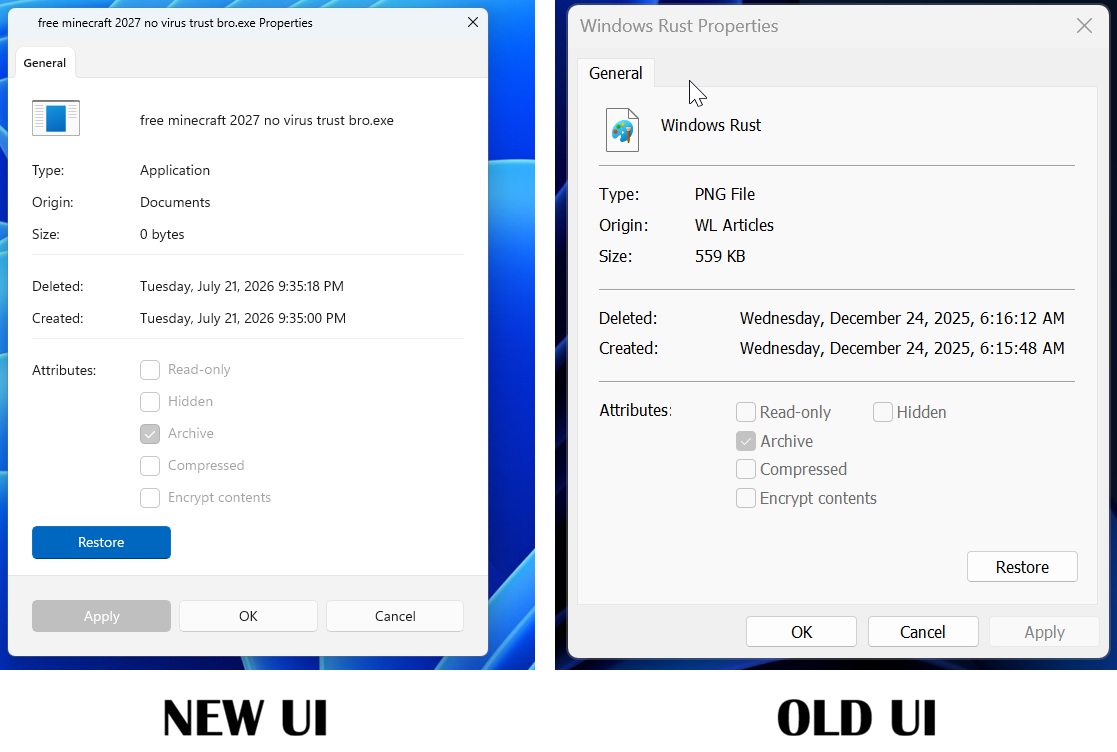
MS has unveiled plans to migrate more Windows UI components to WinUI3, confirming that the revamped File Explorer Properties dialog is a complete rebuild in WinUI, not merely a redesigned version of the legacy Win32 dialog.
For years, Windows 11 has been criticized for its fragmented UI, combining modern panels with decades-old dialogs. Additionally, concerns about increasing RAM consumption in supposedly native apps and the growing reliance on web-wrapped Windows apps highlight developers' doubts about MS's dedication to a unified UI framework.
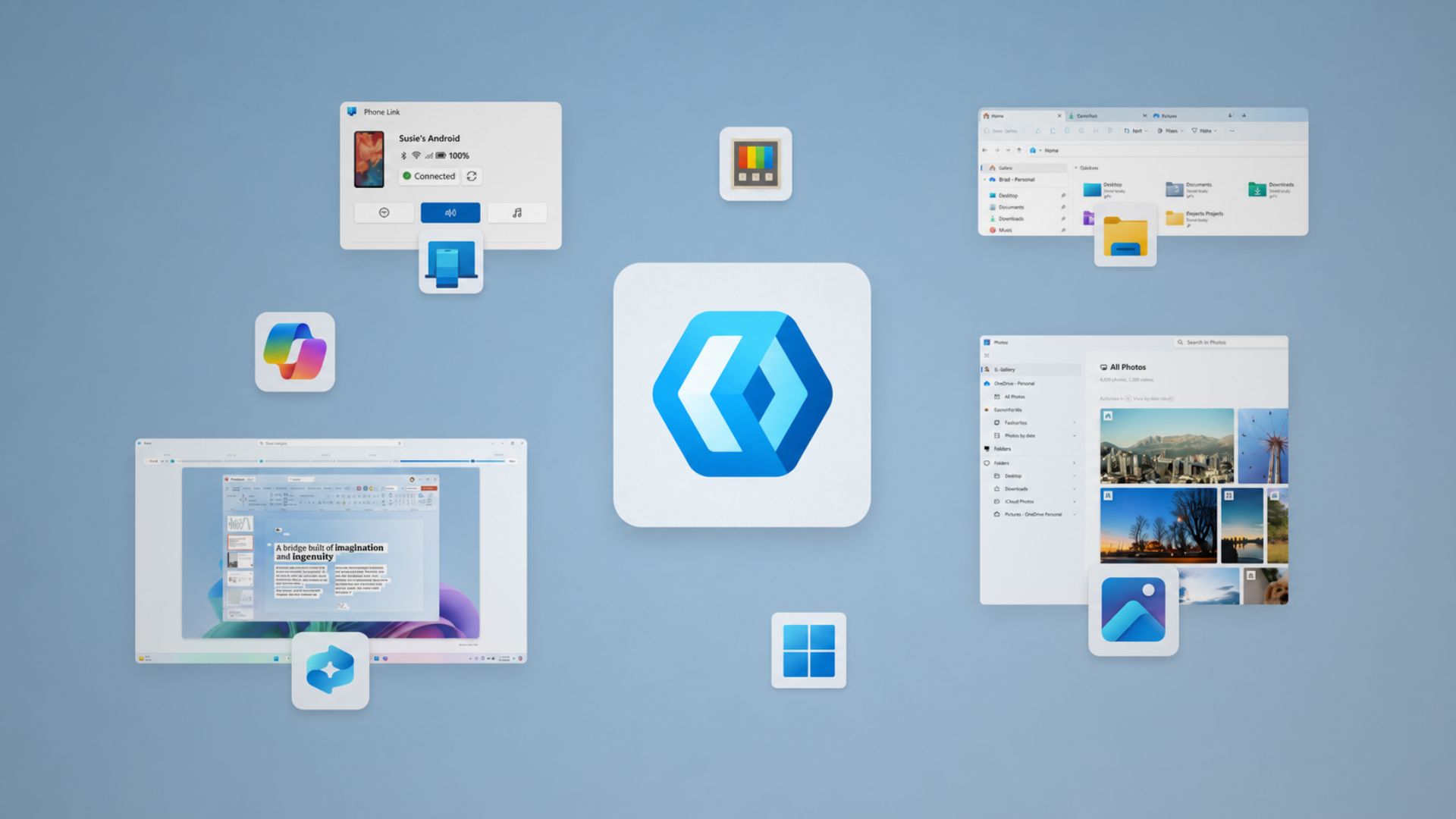
WinUI: A Truly Modern UI Framework
WinUI is MS's native UI framework, designed to replace outdated technologies like Win32 and UWP with a modern, GPU-accelerated, and Fluent Design-aligned approach. Early access to the redesigned Properties dialog revealed no evidence of WebView2 but showcased native WinUI components, such as the Pivot-style tab header and AccentButtonStyle, which are absent in traditional Win32 property dialogs.
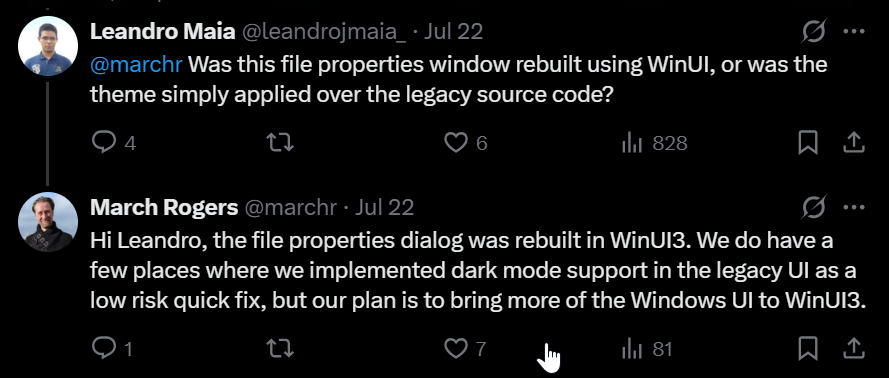
Addressing speculation that the redesign was purely aesthetic, March Rogers, MS's Partner Director of Design, reassured users that the file properties dialog is a full rebuild using WinUI3. He acknowledged that while dark mode was sometimes retrofitted onto legacy UI as a "low-risk quick fix," the long-term vision involves migrating more Windows UI elements to WinUI3.
The Pitfalls of Patching Legacy Code
MS's earlier efforts to implement dark mode in legacy UI highlight the challenges of temporary fixes. For example, a December update added dark mode to File Explorer's legacy dialogs but introduced a bug where the screen would flash white when switching tabs or opening the Details pane. While eventually resolved, such incidents emphasize the limitations of patching legacy code instead of rebuilding it.
MS’s Strengthened Commitment to WinUI
Historically, MS has cycled through various UI frameworks, including Win32, MFC, WinForms, WPF, Silverlight, UWP, and now WinUI, making developers hesitant to fully adopt any single framework. Consequently, many popular apps, like WhatsApp, have chosen web wrapper implementations over native Windows apps.
The overhaul of the 30-year-old Properties dialog, first introduced in Windows 95, marks a significant milestone. At Build 2026, MS’s Chris Anderson confirmed the company’s commitment to WinUI by announcing plans to drop the "3" from its name, signaling a long-term dedication to this framework.
Performance Gains and Ongoing Challenges
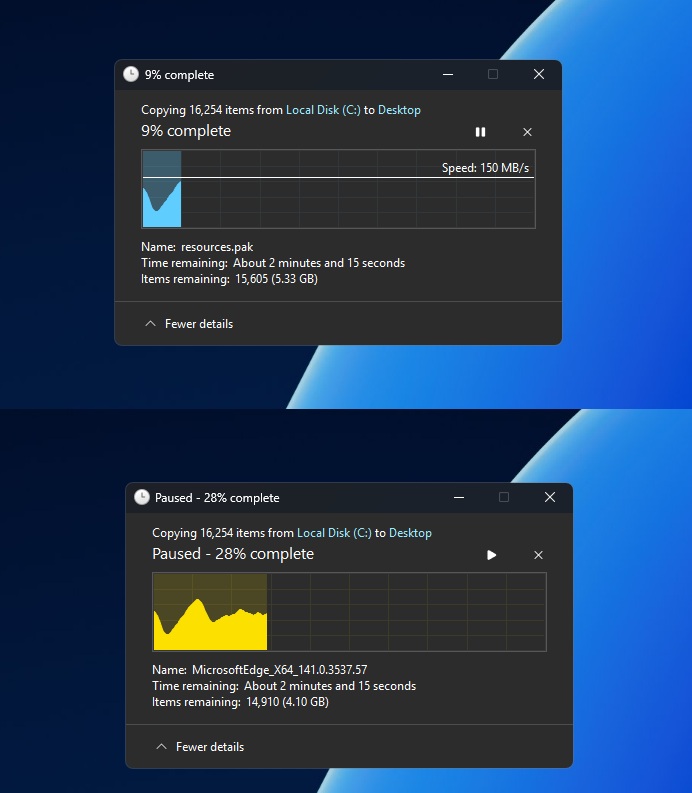
MS's strides to "bring more of the Windows UI to WinUI3" are evident in recent updates. The file copy dialog has already been rewritten in WinUI, with the common file open dialog next in line. Other legacy components, such as the "Switch to a local account" dialog from Windows 8, are also slated for a WinUI refresh.
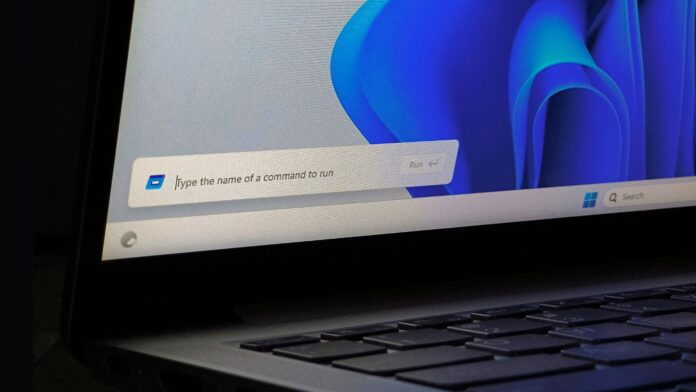
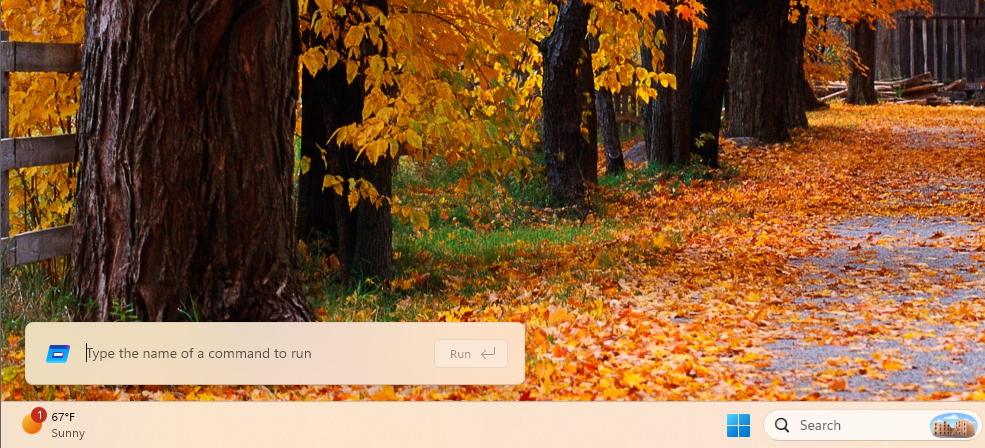
Some elements, like the Run dialog, have already transitioned, with MS’s telemetry showing performance improvements—94ms load time for the new WinUI version compared to 103ms for its Windows 95-era predecessor. These updates demonstrate that a WinUI rewrite can be achieved without compromising performance.
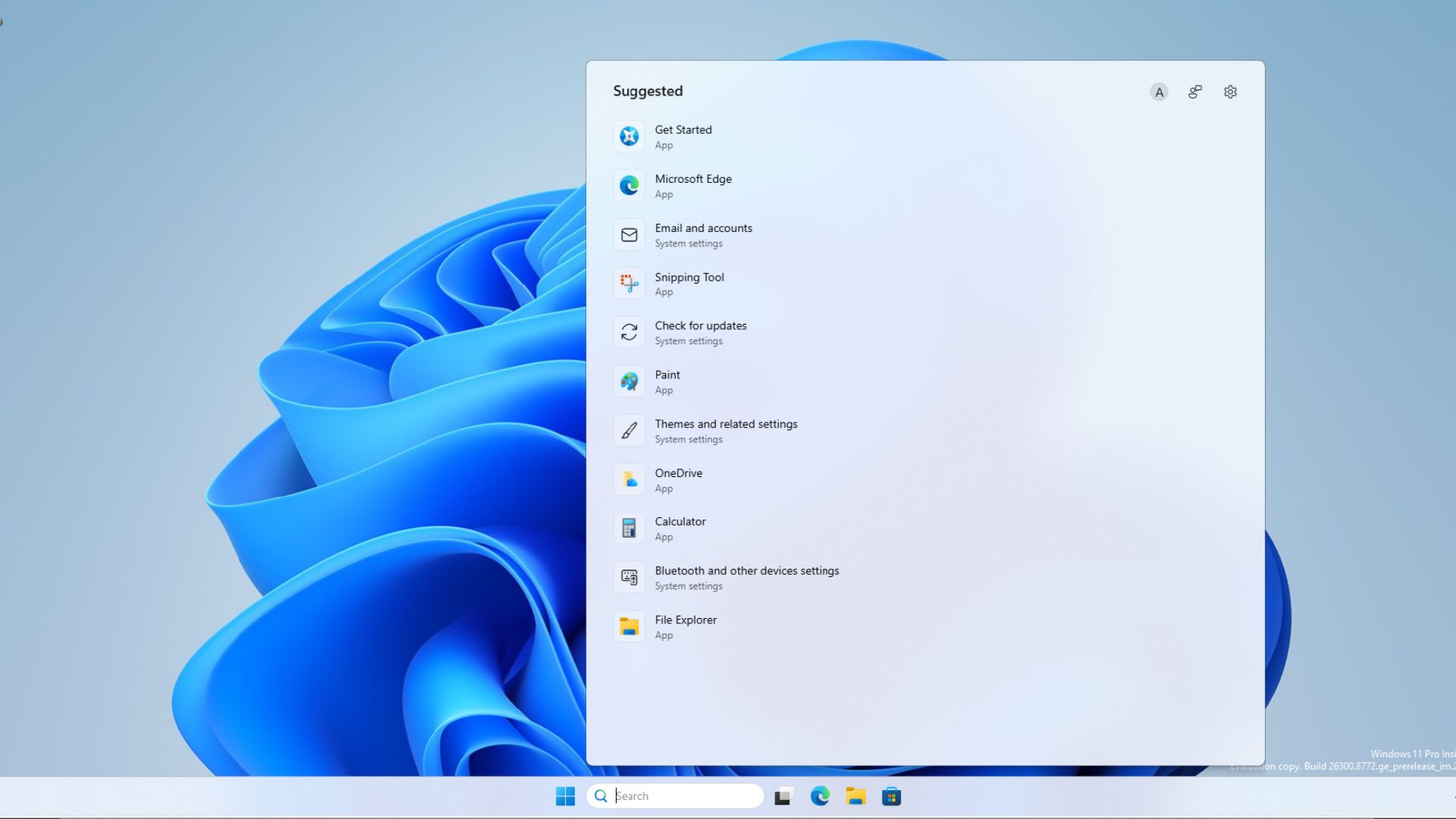
However, challenges persist. The Start menu, currently built on React Native components, is being rewritten in WinUI. Its rollout has been delayed due to unresolved issues with WinUI's memory usage. For instance, File Explorer’s Home tab, built on WinUI, loads slower than the non-WinUI "This PC" tab. Similarly, the updated Windows Search continues to rely on WebView2 rather than WinUI.
MS is actively working to address these issues, optimizing WinUI's memory consumption and integrating it with the Windows system compositor for improved performance. Additionally, fixes for visual tearing during resizing of WinUI apps, an issue highlighted earlier this year, are rolling out as part of ongoing updates.
Conclusion
The completely rebuilt Properties dialog exemplifies MS’s dedication to WinUI, with plans to revamp other legacy Windows 11 dialogs following the same methodology. However, the framework’s ultimate success will depend on how effectively MS can tackle performance and memory-related challenges. As it stands, while WinUI holds the promise of delivering a cohesive and modern user experience, its adoption hinges on surpassing the performance of the legacy code it seeks to replace.
Windows Latest relies on readers like you. Make us your go-to source on Google Discover and Google Search, and help our independent reporting reach a wider audience.
