More than 70 Popular Windows Applications Are Being Mimicked by Fake Websites
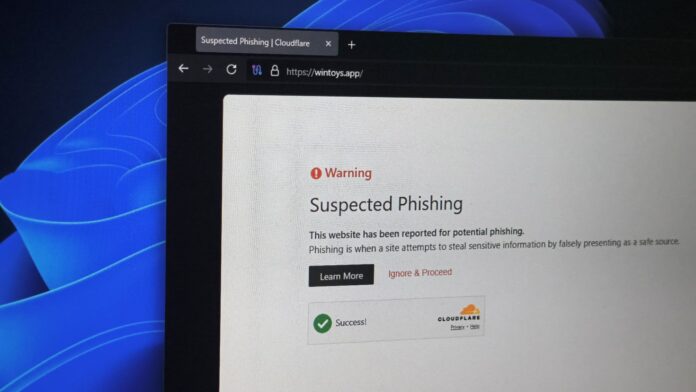
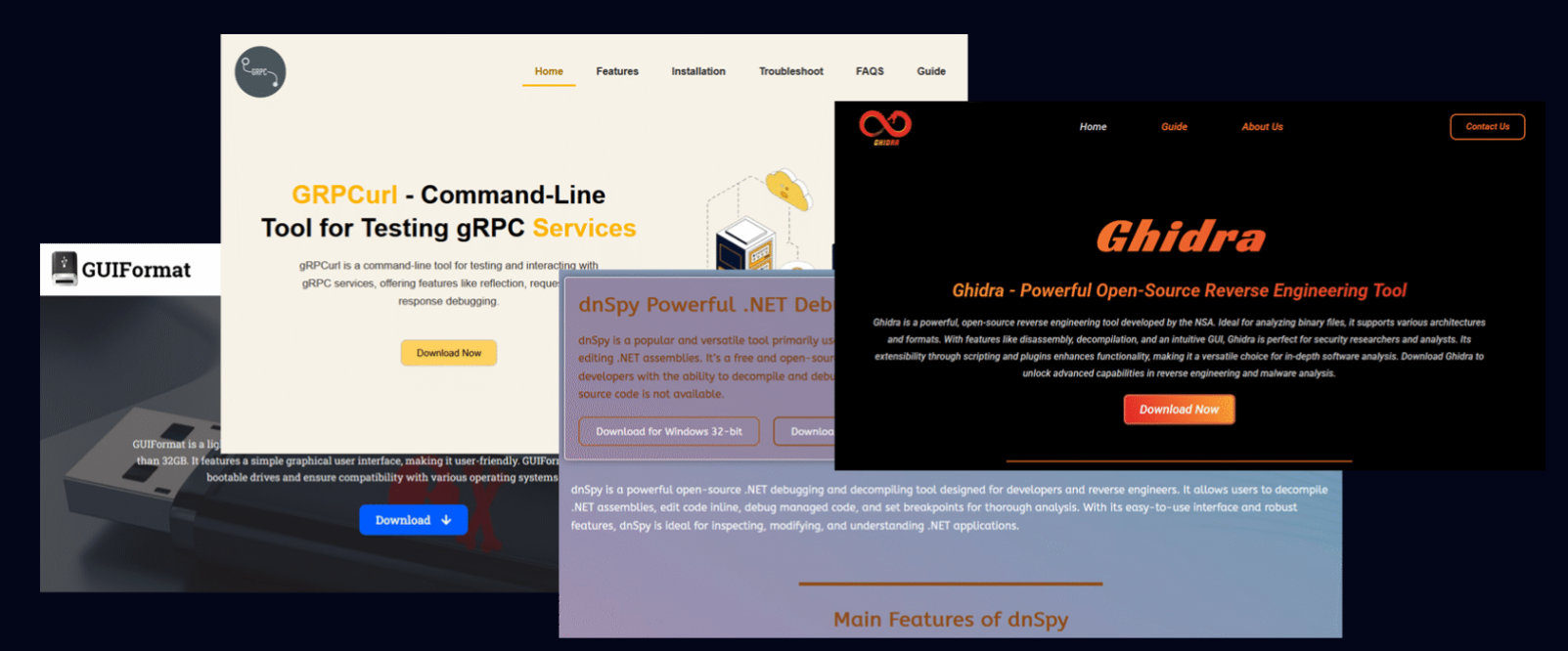
Over 70 popular Windows applications are now being targeted by fake websites impersonating them, with some already spreading malware. The list includes popular utilities like PowerToys, CrystalDiskMark, EasyBCD, Lively Wallpaper, and Wintoys, which are being replicated on lookalike domains that, in many cases, rank higher than the legitimate project pages on Google.
Some of these fake sites have been confirmed as active malware distributors, using trojanized installers to install remote-access services on victims’ computers.
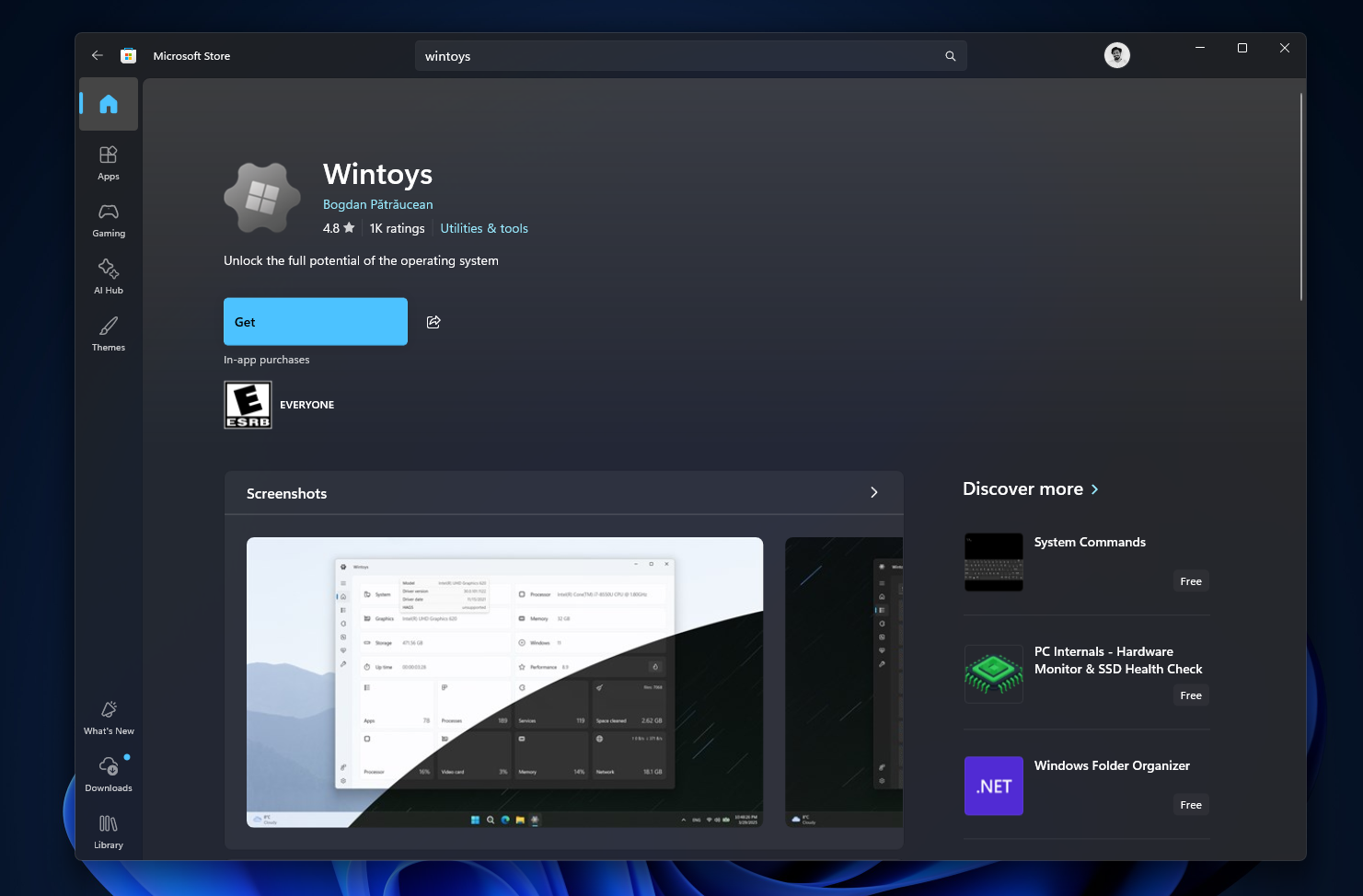
Recommendation: Always download Windows apps from the MS Store or the developer’s official website/GitHub page. Avoid random search results, even if they appear credible. If you have visited any of the identified fake websites, consider your device compromised and perform an immediate malware scan.
Complete List of Fake Websites Mimicking Windows Applications
The domains mimicking legitimate Windows applications were registered by the same owner via Epik Inc. before being transferred to Dynadot LLC in July. None of these domains are official sources for the apps they claim to represent. Avoid accessing these URLs. For testing purposes, consider using Windows Sandbox.
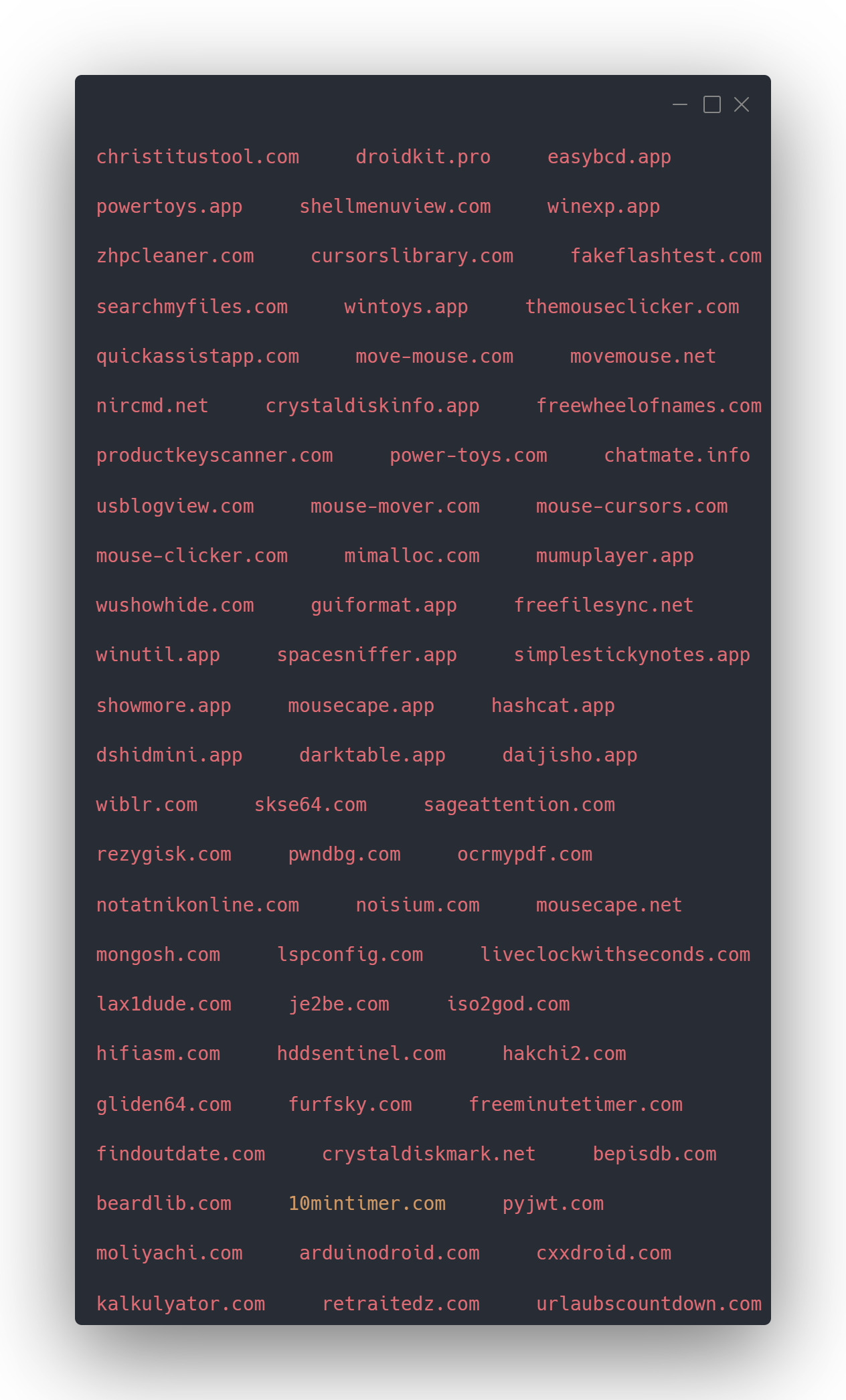
Important: Do not visit any domain on the list. These sites are not associated with the legitimate developers.
How a Developer Uncovered 70+ Lookalike Domains
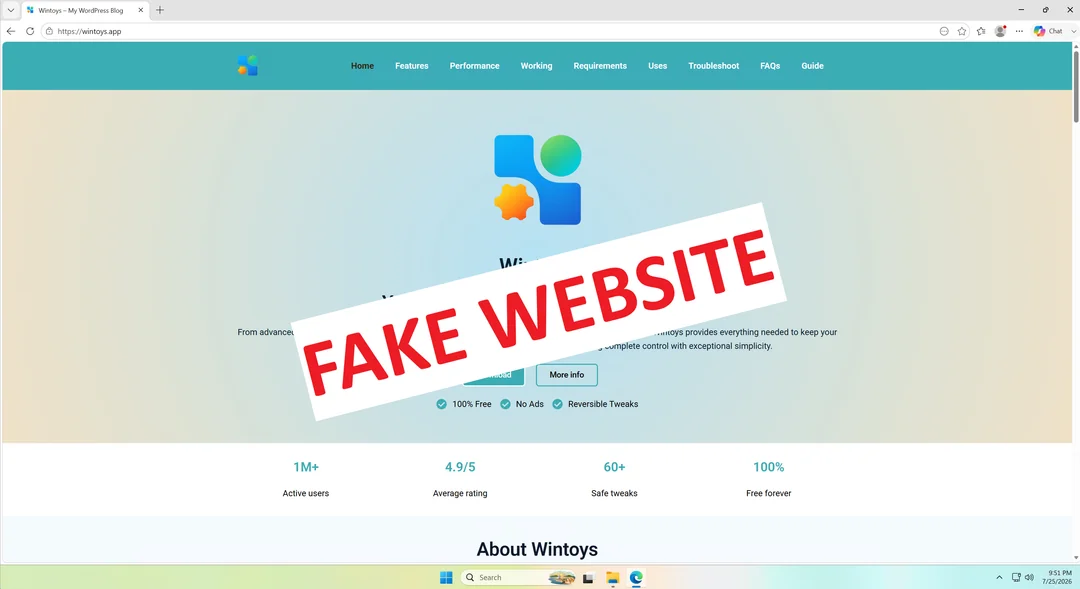
The developer of Wintoys, a Windows optimization tool listed on the MS Store, regularly searches for reviews and feedback on Google. During one such search, he discovered an unfamiliar domain appearing in the results (wintoys.app).
On Reddit, u/Bogdan_X explained that the fake site, built on WordPress with inaccurate AI-generated content, used an outdated logo. Its download button redirected users to the legitimate MS Store listing, initially avoiding suspicion. Further investigation, however, revealed a list of 72 domains, all anonymously registered through Epik Inc.
Shockingly, even MS’s own PowerToys has a counterfeit website.
Methods of Impersonation
According to Check Point Research, these fake websites follow a three-step strategy:
- They load malicious scripts from Amazon CloudFront.
- The scripts intercept clicks on the download button, redirecting users via a Traffic Distribution System (TDS).
- The TDS filters visitors based on location, browser type, and bot/security researcher detection before delivering malware.
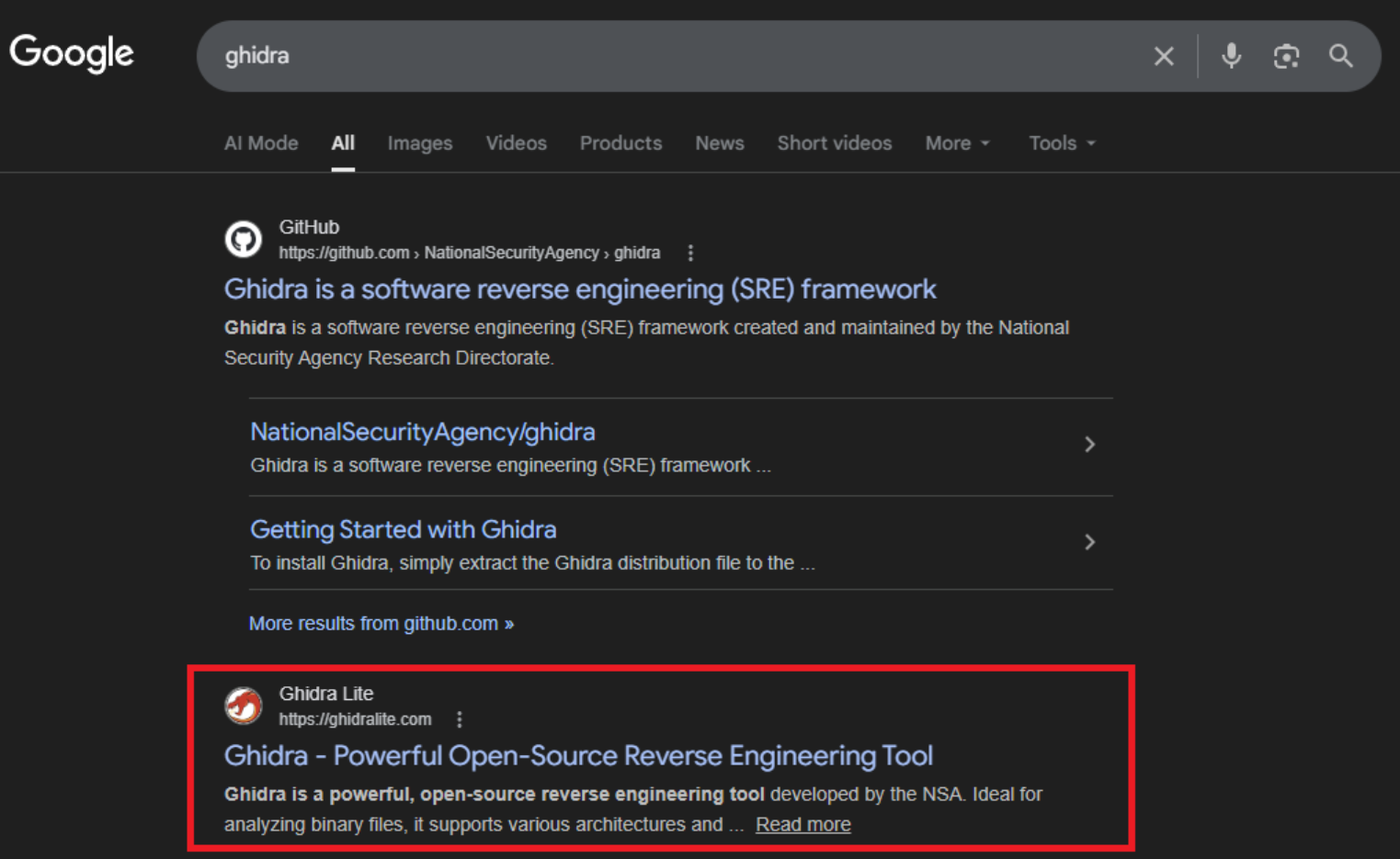
Check Point identified malware families such as RemusStealer, which targets over 20 browsers and cryptocurrency wallets, and AnimateClipper, which replaces copied cryptocurrency wallet addresses with the attacker’s address. These fake domains began climbing search rankings quietly in late 2025, with malware distribution commencing in January 2026.
Lively Wallpaper and SignalRGB Confirm Active Attacks
Two developers have verified that their applications are being exploited for malware distribution.
Lively Wallpaper
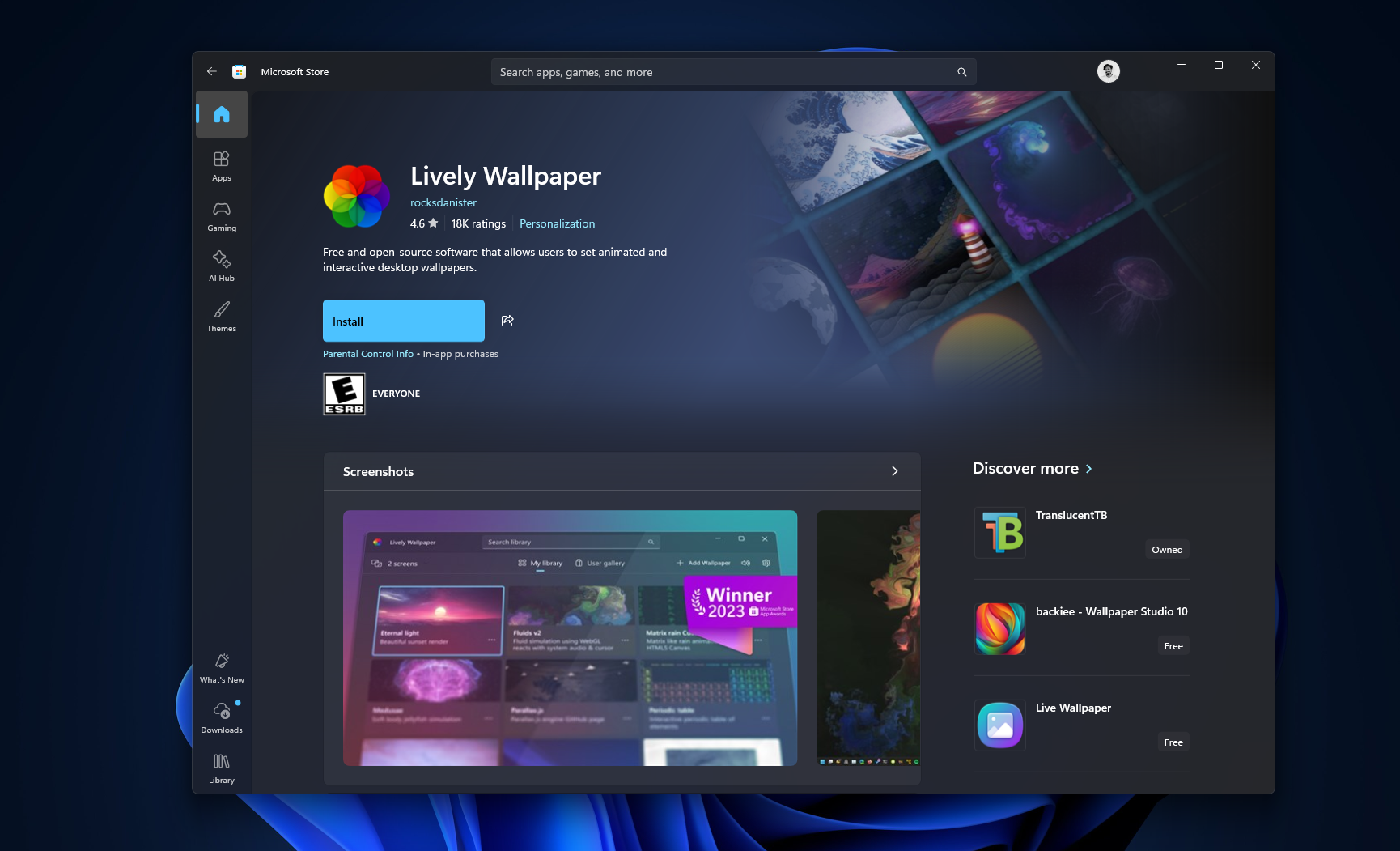
A fake website, livelywallpaper.app, was reported via a GitHub issue. The site distributed a trojanized installer that included a legitimate DirectX setup file bundled with a malicious DLL, which installed a remote-access service and bandwidth-sharing software. The developer emphasized downloading only from the official MS Store listing.
SignalRGB
SignalRGB flagged two counterfeit domains: signalrgb.io and signal-rgb.net. Users who downloaded from these sites were advised to delete the files and perform a malware scan immediately. A Reddit user successfully reported one of the domains to Cloudflare, which disabled access within an hour.
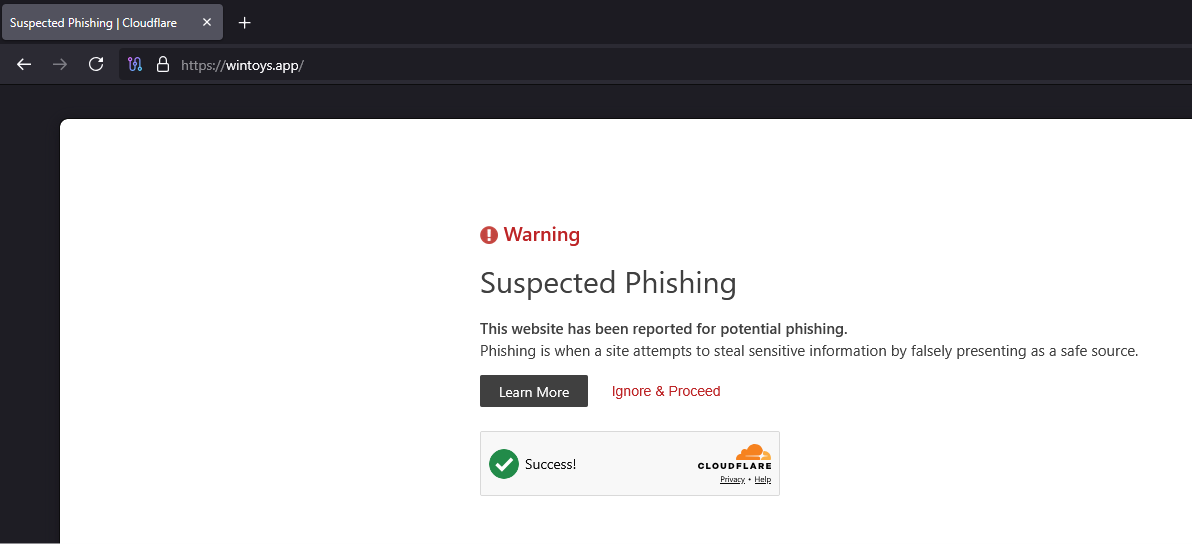
While Cloudflare responded quickly to individual reports, their abuse form only allows one domain per submission, leaving many fake sites unaddressed. However, the 72 domains have been added to Hagezi’s DNS blocklist, which blocks them for users with compatible ad-blockers.
Windows Applications as Prime Targets
While this issue is not exclusive to Windows, the platform’s scale makes it a prominent target. Windows’ enormous user base generates higher search volumes for utility software, increasing the profitability of impersonation schemes.
MS’s reputation also plays a part. Many users bypass the MS Store due to distrust of its ads and bloatware, relying instead on search engines—a practice that heightens their exposure to risks.
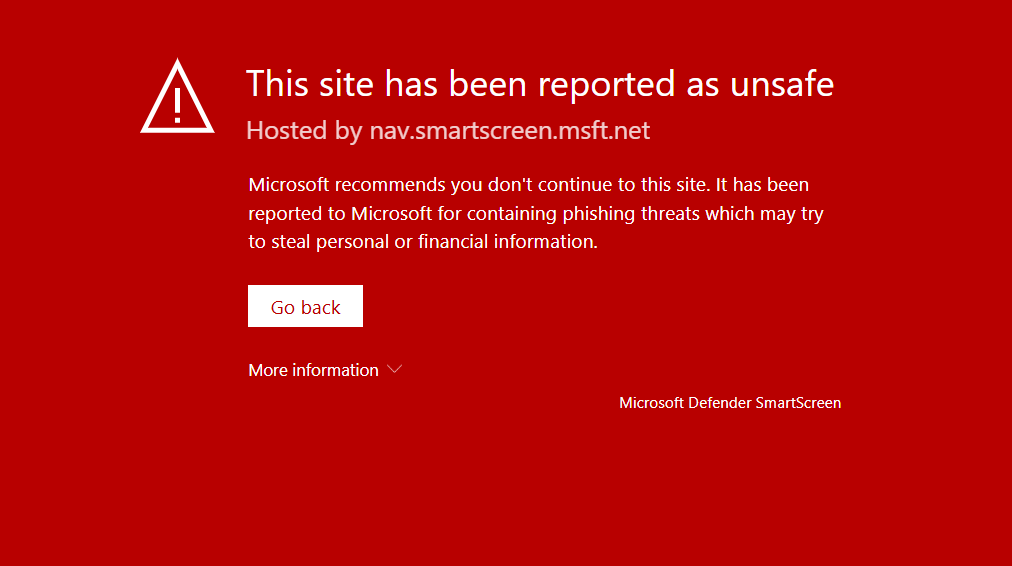
Ironically, beginning with the MS Store should be the default approach, as its review and reporting systems provide an added layer of security. Furthermore, Windows Security has significantly improved, with features like MS Defender Antivirus, SmartScreen, and Smart App Control working together to block threats such as fake installers.
Developers and Users Need to Stay Alert
The rise of tools like Claude Code and Codex has lowered the entry barrier for software development, increasing the number of potential targets for impersonation scams. Developers should prioritize measures such as listing apps on the MS Store, now free since 2025, and enhancing their project websites’ SEO to prevent fake domains from outranking them.
For users, the golden rule remains: Download applications only from the MS Store or verified, official developer websites. Always double-check URLs before downloading.
