
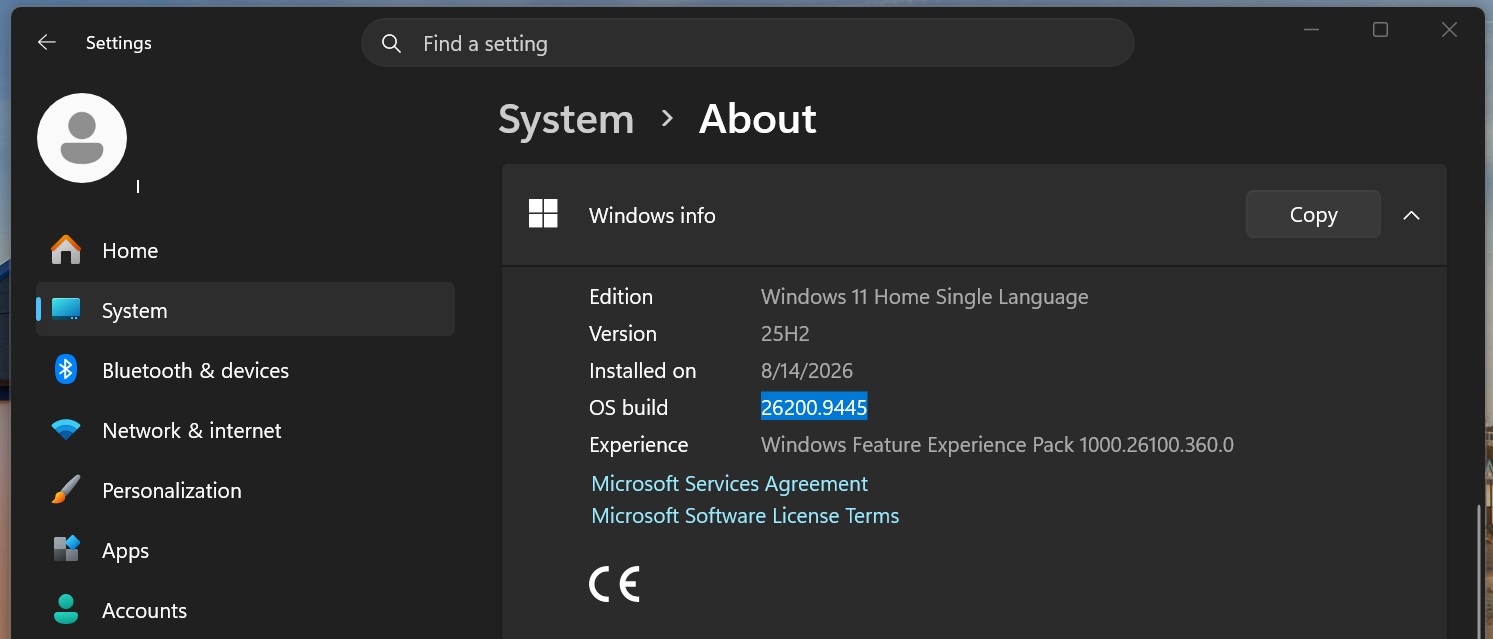
Windows 11 KB5124008 was supposed to be one of the year’s best updates, at least on paper. It restored Windows 10-era features, including a movable taskbar and a resizable Start menu. Unfortunately, it is causing issues on some PCs.
Windows 11 KB5124008 was released on September 8 as a mandatory patch, and MS says the update breaks WSL-based apps and Remote Desktop sessions. Our investigation uncovered additional bugs, including one that disrupts File History backups and another that causes Explorer.exe crashes, system instability, and GPU issues.
Ironically, these problems emerged only days after MS warned users not to delay updates amid increasing AI-assisted security threats.
“If you’re not delivering critical quality updates with security fixes until a couple of weeks after they’ve been issued, that’s ample time for attackers using AI to find and exploit known security gaps,” the MS 365 director warned.
“To address this, we’ve updated our recommendations for deploying Windows updates to less than three days as the deferral period for quality updates, setting deadlines for those updates to zero or one day, and the update grace period to a maximum of two days.”
Anthropic Says MS Broke Claude Cowork on Windows 11, and MS Admits It
In updated documentation spotted by Windows Latest, MS confirmed a bug in Windows 11 KB5124008 that breaks apps using HCS-managed Linux virtual machines with Plan9 shared folders.
For example, if you use Claude Cowork and have granted it access to selected folders or files through its Workspace, that integration is now broken.
After installing Windows 11 KB5124008 and attempting to run a regular Claude Cowork session, I found that the Cowork workspace would not connect. It prompted me either to reinstall the desktop app or try again. It also instructed me to run the commands that I wanted Claude Cowork to execute manually.
Other Windows users have also reported problems with Claude Cowork, and a related bug report is available on GitHub.
In our tests, we found that Windows 11’s September update changed the Plan9/9P file-system-sharing implementation used with Hyper-V. The new implementation rejects Cowork’s previously valid token-backed Tattach request with EINVAL.
This means Windows can still create the virtual machine that allows Cowork to run and can attempt to grant it access to the file system, but the Linux guest can no longer attach to or mount it.
In an updated changelog, Anthropic confirmed that the issue was caused by the Windows update. Anthropic does not know how to patch it because the underlying functionality was broken by MS. For now, the latest Claude desktop update correctly explains why Cowork cannot connect to the drive.
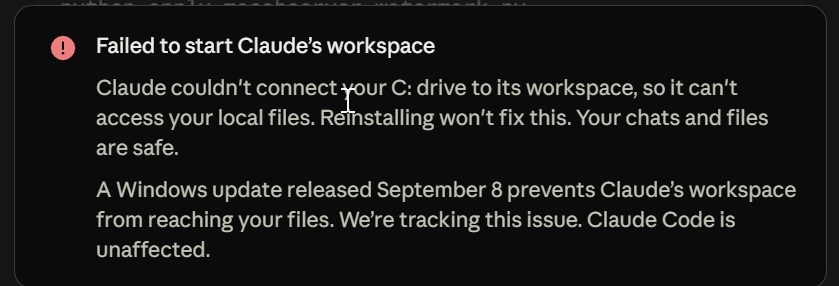
“Claude couldn’t connect your C: drive to its workspace, so it can’t access your local files. Reinstalling won’t fix this. Your chats and files are safe. A Windows update released on September 8 prevents Claude’s workspace from reaching your files. We’re tracking this issue. Claude Code is unaffected,” the error message reads. The following image shows what happens when the session is forced to run:
MS describes the same underlying problem in its documentation:
“After installing the September 2026 security update KB5124008, applications that use HCS-managed virtual machines might experience issues when sharing host folder with Linux VMs using Plan9,” MS noted. “Standard Hyper-V virtual machines that do not use the Plan9 feature are not affected by this issue.”
MS says it is working on a solution but has no further information to share at this time.
MS Says Remote Desktop Services Is Broken
Windows 11 KB5124008 also contains a bug that prevents some users from accessing Remote Desktop Services (RDS).
The issue primarily affects enterprises and others who use Remote Desktop on Windows, and it is not the first time an update has disrupted this feature. After installing the update, users may find that RDS becomes unstable and connections fail frequently, making it impossible to maintain remote sessions.
Users may also experience sign-in problems or become stuck on a “Please wait for the Remote Desktop Configuration” dialog. Even if they proceed beyond that screen, they may encounter other issues, including an unstable or unresponsive File Explorer and a broken MS Management Console (MMC).
“Additionally, the Windows Update page might stop responding and continuously display a loading indicator,” MS warns in another documentation update spotted by Windows Latest.
If you encounter Remote Desktop problems, MS recommends contacting the company’s support team during weekdays or waiting for the next Windows update, which may resolve the RDS issues.
MS Appears to Be Investigating Explorer.exe Crashes
A potentially serious bug in Windows 11 KB5124008 causes some PCs to display a black screen after sign-in because Explorer.exe either fails to start correctly or crashes almost immediately. Enterprises appear to be the primary group affected.
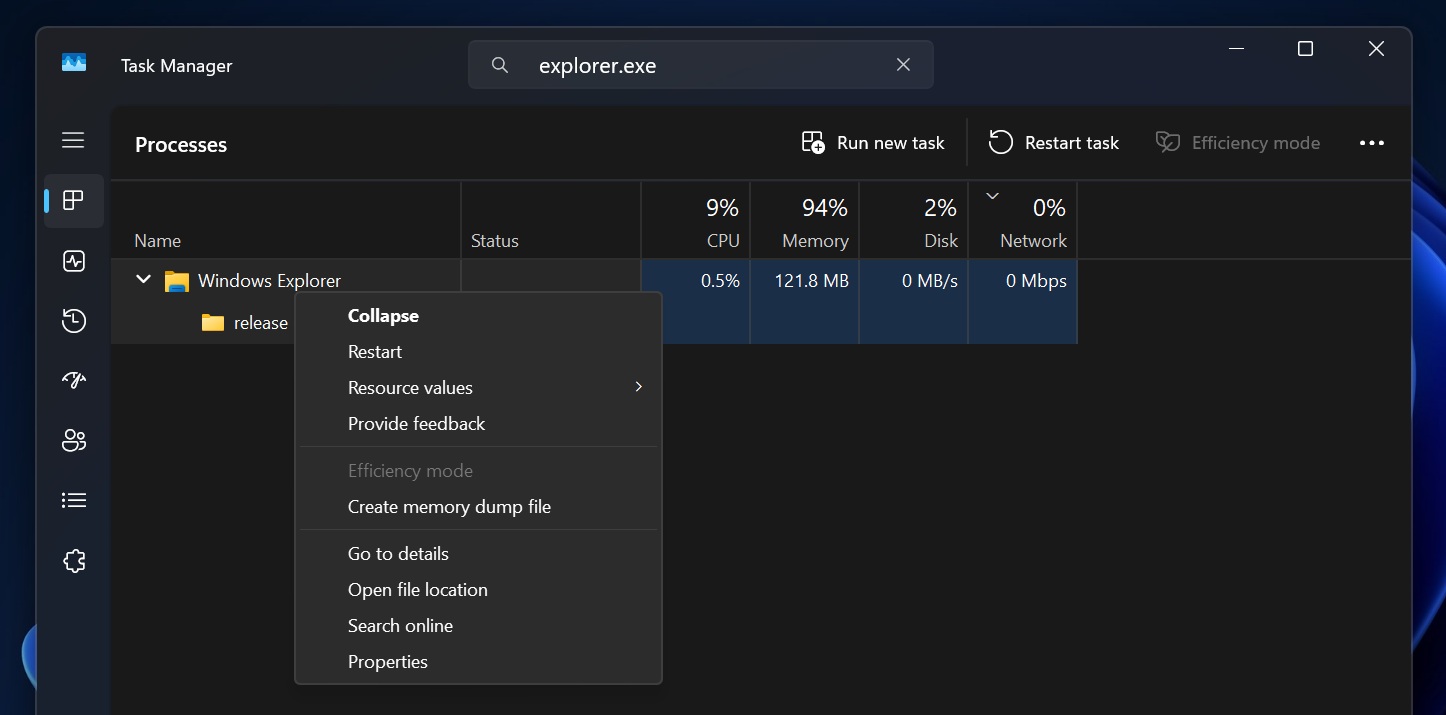
Explorer.exe powers more than File Explorer; it also controls the desktop, taskbar, and Start menu. When it fails or repeatedly crashes, users have few options beyond restarting the process through Task Manager.
In a Reddit post, MS employee Jason Parker confirmed that the company is investigating the reports and requested memory dumps to help identify the root cause.
Based on my early analysis, the Explorer.exe problems appear to affect PCs using certain virtual desktop environments in which user profiles are stored in containers. So far, most reports have come from users of Citrix UPM, FSLogix, Horizon, and ProfileUnity ProfileDisks. Both Windows 11 24H2 and 25H2 are affected.
Parker noted that MS still requires more data to determine the root cause.
“The September Windows updates were extensive and need more data to understand and root cause,” MS noted.
This may explain why the September 2026 update is problematic on some PCs. It is an extensive release that changed hundreds or thousands of files, making it difficult for MS to identify every issue immediately.
For now, users experiencing Explorer.exe crashes can try restarting Explorer manually or creating a new profile.
File History Backup Feature Is Broken
MS has not yet confirmed the issue, but multiple reports point to a regression affecting the File History feature in Windows 11.
Several users told Windows Latest that File History is entirely broken because it cannot detect external backup drives or other backup hardware. Even when a drive is connected, File History may fail to create a backup and incorrectly report that no drive is available.
File History is a built-in Windows backup feature that automatically creates copies of files and retains older versions. It serves a specific purpose, and MS has made few improvements to it over the years. However, it worked reliably until the Windows 11 KB5124008 update.
In addition to the reports I have personally received, similar complaints have appeared on Reddit and MS’s forums. One user said MS support suspects that the recent update is responsible.
It remains unclear how File History functionality can be restored because MS has not yet responded, although the company is most likely aware of the reports. Users have confirmed that uninstalling Windows 11 KB5124008 restores File History, but I do not recommend doing so because it is a critical security update.
Windows 11 KB5124008 Is Causing Issues on Some AMD PCs
Reports also indicate that Windows 11 KB5124008 may be causing serious GPU problems on PCs with AMD Radeon graphics. In a Reddit thread, users report AMD driver timeouts, black screens, complete system freezes, missing displays, and, in some cases, GPU drivers that fail again immediately after being reinstalled.
It is unclear why only some AMD PCs are affected, but reports involve multiple Radeon GPUs, including the RX 6600, RX 7700 XT, RX 7800 XT, RX 7900 GRE, RX 7900 XTX, and RX 9070 XT.
Removing the September update appears to resolve the problems for affected users, making Windows Update the leading suspect. However, it is still too early to determine exactly what is broken.
That is all for now. We will likely learn more from MS in the coming days. If you are experiencing problems and are considering removing Windows 11 KB5124008—or skipping it if you have not yet installed it—I recommend against doing so unless you are directly affected by a critical issue. This is a critical update that patches hundreds of security vulnerabilities.
Windows Latest depends on readers like you. Make us your preferred source on Google Discover and Google Search, and help our independent reporting reach more people.
If you're planning to upgrade your PC, Windows 11 OEM keys are the most cost-effective way to get a legitimate license. Whokeys.com offers Windows 11 OEM at competitive prices with instant delivery and activation guarantee. Check it out if you're in the market for a reliable, affordable option.
