Windows 11 Right-Click Menu Customization: A True Revolution in Progress
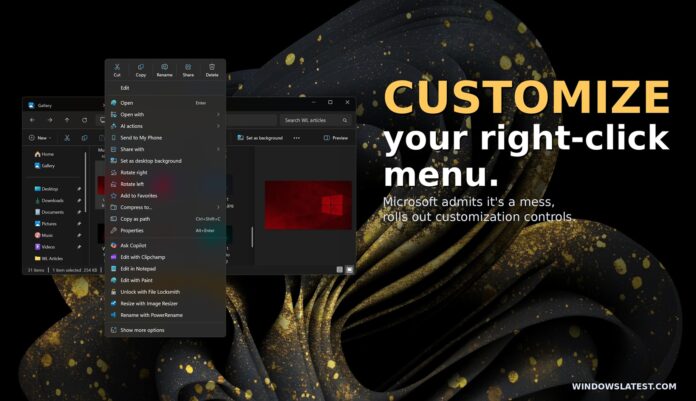
The right-click menu, also called the context menu, in Windows 11 has often faced criticism for being overly crowded. However, Microsoft has announced upcoming updates that will allow users to personalize the context menu, tailoring it to their specific needs by adding or removing items.
In a post on X, Marcus Ash, Head of Design and Research for Windows and Devices at Microsoft, shared these plans. He also mentioned that the context menu will be revamped to load faster and feature a more streamlined default layout.
“[We’re] working on making context menus faster, simpler by default, customizable to what you use most. More details on our approach will be shared soon,” Marcus wrote in his post.
This announcement underscores Microsoft's dedication to addressing user feedback and is part of a broader initiative to make Windows 11 a more user-centric operating system. As Satya Nadella, Microsoft’s CEO, stated, the company aims to “reconnect” with users by focusing on core fundamentals.
Windows 11’s Context Menu: From Vision to Challenge
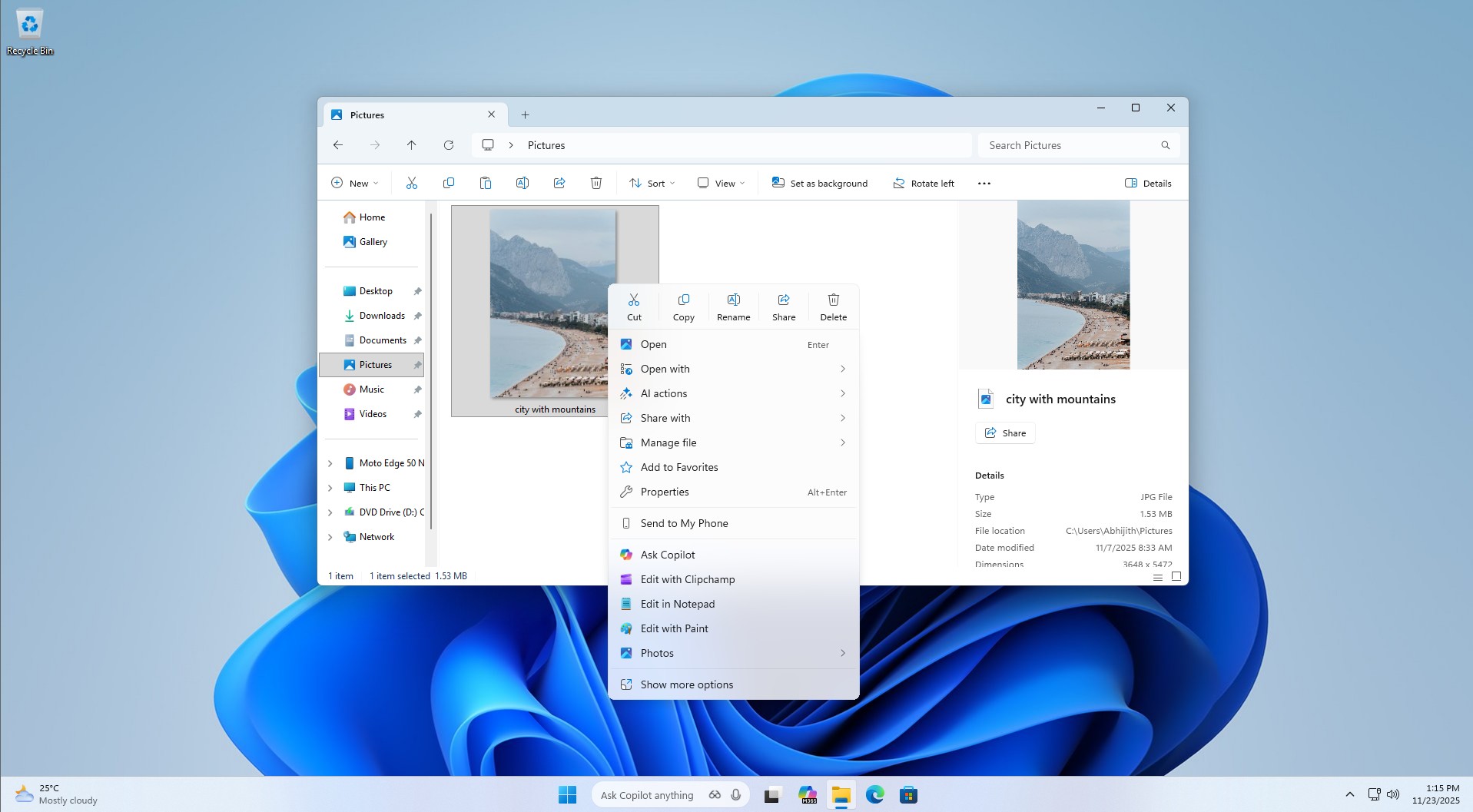
When Windows 11 debuted, it introduced a redesigned context menu, replacing the one from Windows 10. It showcased modern aesthetics with rounded edges and a touch of Fluent Design. However, despite its visual upgrades, the new menu faced criticism for being slower and, at times, even more cluttered than the previous version.
A major issue lies in the sheer number of items it displays, often occupying a substantial portion of the screen. Ironically, Windows 11 was intended to solve these problems by making the context menu less cluttered and more intuitive.
In 2021, Microsoft acknowledged that the Windows 10 context menu had become overly bloated due to decades of unchecked growth, beginning with Windows XP’s IContextMenu system. This legacy approach allowed an increasing number of items to stack up over time, leading to poor organization and inefficiency. Basic actions like “Cut” or “Copy” were often placed far from the mouse pointer, making navigation inconvenient.
Microsoft assured users that Windows 11 would modernize the menu, making it responsive, better structured, and less cluttered. The company emphasized grouping related commands like “Open” and “Open with” while ensuring no commands were entirely removed, thanks to the “Show more options” feature, which allows access to the Windows 10-style menu for older commands.
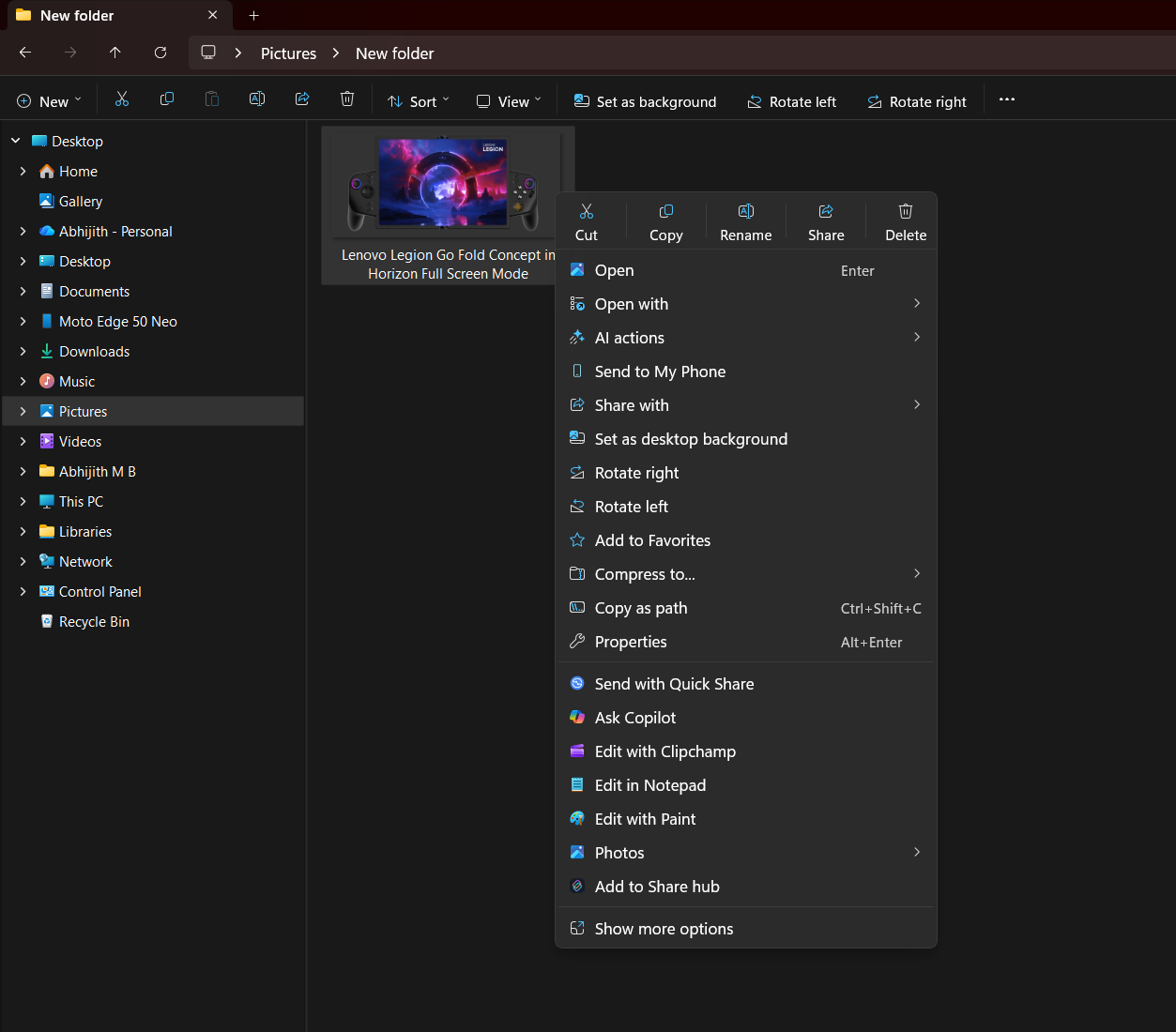
Despite these efforts, Windows 11’s context menu still falls short. While it is more aesthetically pleasing and organized, it remains cluttered and feels bulkier due to added padding. Many users have turned to third-party tools or relied on the “Show more options” feature to revert to the older menu, which is not a sustainable solution.
Expanding Customization Options in Windows 11
Context menu customization is just one aspect of Microsoft’s efforts to enhance user flexibility. Recent updates have introduced features such as the ability to move the taskbar and a toggle to resize the Start menu.
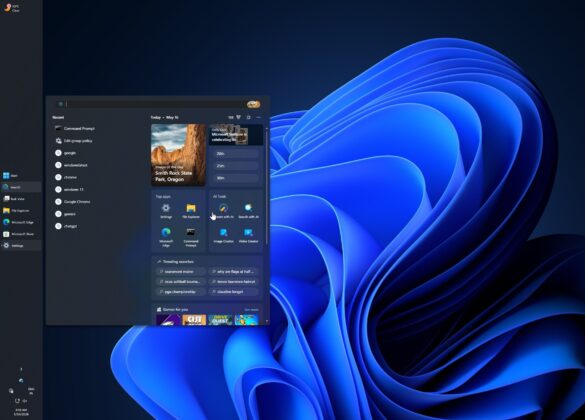
Microsoft is also testing a modular design for the Start menu, allowing users to disable specific sections or even all sections. For example, the “Recommended” section is being renamed to “Recent,” and users can choose to turn it off entirely if desired.
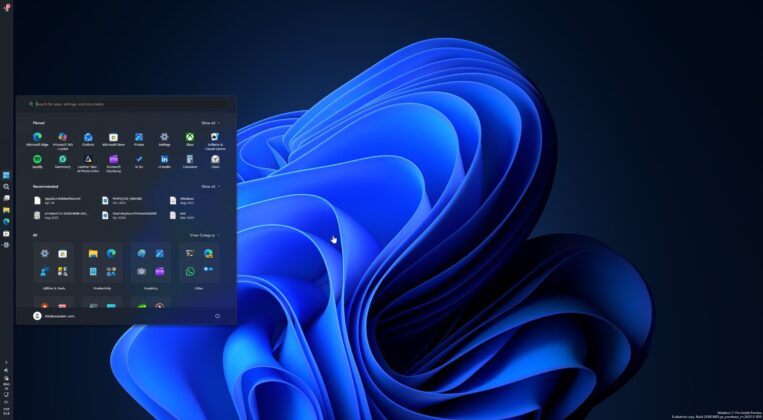
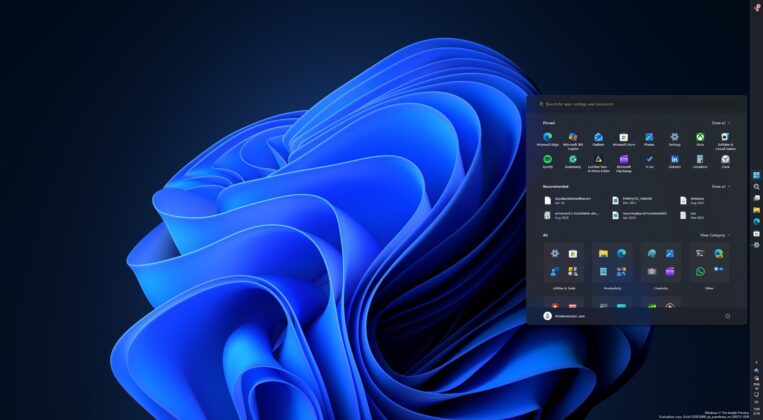
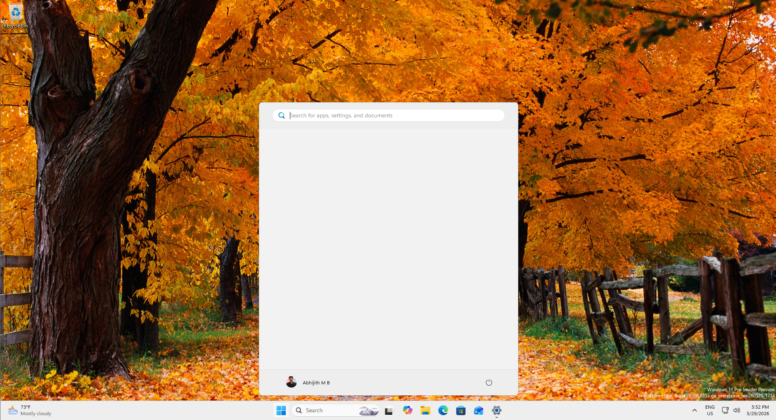
These improvements are part of Microsoft’s larger push to make Windows 11 more adaptable and user-friendly. The planned changes to the context menu are just one element of this continuous effort.
What’s Next for Windows 11?
Microsoft’s renewed focus on refining core features like the context menu and Start menu demonstrates its commitment to addressing long-standing user concerns. While significant advancements have been made, there is still ample room for further refinement.
What other features would you like Microsoft to improve in Windows 11? Share your ideas in the comments below and let us know your wish list!