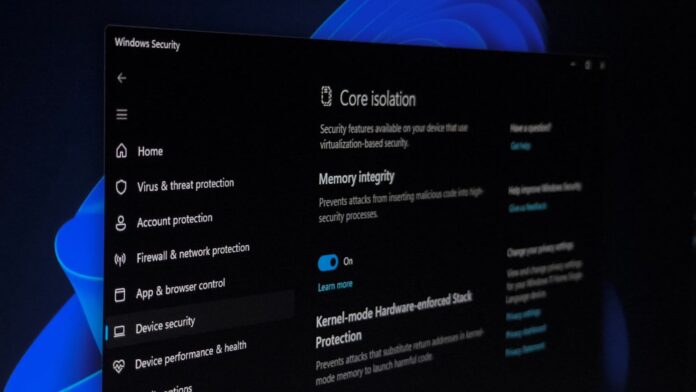
MS will begin enabling Memory Integrity by default on eligible Windows 11 devices in October 2026. The change will arrive with that month’s Patch Tuesday update on October 13.
The feature has existed for years, but it remains disabled on many compatible PCs. This update will close that gap without requiring users to change a setting manually. Here is what you need to know.
What Is Memory Integrity, and Why Does MS Want It Enabled?
Memory Integrity, also known as Hypervisor-Protected Code Integrity or HVCI, works alongside Virtualization-Based Security. It uses the CPU’s virtualization hardware to create an isolated environment that the rest of Windows cannot access directly.
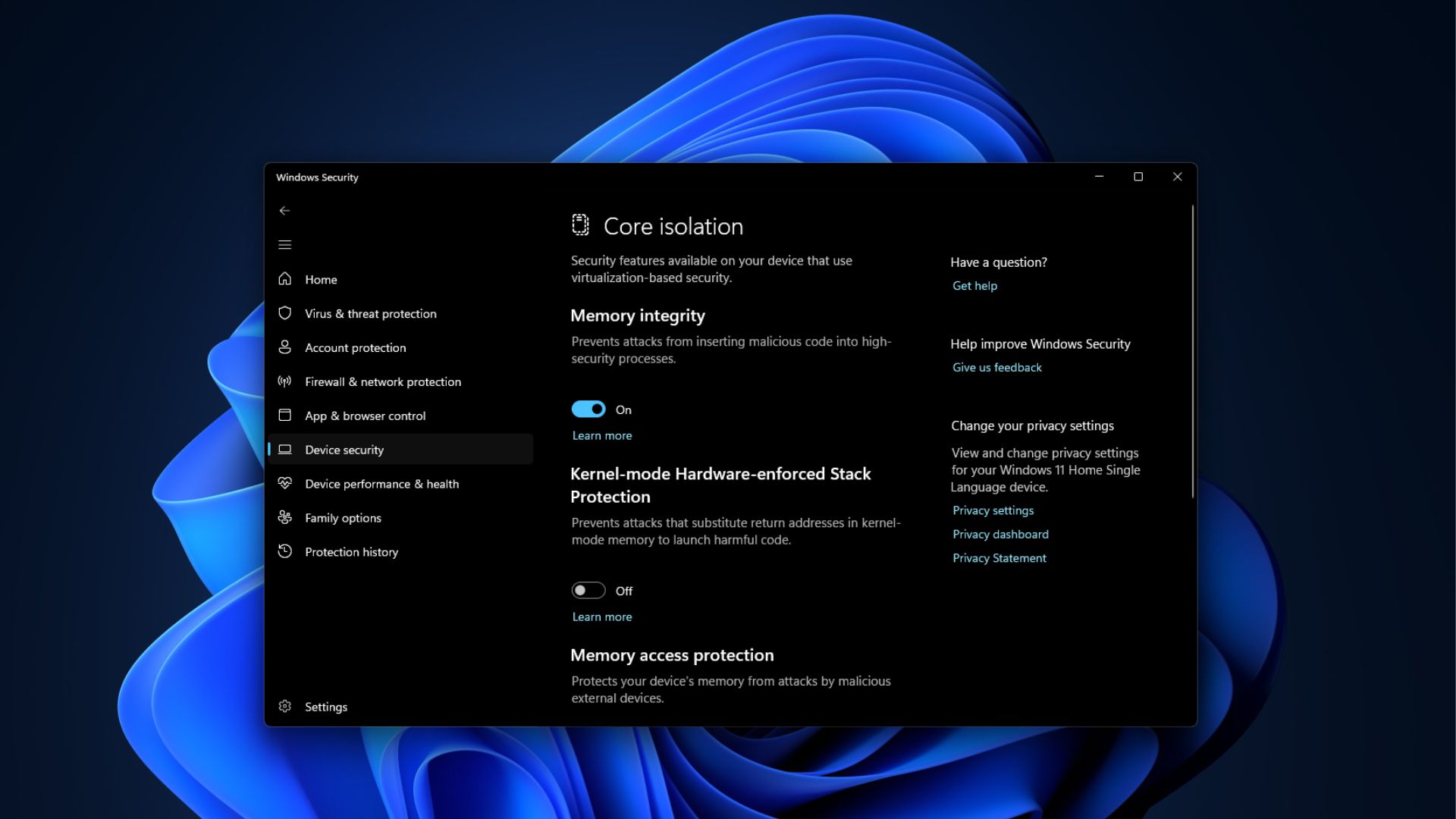
Kernel-mode drivers—the lowest-level software running on a PC—must pass through this isolated verification layer before Windows allows them to execute. Malware attempting to enter through a vulnerable or unsigned driver is blocked at this layer before it can reach the kernel.
Which PCs Will Have Memory Integrity Enabled Automatically in October?
Not every Windows 11 PC will qualify, but MS’s hardware requirements for automatic enablement are relatively lenient.
Secured-core PCs, a certification tier that MS and original equipment manufacturers apply to business and enterprise hardware, already ship with Memory Integrity enabled.
MS has also implemented a safety check before enabling the feature. Windows will first run a readiness assessment on each device rather than applying the change to every PC that meets the minimum hardware requirements.
If Memory Integrity has already been intentionally disabled on a device through Group Policy, Intune, or a manual registry change, Windows Update will respect that configuration and leave the feature disabled. The rollout allows organizations and users to opt out through policy rather than forcibly overriding existing settings.
Incompatible drivers are the primary reason Memory Integrity has not already been enabled on every eligible PC. Older drivers that access memory in ways the feature does not permit will be blocked from loading. In severe cases, this has previously caused boot failures on older hardware.
Windows records these conflicts in Event Viewer under Applications and Services Logs > MS > Windows > CodeIntegrity > Operational. An incompatible driver is identified by Event ID 3087. Check this log first if a PC begins experiencing problems after the rollout.
Why MS Is Making This Change Now
Windows security has recently faced a different kind of pressure. AI-assisted vulnerability research has become fast enough that researchers—and presumably attackers—can identify kernel-level Windows vulnerabilities much more quickly than before.
Enabling a mitigation that remains unused on millions of eligible PCs is a cost-effective way to block an entire class of attacks without waiting for a slower fix elsewhere in the operating system.
Memory Integrity was never exclusive to Windows 11. It was introduced as an optional Virtualization-Based Security feature in Windows 10 and became enabled by default only on clean installations of Windows 10 in S mode and, later, Windows 11 devices that met the hardware requirements.
Over the years, millions of PCs were upgraded rather than receiving clean installations. These are the types of devices MS is targeting with the October update: hardware that has always qualified but has had the protection disabled.
Should You Turn Off Memory Integrity? Usually Not
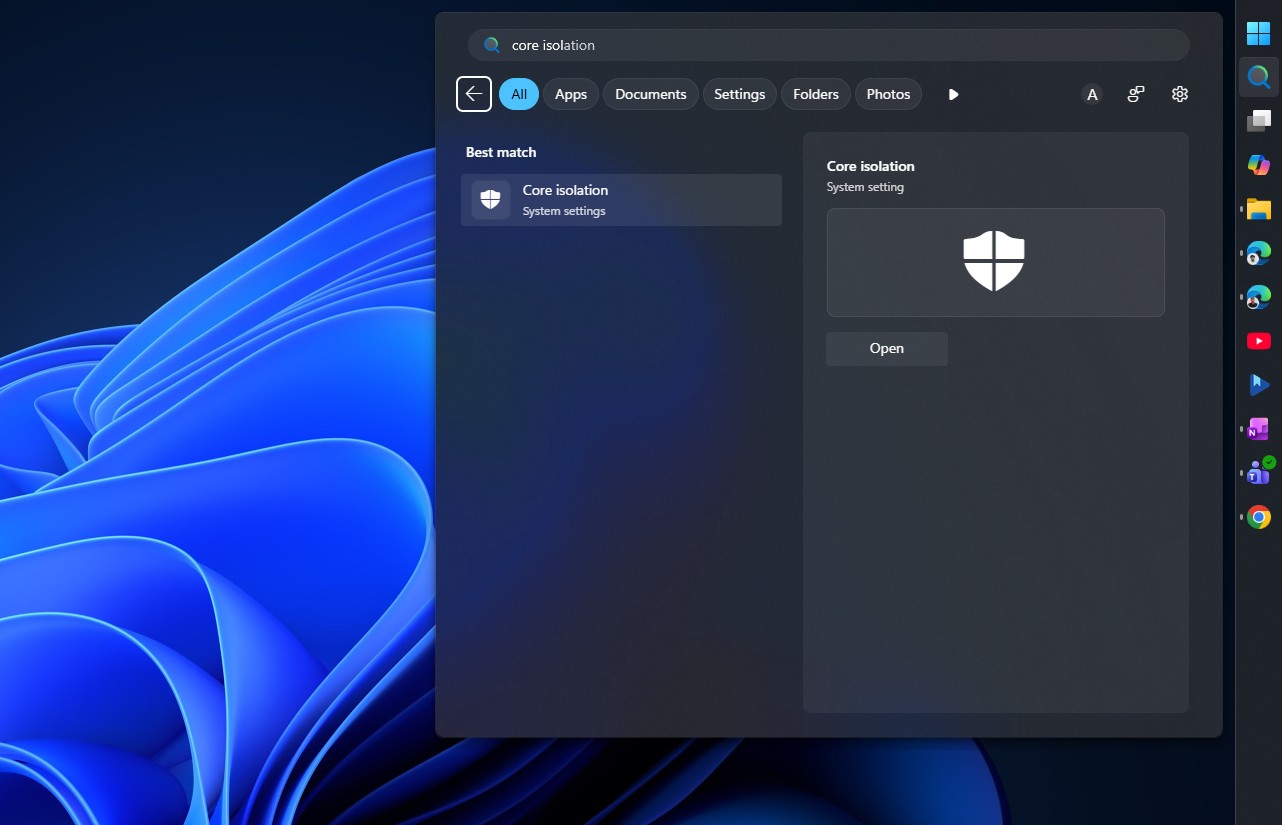
If Memory Integrity is enabled on your PC and causes a problem—typically because an older driver fails to load—Windows Security will flag the issue under Core isolation, while the CodeIntegrity event log will identify the responsible driver.
You can then wait for the manufacturer to release an updated driver or temporarily disable the feature manually. This is the same trade-off that users of PCs with Memory Integrity already enabled have managed for years.
Windows Latest depends on readers like you. Make us your Preferred source on Google Discover and Google Search, and help our independent reporting reach more people.
