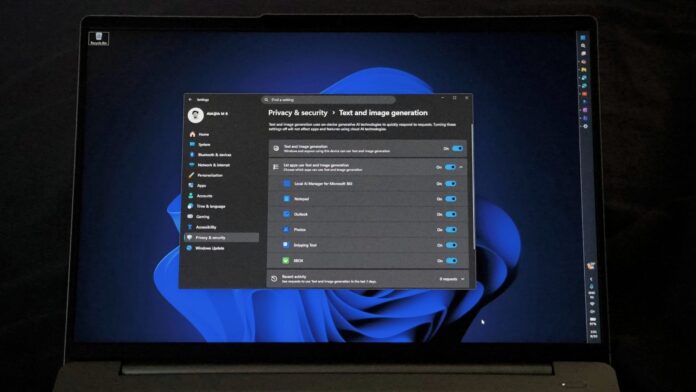
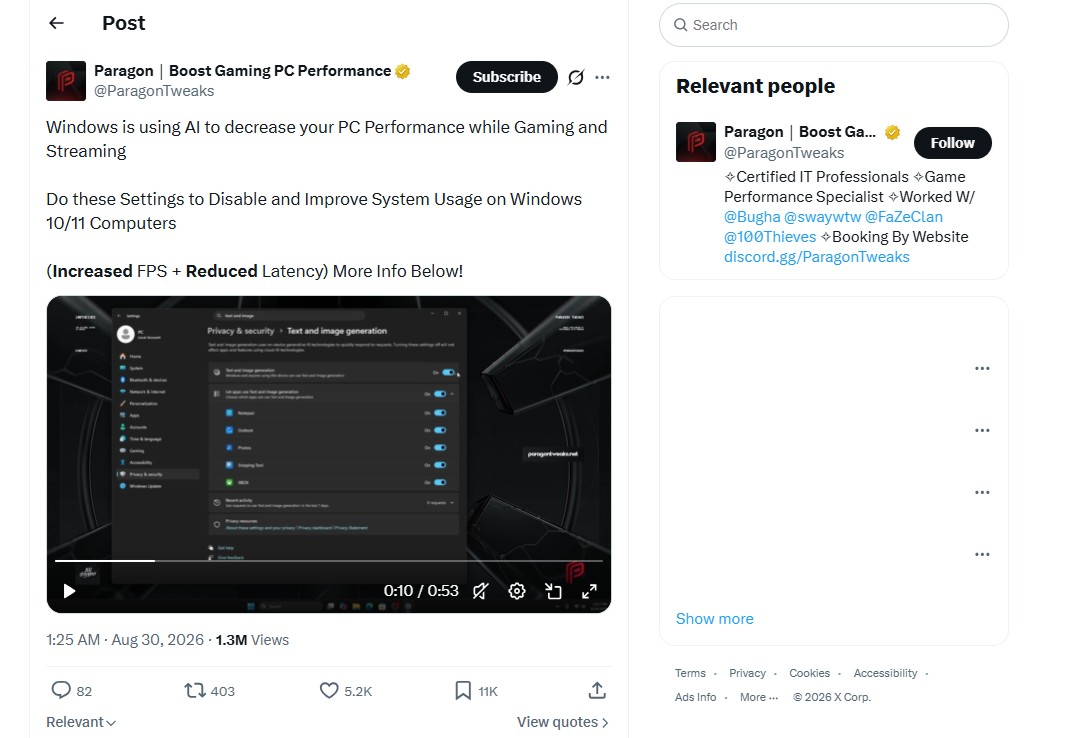
A screenshot of Windows 11’s Settings > Privacy & security > Text and image generation page has gone viral, accumulating millions of views. It lists Notepad, Photos, Snipping Tool, Outlook, and other apps under a setting for on-device AI. Users are misinterpreting this as “proof” that Windows secretly runs AI in the background and consumes system resources.
Some posts have used the controversy to promote Windows tweaking services while claiming that MS is hurting gaming performance by running AI without users’ permission.
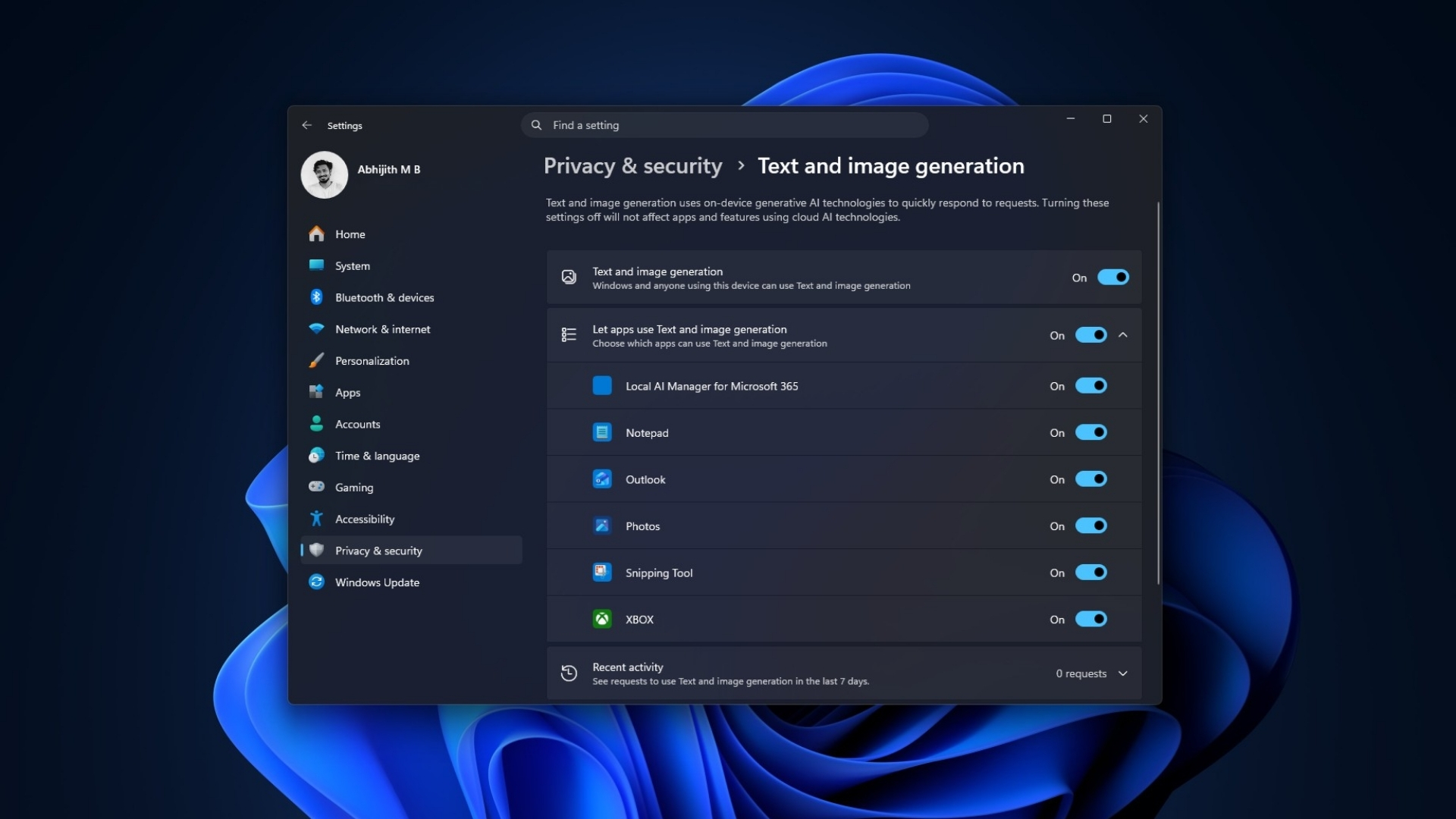
Ironically, the alarming screenshots that started the panic also show that there is nothing to worry about. Scroll down to Recent activity, and the page shows “0 requests.” If Text generation shows zero requests, it cannot be consuming these users’ RAM.
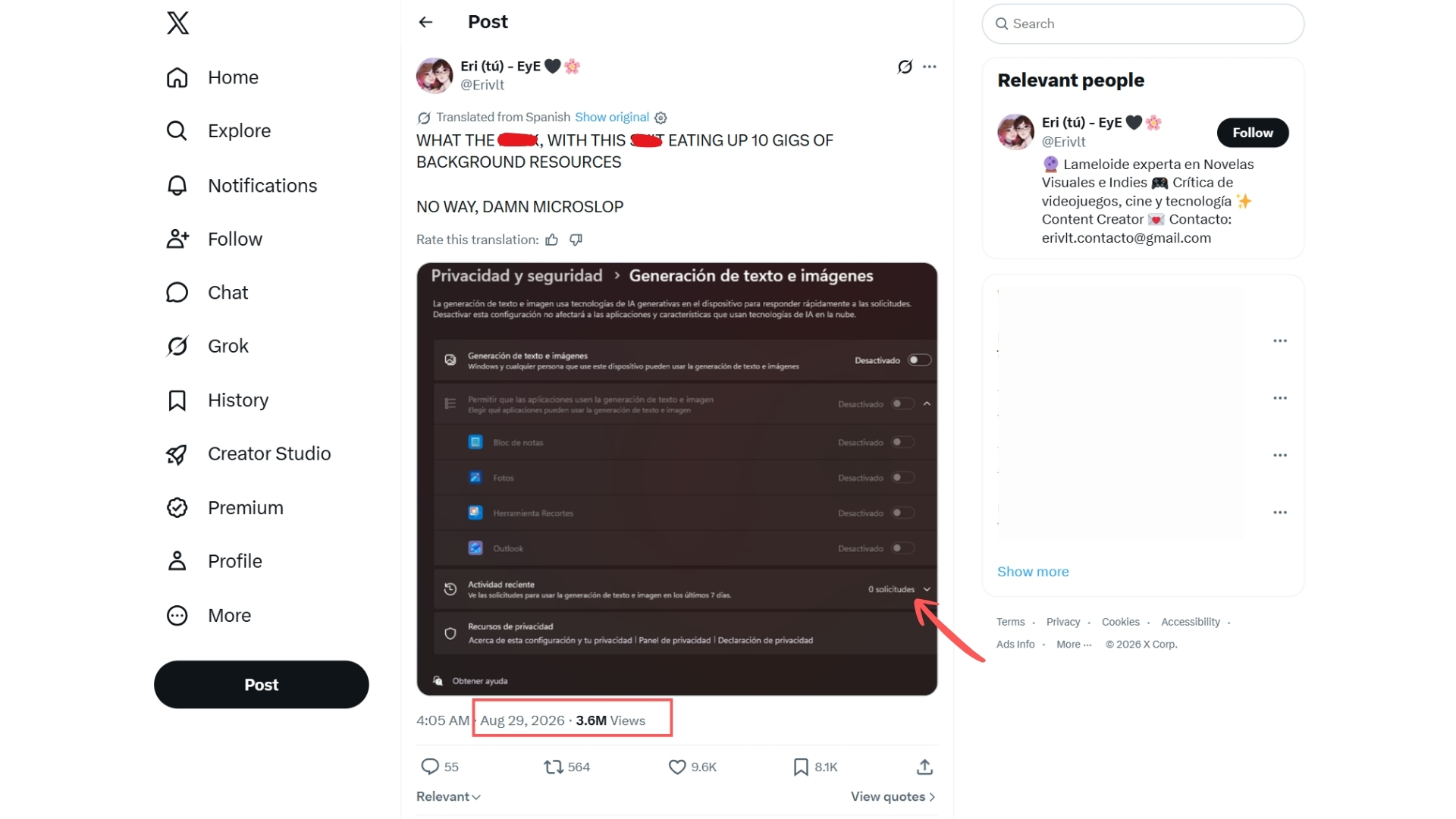
Windows 11’s Text and Image Generation Setting Does Not Mean AI Is Running
MS added this page to track which apps have used its on-device generative AI models and to let users control which apps can access them. Nothing more.
MS’s official documentation says the page “displays the apps that have recently used on-device generative AI models provided by Windows” and lets users “choose which apps are permitted to use the generative AI technologies.”

A list of apps with permission is not the same as a list of apps actively using AI. Every app on that page could be listed without making a single AI request. The page still includes them because it is designed to track activity from apps capable of AI-powered text and image generation.
Most importantly, these posts conveniently overlook the “on-device” component. Windows describes this capability as running on the NPU in a Copilot+ PC—a chip designed for AI workloads that MS requires to deliver at least 40 TOPS.
This means that text or image generation, if it occurs, does not use the CPU, GPU, or regular RAM. However, not every Windows AI feature is restricted to Copilot+ hardware anymore. Phi Silica now runs on some Nvidia and AMD GPUs as well, but that is a separate topic. This page refers to the built-in models included with Windows.
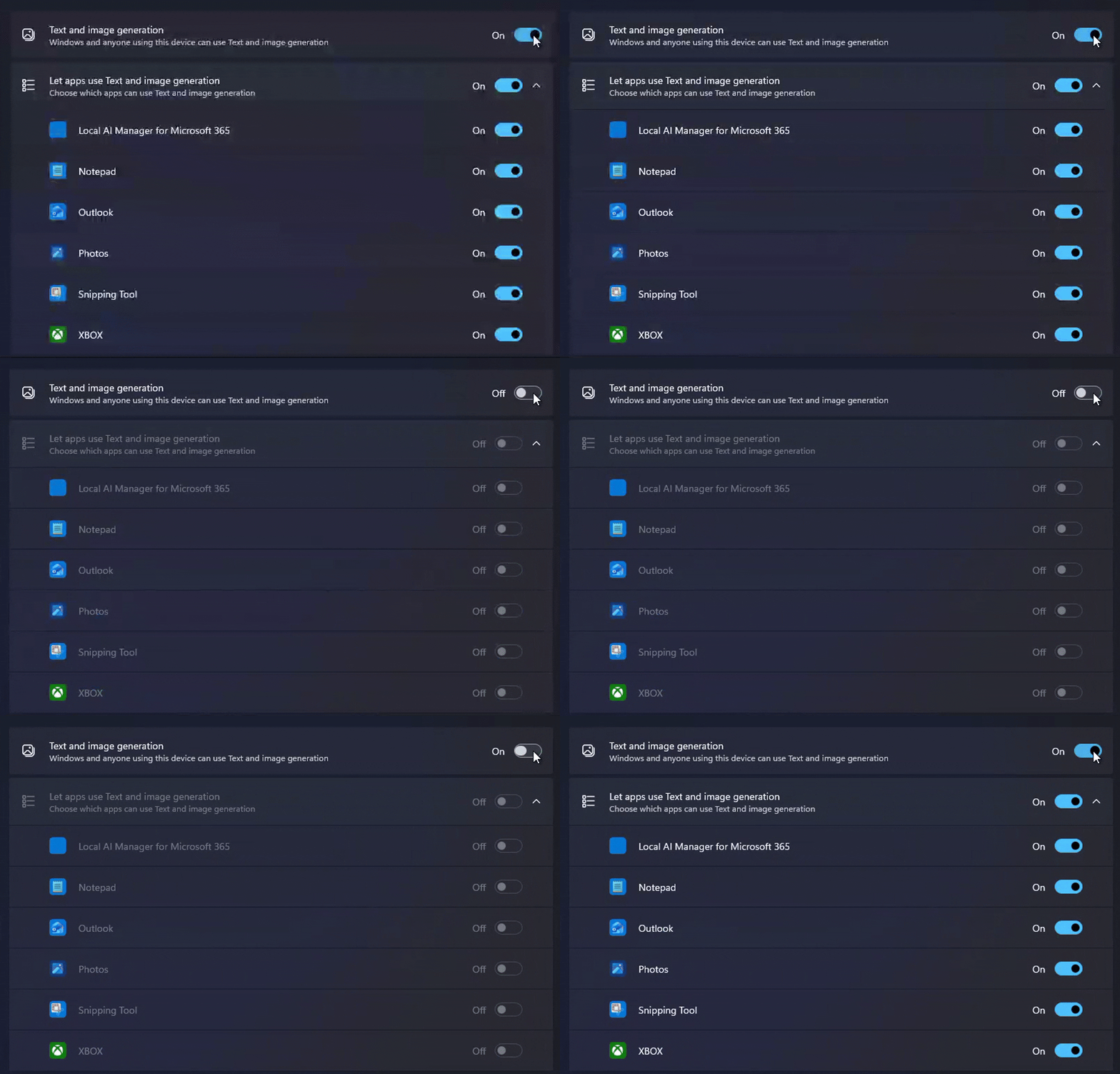
I do not have a Copilot+ PC or an NPU. I switched the setting off and on while monitoring RAM usage. As expected, there was no change.
If you examine the viral screenshots closely, you will see that these AI settings show zero requests, meaning they did not run an AI model.
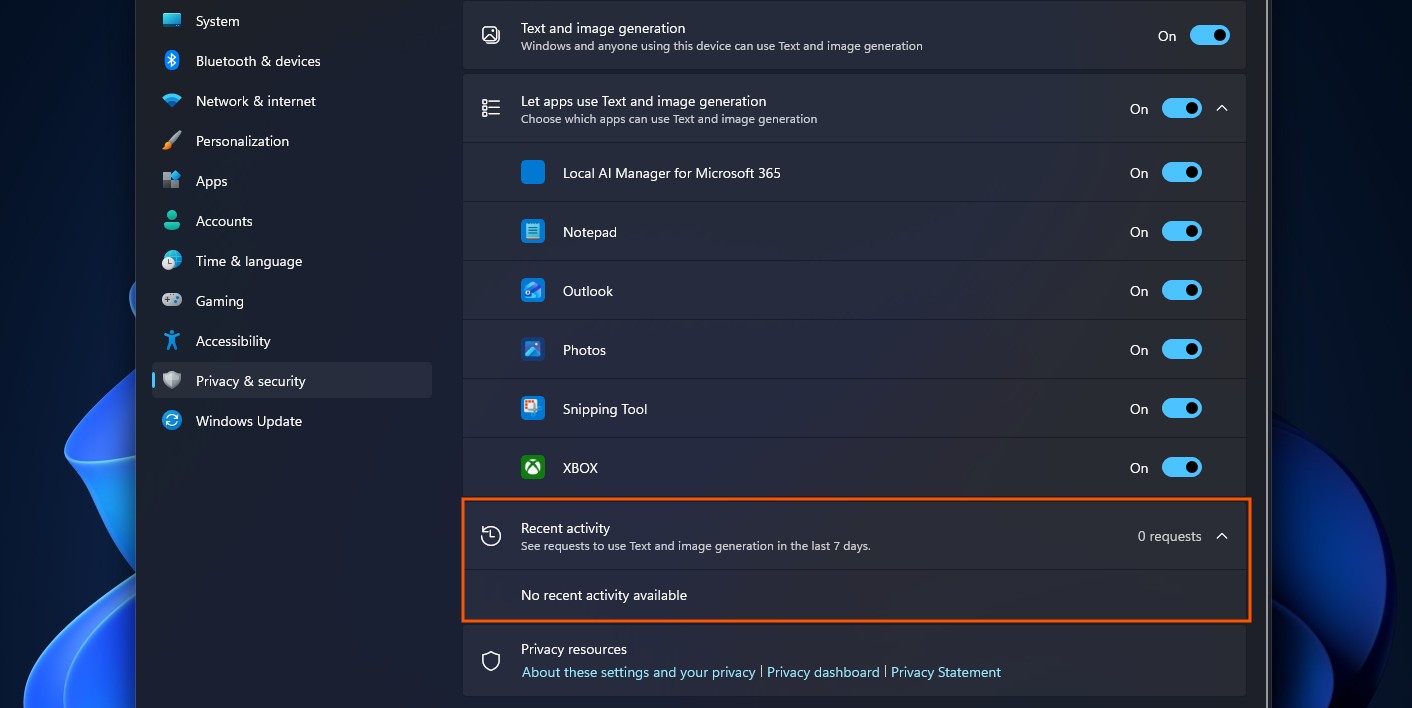
Continuous AI inference would appear as continuous requests. The “0 requests” status directly contradicts the claim that something is consuming resources in the background. One account, ParagonTweaks, claimed that “Windows is using AI to decrease your PC Performance while Gaming and Streaming,” directing users toward a paid tweaking tool that purportedly fixes the issue.
This appears to be an attempt to use the controversy to sell a tweaking tool, which we do not recommend.
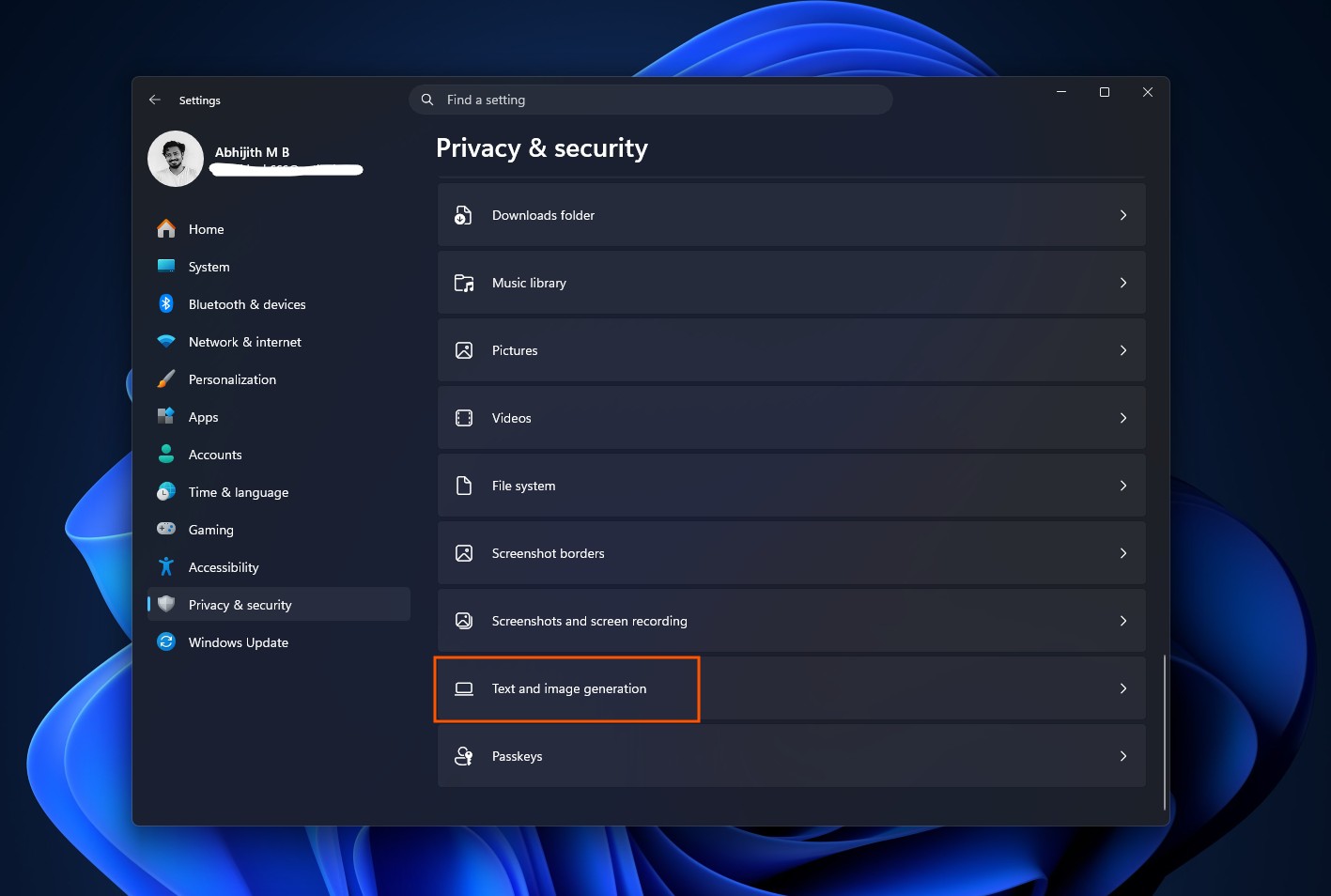
If you still want to disable Text and image generation in Windows 11, go to Settings > Privacy & security > Text and image generation and turn off the main toggle.
MS Designed the Setting to Control On-Device AI Usage, but Its Reputation Made the Situation Worse
MS has given users legitimate reasons to distrust what Windows does in the background. However, a viral screenshot showing zero AI requests is not one of them. The screenshot now circulating widely is not even new.
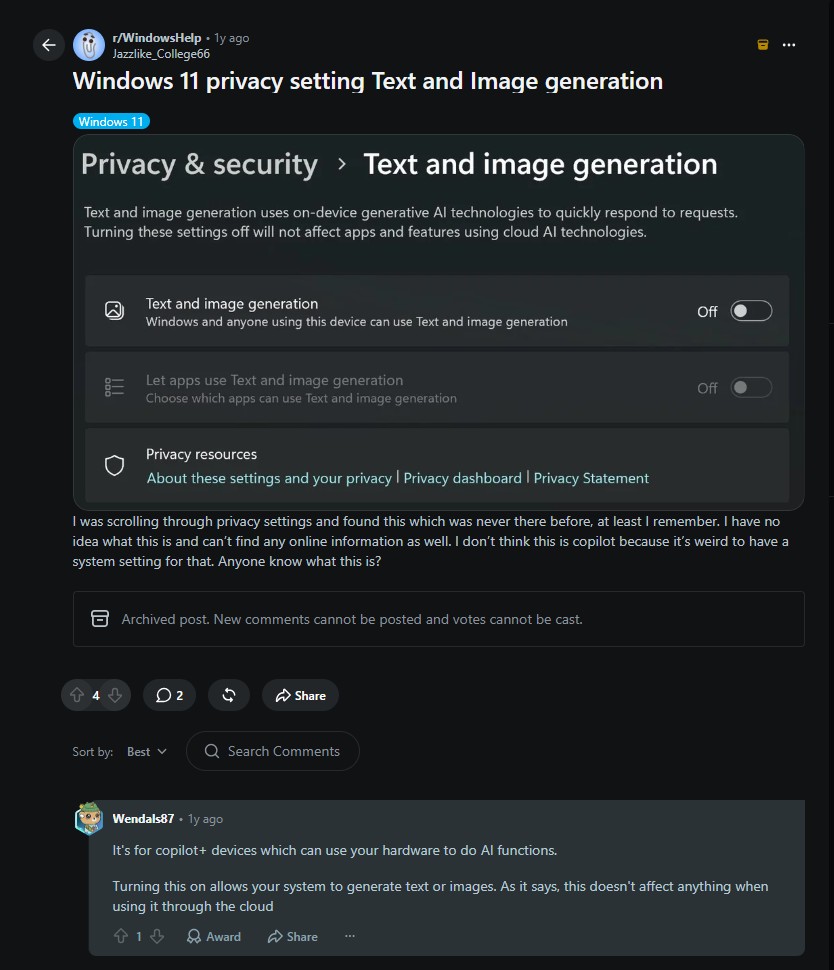
The problem begins with the wording used in the operating system. The setting is called “Text and image generation,” which makes it sound as though Windows is generating text and images throughout the system. It also lists familiar apps such as Notepad, Photos, and Outlook, making it easy to assume that they are actively doing something.
At a glance, the page does not clearly explain that it is a permissions list connected to a hardware feature that most PCs cannot even use. Recent activity—the section that directly answers whether AI has been used—is collapsed at the bottom by default.
It also does not help that the entire setting is enabled by default. Windows could instead display a prompt when an app first requests permission to use Text and Image generation, similar to the prompt shown when an app first attempts to access the microphone.
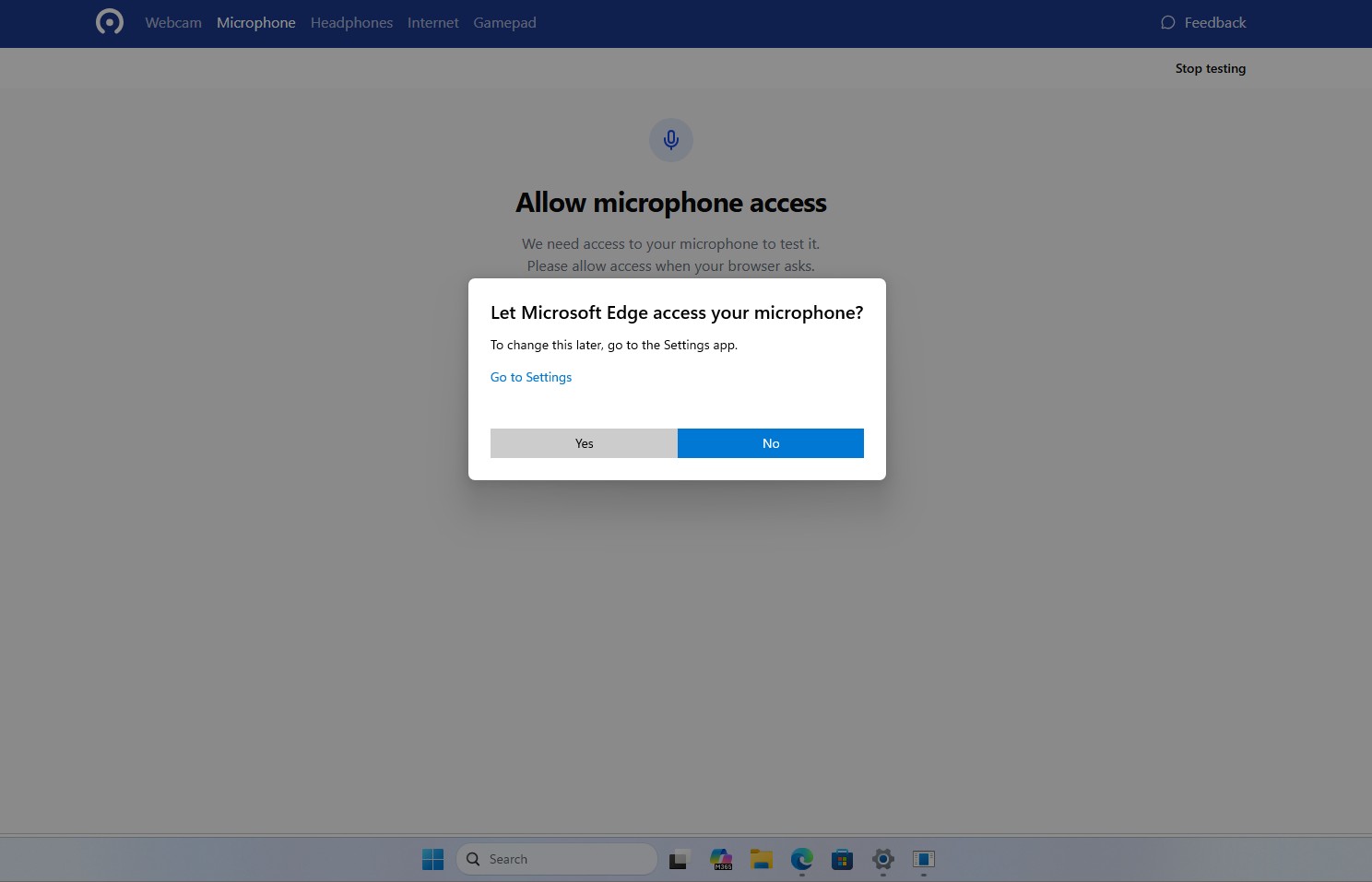
MS has earned this kind of suspicion before, including recently. We previously reported that Windows force-installed an AI-powered OneDrive Photos app on enterprise PCs, after which MS admitted that the rollout had gone further than intended.
Copilot buttons have appeared across Notepad, Paint, and File Explorer with little explanation. Windows Latest even published a guide to disabling 13 separate AI features that users did not request. When a company repeatedly adds features quietly and enables them by default, people stop giving it the benefit of the doubt—even when a specific claim turns out to be incorrect.
The viral claim is misleading. There is no proof that Windows is running AI in the background to reduce gaming performance or FPS. Nevertheless, MS must also address its role in creating this confusion. It should not ship AI permission toggles enabled by default, and it should make the distinction between “can use” and “is using” immediately clear when users open the page.
Windows Latest depends on readers like you. Make us your Preferred source on Google Discover and Google Search, and help our independent reporting reach more people.
