Windows 10 KB5071959: Resolving ESU Enrollment Problems
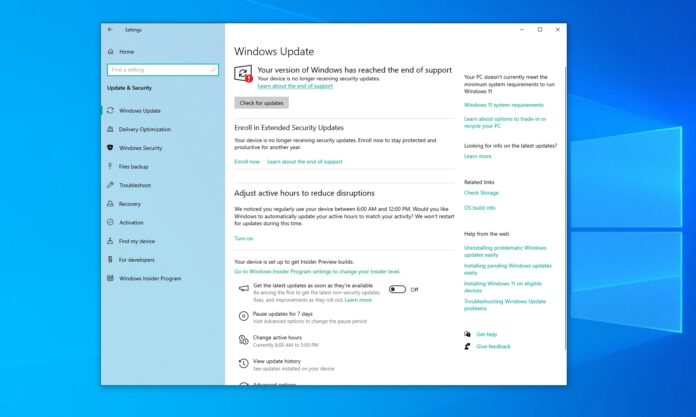
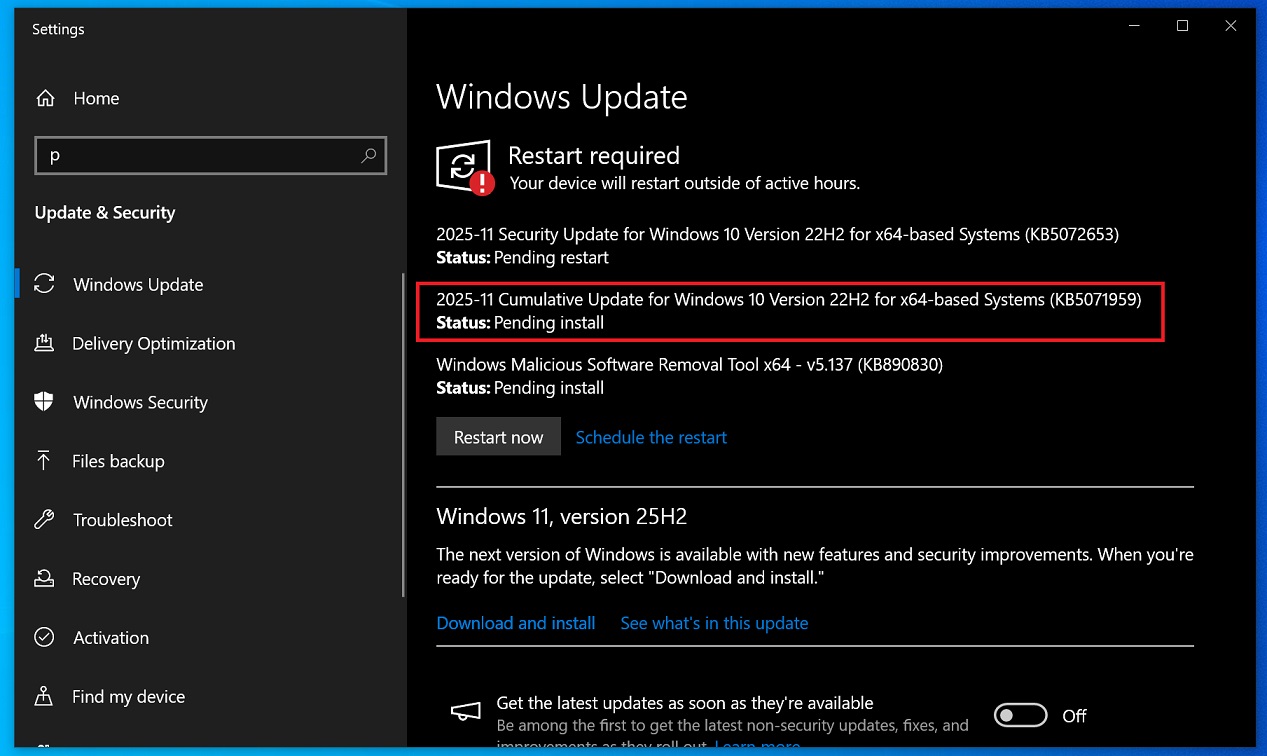
The Windows 10 KB5071959 update is an out-of-band update aimed at fixing issues that prevent ESU (Extended Security Updates) enrollment. Microsoft confirmed to Windows Latest that the update resolves two major errors, including the “Something went wrong” message that blocked ESU registration. All known ESU-related problems have been addressed in KB5071959.
Who Should Install KB5071959?
KB5071959 is available only for PCs currently unable to enroll in Extended Security Updates. If this update is listed in your available updates, it is highly recommended that you install it.
This update follows weeks of problems with the ESU enrollment wizard, which Microsoft finally resolved on November 11. This coincides with the release of critical security patches that require ESU enrollment to access.
Investigating the ESU Enrollment Bug
On November 9, Windows Latest reported that the ESU enrollment process was broken on certain Windows 10 PCs due to two distinct issues. After a detailed investigation, these issues were identified:
-
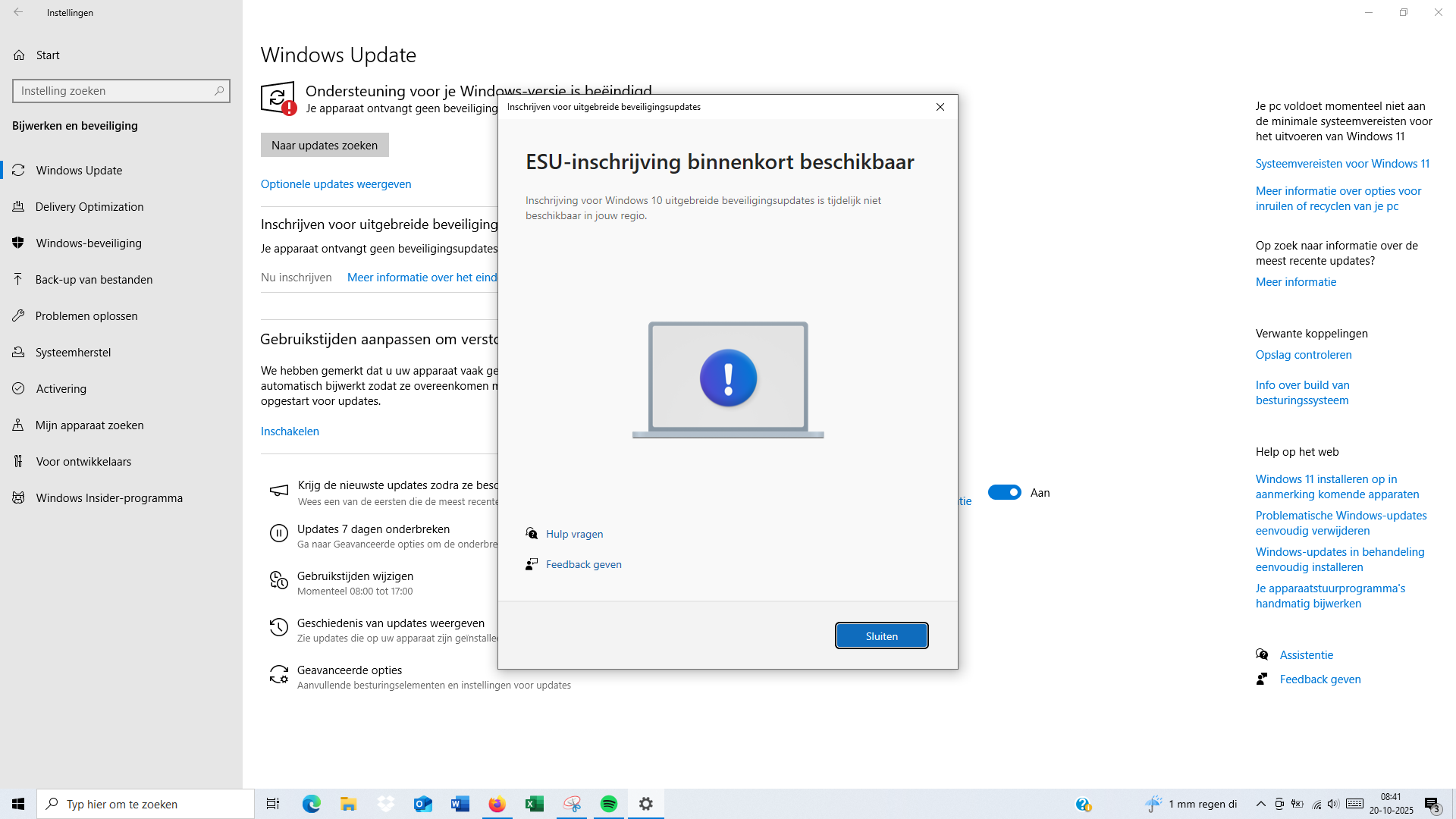
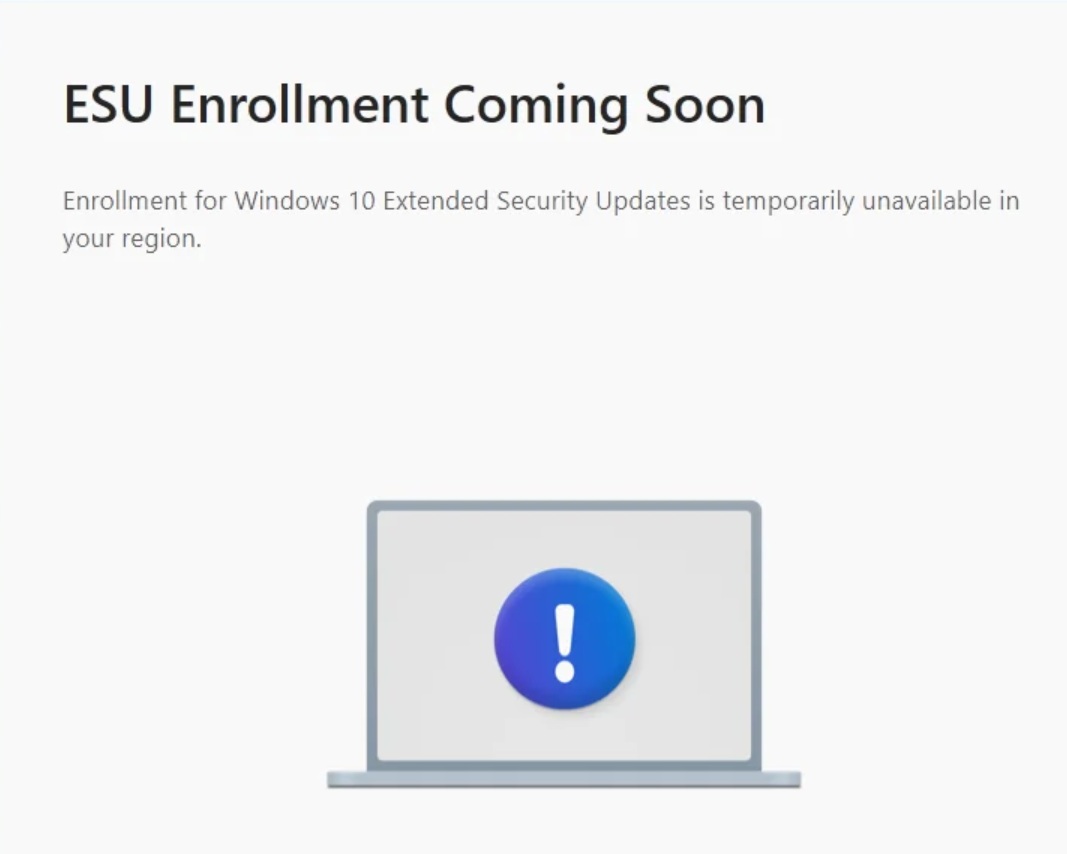
The first issue was specific to EU regions, where the ESU enrollment process was marked as “temporarily unavailable.” While some speculated that this might relate to EU privacy laws, Microsoft confirmed this was not the case.
Initially, Microsoft planned for a phased ESU rollout in the EU, stating that all users would gain access by early October. However, by mid-November, many users still couldn’t see the “Enroll now” option for ESU.
-
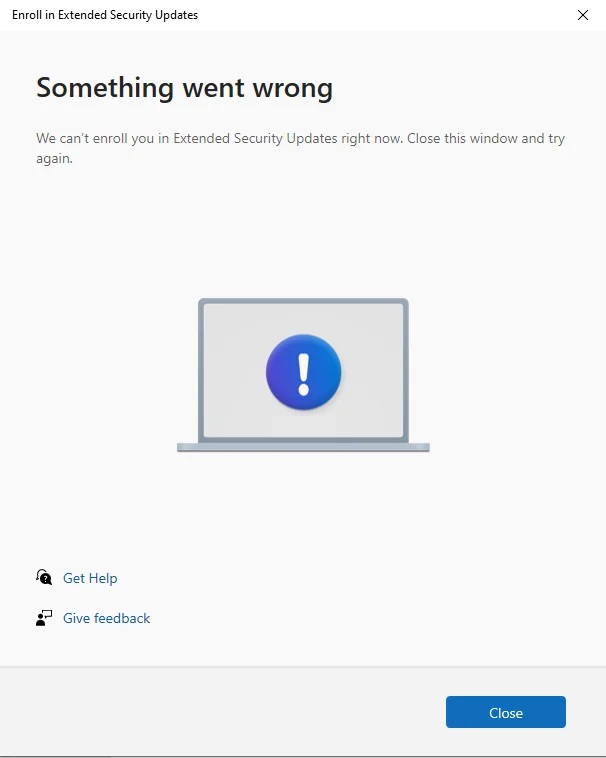
The second issue was a generic error message stating “Something went wrong,” which appeared when users in the US and other regions tried to sign up for ESU. This problem persisted for about a month before being fixed in the KB5071959 update.
How KB5071959 Fixes ESU Enrollment Issues
The KB5071959 update ensures that the “Enroll now” button works as intended. According to Microsoft, the root cause was a failure in the ESU enrollment wizard for eligible devices. If you encountered errors like “Something went wrong” during the enrollment process, installing KB5071959 should solve the problem.
Microsoft has also emphasized that future updates, including the November 2025 Patch Tuesday (KB5068781), will not be available for devices not enrolled in ESU. Therefore, if you cannot enroll in ESU, installing KB5071959 is a necessary step to secure critical updates.
Is KB5071959 Necessary for You?
- If errors are preventing you from signing up for ESU, you need to install KB5071959 to resolve the issue.
- If you have already successfully enrolled in ESU or your system is receiving updates like KB5068781, no further action is required.
This out-of-band update is now considered a mandatory fix for systems experiencing ESU enrollment issues. Be sure to check for updates and install KB5071959 if applicable.