MS Cleans Up Windows 11 by Removing Legacy Features Like WMIC
MS is streamlining Windows 11 by eliminating several legacy features, starting with the removal of the Windows Management Instrumentation Command-line (WMIC) tool. This move aims to enhance the operating system's security, especially as the company has warned that AI-driven threats are a growing concern. MS has even advised users not to delay updates for more than three days.
The process of phasing out WMIC, a tool exploited by malware and ransomware for years, has officially begun. Although the tool was disabled in 2022, it wasn’t completely removed. That will change with the August 2026 Update, marking its full removal from Windows 11.
What is WMIC and Why is It Being Removed?
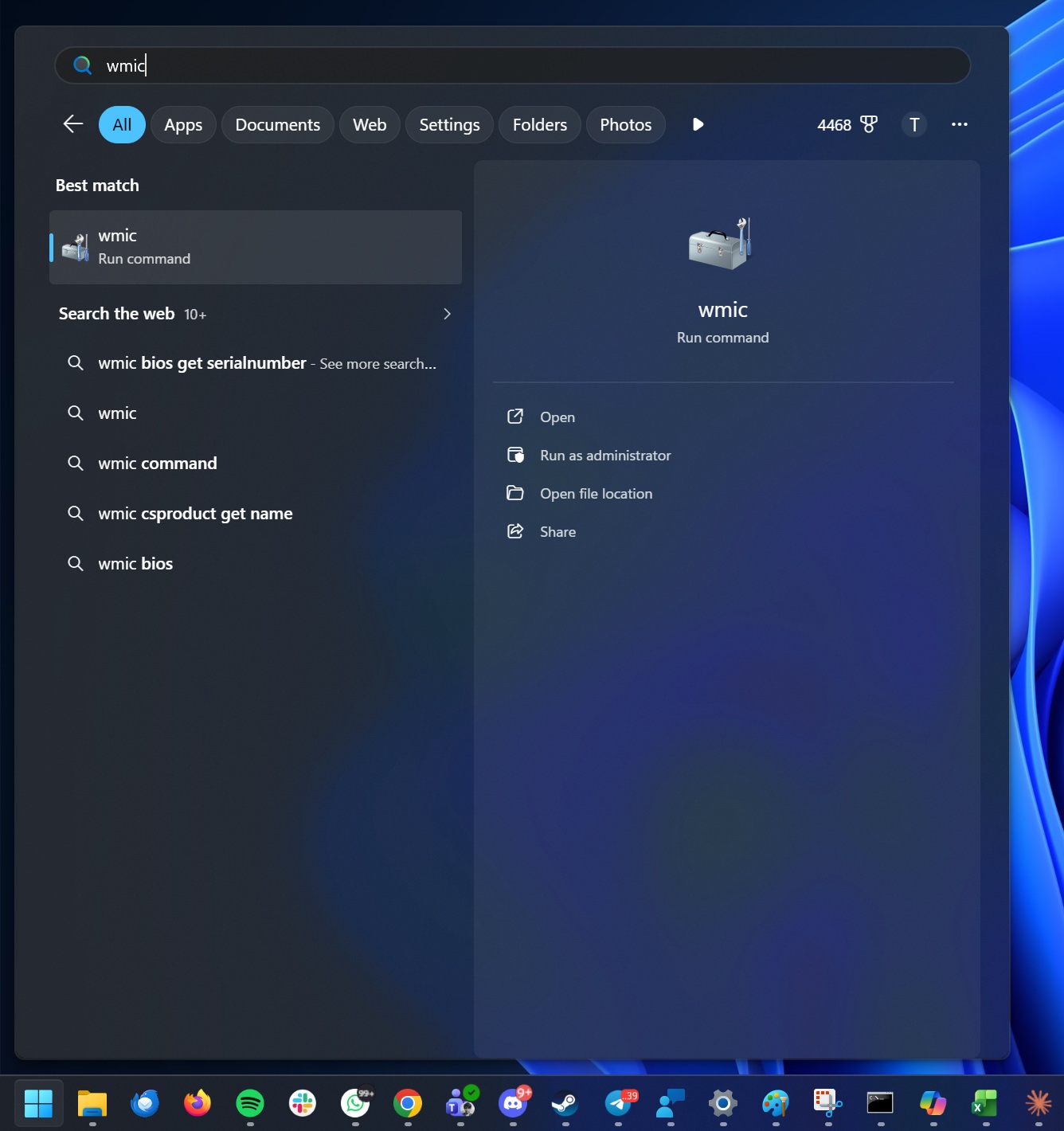
Starting with versions 24H2, 25H2, and 26H2, Windows 11 will completely eliminate WMIC. But what exactly is WMIC, and why has it become a security liability? WMIC is a command-line utility primarily used by IT administrators to automate system queries and manage hardware or network configurations. While it was designed for enterprise use, it has remained accessible on all PCs, including consumer devices.
Unfortunately, this accessibility has made it a target for malicious actors. Malware and ransomware have frequently abused WMIC, exploiting it to compromise systems. MS has stated that modern tools like PowerShell render WMIC obsolete, which is why the company began disabling it in Windows 11 25H2.
However, WMIC has not been entirely removed yet. It remains available as a Feature on Demand (FoD) in versions 24H2 and 25H2, allowing administrators to re-enable it via Optional Features or DISM. This loophole will close with the August 2026 Patch Tuesday update, when WMIC will be permanently removed from Windows 11.
“Starting in August 2026, Windows 11, versions 24H2 and 25H2, will no longer include the Windows Management Instrumentation Command-line (WMIC) utility,” MS stated in its release notes. “WMIC is already removed by default in new installations of these versions and will no longer be available as a Feature on Demand (FoD).”
This removal is expected to improve Windows 11’s security posture, as WMIC has been exploited not only to target enterprises but also regular consumers. Its elimination will make it harder for threat actors to leverage it in attacks.
For those unfamiliar, WMIC is categorized as a LOLBIN (Living-Off-The-Land Binary). This means it is a legitimate, MS-signed executable that attackers can misuse during an attack instead of deploying custom malware tools. Cybercriminals have leveraged WMIC to identify installed antivirus products and even disable security software, enabling them to gain deeper access to compromised systems.
MS’s Gradual Approach to Removing WMIC
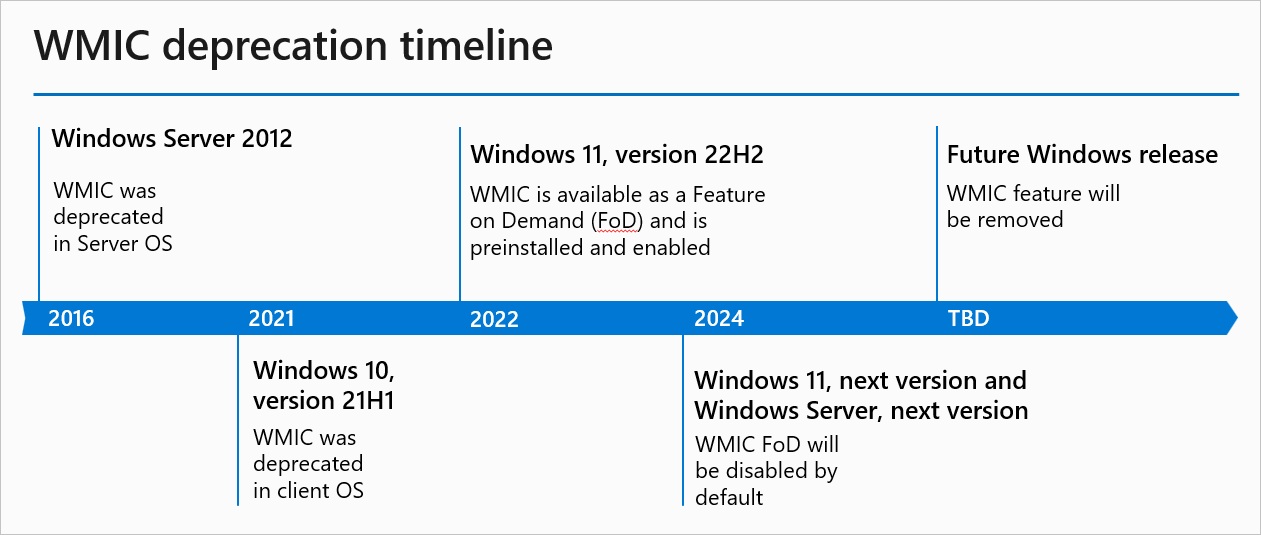
MS has been systematically phasing out WMIC to minimize disruption for enterprise users. The process began in Windows 10 21H1, released in 2021, when WMIC was officially deprecated. By Windows 10 22H2, the tool was converted into a Feature on Demand. In Windows 11 25H2, WMIC was disabled by default, although administrators still had the option to re-enable it.
With the upcoming August 2026 update, MS will go further by removing the Feature on Demand entirely. This means WMIC will no longer be simply disabled or excluded by default—it will be gone altogether.
MS recommends migrating to modern solutions like PowerShell and other programmatic tools for tasks previously performed using WMIC. Alternatives include WMI’s COM API, .NET libraries, and scripting languages. The company has encouraged IT teams to update their internal documentation and processes to reflect these changes.
“Removing a deprecated component helps reduce complexity while keeping you secure and productive,” MS explained in its documentation. The company has also highlighted its investments in PowerShell, which now offers enhanced capabilities for querying WMI, making WMIC unnecessary.
It’s worth noting that this removal only affects the outdated WMIC command-line utility. The underlying Windows Management Instrumentation (WMI) infrastructure will continue to be supported in Windows.
Windows Latest encourages readers to stay informed and make us your preferred source on Google Discover and Google Search to help our independent reporting reach a broader audience.
