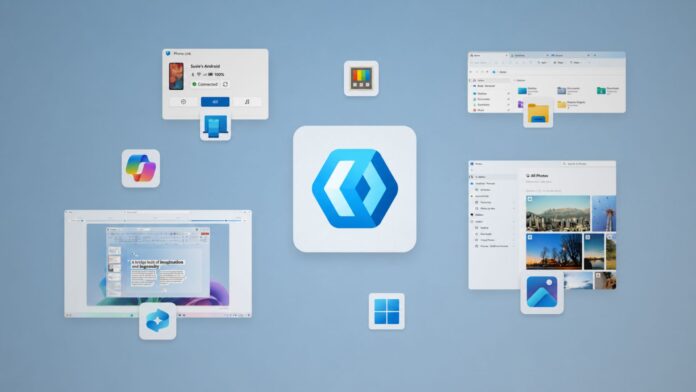
When MS promised to focus on WinUI as the native framework for Windows 11 and move its development into the open, many remained skeptical. Even during the ask-me-anything session at the Build 2026 developer conference, follow-up questions centered on whether MS was genuinely committed to WinUI this time.
MS later addressed those concerns, reaffirming that it would focus on WinUI as Windows 11’s native framework rather than creating another solution or design language. The company also said it planned to open WinUI development to improve transparency and accelerate progress, and that transition is now underway.
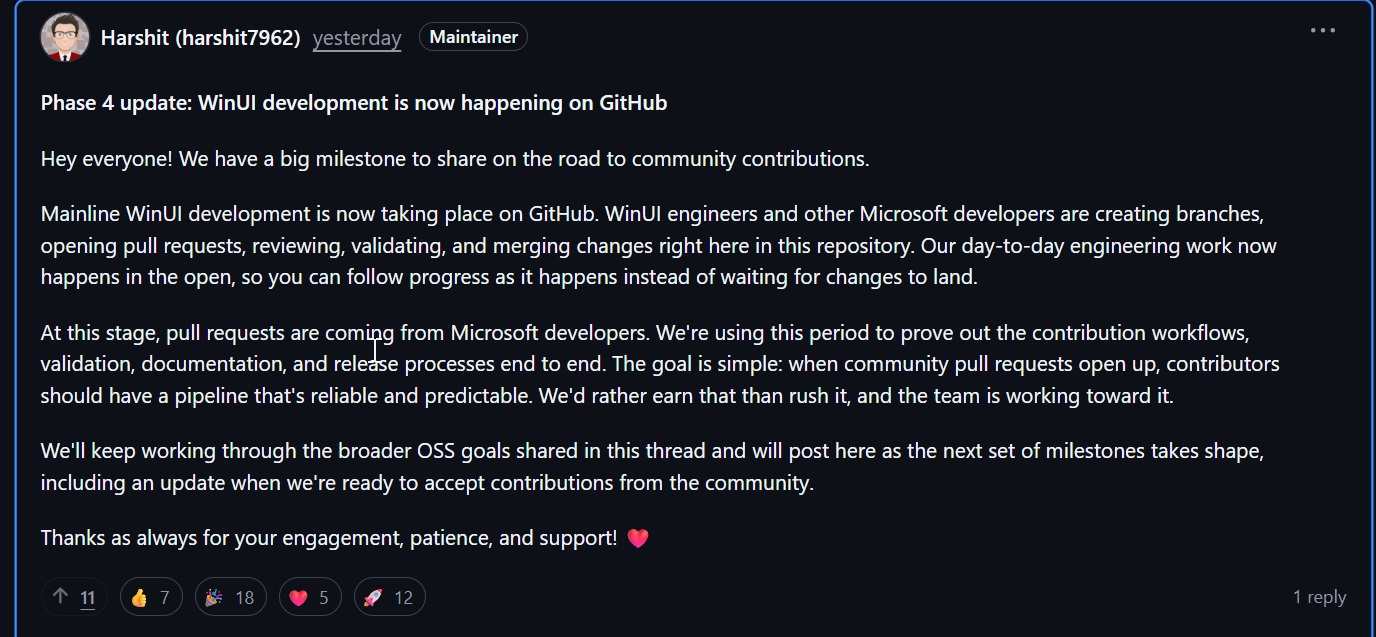
In a GitHub post spotted by Windows Latest, MS confirmed that mainline WinUI development is taking place entirely in the open. Whether you are a casual user or a developer, you can now follow its progress in real time.
“Mainline WinUI development is now taking place on GitHub,” MS confirmed in a GitHub post. “WinUI engineers and other MS developers are creating branches, opening pull requests, reviewing, validating, and merging changes right here in this repository.”
“Our day-to-day engineering work now happens in the open, so you can follow progress as it happens instead of waiting for changes to land.”
This provides some reassurance that WinUI remains important to MS after several years of increased reliance on web apps, and that the company’s Build conference commitments were more than words or public relations.
Windows 11’s Native App Era Could Be Returning
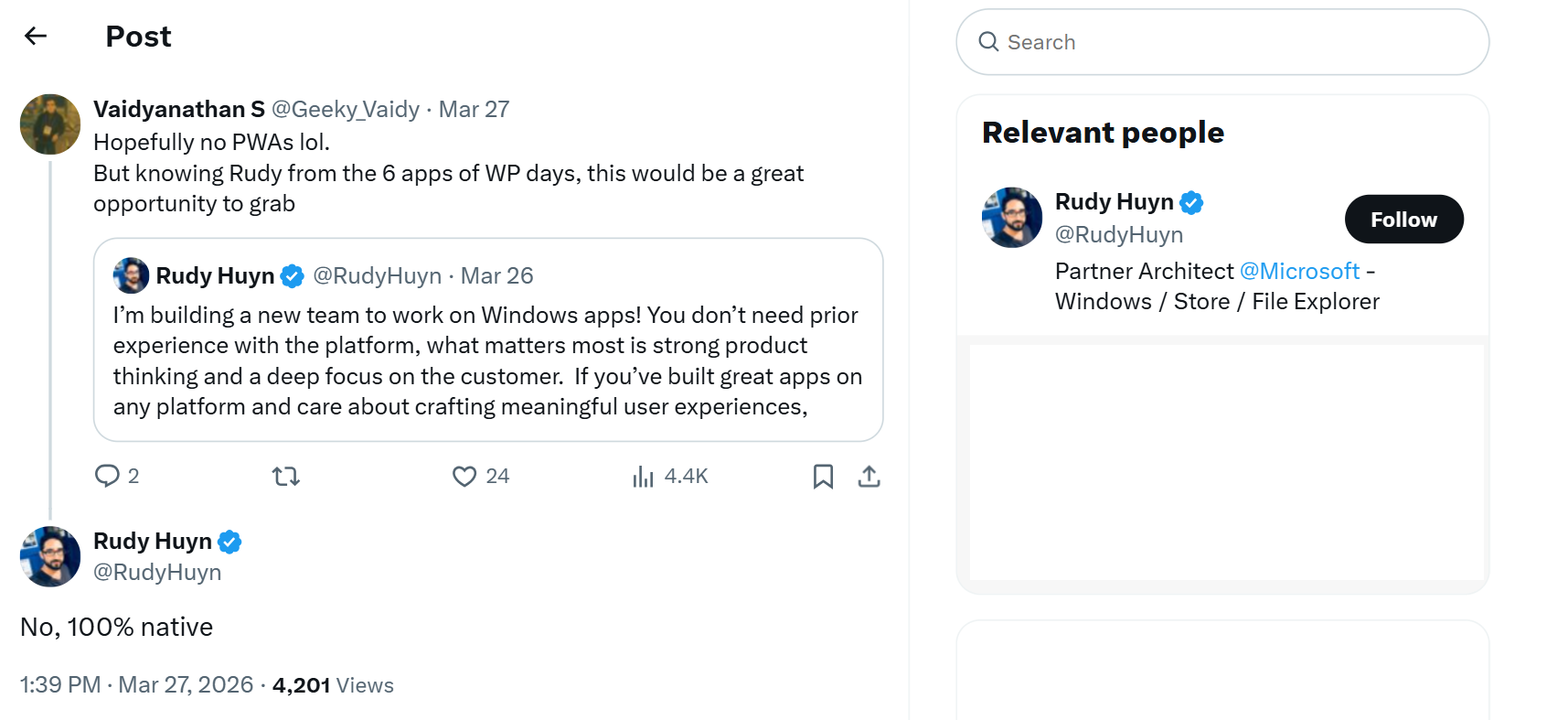
MS sources said this initiative is part of the company’s broader ambition to restore a native Windows experience. It also aligns with Windows engineering lead Rudy Huyn’s previous comments about the company building “100% native” apps.
None of this means MS will abandon other frameworks. However, native apps will be the primary focus going forward, at least for inbox and preinstalled applications.
For those unfamiliar with WinUI, it is a framework that follows Windows 11’s design guidelines, including rounded corners, Fluent Design elements such as Acrylic and Mica, smoother animations, and dark mode.
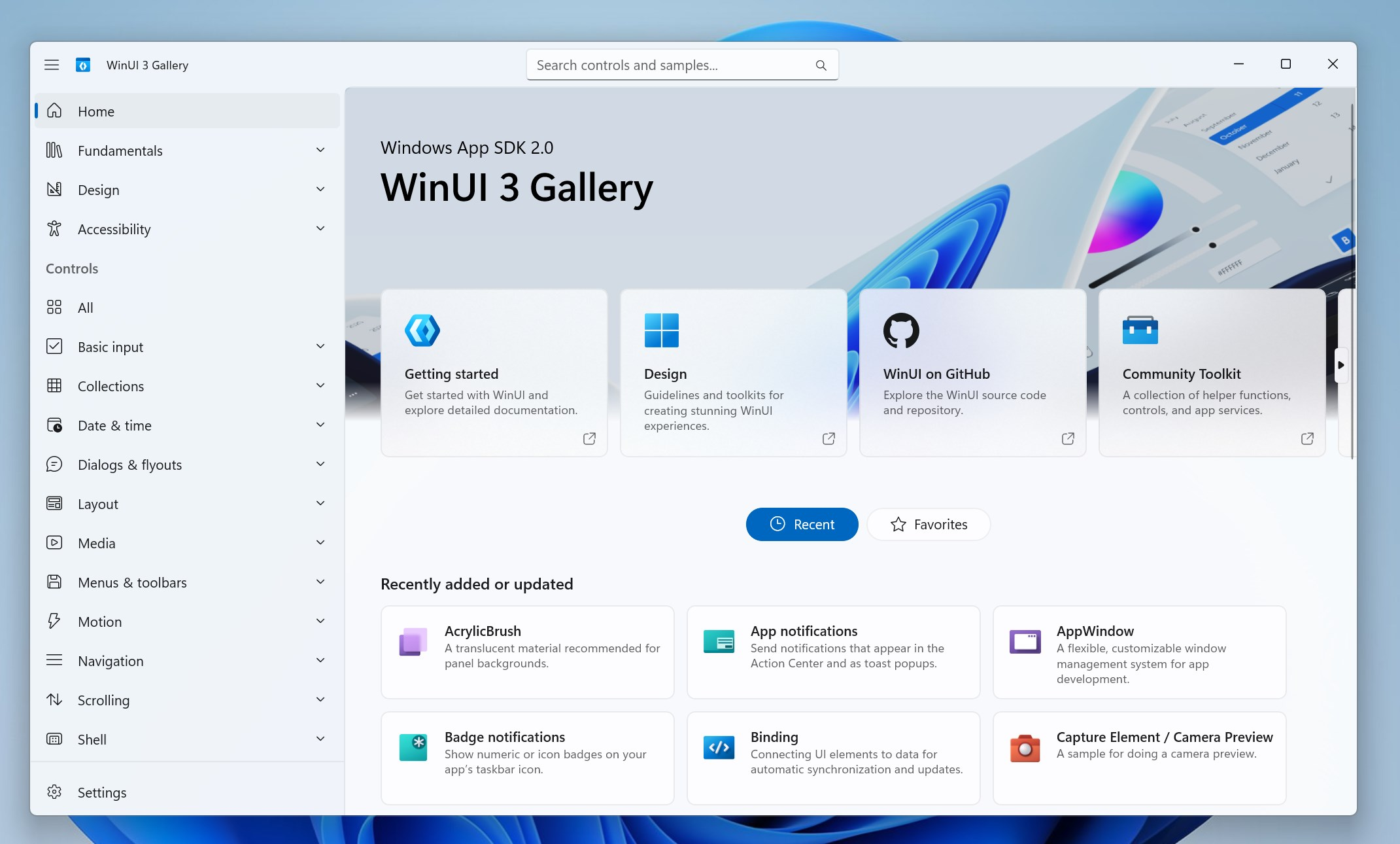
WinUI is used in Windows Settings, the MS Store, Notification Center, and parts of File Explorer, but it remains largely absent from much of the operating system. MS wants to address this and eventually move more interfaces to WinUI, including legacy dialogs such as File Explorer’s Properties Sheet.
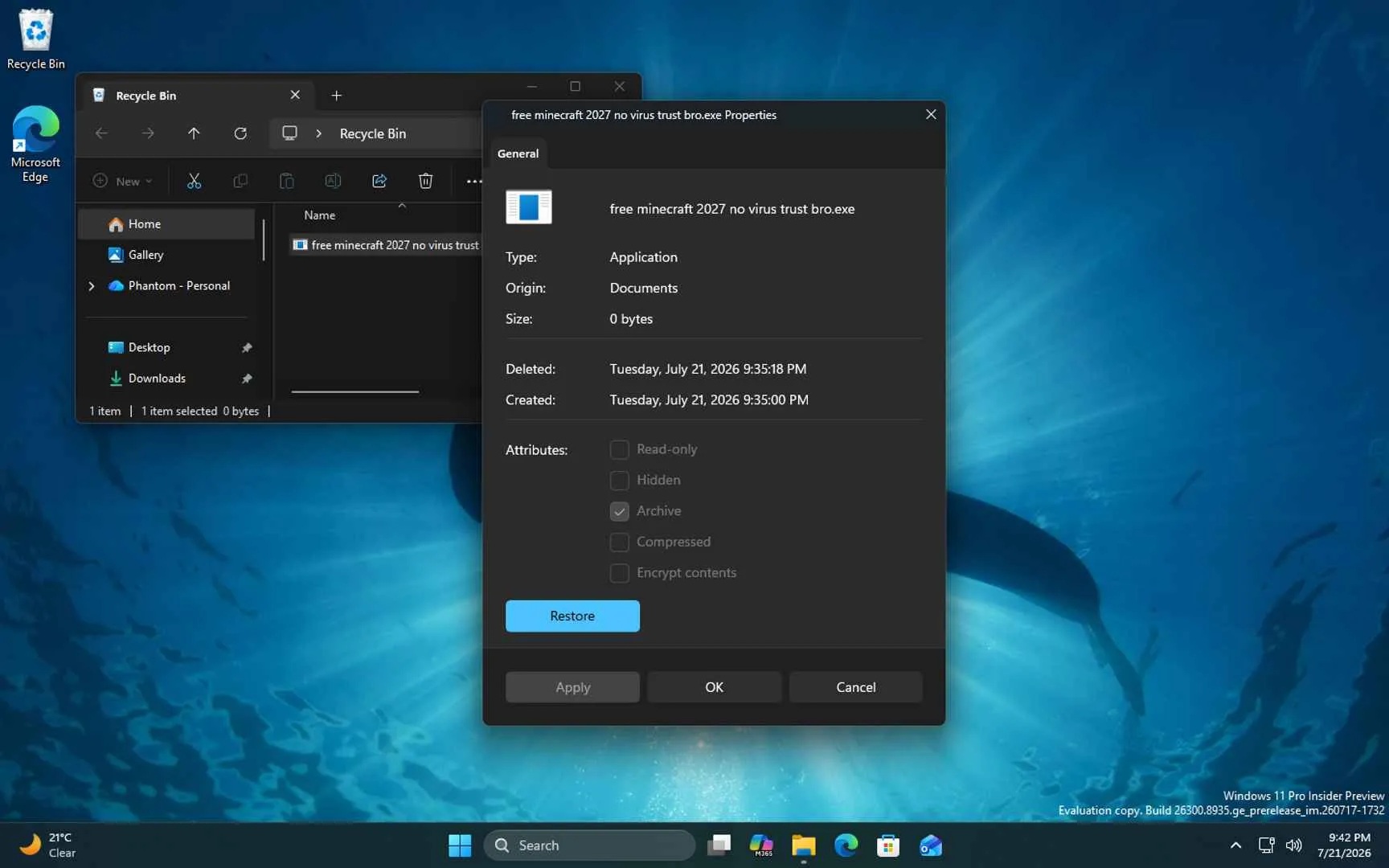
Legacy and Win32 applications are not necessarily problematic because, even when they do not match Windows 11’s visual design, they do not inherently make PCs slower. The more significant concern is WebView2-based applications and, particularly, Electron apps, which can consume gigabytes of memory.
Discord is a notable example of an Electron application with high resource consumption. Its developers have warned that the Windows app can use more than 4GB of RAM. When this occurs, Discord uses a system that restarts parts of the application while attempting to avoid interrupting the user’s work.
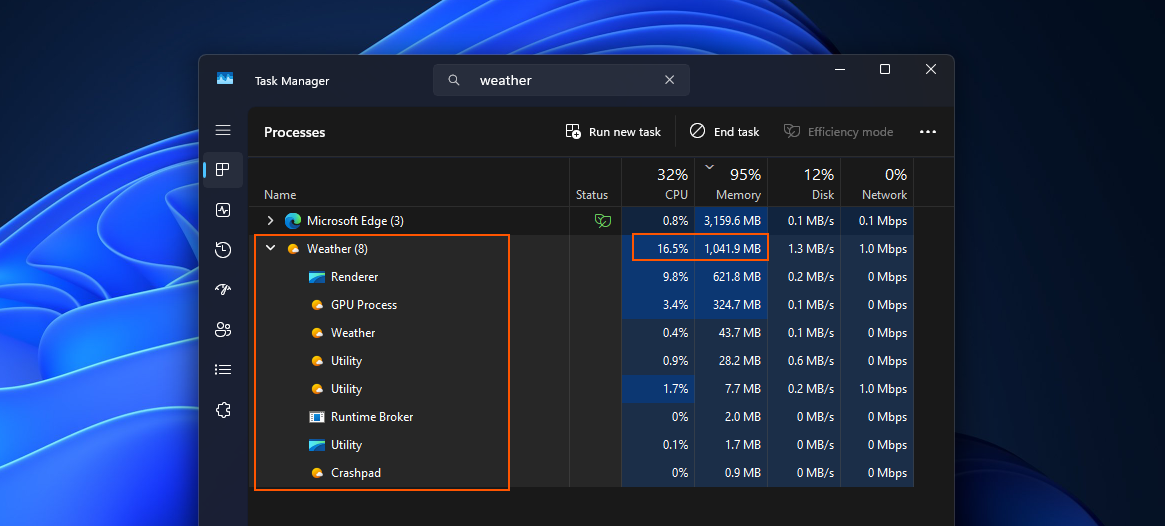
Windows Weather can also use more than 1GB of RAM. MS Teams has faced similar performance concerns, prompting MS to develop an “efficiency” mode for low-end PCs.
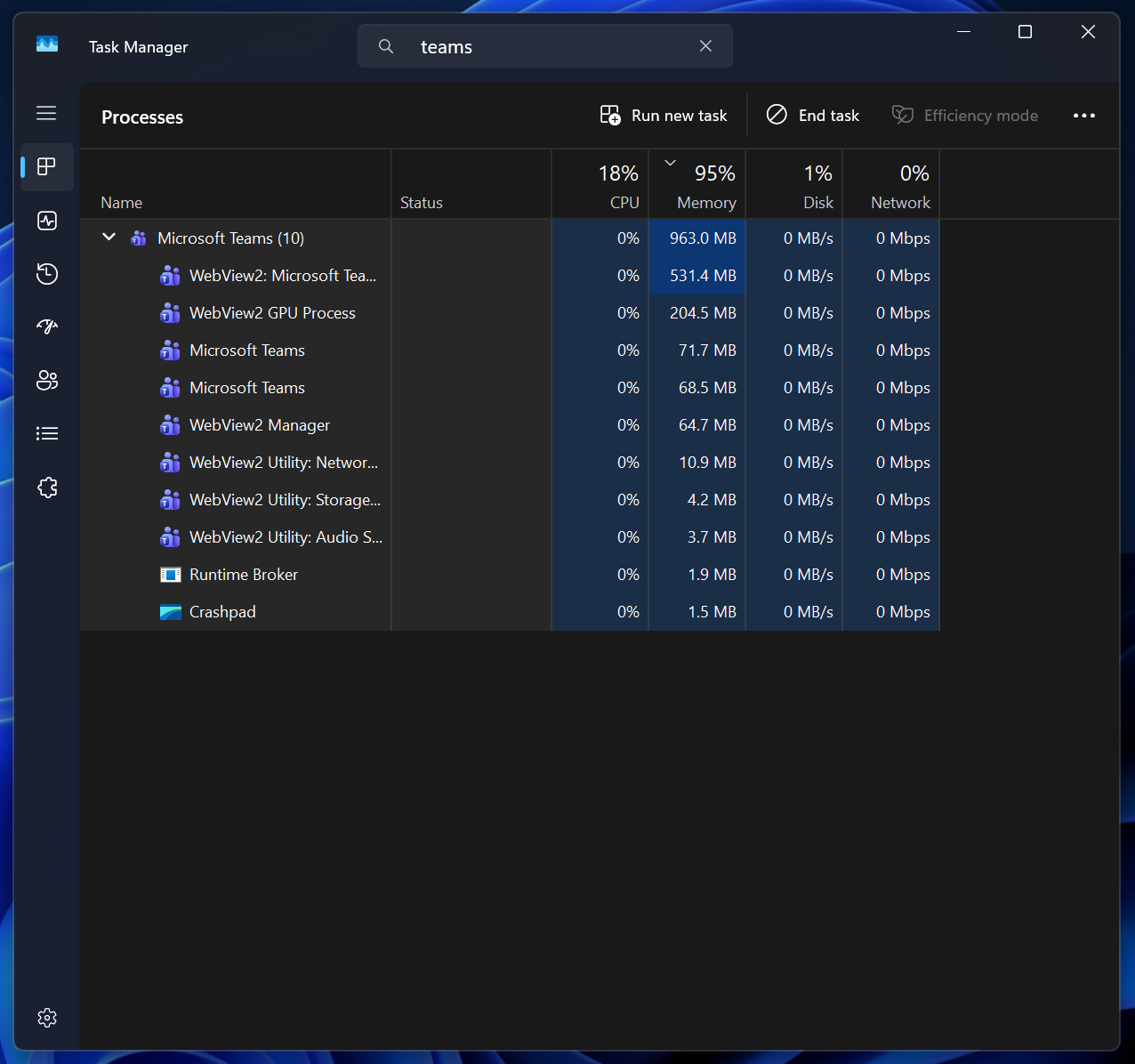
The main potential benefit of MS’s renewed focus on WinUI is a gradual reduction in Windows’ reliance on web apps. This issue extends beyond third-party developers, as MS also shifted away from WinUI in favor of WebView2, which is powered by MS Edge, a Chromium-based browser.
However, there is no confirmation that MS’s renewed WinUI efforts will persuade its various product groups to invest in the native framework. As a result, New Outlook and Teams may remain web-based applications for months or even years.
MS Also Promises to Make WinUI Faster and More Memory-Efficient
Replacing web apps with WinUI will not be sufficient on its own, as WinUI has performance concerns that must first be addressed. MS is fully aware of these issues.
Speaking at Build 2026, Chris Anderson, known for his contributions to Windows’ desktop GUI stack, said MS’s most important priority is to focus on “performance, fundamentals, quality, fixing a lot of bugs”. He added that the company has “invested heavily in really improving memory usage.”
One recent change involved moving WinUI processes to a system compositor, “which should yield some even better performance improvements.”
MS did not provide specific figures showing how resource usage would change after these improvements. It is therefore unclear whether a WinUI app using 300MB of RAM might drop to 200MB, but users can expect improved resource management.
“I want to talk about the stuff that we need to get going so that we can earn the right to build some of these things. And these are really the core features that people have been asking for and really need to be productive on top of WinUI. The first and foremost is performance, fundamentals, quality, fixing a lot of bugs,” Anderson said during the Build 2026 developer conference.
Here is a clip from his session:
With WinUI development now taking place on GitHub, developers can follow performance fixes, regressions, and other changes as MS works on them.
Although WinUI development is now open to public viewing, independent developers and MS partners cannot contribute yet.
For now, pull requests are being submitted by MS developers while the company works to “prove out the contribution workflows, validation, documentation, and release processes end to end.”
“We’re using this period to prove out the contribution workflows, validation, documentation, and release processes end to end. The goal is simple: when community pull requests open up, contributors should have a pipeline that’s reliable and predictable. We’d rather earn that than rush it, and the team is working toward it.”
MS says community pull requests will become available once those workflows are ready, suggesting that independent developers could begin contributing improvements to WinUI and even the Windows shell within a few weeks.
MS Says It Has No Intention of Abandoning WinUI
When reports previously indicated that WinUI had again become a priority at MS, some users joked that the company would eventually create another framework and design language, introducing further consistency problems.
MS directly addressed this possibility at the Build 2026 conference and denied having any such plans.
“I will say that, no, we have no intention of building a new framework. In fact, we’re dropping the number, and we’re referring to WinUI as just WinUI because we have no intention of really making a massive shift, breaking change on it.”
MS also said that WinUI is being integrated into the Windows shell at a much faster pace.
“And we’re really trying to push hard to stretch WinUI to be accessible for any use case that we want. We’ve started to integrate it into the shell at a much faster rate. And so you’re going to see a lot of the first-party features coming from MS being built on top of WinUI.”
Moving WinUI development into the open is the first major step in that direction. It provides greater transparency into upcoming features and performance improvements while bringing the broader developer community closer to MS.
Windows Latest depends on readers like you. Make us your Preferred Source on Google Discover and Google Search, and help our independent reporting reach more people.
Whether you're building a new PC or refreshing an old one, a Windows 11 OEM license is a smart choice for budget-conscious users. Whokeys.com provides Windows 11 OEM keys with instant delivery and full activation support — a trusted option for anyone looking for a genuine license at a fair price.
