Link to Windows May Soon Let You Remotely Shut Down or Restart Your PC
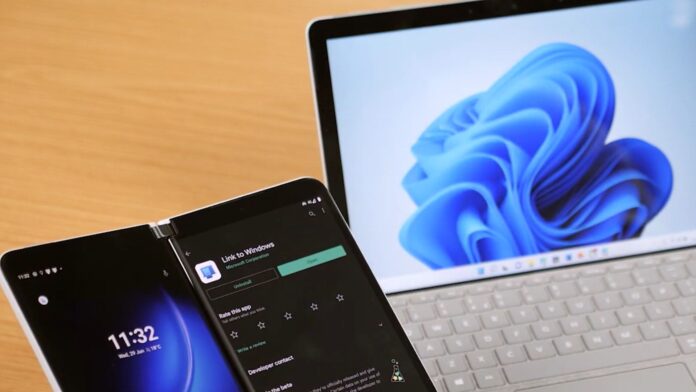
Windows Latest has discovered that MS is working on adding remote shutdown, restart, and sleep controls to the Link to Windows app, the Android companion for Phone Link. The evidence was found in the app’s code, though the features are not yet active. It is expected that these features will roll out in an upcoming update.
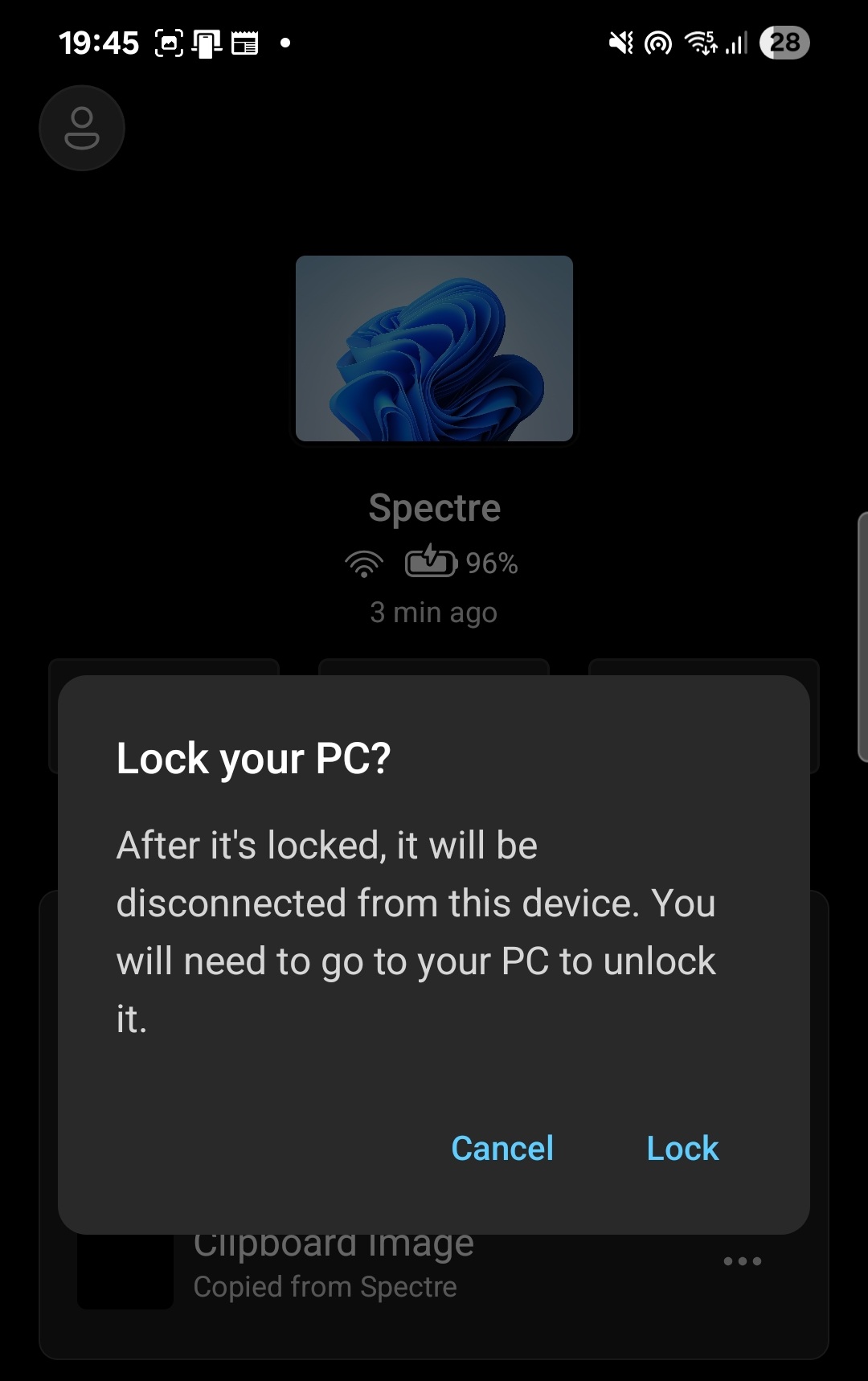
Currently, Link to Windows allows you to lock your PC from your phone, a feature introduced by MS late last year. However, the ability to shut down or restart your PC remotely from an Android smartphone would be a highly useful addition. Personally, I could see myself using this feature daily, such as shutting down my laptop from bed after the workday is over.
Remote Restart and Shutdown Features in Development
While analyzing the Android APK for Link to Windows, Windows Latest identified unused string resources linked to a component named RemoteControlManager.
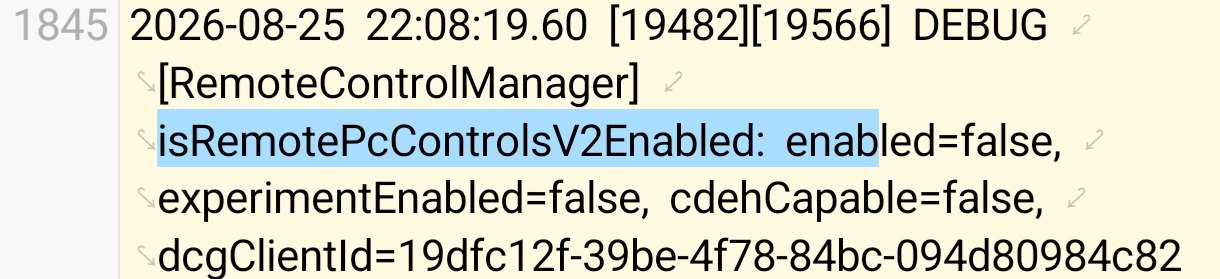
A debug log for a build dated August 25, 2026, revealed a flag labeled isRemotePcControlsV2Enabled, which is currently set to false. The log also showed experimentEnabled=false, confirming that while the feature exists in the code, it has not been activated for users yet.
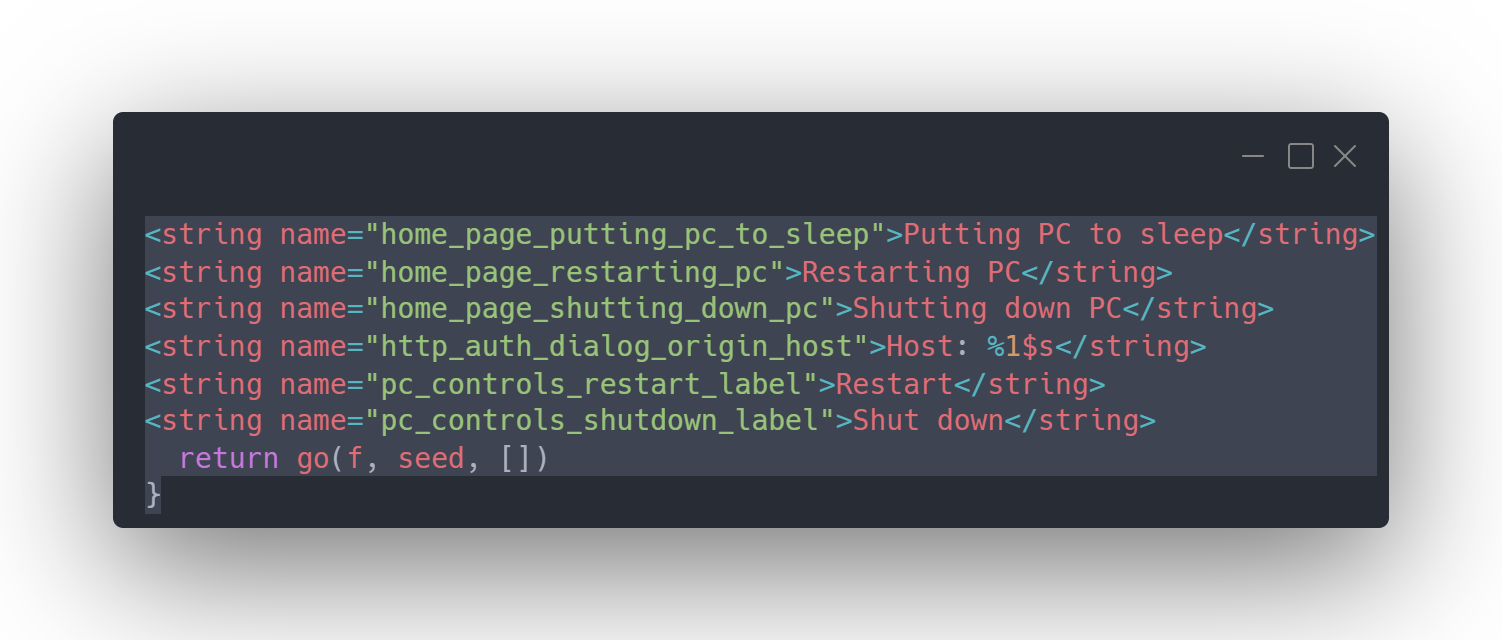
The strings in the APK suggest a comprehensive set of controls to complement the existing Lock PC button. Labels like pc_controls_restart_label and pc_controls_shutdown_label correspond to “Restart” and “Shut down.” Additionally, labels like pc_controls_update_and_restart_label and pc_controls_update_and_shutdown_label indicate options for “Update and restart” and “Update and shut down,” suggesting that Windows Update functionality will be integrated into these remote controls.
A Sleep option is also present with a warning: “After it’s asleep, it will be disconnected from this device. You need to go to your PC to wake it up.” This makes sense, as a sleeping PC loses its network connection and cannot be woken up remotely like it can be locked or restarted.
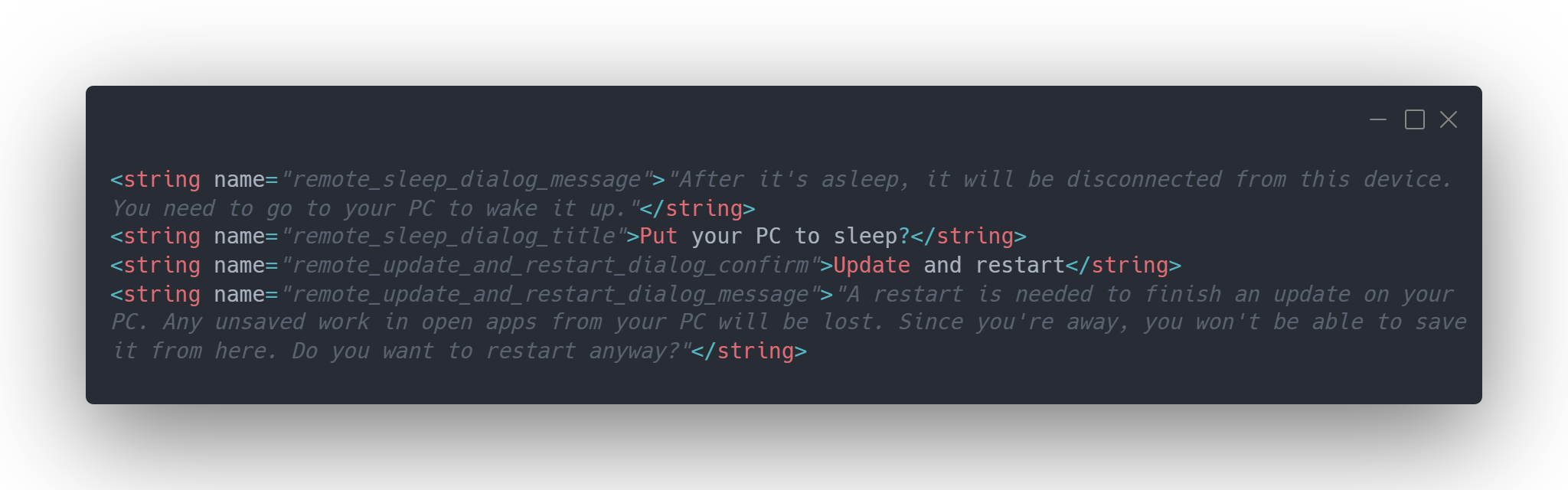
For updates in progress, additional warnings are included. A string labeled remote_update_and_restart_dialog_message states: “A restart is needed to finish an update on your PC. Any unsaved work in open apps on your PC will be lost. Since you’re away, you won’t be able to save it from here. Do you want to restart anyway?” The shutdown version uses similar wording, replacing “restart” with “shut down.” A generic warning asks users to confirm that all important data has been saved before proceeding.
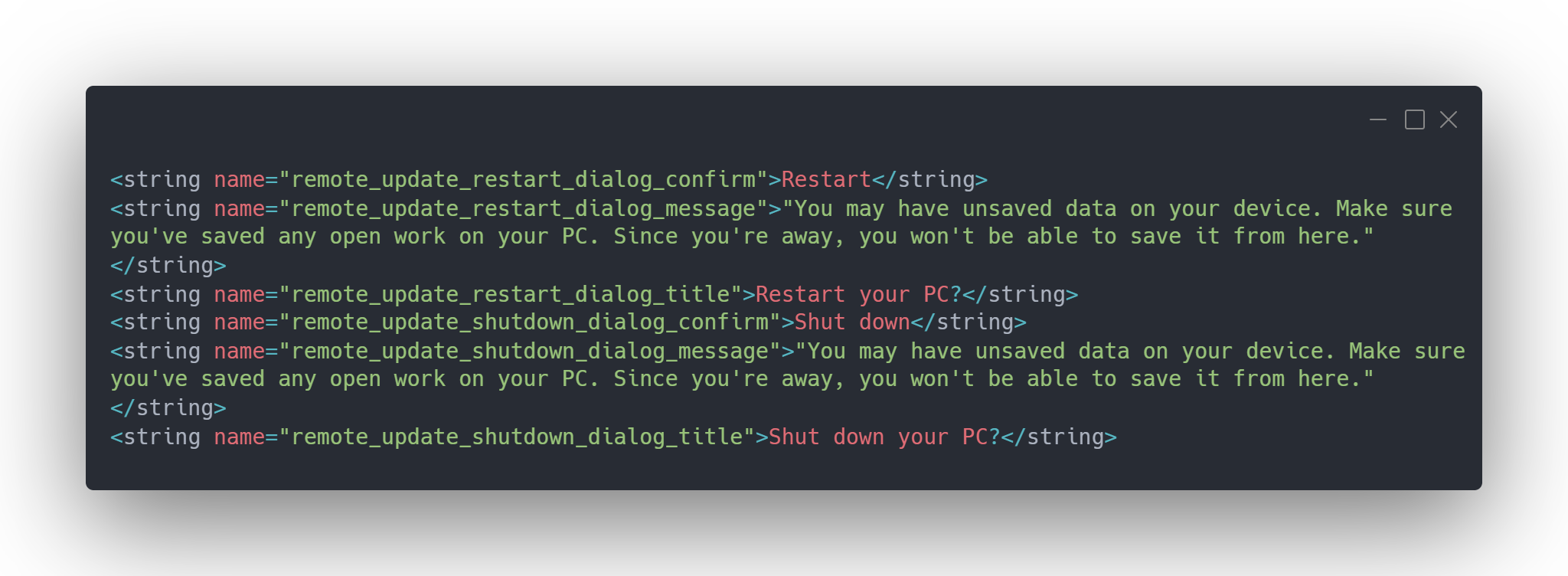
As of now, these features are not live. There are no screenshots of the restart or shutdown buttons because the functionality has not been enabled for any testers, including Windows Latest. However, the specificity of the strings and the inclusion of detailed confirmation dialogs indicate that these features are close to being released.
If these features are implemented as described, they will represent a significant quality-of-life improvement. Scenarios such as remembering to restart your PC for an update while away from your desk will become much easier to manage. This builds on the remote lock functionality introduced earlier, which allowed users to lock their PCs in just a few seconds from their phones.
Even Apple’s Continuity features, which enable significant interaction between iPhones and Macs, lack a consumer-friendly way to shut down or restart a Mac without enterprise management tools. MS’s move into this space could set a new benchmark for cross-device functionality.
Closing the Gaps: Link to Windows Updates
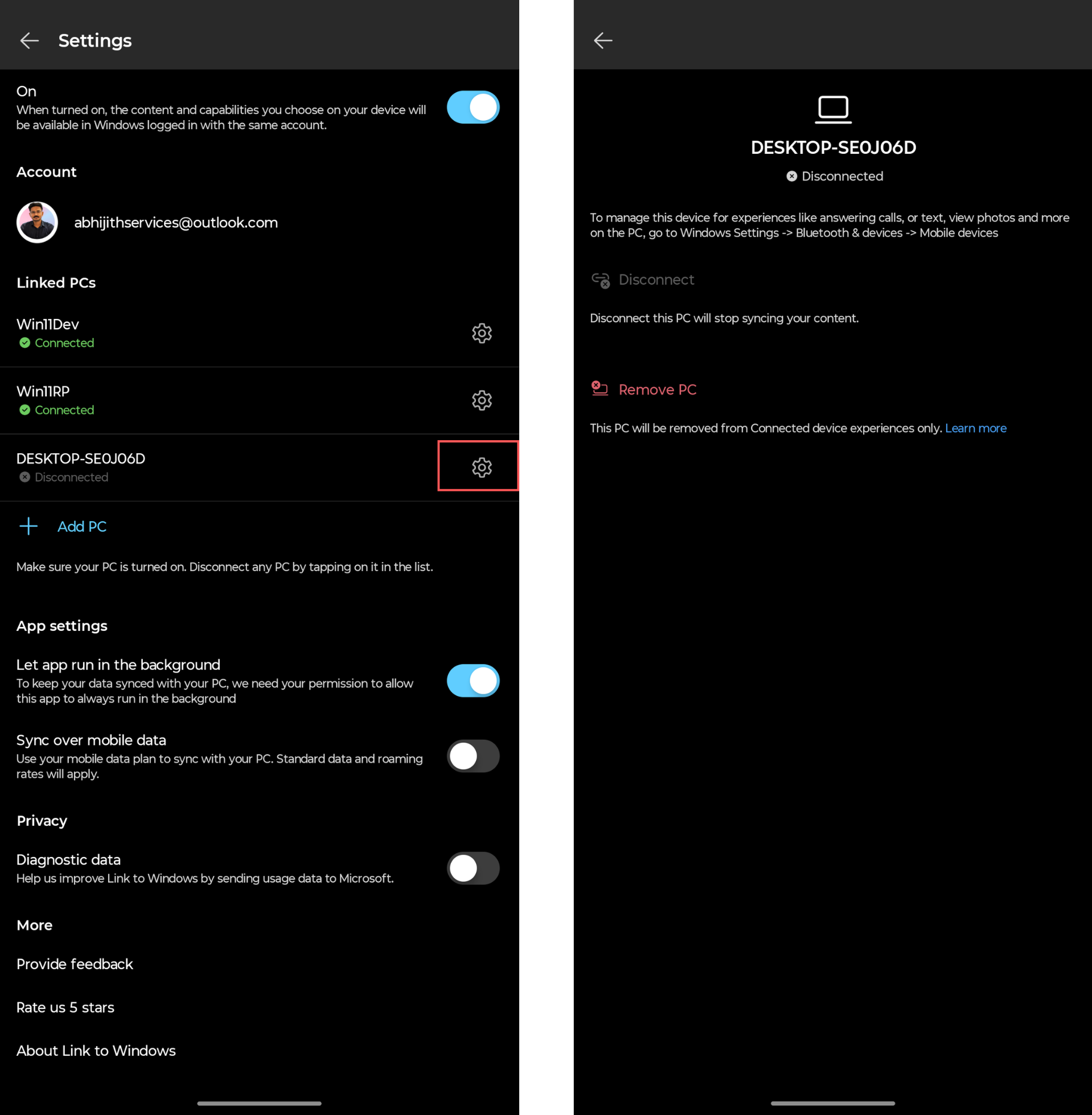
MS has been steadily improving the Link to Windows app. For example, users can now permanently remove old linked PCs from the app, resolving a long-standing issue where disconnected or reformatted devices appeared as undeletable ghosts in the Linked PCs list.
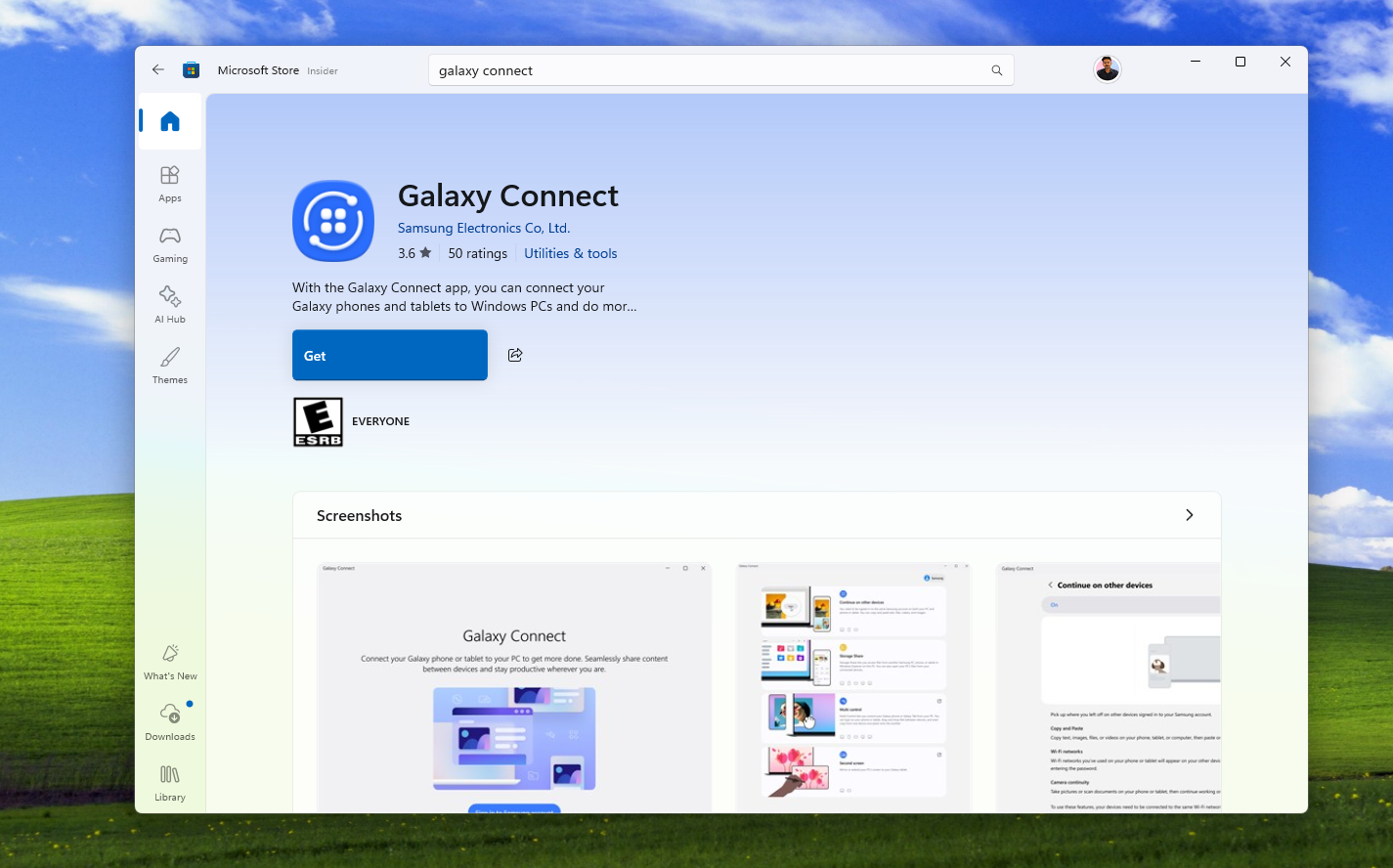
On the competitive front, Samsung’s Galaxy Connect app has recently been expanded to support any Windows 11 PC. However, Windows Latest has found it to be less reliable than Phone Link for basic tasks, such as cross-device copy-pasting.
A Standout Example of MS’s Best Work
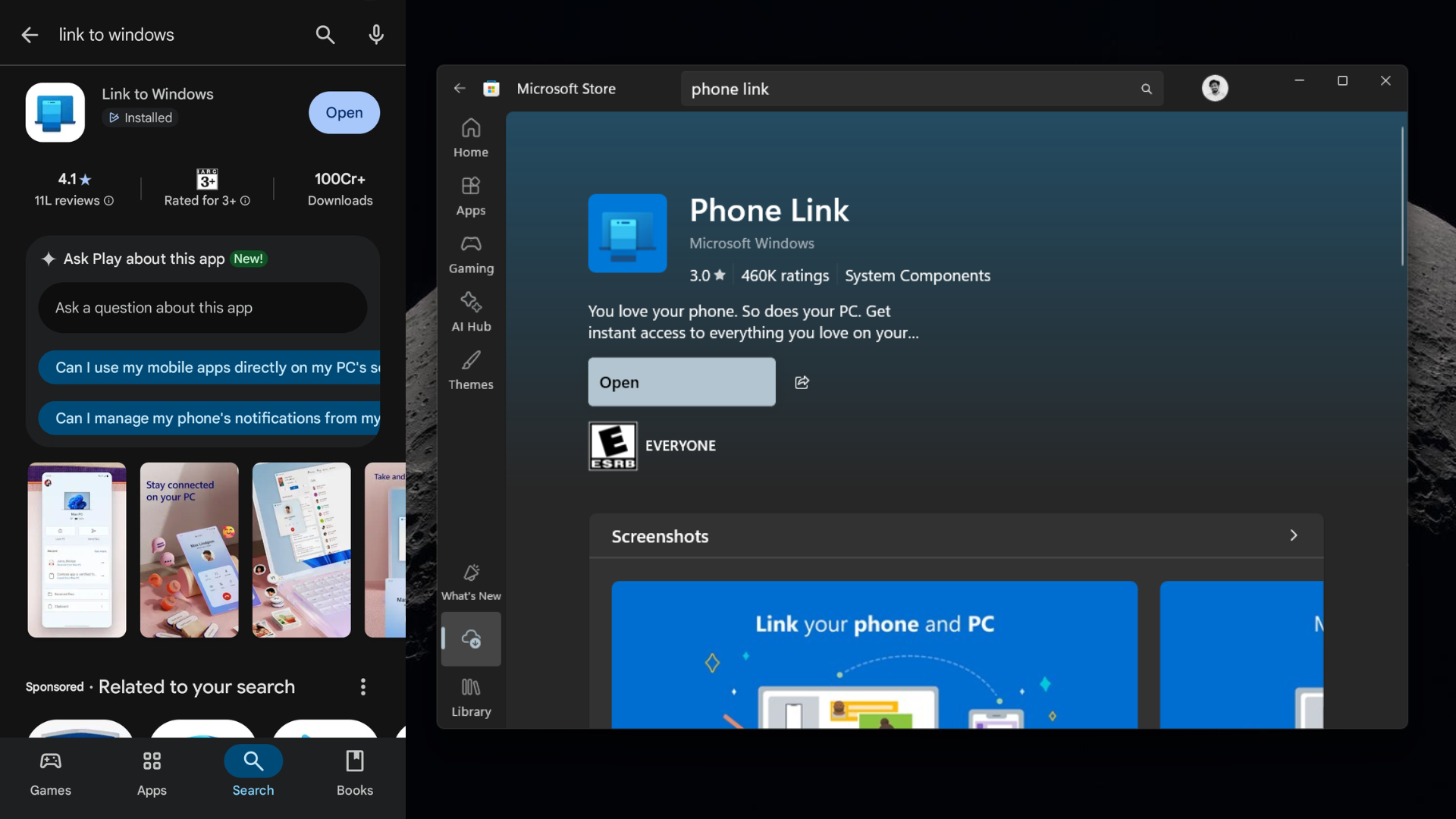
Phone Link and Link to Windows are among the most capable apps MS has developed outside of its productivity suite. These apps bridge two fundamentally different operating systems and make tasks like locking a PC, transferring files, syncing clipboards, and soon controlling power states feel seamless.
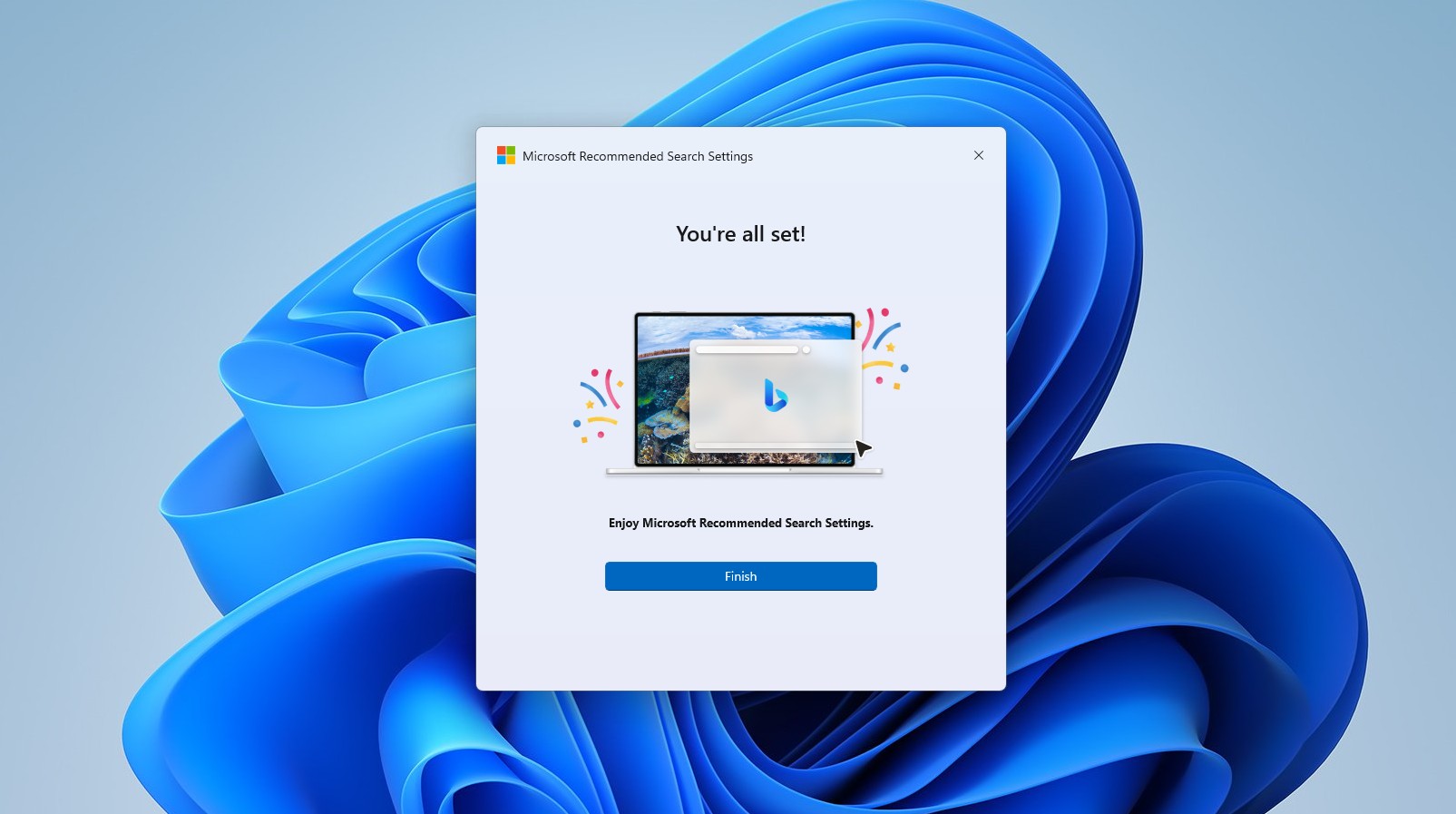
This stands in stark contrast to some of MS’s other recent software releases, such as the default Weather app that consumes excessive RAM, or the standalone tool designed solely to switch browsers’ default search engines to Bing. By comparison, Link to Windows delivers practical, user-requested features without unnecessary bloat.
Link to Windows demonstrates that even a large corporation like MS can produce software that is both functional and user-friendly—proving that good software design is still achievable amidst a sea of less inspiring releases.
For more updates and independent reporting, consider making Windows Latest your preferred source on Google Discover and Google Search.
